Riverside rebuilds its mobile app for record-to-post workflows
By Steven Van ·
Free on iOS and Android, with 4K export and no watermark on the $9.99/month Mobile Plus plan.
Riverside rebuilt its mobile app from the ground up, and the pitch is blunt: record high-quality video content, review your latest edit, and post clips straight from your phone. The announcement, signed off with "sent from my iphone," leans into the reason the rebuild exists. As the team put it, inspiration doesn't happen (exclusively) at your desk. For podcasters and video creators who already trust Riverside for studio-grade remote recording, this turns the phone from a backup camera into a legitimate end-to-end workflow.
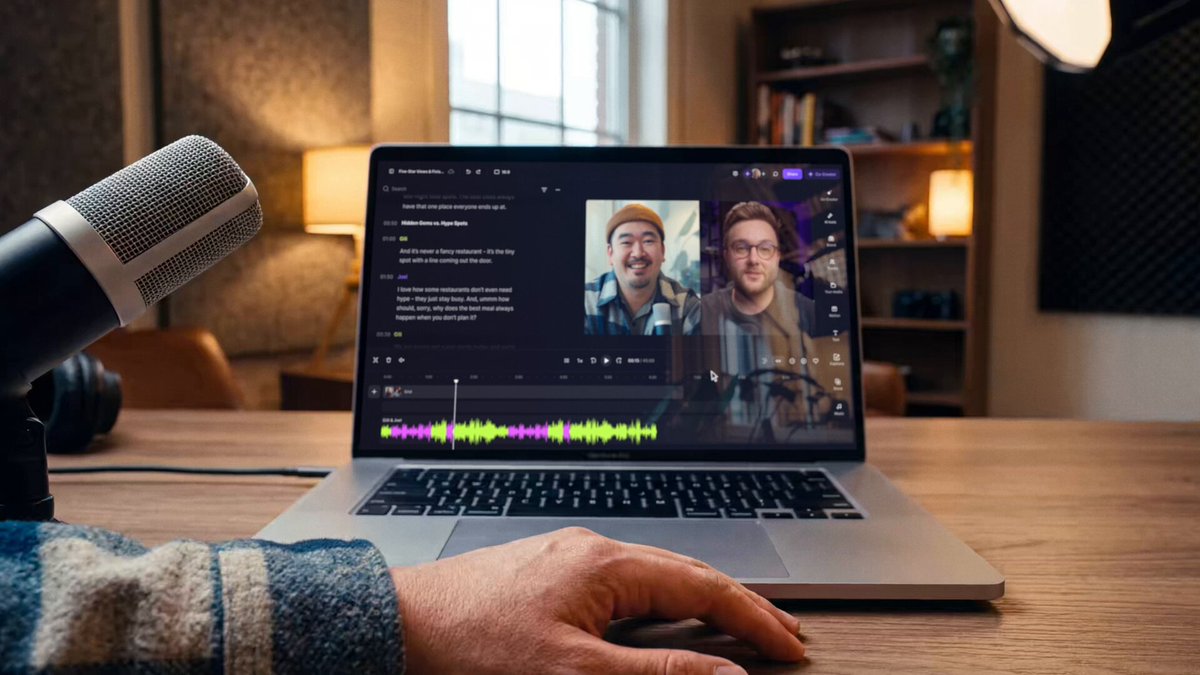
A rebuilt app, not a patched one
Riverside has had a mobile app for years, but it mostly played the role of companion: a way for guests to join a call or for hosts to capture a track when a laptop wasn't available. The rebuild reframes the app around three jobs you can finish entirely on the phone. You record, you check the edit Riverside's tools produced, and you push clips out to social. That last mile is the part mobile apps in this category usually fumble, and it is the part Riverside is now advertising first.
The core recording tech is the same local-first approach that made Riverside's desktop product a podcasting standard. The app captures up to 4K video and 48kHz WAV audio directly on your device, with separate tracks per participant, so a weak connection degrades the call but not the recording. External microphones and wired headphones are supported for creators who want to push audio quality further.
Record anywhere, then let the AI find the clips
The rebuilt app keeps Riverside's AI features close to the capture moment. Magic Clips scans your recording for the strongest moments and generates vertical, captioned clips automatically, which you can review and post without ever opening the desktop editor. The built-in mobile editor handles trims and captions on a phone screen, and exports go straight to TikTok, Instagram, X, LinkedIn, Facebook, or WhatsApp.
There are some clever bridges to the desktop workflow too. Webcam mode turns the phone into a high-quality camera for a desktop recording via a QR code scan, and a built-in teleprompter lets you read a script while keeping your eyes near the lens. For interview formats, guests, producers, and listeners can join a mobile session through a shareable link, same as on the web.
What it costs and where to get it
The app is free to download on iOS and Android, with free-tier recordings capped at 720p and watermarked. A Mobile Plus subscription at $9.99 per month unlocks 4K export and removes the watermark, while full Riverside plans starting at $24 per month cover the web studio and its heavier AI editing features. If you already pay for Riverside, the rebuilt app is simply more surface area for your existing plan.
The takeaway for creators: the gap between "I should record this thought" and a posted clip just got a lot shorter. A hallway conversation at a conference, a solo take in the car, or a quick reaction video can now go from capture to feed without a laptop in the loop, and the files are still real 4K video with WAV audio if you want to do a proper edit later.