Rive clipping now tracks scripted path effects
By Steven Van ·
Editor 0.8.5376 also puts the Speed Graph animation tool into Early Access.
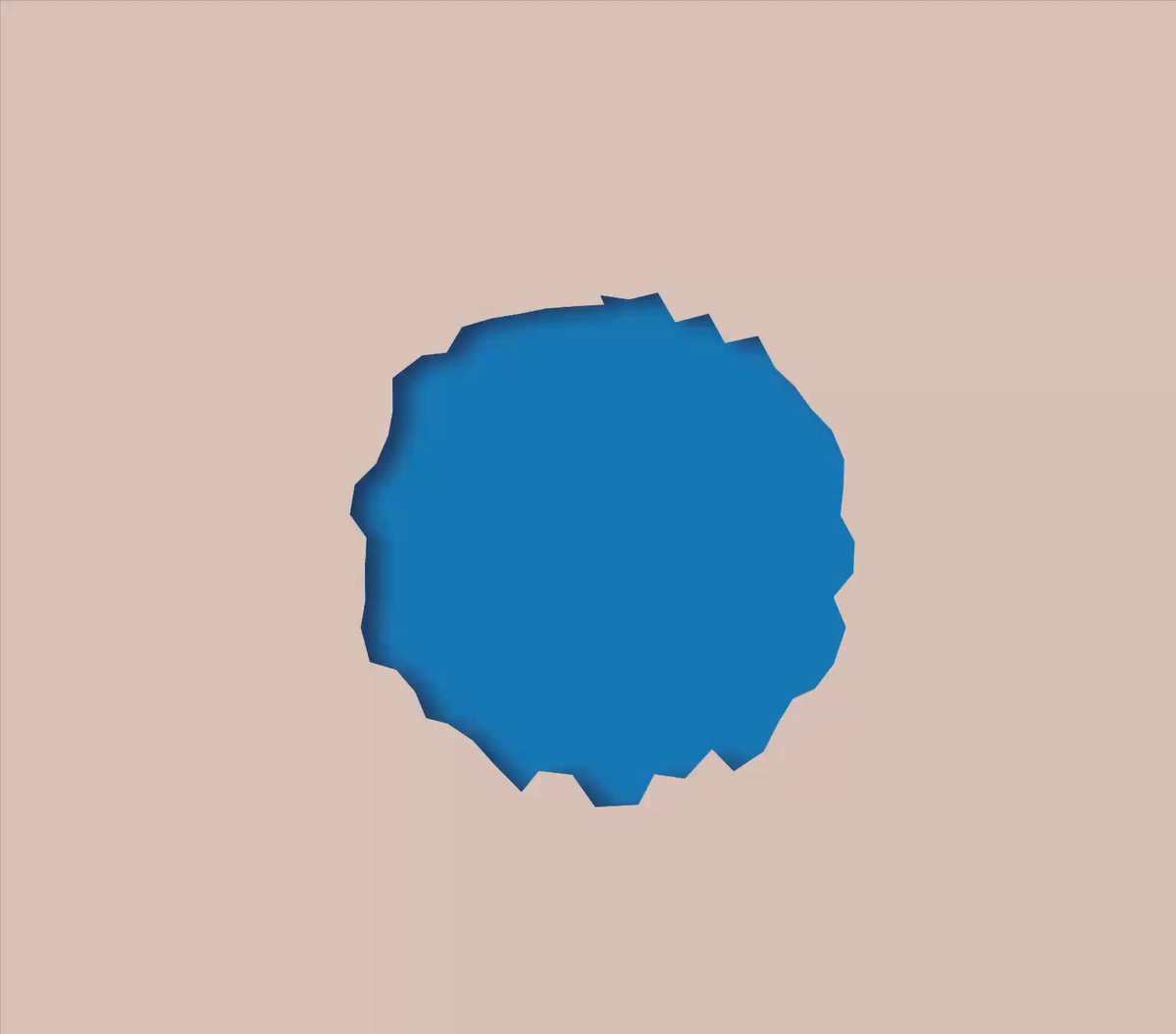
Rive released Editor 0.8.5376 on August 5, and the headline for anyone using Rive's scripting system is a big one: you can now clip to scripted path effects. Rive's Jeff McAvoy announced the feature with a demo showing masks following procedurally deformed geometry, something that previously fell outside what clipping could track.
Clipping catches up with scripting
Clipping in Rive lets one shape act as a mask that constrains where other shapes draw. Scripted path effects, on the other hand, rewrite a path's geometry in real time. Until this release the two did not play together: community bug reports noted that clipping against script-driven shapes did not behave as expected, because the clip tracked the original geometry rather than the scripted result. With 0.8.5376 that gap closes. A shape whose outline is being warped, distorted, or procedurally generated by a script can now serve as a clipping source, and the mask follows the live, script-modified path. In practice that means reveals, cutouts, and masked textures that ride on top of procedural motion, with no baking or keyframe approximation.
What a scripted path effect actually is
Scripting is Rive's Luau-based system for procedural behavior, and path effects are one of its protocols. A path effect script implements an update method that receives the original PathData, giving you access to raw drawing commands like moveTo, lineTo, and cubicTo, and returns a modified version of the path. An optional advance method runs per frame, so effects can evolve over time. You attach one to a stroke or shape from the Effects tab, and from there the script owns the geometry: wave and boil distortions, text warps, generated patterns, anything you can express as a transform on path commands. Rive chose Luau, the typed Lua variant built by Roblox, for its small VM and predictable performance, since these scripts execute every frame inside real-time graphics.
Speed Graph enters Early Access in the same build
Per Rive's release announcement, 0.8.5376 also puts the Speed Graph into Early Access. It extends the editor's graph tooling for controlling how animated values accelerate and decelerate over time, a workflow motion designers will recognize from other animation tools. Full details are in the release notes on the Rive community site.
Trying it in your file
The workflow is straightforward if you have touched Rive scripting before: create a script, choose the Path Effect protocol, write or paste your Luau, and attach it via the Effects tab on a stroke or shape. Then set that shape as a clipping path on the content you want masked. If your effect animates, remember to call markNeedsUpdate from advance so Rive knows to recompute the geometry each frame. For interactive work that ships to web, apps, and games, this is the kind of compounding feature that makes scripting more useful everywhere it touches: every procedural effect you have already built just became a potential mask.