Workspace settings
By Steven Van ·
Replit admins can set company-wide rules, carve out exceptions for specific Workspaces, and hand some settings to Workspace admins.
Admins of a Replit organization can set rules company-wide, make exceptions for specific teams (Workspaces), and let Workspace admins manage certain settings on their own, according to the vendor's announcement.
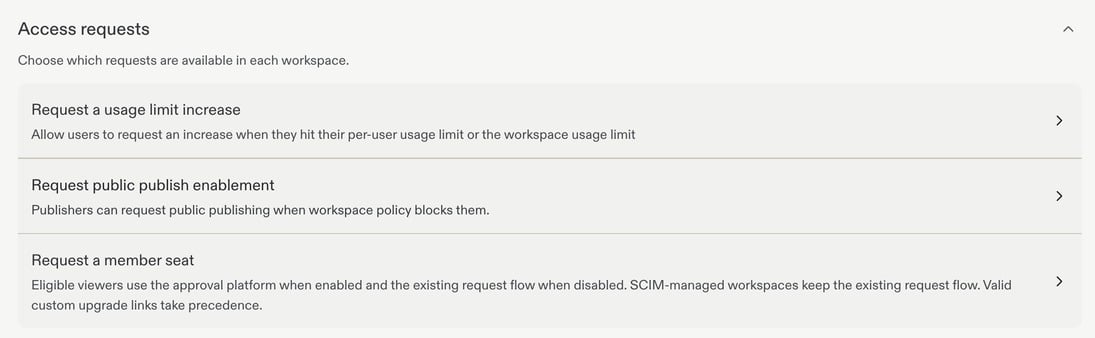
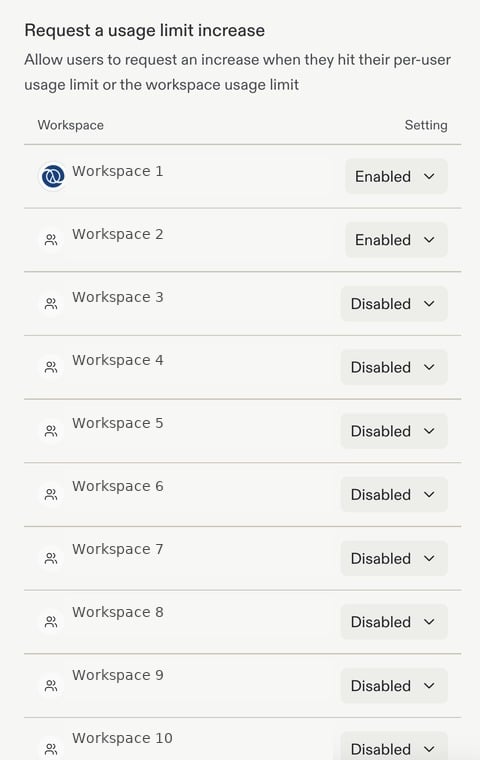
The linked documentation page covers a few related controls. Account seats shows used and available Collaborator and Viewer seats across all Workspaces. Access requests lets admins choose, per Workspace, whether people can ask for a usage limit increase, public publishing, or a member seat. The Admin API, which is in beta and limited to Enterprise account admins, can retrieve, approve or deny those requests. Available settings depend on the person's role.