Use Replit from desktop MCP clients
By Steven Van ·
Clients without a native integration connect directly via OAuth, with Codex and Claude Code given as documented setup examples.
The Replit MCP Server now accepts connections from desktop MCP clients that do not have a native Replit integration. A client adds the server directly at https://replit-mcp.com/server/mcp over Streamable HTTP, then signs in with OAuth and picks which Replit workspace to connect. Codex and Claude Code are given as setup examples in the documentation.
Once connected, the client can create an app, search for or list existing apps, ask Agent a question about an app, request an update, and publish an app or check its publish status, all without leaving the AI tool.
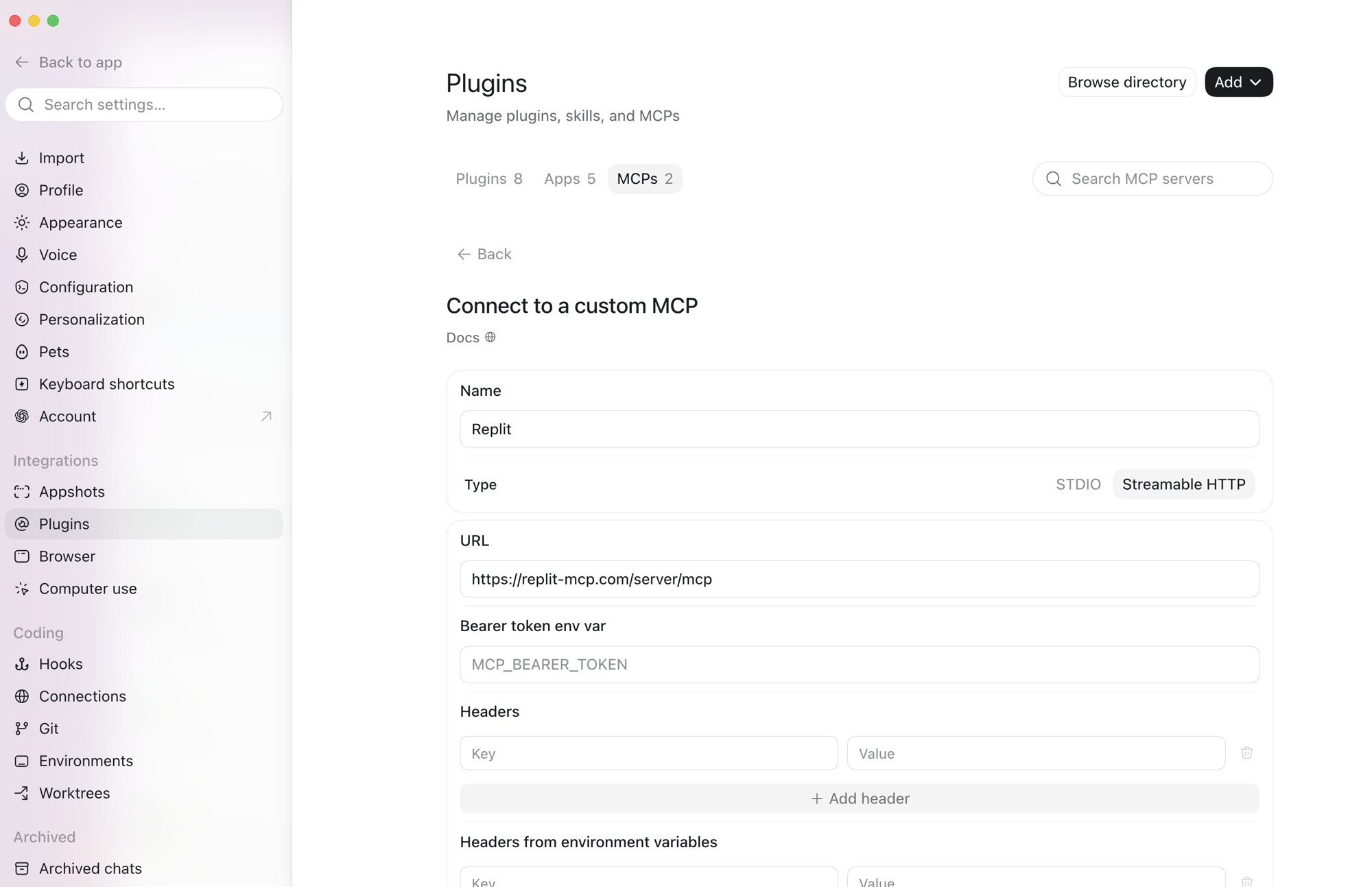
Setting up the Replit MCP server in Codex's custom MCP form
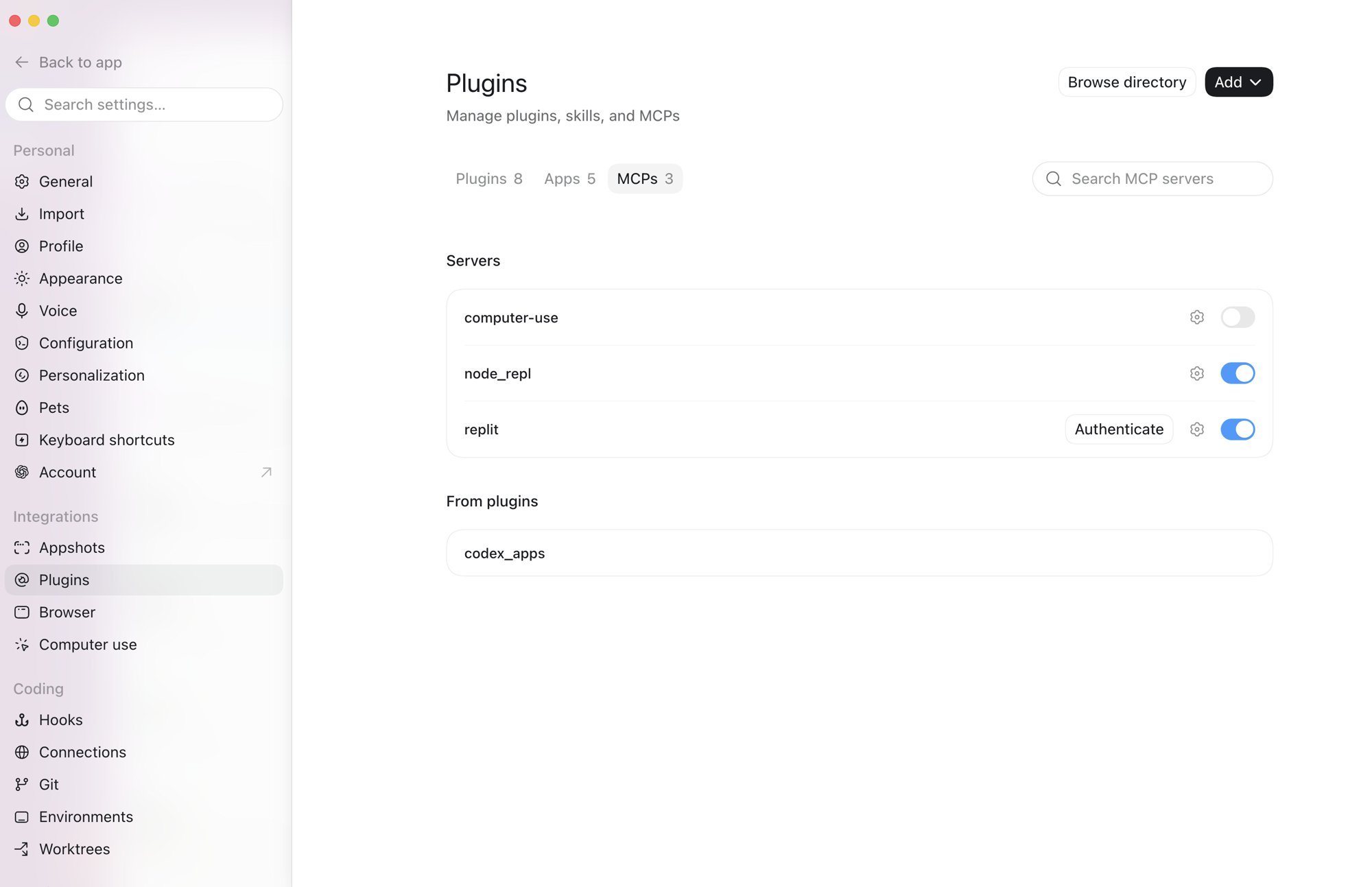
Codex's MCP list showing Replit enabled with an Authenticate button
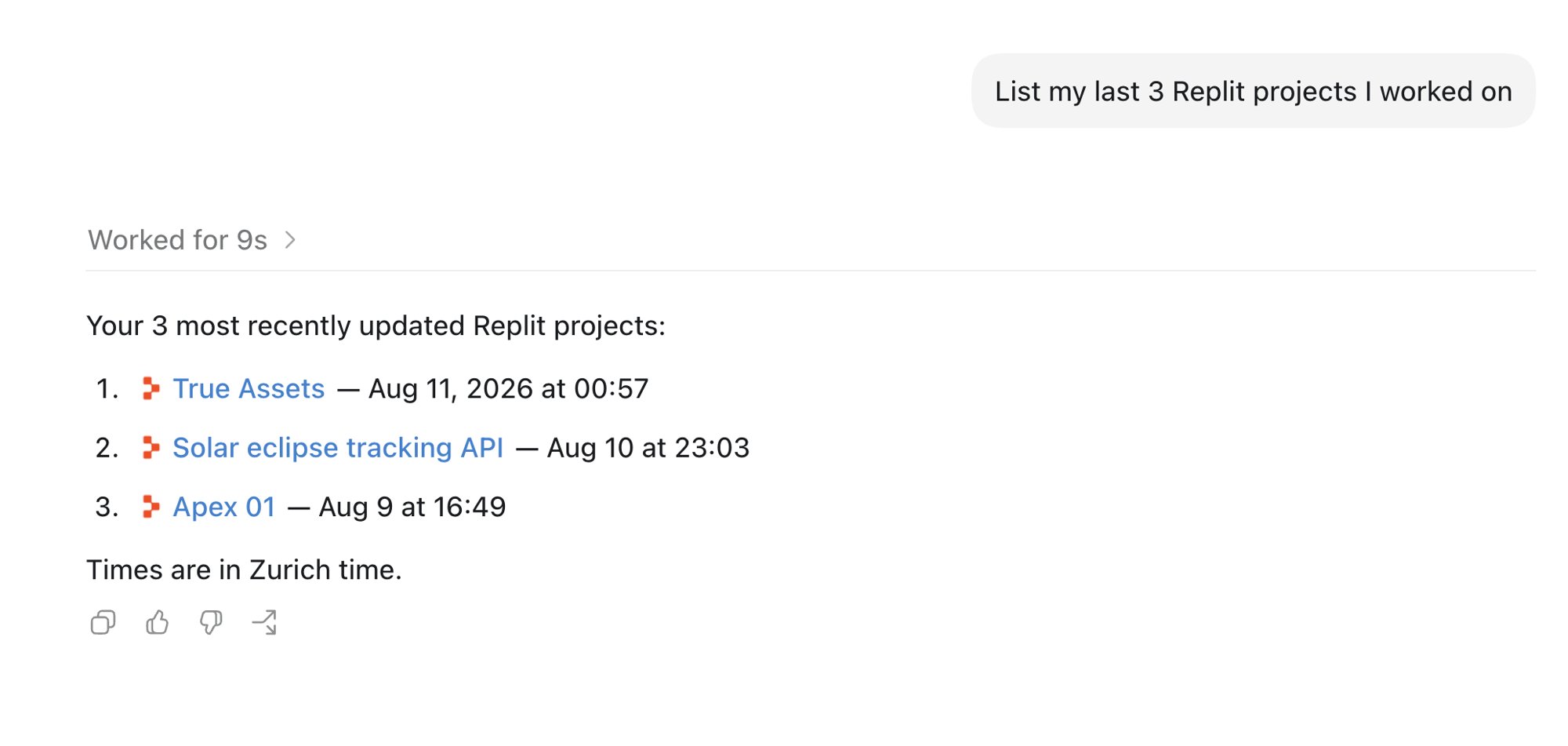
Codex listing three recently updated Replit projects
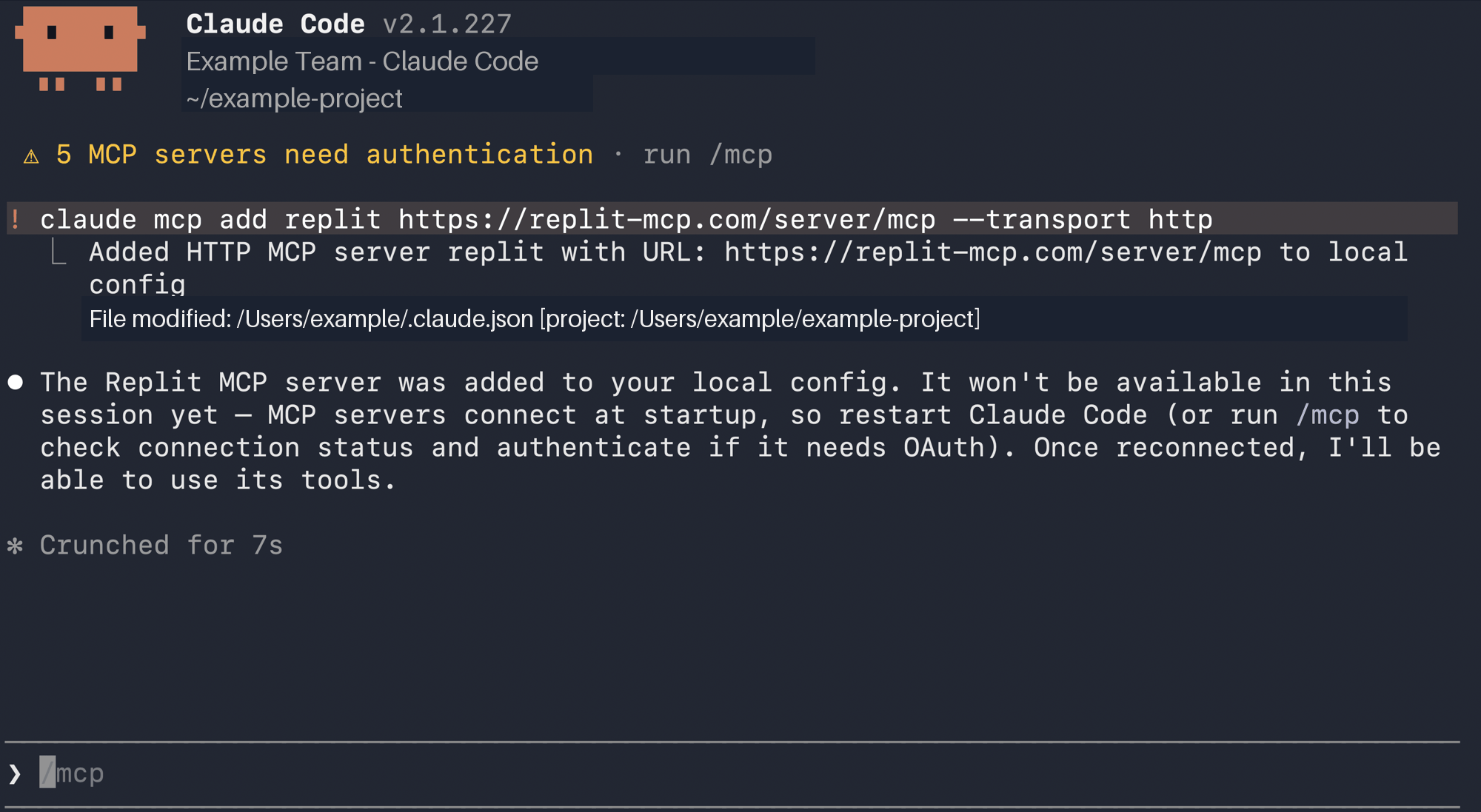
Claude Code terminal after adding the Replit MCP server
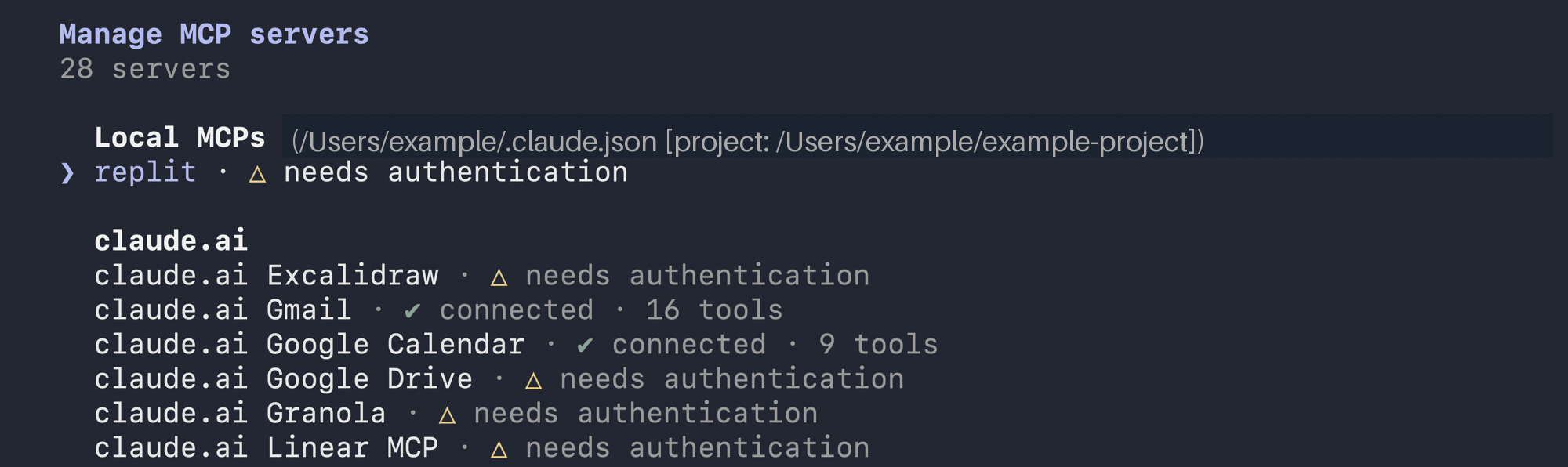
Claude Code's MCP list showing the local Replit server needs authentication
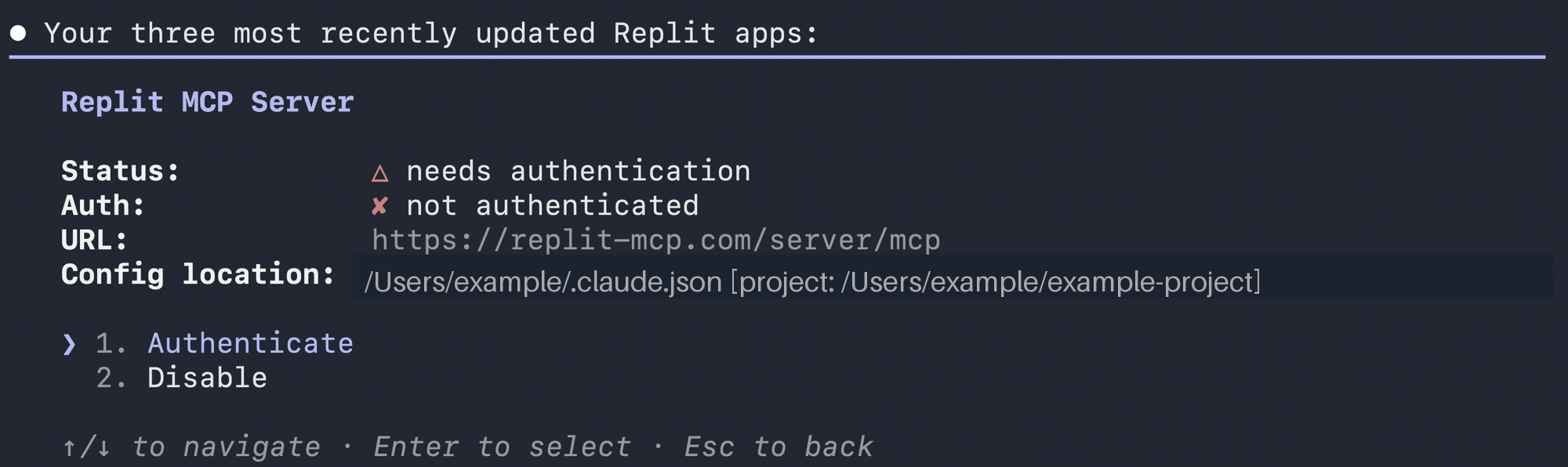
Claude Code server details showing the Replit endpoint and Authenticate option

Replit
Browser-based IDE for 50+ languages with AI coding assistance, multiplayer editing, and instant deployments — zero setup, integrated hosting.
View Replit →