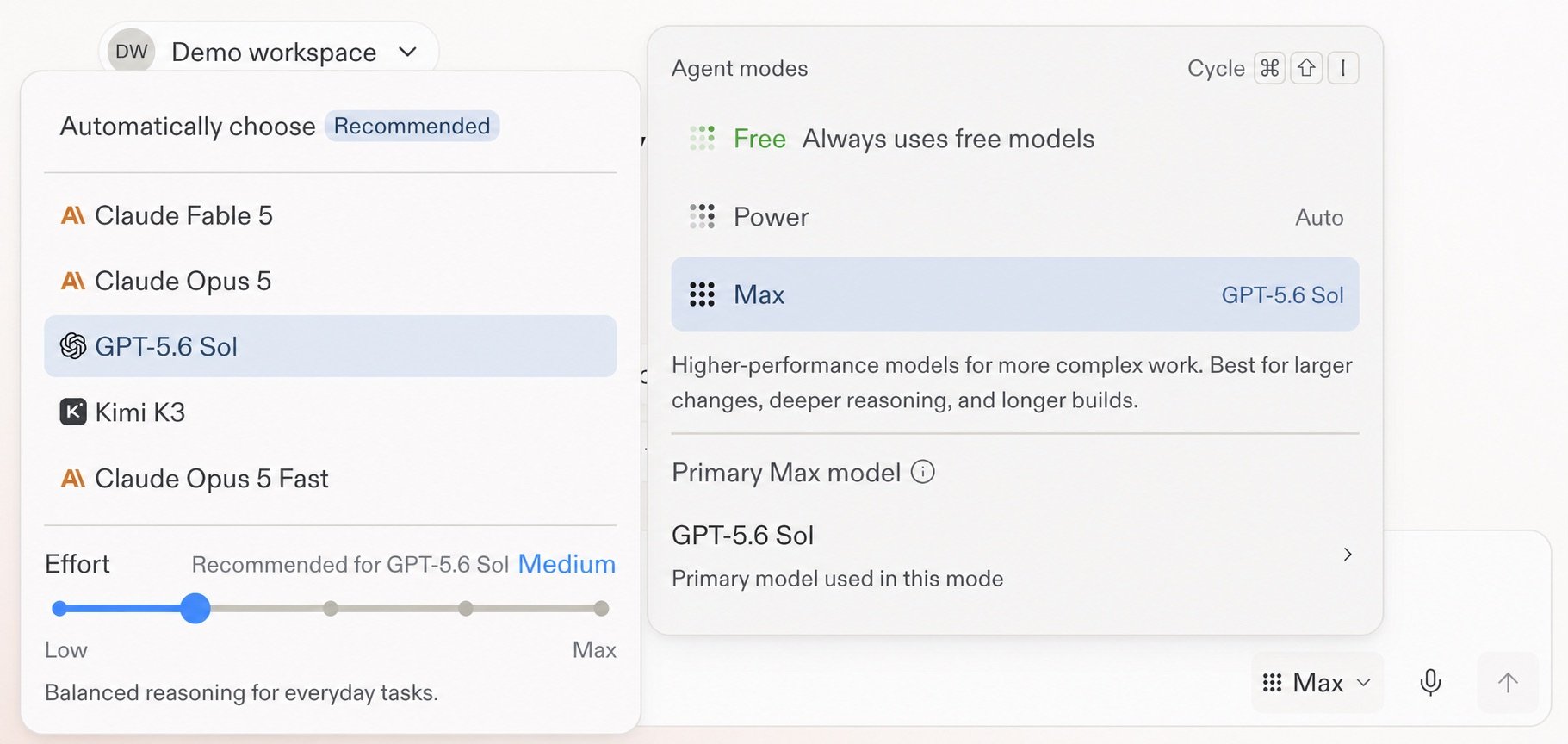
Claude Haiku 5.5 in the model selector
By Steven Van ·
Claude Haiku 5.5 is selectable in Replit's Power Mode for Core and Pro builders, with a per-model Effort setting for how much reasoning it uses.
Builders on the Core and Pro plans can now pick Claude Haiku 5.5 in Replit. The model is listed in the model selector for Power Mode, as described in the docs.
How to choose it
Select Agent Mode in the prompt box, choose Power, then pick a model in the Primary model section. Max Mode also allows manual model selection on Core and Pro. Free Mode always uses intelligent model routing, where Replit chooses a model for the task.
Effort setting
Each model has an Effort control, which sets how much reasoning the model spends on a response. Levels run from Low through Max, and each model shows a recommended setting. Higher settings can take longer and cost more on complex work.
Availability
Replit says the model list in the app is the source of truth for an account, because availability can vary.