🌉 macOS Golden Gate Ready
By Steven Van ·
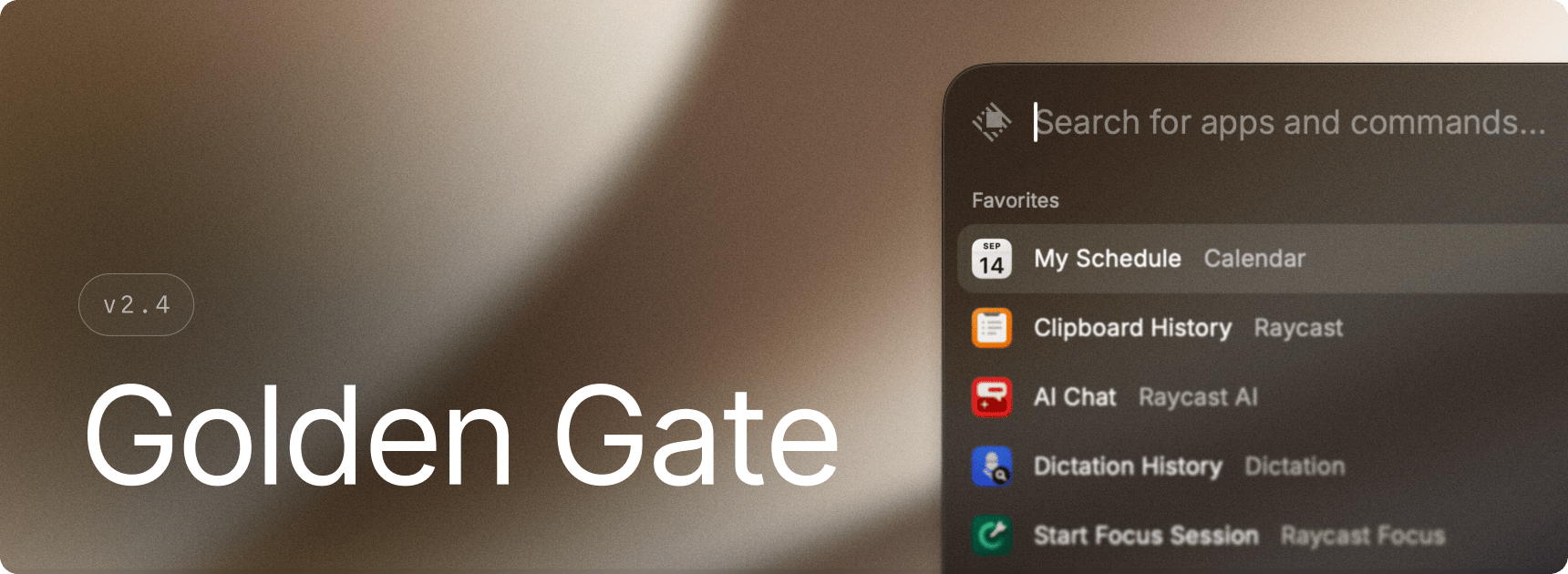
Raycast's v2.4 update for macOS adopts Golden Gate's sidebars, toolbars and Liquid Glass, plus AI Chat, Script Commands and Store improvements.
Raycast's latest macOS update, v2.4, brings the app's interface in line with Apple's macOS Golden Gate design, including new sidebars and toolbars and Liquid Glass styling. The update has no major new features, but adds a number of smaller improvements and fixes.
- AI Chat: copying or pasting a response now grabs only the final answer, leaving out the working narration that came before it, and copy/paste now correctly picks up a generated chart or image when a response includes one
- Calendar: events can now be opened in BusyCal installed through Setapp
- Script Commands: scripts now run from their own folder by default, support relative and home-directory paths, and run using your regional locale so dates, numbers and currency in their output match your system settings
- Store: extension updates now show which extensions were updated, skipped, removed, or failed, with access to version history
The release also fixes a range of issues across AI, Clipboard History, Notes, Raycast Focus, and window management, alongside performance improvements when loading images, icons, and contact thumbnails.
Raycast
An extendable launcher for Mac and Windows — a collection of powerful productivity tools that are fast, ergonomic, and reliable.
View Raycast →