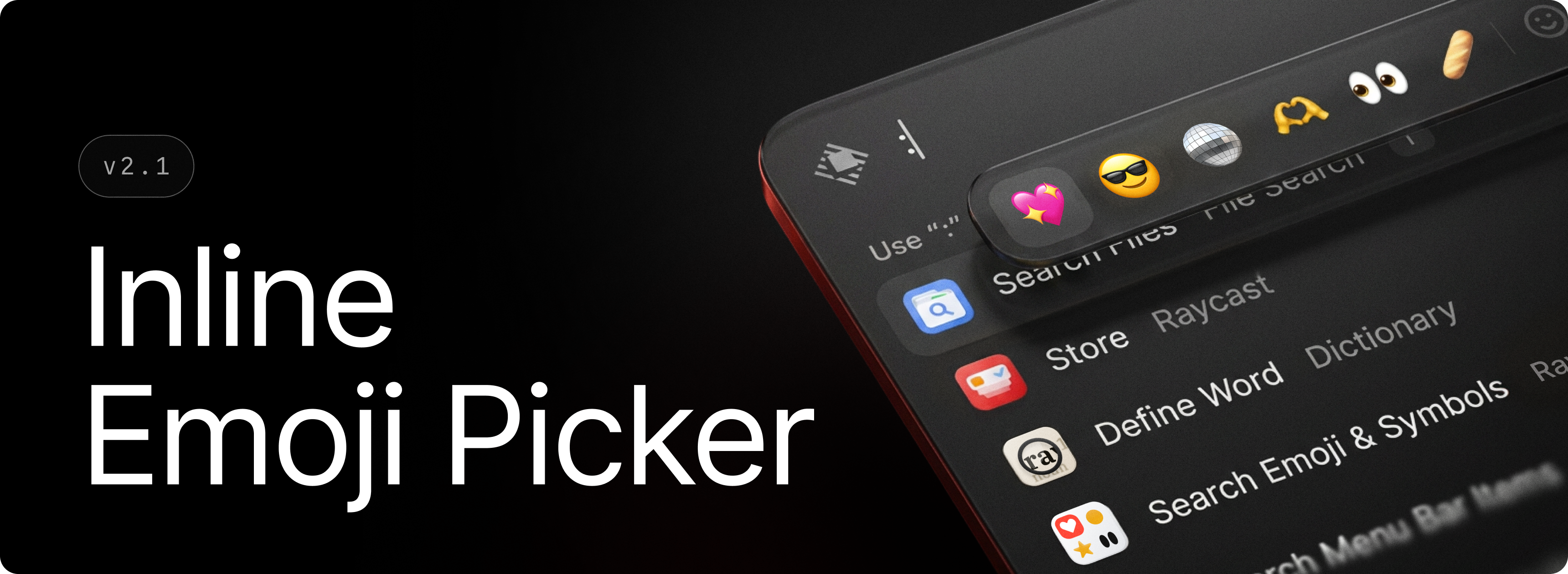
😁 Inline Emoji Picker
By Steven Van ·
Your favorite emojis are now just a : away. Type : followed by an emoji name to open the Inline Emoji Picker and insert emojis without breaking your flow.
Raycast announced 😁 Inline Emoji Picker on September 1, 2026.
What changed
Your favorite emojis are now just a : away. Type : followed by an emoji name to open the Inline Emoji Picker and insert emojis without breaking your flow. Inline Emoji Picker works across text fields throughout Raycast, including AI Chat, Notes, Snippets, Quicklinks, and AI Commands. Suggestions follow your preferred emoji skin tone. ✨ New Emoji: Added Inline Emoji Picker. Type : followed by a name in any text field to search and insert emojis. 💎 Improvements Quick AI: Added support for dropping files from Finder directly into Quick AI to attach them, including while revealing the window with the global hotkey mid-drag Root Search: Improved icon rendering of Quicklink favourites in compact mode Root Search: Tab now performs primary action if AI or Tab to Quick AI is disabled 🐞 Fixes AI Chat: Fixed a text scaling issue in “Ask Question” tool AI Chat: Fixed run errors rendering above tool calls in some situations AI Chat: Fixed failed image generations and remote tools appearing as completed Clipboard History: Fixed an issue where selecting all content would also select list items Clipboard History: Ensured pasting non-full entries can still correctly update history (ie. paste as p