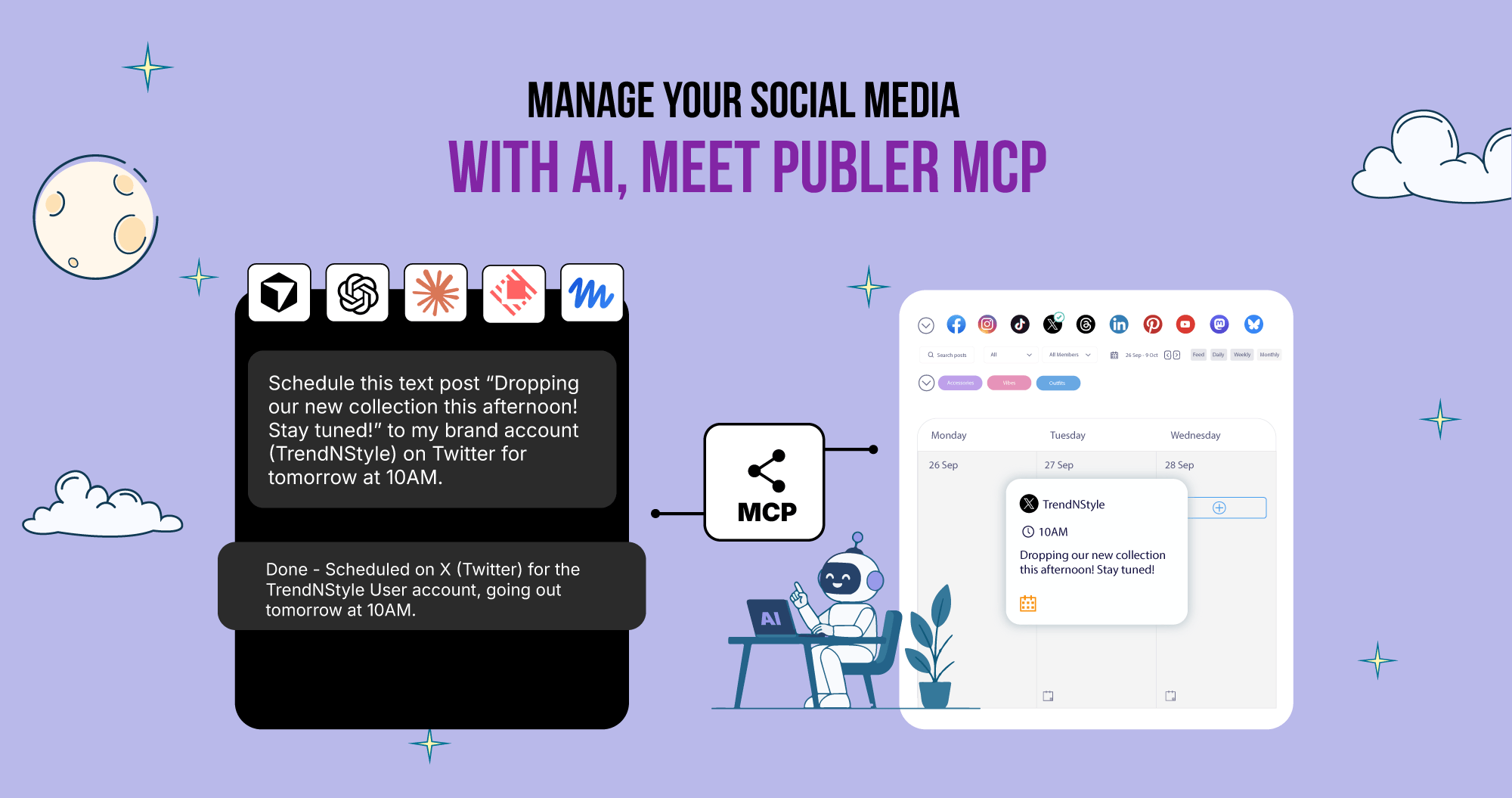
Meet Publer MCP: Manage your social media with AI
By Steven Van ·
Publer MCP connects Business-plan accounts to ChatGPT, Claude, or Cursor for calendar, analytics, and scheduling access.
Publer users on the Business plan can now connect their workspace to an AI assistant such as ChatGPT or Claude through Publer MCP, a Model Context Protocol server that gives the assistant access to a Publer account's calendar, posts, analytics, competitor data and saved tone of voice.
- Ask the assistant about upcoming scheduled posts, gaps in the calendar, or performance across accounts and time periods
- Generate content in an account's existing tone of voice and adapt it for different networks
- Schedule posts directly from the conversation
- Build reports combining metrics, comparisons and recommendations
The connection works across Instagram, Facebook, LinkedIn, TikTok, X, Threads, Pinterest, YouTube, Google Business, Bluesky, Mastodon, Telegram and WordPress accounts linked to Publer. Social account credentials are not shared with the AI assistant directly: access runs through Publer and is limited to what the MCP server exposes, and users can disconnect it at any time.
To set it up, users go to Settings > AI & Automations > MCP in Publer, generate an API key and MCP server URL, then add Publer as an MCP connection in ChatGPT, Claude, Cursor or another MCP-compatible AI tool. Publer MCP is included with the Business plan; accounts on Free or Professional need to upgrade to use it.