Perplexity's voice mode filters out everyone but you
By Steven Van ·
A new audio focus model strips background noise, music, and other speakers on macOS and Windows, free for all Computer users.
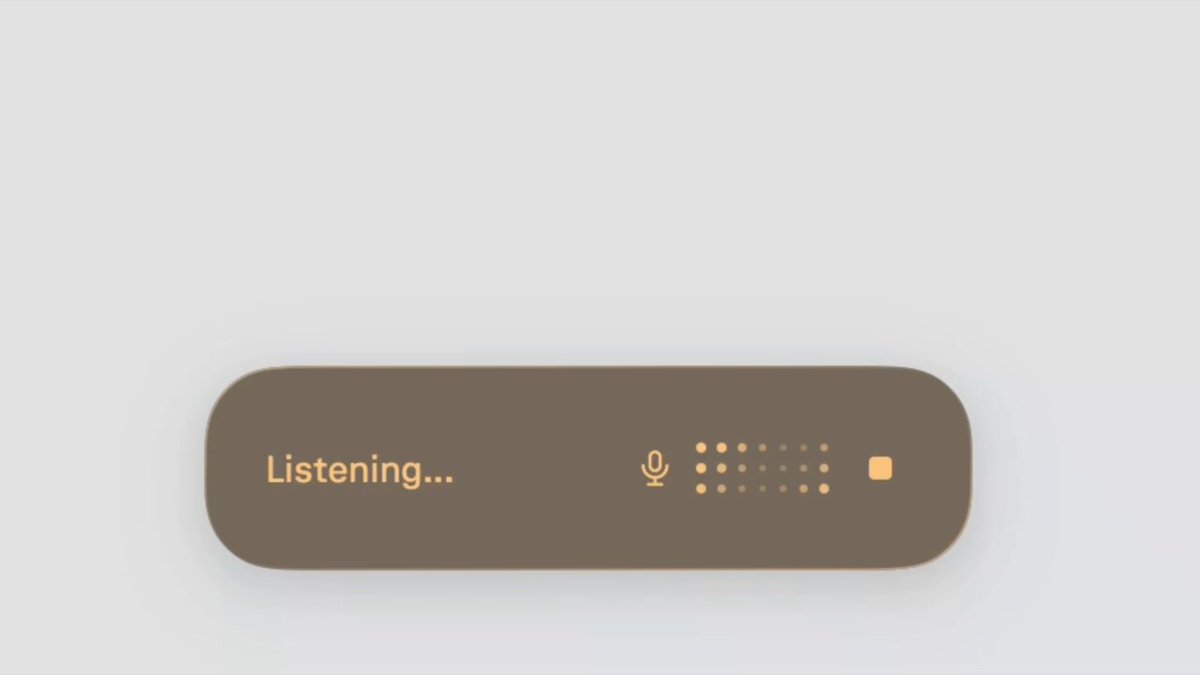
Perplexity voice mode now isolates your voice from everything around it. Announced on August 6, a new audio focus model filters out background noise, music, and even other people talking, so you can hold a voice conversation with Perplexity from a crowded coffee shop without repeating yourself. The upgrade is live now for voice conversations and dictation on macOS and Windows for all Computer users.
An audio focus model built for noisy rooms
Standard noise suppression mutes steady hums like fans and air conditioning but falls apart on the hard cases: a cafe playlist, an espresso machine, or a nearby conversation that sounds exactly like speech because it is speech. Perplexity says its audio focus model locks onto your voice specifically and treats everything else as background, including other voices. That last part is the difficult one, and it is what separates this from the noise cancellation checkbox in a typical meeting app. In Perplexity's demo, the assistant tracks the speaker cleanly while music and chatter fill the room.
Live on macOS and Windows for every Computer user
The feature covers both ways you talk to Perplexity on desktop: voice conversations, where you go back and forth with the assistant out loud, and dictation, where you speak a prompt instead of typing it. It is rolling out to all Computer users on macOS and Windows at no extra cost, and it requires no setup. Notably, the announcement covers the desktop apps rather than mobile, which fits where the messiest audio environments actually are: laptops get used in cafes, coworking spaces, and open offices far more than quiet studios. Perplexity has been building out its desktop voice stack steadily this year, and its changelog shows voice conversation improvements shipping alongside the Windows release of Personal Computer in early August.
Why clean audio input matters for getting work done
Voice is quickly becoming a primary way to drive agentic tools, and it only works if the transcript is right. A dictated prompt that arrives garbled produces a confidently wrong task, and a voice conversation that keeps mishearing you is slower than typing. Reliable isolation changes where these features are usable: a coffee shop, a coworking space, a kitchen with a speaker playing. If you dictate briefs, kick off research runs, or talk through ideas between shoots, the noisy-environment tax on voice input just got a lot smaller. Open voice mode somewhere loud and see if it holds. That is the whole test.