OpenArt turns single images into 30-second viral video clips
By Steven Van ·
The Viral Presets feature runs on ByteDance's Seedance 2.5 and is live now in OpenArt's creator suite.
OpenArt just turned the viral video format into a one-click workflow. The platform introduced Viral Presets powered by Seedance 2.5, ByteDance's newest flagship video model. Pick a preset, upload a single image, and OpenArt generates a 30-second video built to the pacing and style of formats that already perform on TikTok, Reels, and Shorts. The feature is live now in the Viral Presets feed inside OpenArt's creator suite. For creators who spend hours reverse-engineering trending edits, this collapses the whole process into seconds.
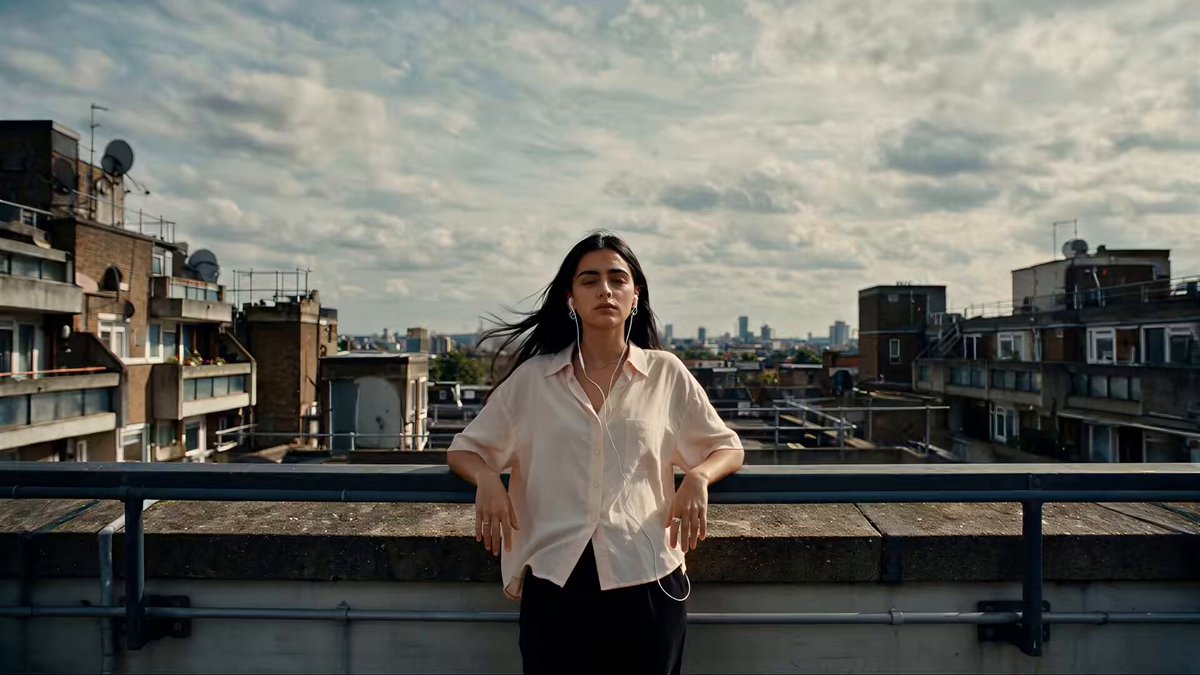
One image in, a 30-second trend-ready video out
The workflow is deliberately simple. Each preset encodes a proven video format: the camera moves, the cuts, the effects, and the overall rhythm that make a clip feel native to a trend. You supply the subject by uploading an image, and Seedance 2.5 renders your subject into that format as a continuous 30-second clip. Because the model generates the full 30 seconds natively in one pass, the output holds character identity, lighting, and motion steady from the first frame to the last instead of stitching together short segments that drift apart.
That native length matters more than it sounds. Most AI video tools still top out at 5 to 15 seconds per generation, which forces creators to chain clips and mask the seams. A single-pass 30-second clip covers the full runtime of a typical short-form post, so what comes out of the preset is essentially publish-ready.
Why Seedance 2.5 is the engine behind the presets
Seedance 2.5 is the model doing the heavy lifting here. ByteDance's update doubles clip length over Seedance 2.0, improves prompt adherence by about 20 percent, and supports up to 50 multimodal reference inputs spanning images, video clips, and audio. It also adds region-level editing, so a specific part of a frame can be fixed without regenerating the entire video. OpenArt's implementation generates audio in the same pass as the video, which keeps on-screen action and sound naturally synchronized.
For a preset system, those capabilities translate directly into consistency. The reference capacity is what lets a preset lock onto your uploaded image and keep your subject recognizable across every shot of the clip, rather than mutating halfway through the way older models often did.
Presets are becoming the new template economy
OpenArt has been building toward this for a while. Its Restyle Video tool already let creators run the same footage through different style presets to compare directions, and the platform supports referencing an existing video to replicate its style without copying its content. Viral Presets pushes that logic to its conclusion: the format itself becomes the template, and the model handles execution. It mirrors what CapCut templates did for mobile editing, except the source material is generated rather than filmed.
The strategic timing is no accident either. Seedance 2.5 went live on OpenArt this week with a 7-day unlimited generation window, and Viral Presets landed a day into that promotion. If you want to stress-test the preset library while generations are free-flowing, this is the week to do it.
How to try it
Head to the Viral Presets section in OpenArt's suite, browse the feed of formats, pick one, and upload a clear image of your subject. A clean, well-lit photo with the subject prominent in frame gives the model the strongest anchor. Generate, review, and use the region editing tools if a detail needs fixing before you export and post.
