MailCheap adds segment-only sections and a slash menu
By Steven Van ·
The October 31 editor update hides blocks by tag or segment, and the post does not say which plans include it.
Marc Lou shipped editor changes to MailCheap on October 31. Sections can be tag-only, segment-only, email-only, or web-only. A new slash menu puts those blocks one click away.
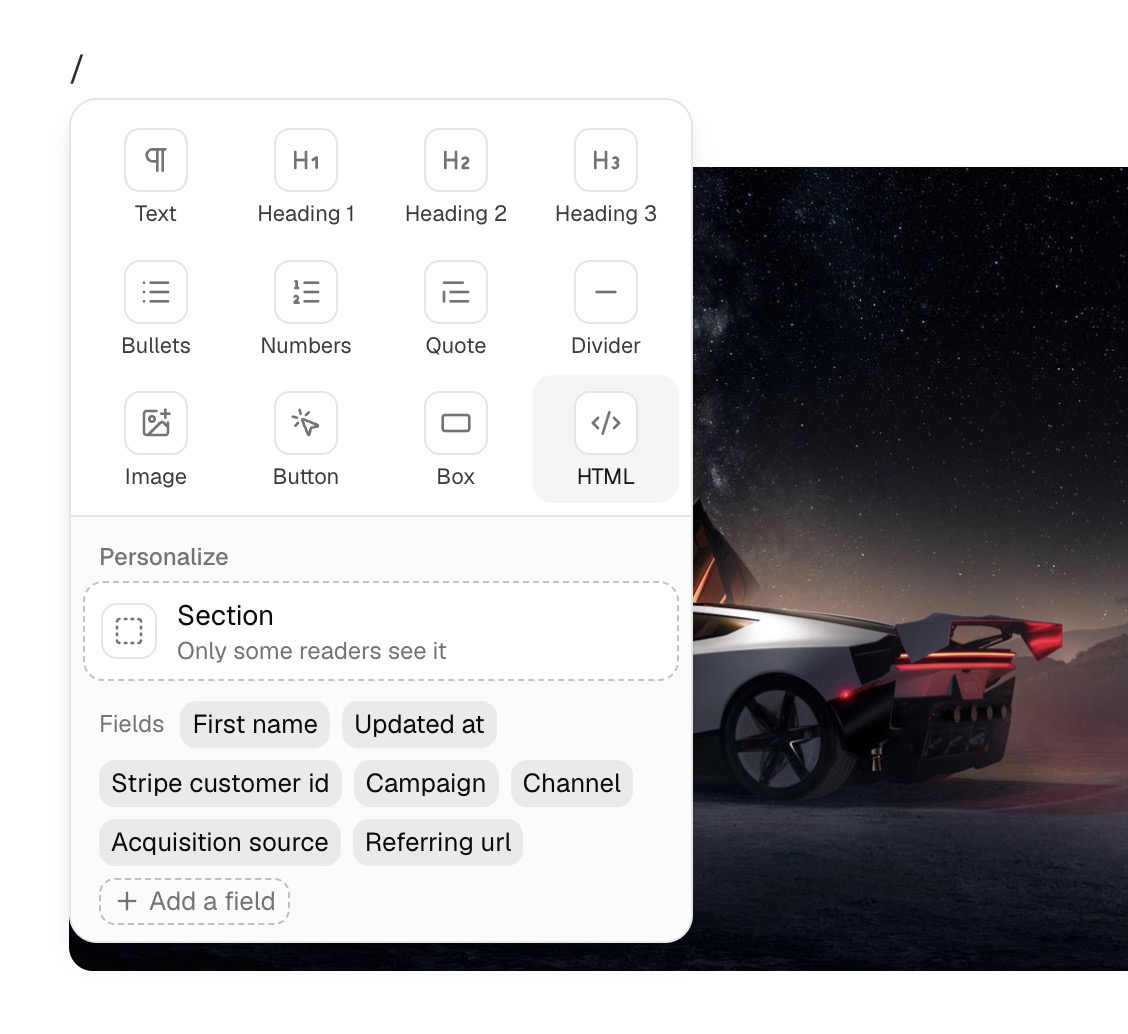
You pick Who sees this, or type a slash and choose Section. Everyone still gets the issue, without the parts that are not for them. A reader-specific section stays in the email unless you also put it on the website.
You can add a custom field without leaving the editor, and typing two opening braces inserts a field. Broken links and placeholders are flagged as you write. A missing address or a placeholder such as example.com is flagged to check, and that check does not hold a send.
It also lists a click map, who opened and clicked, copying a past campaign, notifications, and bringing back contacts an import left out. It names no price or plan.