Priority inbox
By Steven Van ·
An active workspace can create a significant amount of notifications each day, and until now your inbox treated them all the same.
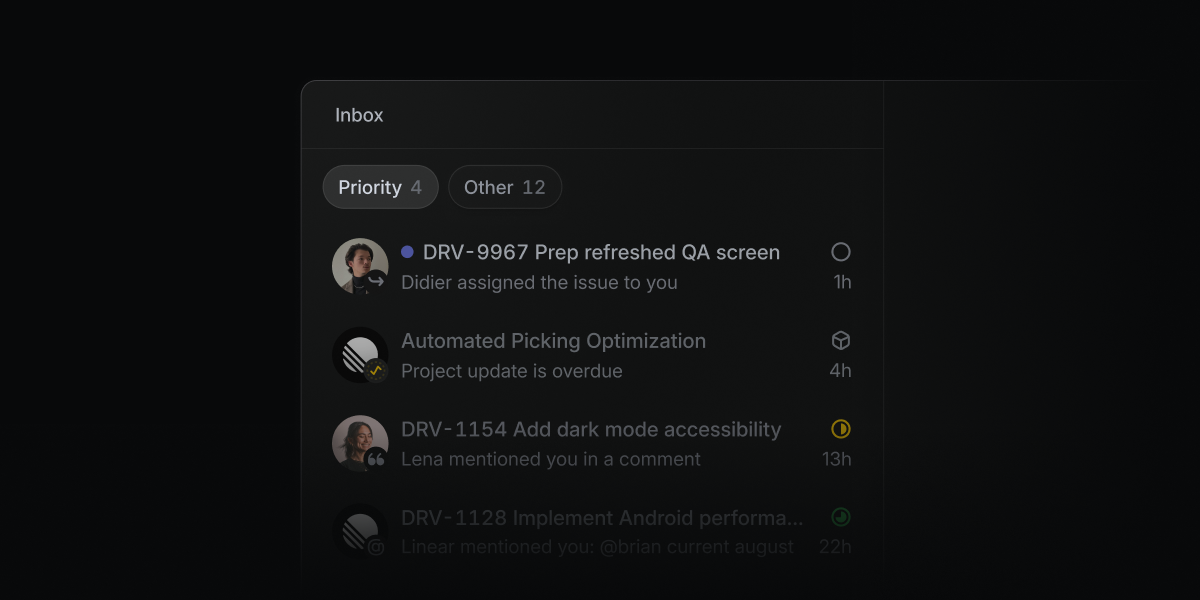
Linear is splitting its inbox into two views. A new Priority tab separates notifications that need attention now from ones that can wait, so something like a review blocking a release doesn't get buried under lower-priority updates.
Linear decides what lands in Priority by default, but the tab can be customized by picking specific notification sources or building a filter. The existing, unsorted inbox is still there for anyone who wants to keep using it as before. The priority inbox can be turned on from the inbox display options.
Linear
The issue tracking and project management tool built for modern software teams — fast, keyboard-driven, with a built-in agent that can run workflows for you.
View Linear →