Effects 2.0 in the Higgsfield plugin for ChatGPT
By Steven Van ·
Higgsfield's ChatGPT plugin now turns an uploaded photo into a preset-style video, using the /effects command or a named preset such as /main-character.
Viral Presets now run inside the Higgsfield plugin for ChatGPT, on GPT-6 Astra. As described in the announcement, a user uploads a photo and gets back a video in a preset style, without leaving the chat.
How to run an effect
- Browse: type @Higgsfield /effects and upload a photo.
- By name: call a preset directly, for example @Higgsfield /main-character or /brand-monument.
- Library: browse the presets, or apply one to your own reference.
To get started, open the Higgsfield plugin for ChatGPT and type /effects.
What else the plugin covers
Beyond effects, the plugin handles image and video generation, branding and product graphics, Ad Multiplier, UGC and faceless video, motion graphics, and websites.
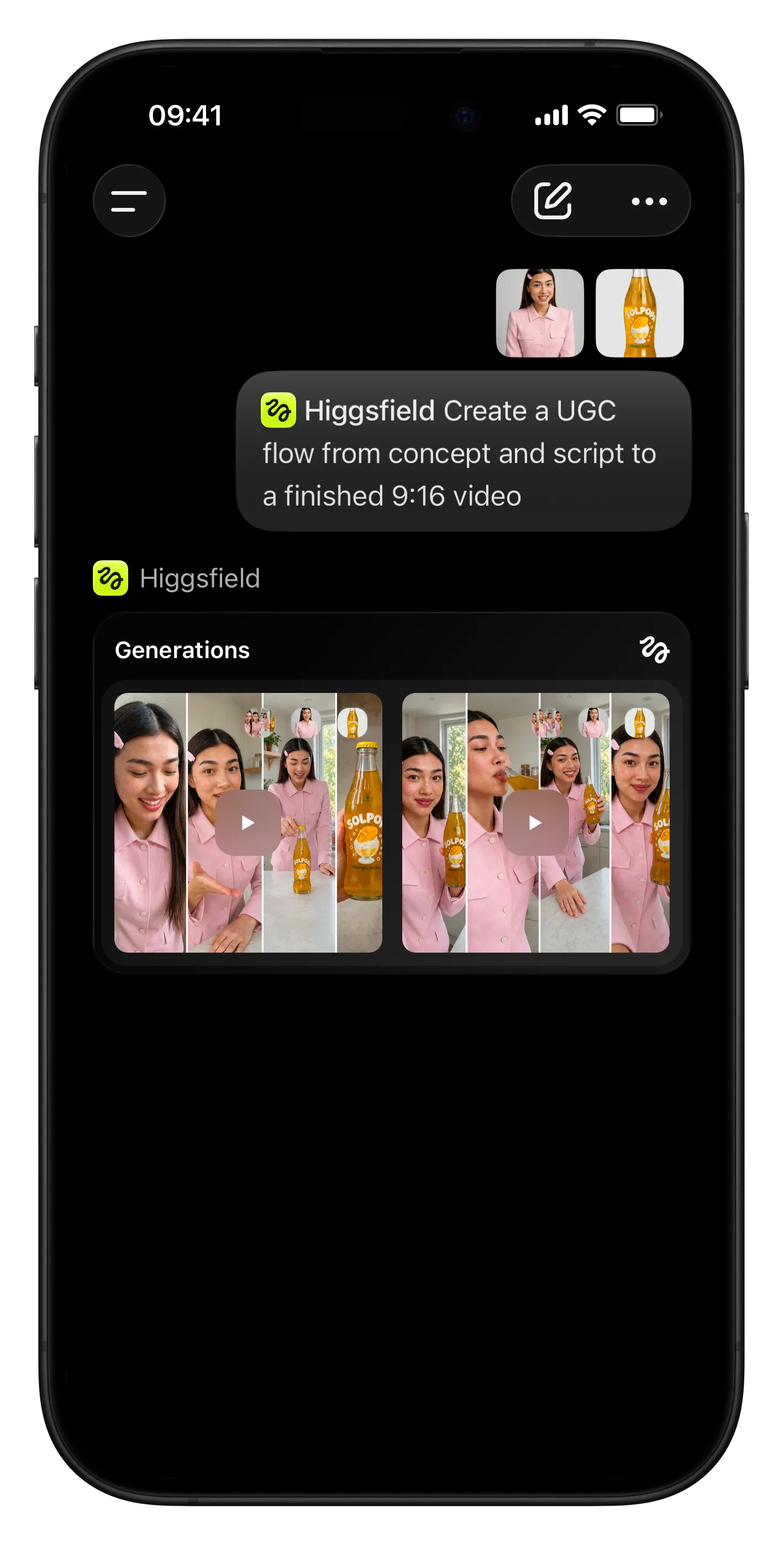
Higgsfield plugin for ChatGPT with Effects 2.0 presets
Launch video: running a Viral Preset on an uploaded photo in ChatGPT

Higgsfield
AI video and image generation platform — create videos, edit with motion control, swap faces, and collaborate in real time.
View Higgsfield →