Memory is Here: Harvey, Personalized
By Steven Van ·
Harvey remembers how you work — carrying your preferences across every session and surface, so each output reflects how you actually practice.
Harvey has added Memory, a feature released as part of Harvey II that lets users set standing preferences once and have them applied automatically across future work, rather than repeating instructions in every prompt.
- Preferences can be set up through a few initial questions or added mid-task by telling Harvey to remember something, for example a word limit for GC email drafts or a rule to keep UK and EU GDPR analysis separate.
- A saved memory travels across the Web App, Outlook, and the Word Add-In, and applies in playbook runs and agent work, so formatting and drafting standards stay consistent without reformatting.
- When a memory shapes a response, Harvey cites it the way it cites a source, so users can see which preferences were used.
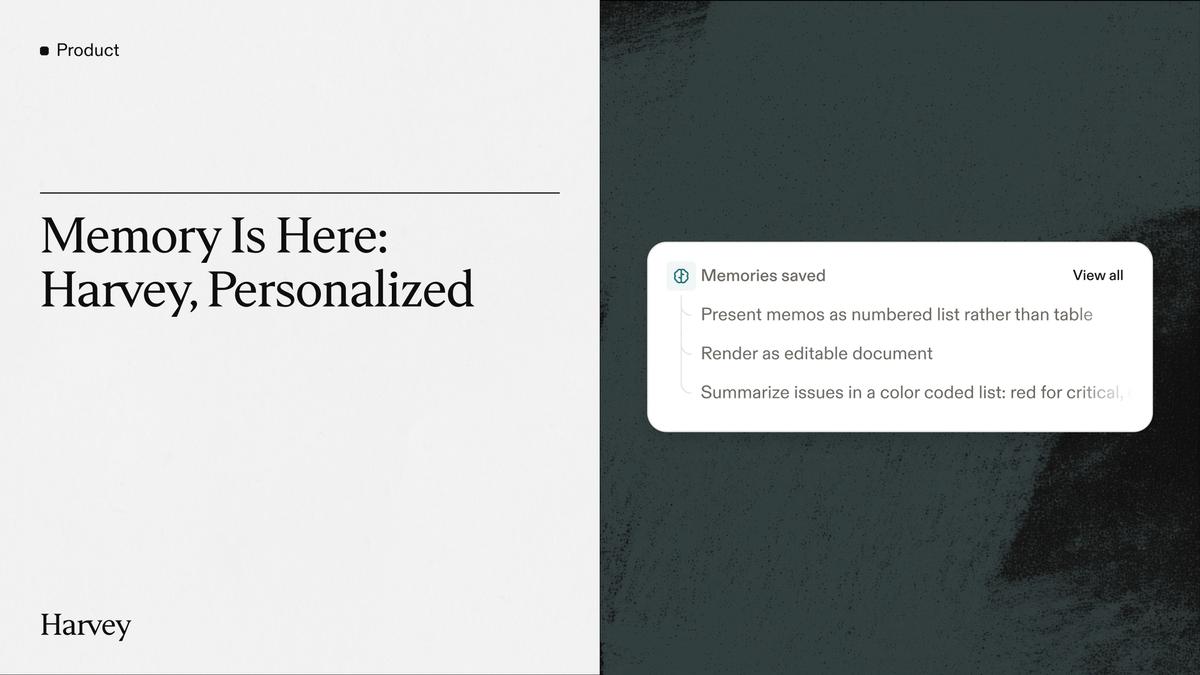
- Harvey saves a memory when a user explicitly asks or when a prompt signals a preference, showing a confirmation card each time. All memories can be reviewed, edited, searched, or deleted in Personal Settings, and Memory can be turned off entirely.
- Workspace admins control whether Memory is enabled, including for all users or a select subset. Memory opens no new system access, and memories are not used to train AI models.
Harvey is used by 75+ AmLaw 100 firms and in-house teams in 70+ countries.

Harvey
AI built for legal work — agents, document analysis, and legal research trusted by 75+ AmLaw 100 firms and in-house teams in 70+ countries.
View Harvey →