The Ultimate List of 12 Graphic Design Resources Free for Creators in 2026
By Steven Van ·
Discover the top 12 graphic design resources free for 2026. Get fonts, icons, mockups, and more to elevate your projects without spending a dime.
In the fast-paced world of digital creation, having access to high-quality assets is non-negotiable. Whether you're a seasoned professional, a freelancer building a brand, or a student learning the ropes, the cost of premium fonts, stock photos, icons, and templates can quickly add up. But what if you could build a professional-grade toolkit without the hefty price tag?
The great news is, you can. The internet is filled with exceptional, no-cost tools and assets, but finding reliable, commercially-safe options can be a project in itself. This guide cuts through the noise. We've compiled a definitive list of the best graphic design resources free to use, saving you time and empowering your creative workflow. Think of this as your go-to reference for building a complete design arsenal on a zero-dollar budget.
Inside, you will find a curated selection of platforms covering everything from stunning stock photography and massive font libraries to versatile UI kits and unique illustration collections. For each resource, we provide a direct link, a clear breakdown of its licensing terms, and practical advice on when and how to use it best. We’ll dive deep into what makes each one stand out and show you exactly how to integrate them into your projects. Prepare to bookmark, download, and create.
1. Creators Toolbox — Free Design Tools, Games & Resources for Creators
Creators Toolbox earns its place as a top-tier choice by functioning as an indispensable, all-in-one hub for on-demand creative assets. Instead of housing a single application, it consolidates over 100 specialized, browser-based tools and generators into a single, cohesive platform. This approach delivers immediate utility for designers, marketers, and developers who need high-quality results without software installations or subscriptions. It's a standout collection of graphic design resources free from the typical barriers to entry.
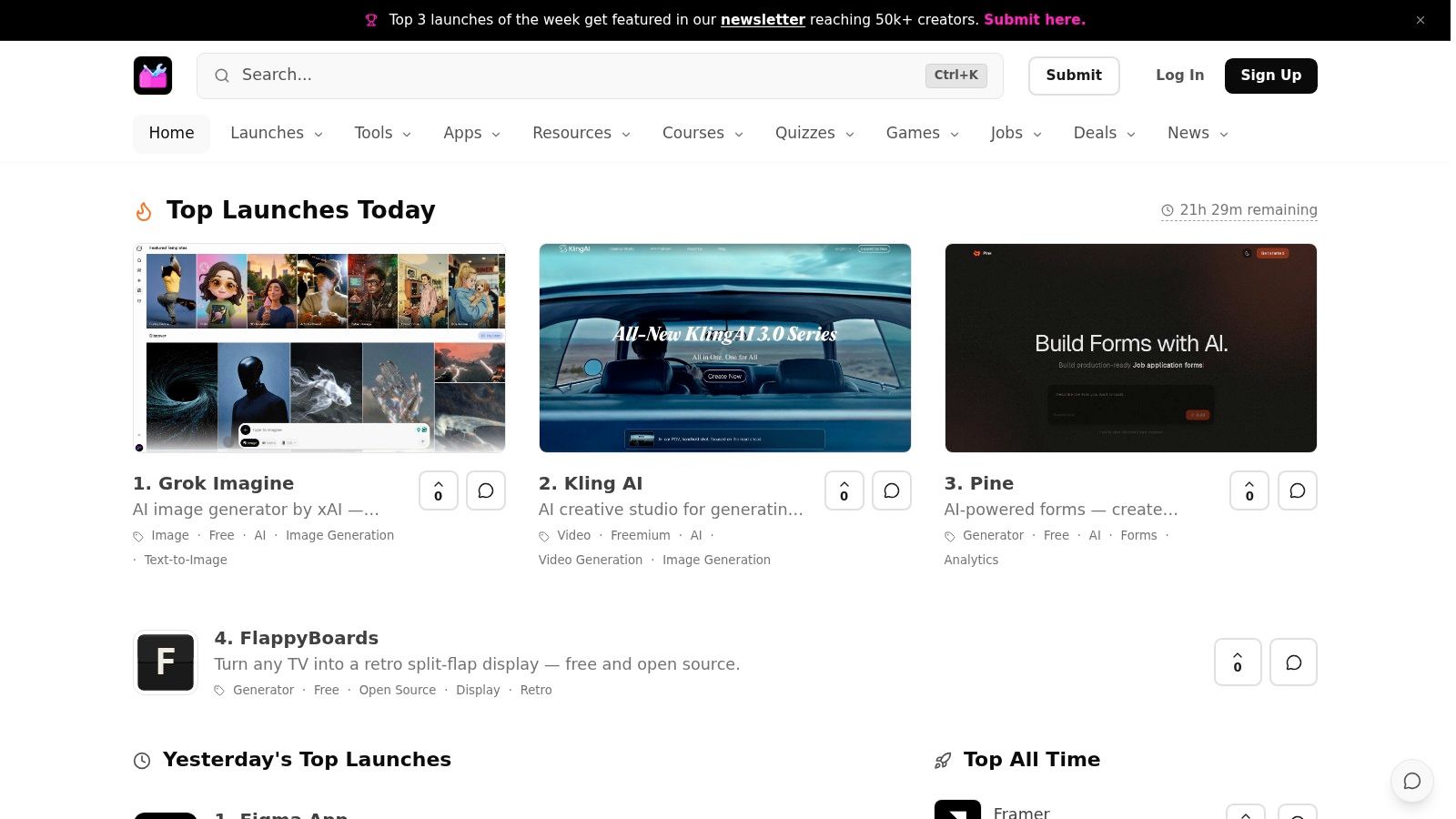
The platform’s strength lies in its speed and breadth. You can generate a custom SVG blob shape, create a complex gradient, or produce a seamless texture pattern directly in your browser, then immediately copy the CSS or download the asset. This workflow is ideal for rapid prototyping, social media content, and web design mockups. To truly elevate your creative projects without opening your wallet, a comprehensive guide to finding and utilizing free graphic design assets is essential.
Key Features and Practical Use
- Instant Asset Generation: The toolbox includes generators for SVG shapes, gradients, textures, color palettes, and more. All generated assets are free for commercial use, providing a reliable source for original content.
- Curated Resource Libraries: Beyond generators, it offers thoughtfully selected collections of free fonts, icons, stock photos, and UI kits. This saves valuable time that would otherwise be spent searching across multiple sites.
- Integrated Learning: The site mixes practical tools with educational content. Short lessons, skill-building games, and a weekly newsletter keep users current on new design trends and AI tools. For instance, you can explore their insights on the latest free AI tools creators should know.
- Zero Friction: No sign-up is required to access any of the tools. This "open-and-go" philosophy makes it perfect for quick tasks and experimentation.
Final Assessment
Creators Toolbox trades the complexity of advanced desktop software for immediate, practical value. While it doesn't offer project saving or collaborative features, its purpose is to be a fast, lightweight, and dependable toolkit. It's an excellent first stop for daily creative needs, inspiration, and discovering new resources.
Website: https://creatorstoolbox.com
2. Unsplash
Unsplash has become a cornerstone for designers seeking high-quality, artistic photography without the cost. It stands out from other free stock photo sites due to its strong editorial curation and a distinct, modern aesthetic that avoids the generic feel of traditional stock imagery. This makes it an invaluable resource for projects requiring an authentic and polished look, such as website hero images, social media campaigns, and presentation backgrounds.
The platform's strength lies in its simplicity and generous licensing. Every photo is covered by the Unsplash License, which grants an irrevocable right to copy, modify, and use the images for both commercial and personal purposes without requiring permission or attribution. However, it's crucial to understand the limitations. While attribution isn't required, the license does not cover trademarks, personality rights, or property rights that may be depicted. This means you still need to be careful using images with recognizable brands, places, or people in a commercial context. You can explore the nuances of this in more detail by learning about the differences between free and commercial use rights for digital assets.
Best For: Creating visually stunning web designs, social media content, and mockups where artistic quality is more important than image exclusivity.
Key Features & Usage Tips:
- Search & Collections: Use the robust search with filters or browse curated collections like "Textures & Patterns" or "Current Events" to quickly find relevant, high-quality images.
- License Clarity: All photos fall under the same permissive license, removing guesswork.
- API Integration: Developers can integrate Unsplash’s library directly into apps and websites.
- Practical Tip: To avoid using an overly popular image, try sorting by "New" or digging deeper into search results beyond the first page. Combine images with your own graphic elements to create a unique composition.
Website: https://unsplash.com
3. Pexels
Pexels offers a massive, easily searchable library of high-quality stock photos and, importantly, stock videos. This makes it an especially efficient resource for designers working on multimedia projects, allowing them to source both still imagery and motion assets from a single, cohesive platform. It's a go-to for finding content for social media campaigns, website backgrounds, and video projects that require a modern, authentic feel without the high cost of production.
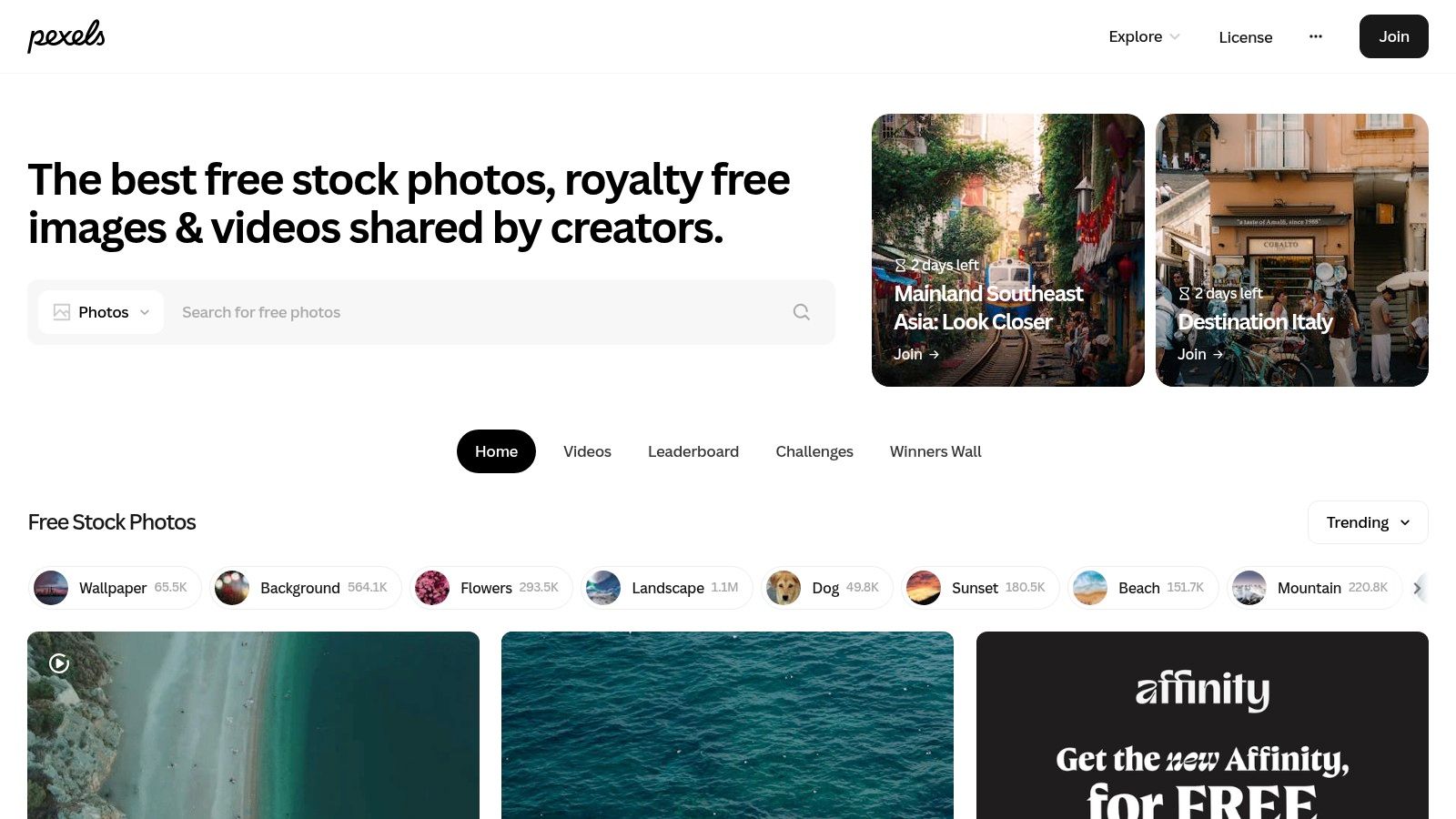
The platform operates under the Pexels License, which is very permissive, granting the right to use all photos and videos for free for both personal and commercial purposes. Attribution is not required, which simplifies workflow for busy creatives. However, the license prohibits selling unaltered copies of a photo or video or redistributing the content on other stock platforms. While the overall quality is high, it can be inconsistent across certain niche categories, so some digging may be required to find the perfect asset among the many free graphic design resources available here.
Best For: Social media managers and content creators who need a steady supply of both high-quality photos and videos for cohesive digital marketing campaigns.
Key Features & Usage Tips:
- Integrated Photo & Video Library: Find both still images and video clips in one place, streamlining the asset search process for multimedia projects.
- Curated Collections: Explore themed collections and "Discover" pages for inspiration, helping you find assets that fit a specific mood or trend.
- Helpful Search Filters: Filter results by orientation (horizontal, vertical, square), size, and even specific color hex codes to quickly locate assets that match your design requirements.
- Practical Tip: Use the video library for subtle website background loops or engaging social media stories. When searching, try using conceptual terms like "collaboration" or "growth" instead of literal ones to discover more artistic and less-used visuals.
Website: https://www.pexels.com
4. Pixabay
Pixabay expands beyond photography to become a comprehensive media library, offering a wide array of free assets under a single roof. It provides not just images, but also vector graphics, illustrations, videos, music, and even 3D models. This makes it a fantastic one-stop source for multimedia projects, saving designers from having to jump between multiple specialized sites for different types of content. The platform is an excellent addition to any list of graphic design resources free of charge.
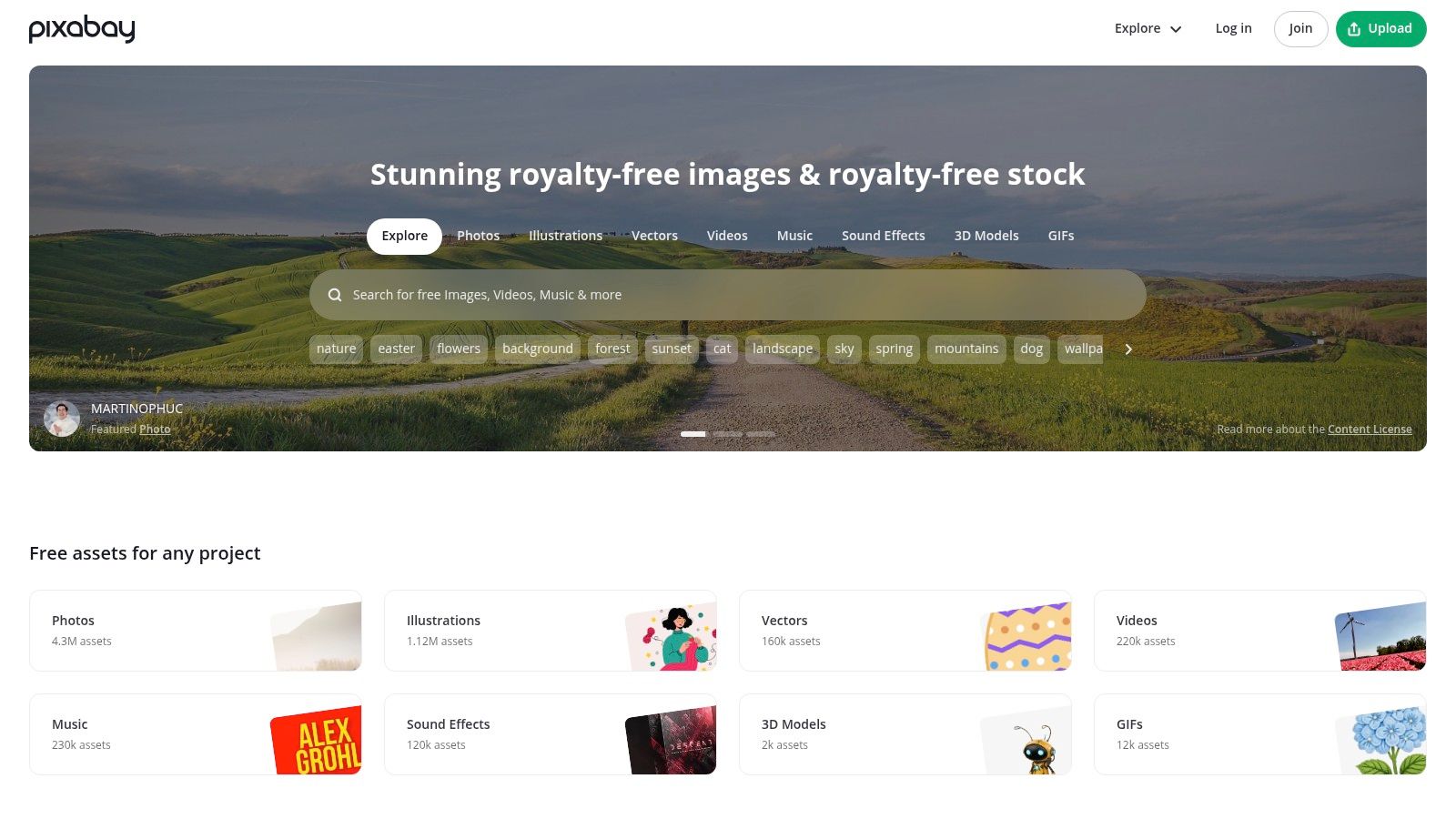
All content is released under the Pixabay Content License, which allows for commercial use without attribution. This simplifies the workflow for most business-related projects. However, it's vital to read the "prohibited uses" section of the license. The license explicitly forbids selling unaltered copies of the assets, using them in a way that suggests endorsement by identifiable people or brands, or redistributing the content on other stock platforms. While generally permissive, the quality can be inconsistent across its vast catalog, requiring some digging to find the best assets.
Best For: All-in-one projects that require a mix of media types, such as video presentations with background music, websites with vector icons, and social media posts with GIFs.
Key Features & Usage Tips:
- Multi-Asset Library: Search across photos, vectors, illustrations, videos, music, and more from a single search bar.
- Clear Licensing: The Pixabay Content License is easy to understand, with a clear summary of what is and isn't allowed.
- Curated Discovery: Use the "Editor's Choice" picks and category pages to discover high-quality assets if your search terms are too broad.
- Practical Tip: Always double-check the license for specific restrictions. When using assets with recognizable people or property, avoid any use that could be seen as defamatory or misleading.
Website: https://pixabay.com
5. Google Fonts
Google Fonts is an indispensable tool for designers, offering a massive, high-quality library of open-source fonts. It has fundamentally changed how designers and developers access typography by providing a reliable, fast, and completely free resource for web, print, and application design. The collection moves beyond basic system fonts, giving everyone access to a diverse catalog of serif, sans-serif, display, and handwriting styles.
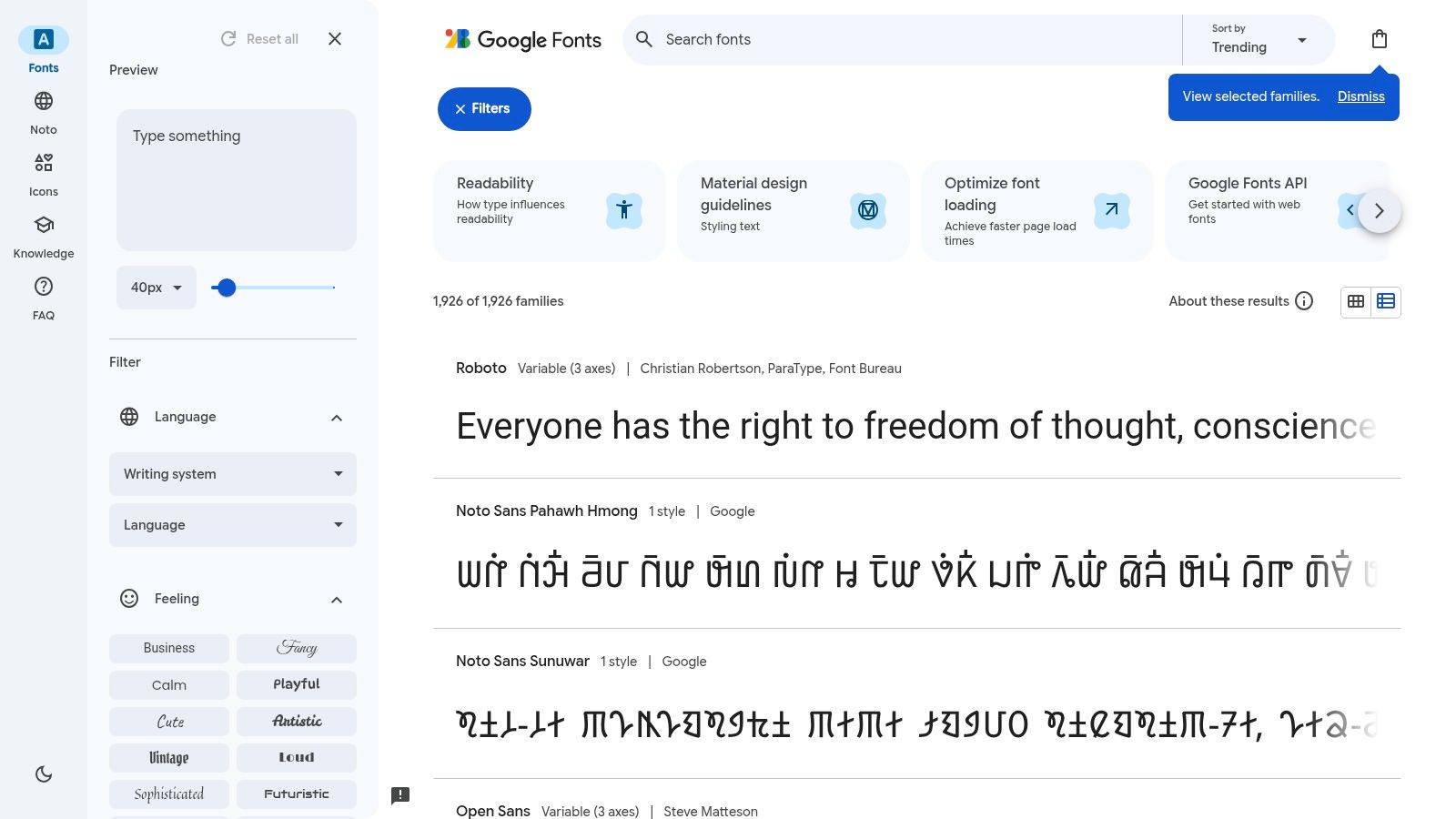
The platform’s greatest advantage is its licensing model. Nearly all fonts use the SIL Open Font License or Apache License, meaning they are free for both personal and commercial projects without any licensing fees or complicated restrictions. This makes it a go-to for branding projects, UI design, and large-scale deployments where font costs could be prohibitive. While the library is extensive, some of the most popular fonts like Montserrat and Poppins are now so widespread that they can feel generic. For projects needing a more distinct character, you might want to explore some of the many free serif fonts for graphic and web design that offer a classic feel.
Best For: Establishing a solid typographic system for web and UI projects, branding on a budget, and accessing a wide range of reliable, multilingual font families.
Key Features & Usage Tips:
- Intuitive Filtering: Use the powerful sidebar filters to sort fonts by category (Serif, Sans-Serif, etc.), language support, and font properties like thickness or width to find the perfect typeface quickly.
- Variable Fonts: Explore the "Show only variable fonts" option to access flexible fonts that contain a continuous range of styles in a single file, perfect for responsive design and fine-tuning weight.
- Effortless Web Implementation: Simply select a font, choose your styles, and copy the generated HTML
<link>and CSSfont-familycode to add the font to your website. - Practical Tip: To create a more unique pairing, combine a widely used workhorse font for body text with a lesser-known display font from the library for headings. Test your pairings directly on the Google Fonts website using their live text editor.
Website: https://fonts.google.com
6. The Noun Project
The Noun Project is an essential repository for designers in need of specific, high-quality icons for any conceivable subject. It boasts a colossal catalog of millions of pictograms created by a global community, making it one of the most comprehensive graphic design resources free of charge. Its power lies in its deep topical breadth, allowing you to find icons for abstract concepts or niche industries that are often missing from smaller, curated sets. This makes it perfect for infographics, UI/UX design, and presentations where clear, universal communication is key.
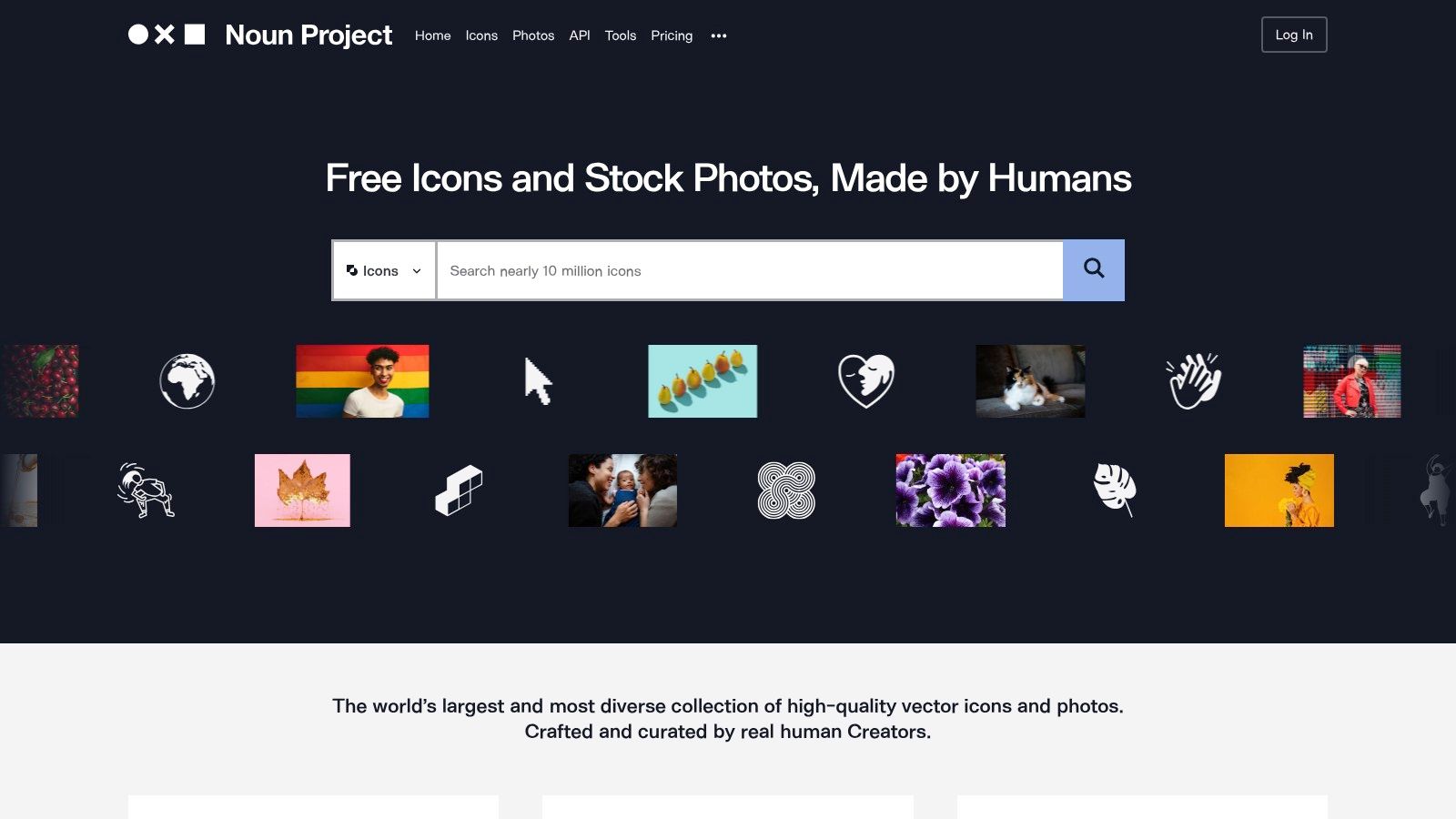
The platform operates on a freemium model. Free users can download icons as PNG or SVG files but must provide attribution to the creator, as the icons are licensed under Creative Commons (CC BY). For projects where attribution is impractical, a NounPro subscription removes this requirement and offers royalty-free usage along with customization tools. It's important to be mindful that stylistic consistency can vary significantly between different artists' submissions, so finding a cohesive set may require some searching or using the work of a single creator.
Best For: Quickly finding a diverse range of specific icons for user interfaces, presentations, and infographics where attribution is feasible.
Key Features & Usage Tips:
- Massive & Specific Catalog: Use detailed search terms to find exactly what you need. Searching for "data privacy" will yield more targeted results than just "security."
- Workflow Integration: The Noun Project offers plugins for Figma, Adobe Creative Cloud, Google Workspace, and Microsoft Office, which dramatically speeds up the process of finding and inserting icons directly into your work.
- Creator Collections: To maintain visual consistency, find an icon you like and then click on the creator's profile to see all their other submissions, which often follow a similar style.
- Practical Tip: When using the free plan, keep a running list of creator attributions as you download assets to make crediting them at the end of your project straightforward.
Website: https://thenounproject.com
7. Figma Community
The Figma Community has become an essential hub for UI/UX designers, offering a massive repository of free, user-generated files directly within the Figma ecosystem. It stands apart by providing not just static assets, but fully editable design files, including UI kits, icon sets, illustrations, and complete design systems. This allows designers to deconstruct professional work, learn new techniques, and dramatically speed up their prototyping and design process.
Its strength is the direct integration with the Figma application. With a single click, you can "Duplicate" a file into your own workspace, ready for immediate use and modification. However, the open nature of the platform means licensing can vary. Many resources use Figma's Community Free Resource License or CC BY 4.0, but it is critical to check the "Details" tab on each file's page to understand its specific commercial use permissions. The quality and documentation can also be inconsistent, ranging from meticulously crafted design systems by major brands to simpler files from individual creators. It is a key source of free graphic design resources for modern product teams.
Best For: Quickly building wireframes, prototypes, and high-fidelity mockups for web and mobile applications with pre-made components and design systems.
Key Features & Usage Tips:
- One-Click Duplication: Instantly copy any file to your Figma account to start working with it, making it one of the most frictionless resources available.
- Powerful Search & Tags: Use tags like "dashboard," "wireframe," or "icon set" to filter the vast library and find exactly what you need for your project.
- Plugins & Widgets: Beyond design files, the community offers thousands of free plugins and widgets that add powerful new functionality directly to your Figma editor.
- Practical Tip: Always check the creator's profile and the file's like/duplicate count to gauge its quality and popularity. Look for files with clear documentation and organized component libraries to save the most time.
Website: https://www.figma.com/community
8. Adobe Stock Free Collection
While often associated with its premium subscription, Adobe Stock offers a robust and professionally curated free collection that serves as an excellent starting point for any creative project. This selection includes high-resolution photos, vectors, illustrations, and even more complex assets like video clips, motion graphics templates, and 3D models. The key advantage is its direct integration with the Adobe Creative Cloud ecosystem, allowing designers to search for and license assets directly within apps like Photoshop, Illustrator, and Premiere Pro.
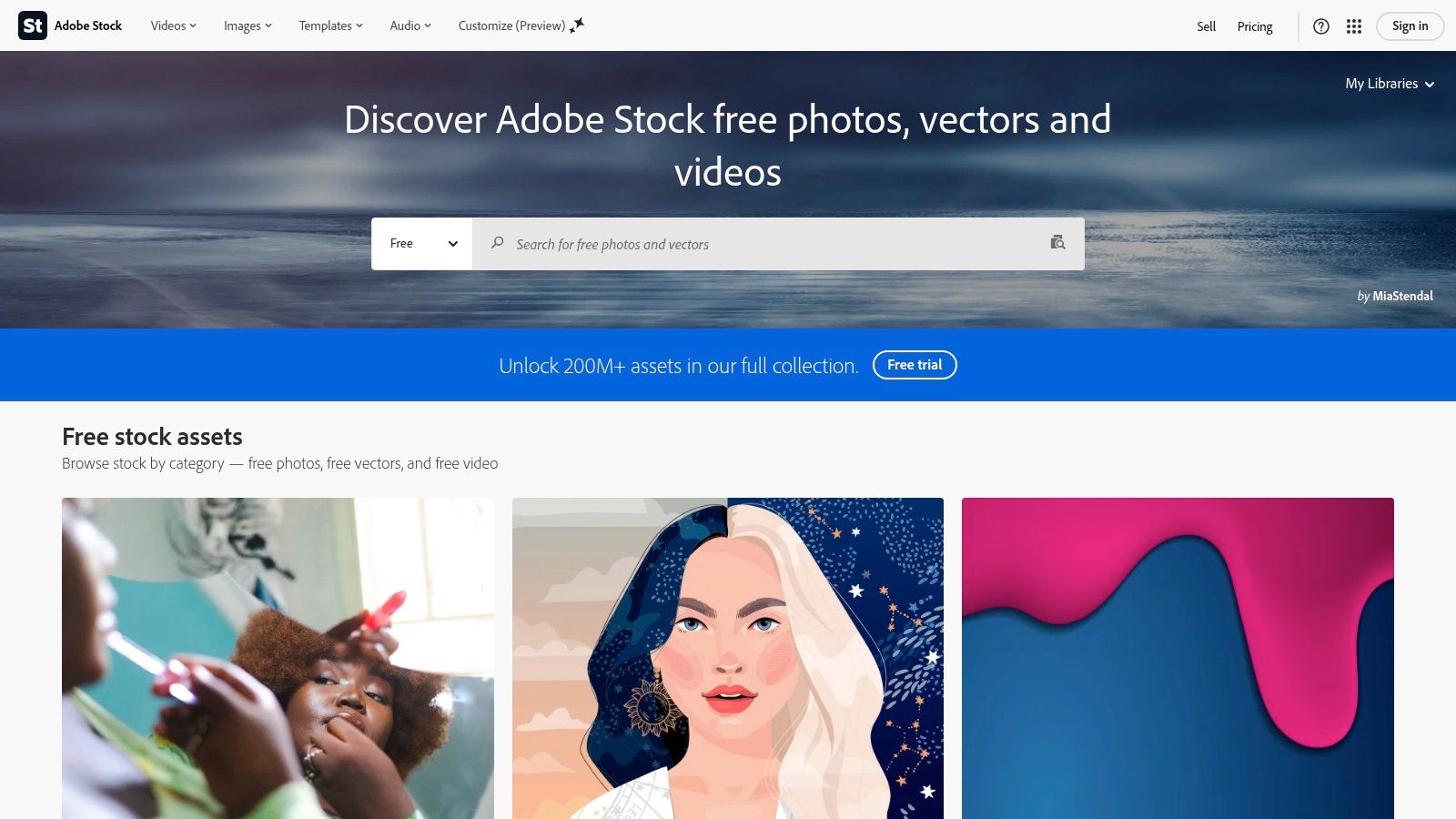
All items in the free collection come with a standard license, granting perpetual rights to use the asset for commercial purposes worldwide without any print run limitations. This provides significant legal peace of mind, as the assets are vetted by Adobe. However, it's important to note the free collection is a subset of the full paid library, and daily download limits may apply to prevent abuse. Always check the asset details pane, which clearly outlines specific usage rights and any restrictions before you download.
Best For: Designers already invested in the Adobe Creative Cloud who need reliable, high-quality assets with clear commercial licensing for a wide range of projects.
Key Features & Usage Tips:
- Diverse Asset Types: Go beyond photos with free access to vectors, video clips, and templates for apps like After Effects and Premiere Pro.
- Creative Cloud Integration: Search, preview, and license assets directly from a panel within your favorite Adobe apps, saving significant time.
- High Editorial Standards: Assets are curated for technical quality and commercial viability, ensuring a professional and reliable selection of free graphic design resources.
- Practical Tip: Use the powerful search filters to narrow results by asset type, orientation, and even color. When you find a free asset you like, click on the artist's name to see if they offer other free content in a similar style.
Website: https://stock.adobe.com/free
9. unDraw
unDraw provides a stunning open-source library of illustrations that can be tailored to any project's branding in seconds. It has become a go-to for startups, developers, and designers needing modern, scalable vector graphics for user interfaces, landing pages, and presentations. The platform’s standout feature is the on-the-fly color customization, allowing you to select a primary color and instantly update the entire library to match your brand palette before downloading.
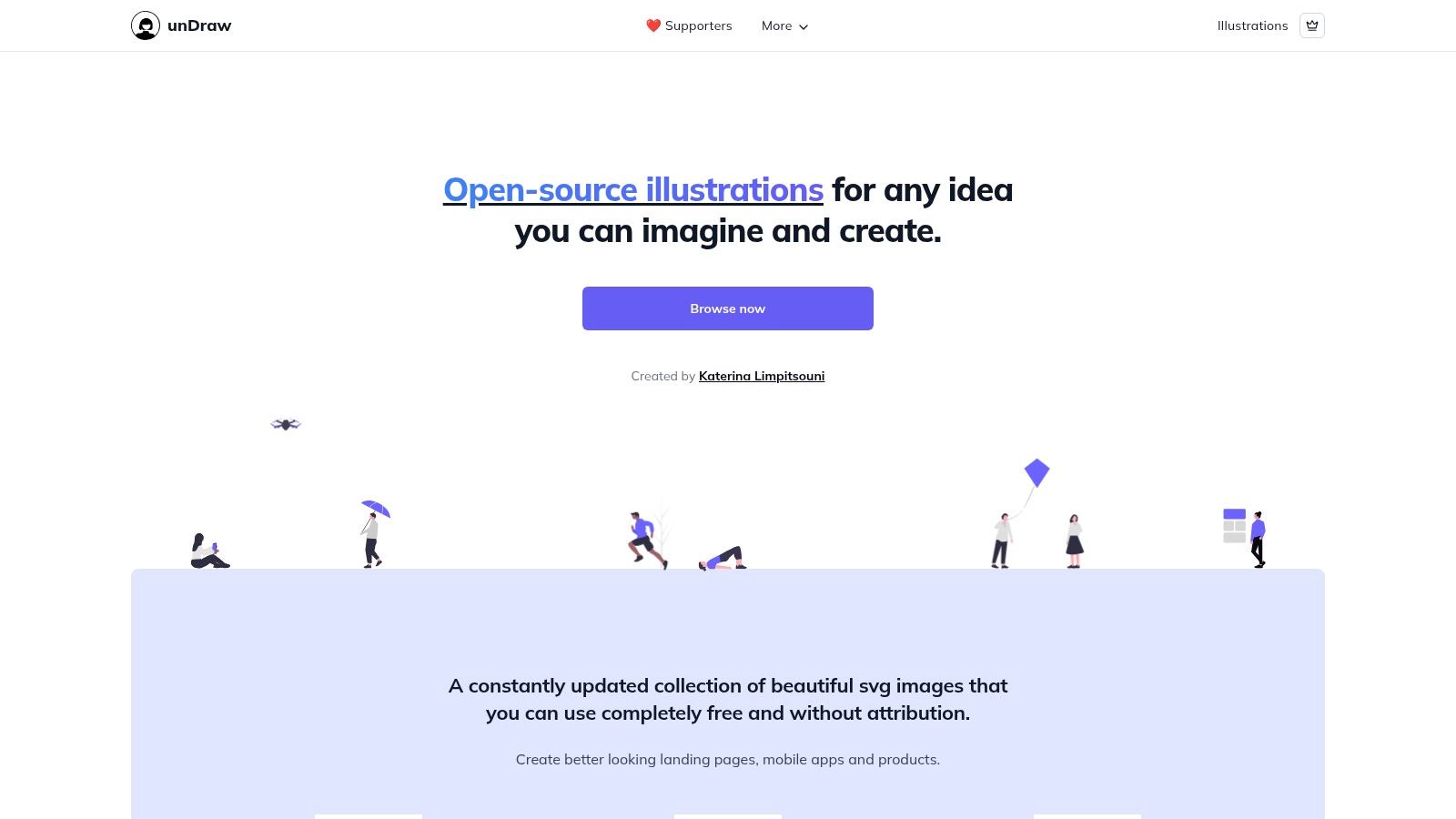
The licensing is exceptionally generous. All illustrations are covered by an MIT-style open-source license, which permits free use for any purpose, including commercial projects, without needing to provide attribution. This simplicity removes legal ambiguity and speeds up the design process. The main consideration is that unDraw's distinct, flat illustration style has become very popular, so your designs might share a visual language with many other websites. For projects that demand a completely unique artistic direction, you might need a custom solution.
Best For: Quickly creating brand-aligned websites, app interfaces, and marketing materials that need a clean, contemporary feel without the cost of custom illustration.
Key Features & Usage Tips:
- On-Site Color Theming: Use the color picker at the top of the page to enter your brand's hex code. All illustrations will instantly adapt, ready for download.
- SVG & PNG Downloads: Download files as SVGs for infinite scalability and full editability in tools like Adobe Illustrator or Figma, or grab a PNG for immediate use.
- Search Functionality: The library is constantly growing; use the search bar to find illustrations depicting specific concepts like "collaboration" or "data."
- Practical Tip: To make the illustrations feel more unique, combine them with other design elements, use them as part of a larger scene, or subtly modify colors and shapes in a vector editor after downloading the SVG file.
Website: https://undraw.co
10. Openverse
Openverse, an open-source search engine maintained by the WordPress project, provides a powerful and reliable way to find genuinely free media. Instead of hosting content itself, it indexes hundreds of millions of Creative Commons licensed and public domain works from dozens of respected repositories like Flickr, Wikimedia Commons, and Europeana. This makes it a one-stop shop for designers needing to find properly licensed assets with clear usage rights.
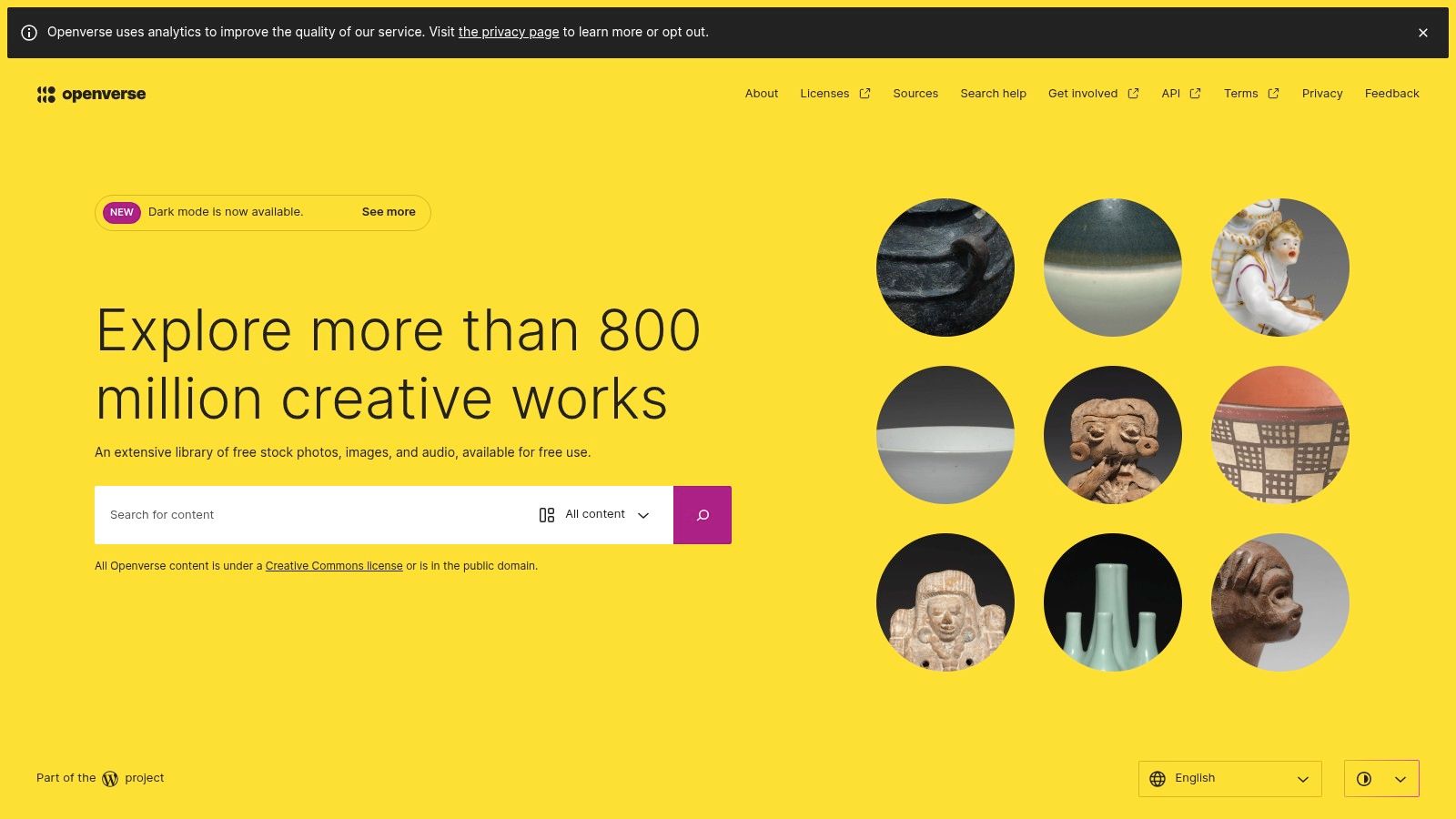
The platform's primary strength is its commitment to license transparency. Unlike generic image search engines, Openverse allows you to filter results directly by specific license types, such as CC0 (public domain) or those requiring attribution (CC BY). This significantly reduces the legal guesswork involved in using free graphic design resources for commercial projects. However, the quality of search results can vary depending on the source, and it's essential to click through and verify the specific license for each individual asset on its original site before use.
Best For: Finding a massive variety of verifiably free-to-use images and audio for projects where license compliance is a top priority.
Key Features & Usage Tips:
- License-Based Filtering: Start your search by selecting filters for "Use commercially" and "Modify or adapt" to immediately narrow results to the most flexible assets for design work.
- Clear Attribution: For each result, Openverse provides ready-to-copy rich text and HTML attribution snippets, simplifying the process of giving proper credit.
- Source Transparency: The engine aggregates from many repositories, offering a wider pool of content than any single site. You can see the source of every image.
- Practical Tip: Always double-check the license on the source website linked from Openverse. Metadata can occasionally be outdated, so verifying at the source is a critical final step.
Website: https://openverse.org
11. Wikimedia Commons
As the central media repository for all Wikimedia projects, including Wikipedia, Wikimedia Commons is a massive, community-driven database of free-to-use media. It provides access to tens of millions of files, from historical photographs and scientific diagrams to audio clips and videos. Unlike commercially-focused stock sites, its strength is its encyclopedic depth, making it an essential resource for projects that require authentic, educational, or culturally significant imagery that is often impossible to find elsewhere.
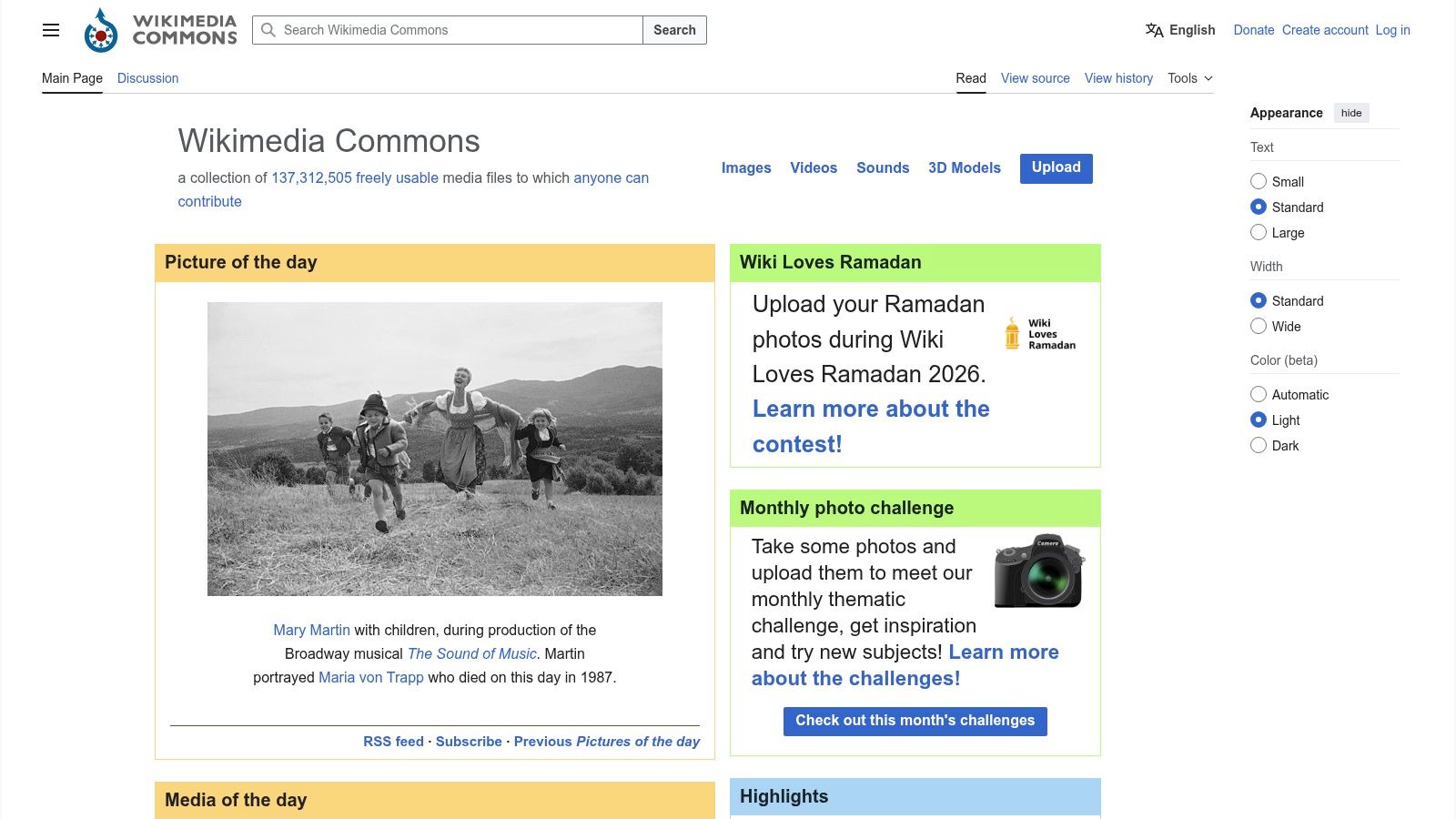
The platform’s commitment to truly free content is its defining feature. Every file is either in the public domain or available under a free license, like Creative Commons, that explicitly permits commercial reuse. A major advantage is that each file page clearly states the exact license and provides the necessary attribution text, removing ambiguity. The interface is more utilitarian than artistic, but its search function is powerful if you know how to use its category and metadata filters. Be prepared to handle the attribution formatting yourself, as it's not automatically applied upon download.
Best For: Educational materials, historical presentations, and journalistic content where documentary accuracy and verified public domain status are critical.
Key Features & Usage Tips:
- Explicit Licensing: Every asset has a dedicated license section, often with ready-to-copy attribution text, ensuring you stay compliant.
- Vast Categories: Explore deep categories covering everything from specific plant species and historical events to architectural diagrams.
- File Information: Check the detailed metadata on each file page to learn about the image's source, author, and creation date for contextual use.
- Practical Tip: Use the "Media of the Day" or "Featured pictures" sections on the main page to discover high-quality, curated content you might otherwise miss. When searching, try using both common and scientific or historical terms for better results.
Website: https://commons.wikimedia.org
12. Freepik (Free tier)
Freepik is a massive repository of vectors, PSD files, photos, and templates, making it a go-to for designers needing a wide variety of assets quickly. Its freemium model provides an extensive catalog of graphic design resources free of charge, which is particularly beneficial for creating social media posts, flyers, and other marketing materials where speed and volume are key. Unlike platforms focused solely on one asset type, Freepik's strength is its sheer breadth and the availability of editable source files.
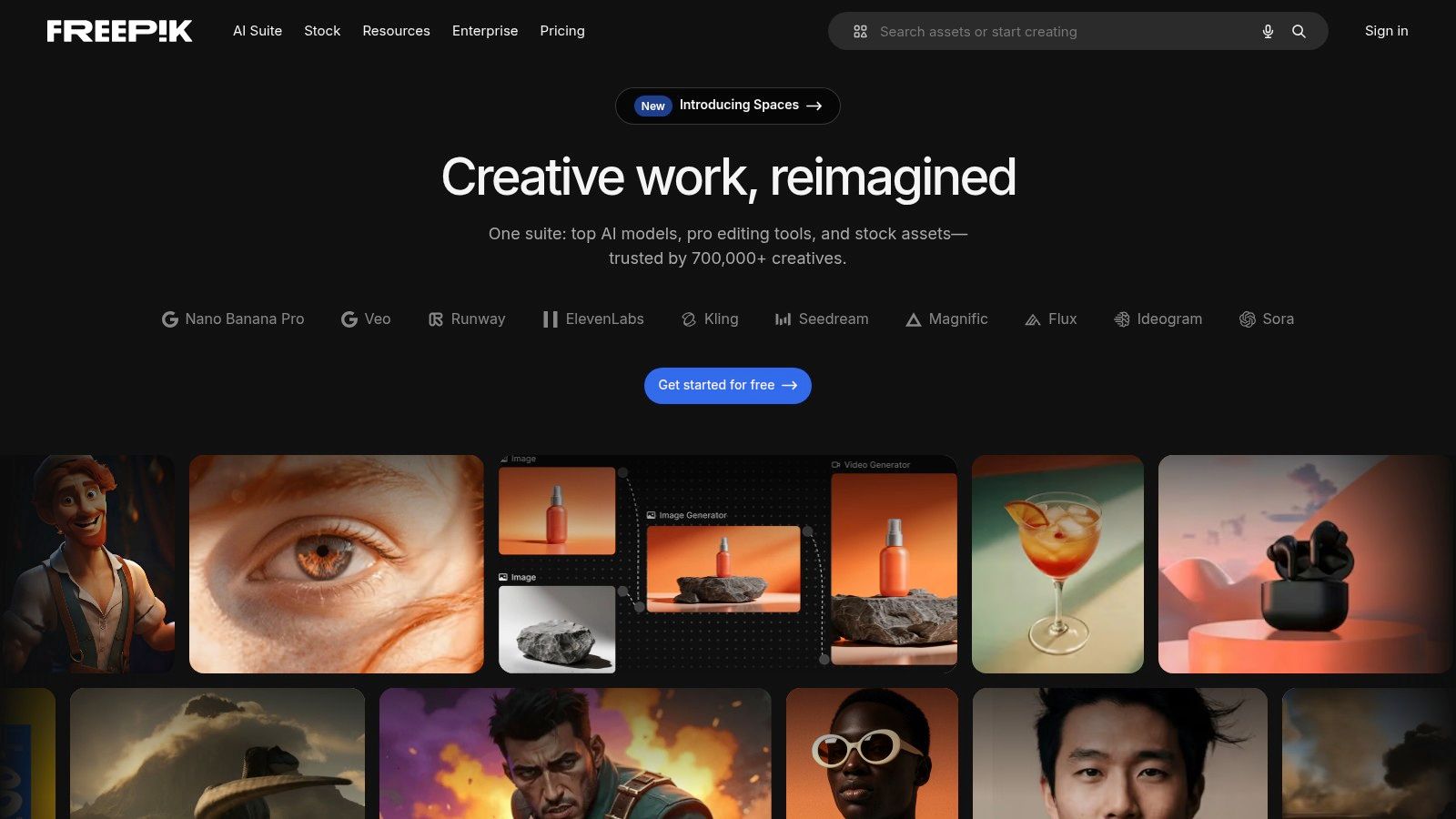
The primary condition of the free plan is the attribution requirement. For every free resource you download and use, you must credit "Freepik" in a visible and appropriate manner on your final project. This is a small trade-off for access to such a vast library, but it's a critical step to follow to comply with their license. The platform also offers a premium subscription which removes this requirement, unlocks exclusive content, and increases daily download limits. While the quality can be mixed compared to more curated sites, its search filters and consistent style collections help you find professional-grade assets efficiently.
Best For: Rapidly producing marketing collateral, social media graphics, and themed projects where a large selection of editable vectors and templates is needed.
Key Features & Usage Tips:
- Asset Variety: Access a huge library of vectors, illustrations, PSD mockups, and photos all in one place.
- Attribution Rule: Always remember to include the required attribution line (e.g., "Image by Freepik") when using free assets to stay compliant.
- Thematic Collections: Use collections and filter by style to find assets that match a consistent aesthetic for a campaign or brand.
- Practical Tip: Look for asset packs or collections from the same creator. This ensures your icons, illustrations, and backgrounds have a cohesive style, saving you significant design time.
Website: https://www.freepik.com
12 Free Graphic Design Resources Comparison
| Resource | Core features | UX / Quality (★) | Value / Price (💰) | Target audience (👥) | Unique selling points (✨) |
|---|---|---|---|---|---|
| Creators Toolbox — Free Design Tools, Games & Resources for Creators 🏆 | 100+ browser tools & generators, curated fonts/icons, short lessons, newsletter | ★★★★★ — Instant, no sign-up, fast prototyping | 💰 Free — commercial use allowed | 👥 Freelancers, product designers, students, indie makers | ✨ Compact task-focused generators + learning games; zero friction |
| Unsplash | 6M+ high‑quality photos & illustrations; curated collections | ★★★★☆ — Consistently strong visuals | 💰 Free — permissive license (check model/property) | 👥 Marketers, bloggers, web designers | ✨ Editorial curation & trending discovery |
| Pexels | Photo + video library with curated collections | ★★★★ — Good for stills + motion | 💰 Free — generous commercial rights | 👥 Social/video creators, editors | ✨ Combined photo & video assets in one source |
| Pixabay | Images, vectors, audio, video, 3D models, GIFs | ★★★☆ — Broad catalog; quality varies | 💰 Free — commercial use (watch prohibited uses) | 👥 Creatives needing mixed media types | ✨ One-stop for diverse media beyond photos |
| Google Fonts | Open-source font families, CDN hosting, variable fonts | ★★★★★ — Reliable performance & language support | 💰 Free — open licenses, self-hostable | 👥 UI designers, developers, brands | ✨ Truly open licenses + global CDN |
| The Noun Project | Millions of icons + plugins for design tools | ★★★★ — Huge breadth; style varies | 💰 Free w/ attribution or Pro subscription | 👥 UI designers, illustrators, product teams | ✨ Massive icon depth + Figma/Adobe integrations |
| Figma Community | Shareable files: UI kits, templates, widgets, plugins | ★★★★ — Fast prototyping; quality varies | 💰 Free resources; check file licenses | 👥 Product designers, teams, prototypers | ✨ One-click Duplicate into Figma; live components |
| Adobe Stock Free Collection | Curated free photos, templates, motion & 3D assets | ★★★★ — Professional quality, metadata clarity | 💰 Free subset; paid Stock expands access | 👥 Creative Cloud users, motion designers | ✨ Adobe CC integration & clear licensing |
| unDraw | MIT‑style SVG illustrations with color theming | ★★★★ — Clean, brandable vectors | 💰 Free — commercial use allowed | 👥 Web designers, marketers | ✨ On-site primary color theming + editable SVGs |
| Openverse | Aggregated CC/public‑domain search with license filters | ★★★☆ — Aggregate quality varies | 💰 Free — must follow source licenses | 👥 Researchers, editors, creators needing CC | ✨ License filters + open WordPress‑backed infra |
| Wikimedia Commons | Huge, community‑maintained media repo with license docs | ★★★☆ — Extremely broad; utilitarian UI | 💰 Free — public domain & CC assets | 👥 Educators, historians, publishers | ✨ Deep historical/cultural archives with clear license pages |
| Freepik (Free tier) | Large freemium catalog: vectors, PSDs, icons, templates | ★★★☆ — Vast selection; mixed quality | 💰 Free w/ attribution; paid removes limits | 👥 Agencies, marketers producing high volumes | ✨ Editable source files & broad thematic packs |
Start Creating: Your Free Design Toolkit Awaits
We have journeyed through a powerful collection of platforms, each offering a distinct advantage for designers and creators. The overarching theme is clear: producing professional-grade design work is no longer gated by expensive software subscriptions or asset licenses. The availability of high-quality graphic design resources free of charge has fundamentally changed the accessibility of the creative field for everyone, from seasoned professionals to aspiring students.
The resources detailed in this article, such as the expansive image libraries of Unsplash and Pexels or the versatile vector illustrations from unDraw, demonstrate that exceptional assets are within your reach. Similarly, platforms like Figma Community and the Adobe Stock Free Collection show that even industry giants are contributing to this open ecosystem, providing templates, UI kits, and assets that can significantly speed up your workflow. The key is not just knowing these resources exist, but understanding how to integrate them effectively.
Building Your Personalized Design Workflow
The real power comes from building a strategic workflow. A common mistake is to hoard resources without a plan. Instead, think about the entire lifecycle of your project and assign specific tools to each stage.
- Ideation and Mood Boarding: Use Pexels, Unsplash, or even Openverse to gather visual inspiration. Look for color palettes, textures, and photographic styles that align with your project's goals.
- Core Asset Creation: For typography, Google Fonts is your starting point, offering a massive, open-source library. When you need specific icons or symbols, The Noun Project provides an unparalleled directory, though you must pay close attention to its licensing models.
- Composition and Layout: Freepik’s free tier can supply templates and mockups to quickly visualize your concepts. Figma Community is essential for UI/UX projects, providing complete design systems and interactive components that save hundreds of hours.
- Final Touches and Presentation: Use mockups from Figma or Freepik to present your work professionally. High-resolution images from Pixabay or Adobe's free collection can serve as stunning backgrounds for your final designs.
A smart approach involves bookmarking your favorite creators or collections within these platforms. This helps you develop a consistent aesthetic and reduces the time spent searching for assets on future projects.
Navigating Limitations and Licensing
While these resources are incredibly generous, they are not without their considerations. The most critical factor is licensing. Always double-check the terms before using an asset, especially for commercial projects. Platforms like Unsplash and Pexels have very permissive licenses, but others, like The Noun Project or Freepik's free assets, often require attribution. Keeping a simple text file with attribution links for a project can save you legal headaches down the line.
Another point to remember is curation. A library with millions of "free" assets can also contain a lot of low-quality content. Your role as a designer is to be a curator, sifting through the noise to find the gems that elevate your work. Don't settle for the first result; use advanced search filters, check out curated collections, and follow talented contributors to find the best material. This discerning eye is what separates good design from great design.
Ultimately, this curated list of graphic design resources free to use is your launchpad. The tools are here, the assets are available, and the only remaining ingredient is your unique creative vision. Don't be afraid to experiment, combine a font from Google Fonts with an illustration from unDraw, and place it on a photo from Unsplash. This is how you develop a style that is truly your own.
Ready to stay ahead of the curve and discover new resources every week? The Creators Toolbox newsletter delivers the latest free tools, AI advancements, and design assets directly to your inbox. It’s the perfect companion to this guide, ensuring your toolkit is always stocked with the best graphic design resources free of charge. Sign up for free at Creators Toolbox.