Figma brings Weave's AI image tools into the design canvas
By Steven Van ·
Preset Weave workflows now live in Figma Design's left panel, and can be published to Figma Community.
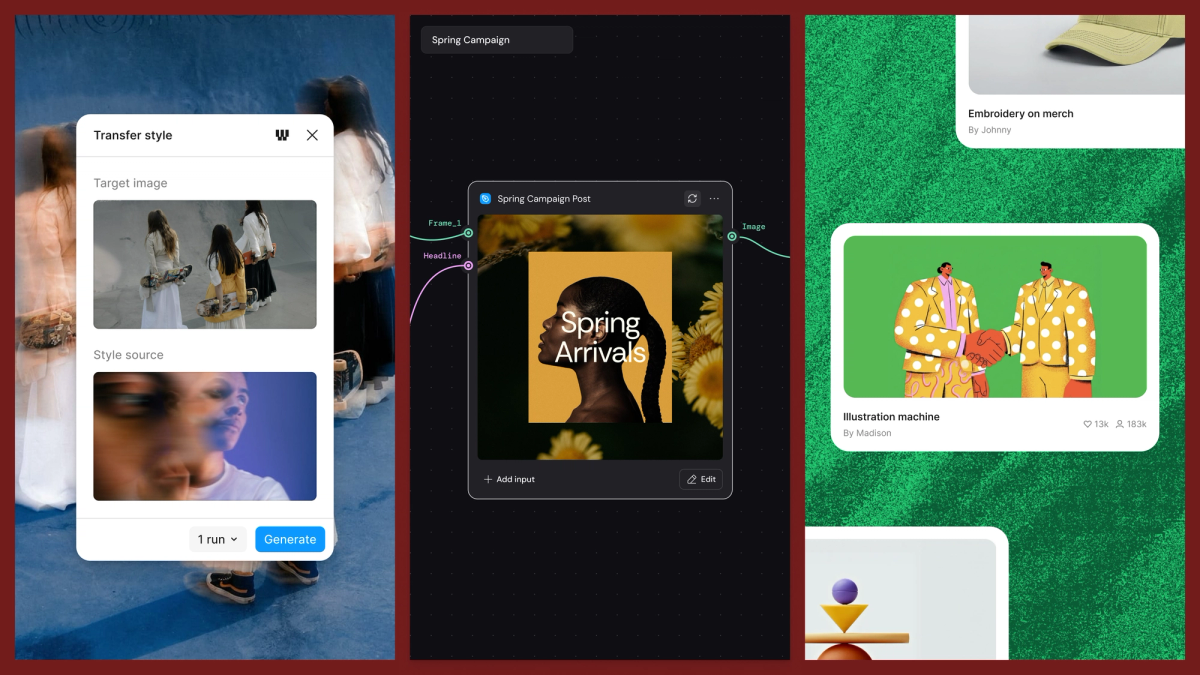
Figma is adding Weave tools directly to the design canvas. Starting today, more than 20 AI image tasks, packaged versions of Weave's node-based workflows, are available from Figma Design's left panel: style transfers, product shoots, material extraction, and art direction across a dozen visual languages. Each one takes a preset input rather than a freeform prompt, so the same tool produces a consistent result every time.
Weave workflows can also now be published to the Figma Community. From Weave's Share menu, selecting "Publish to Figma Community" and adding a title, description, category and thumbnail makes a workflow available for others to open, adapt, and run themselves.
Figma also previewed a Figma node for Weave, not yet released. It lets a Figma frame be pasted directly onto the Weave canvas and connected to upstream and downstream nodes, keeping design frames in sync with Weave's creative workflows, for example generating localized versions of a layout from a CSV of translated copy without drifting from the original design.
Read the full announcement or visit Figma.