Figma's design agent can now build custom plugins and shaders
By Steven Van ·
Open beta users can also feed the agent more context and save reusable prompts as shareable Skills.
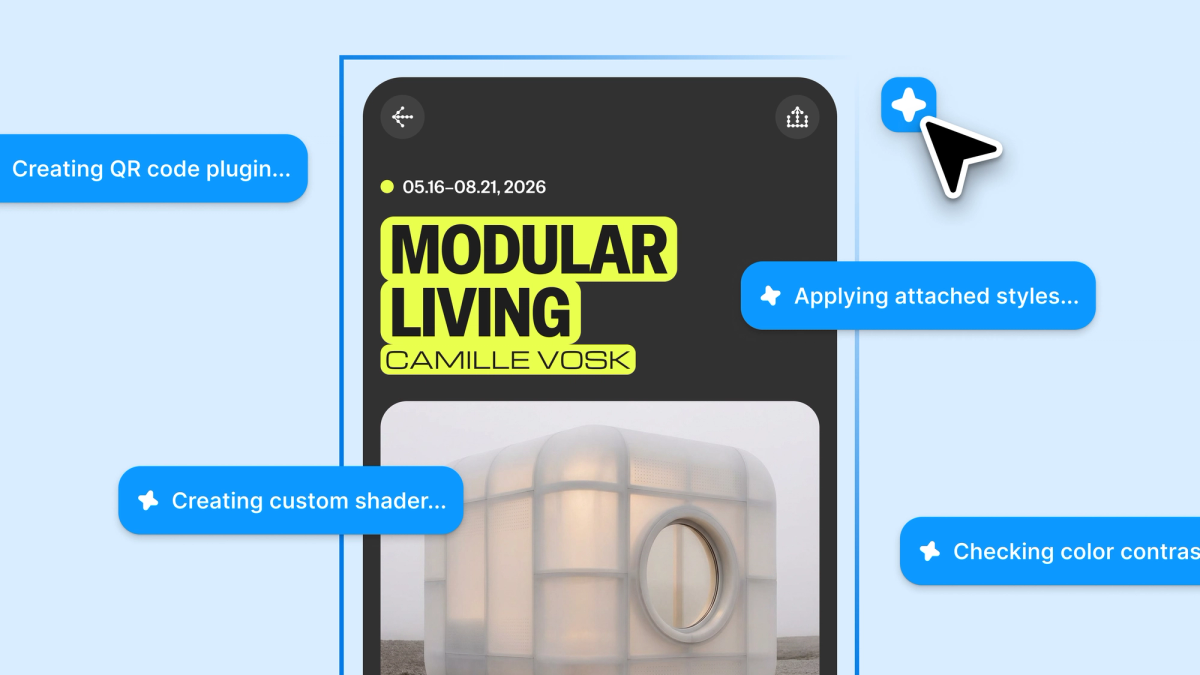
Figma's design agent, now in open beta for more users, can build custom tools directly on the canvas. The update adds three things: the ability to prompt the agent to create reusable plugins and shaders, more ways to feed it context, and a way to save and share prompts as reusable Skills.
- Generative plugins and shaders. The agent can build plugins using PropsKit that look native to Figma, plus shader effects and fills (things like dither, liquid metal, particle stretch, and moiré) powered by WebGPU. Using a plugin or shader, whether self-built, shared by a teammate, or from the Community, is free on all plans. Prompting the agent to build one requires access to the design agent and will cost AI credits once it's generally available.
- More context. You can attach files like interview notes or a UX copy doc directly in the agent chat, paste a Figma file link so the agent reads its components, tokens, and styles rather than just an image, have the agent search the web for live data, and connect MCP tools including GitHub, Atlassian, and Slack so the agent can pull in and post back updates.
- Skills. Frequently reused prompts can be saved as slash-command Skills and published so a team can share a design philosophy, aesthetic, or feedback approach. Agent conversations are visible to file collaborators by default, though they can be made private.
Shaders and generative plugins live in a new Tools tab alongside classic plugins and widgets. More detail in the original announcement.

Figma
Collaborative design tool for building interfaces, prototypes, and design systems — all in the browser.
View Figma →