ElevenAgents: Alerts: Alerts notify a workspace when agent error rates exceed a threshold or rise…
By Steven Van ·
Workspace admins can tune error-rate thresholds per agent and route alerts to webhooks, Slack or PagerDuty, with default monitors running automatically.
ElevenAgents now has Alerts, which notify a workspace when an agent's error rate passes a threshold or rises sharply above its recent baseline. ElevenLabs says the monitors run with default thresholds, so no setup is needed to start.
What is monitored
Six monitors are evaluated for every agent:
- Conversation failure: errors exceed a percentage of conversations
- Tool failure: errors exceed a percentage of tool calls, tracked per tool
- Webhook error: errors exceed a percentage of webhook calls
- Guardrail trigger: triggers exceed a percentage of conversations
- Call initiation error: errors exceed a percentage of call initiations
- Evaluation success score: the average score drops below a threshold
Each alert is either active, resolved (it auto-resolved after a period of inactivity) or dismissed (a user dismissed it manually).
Viewing alerts
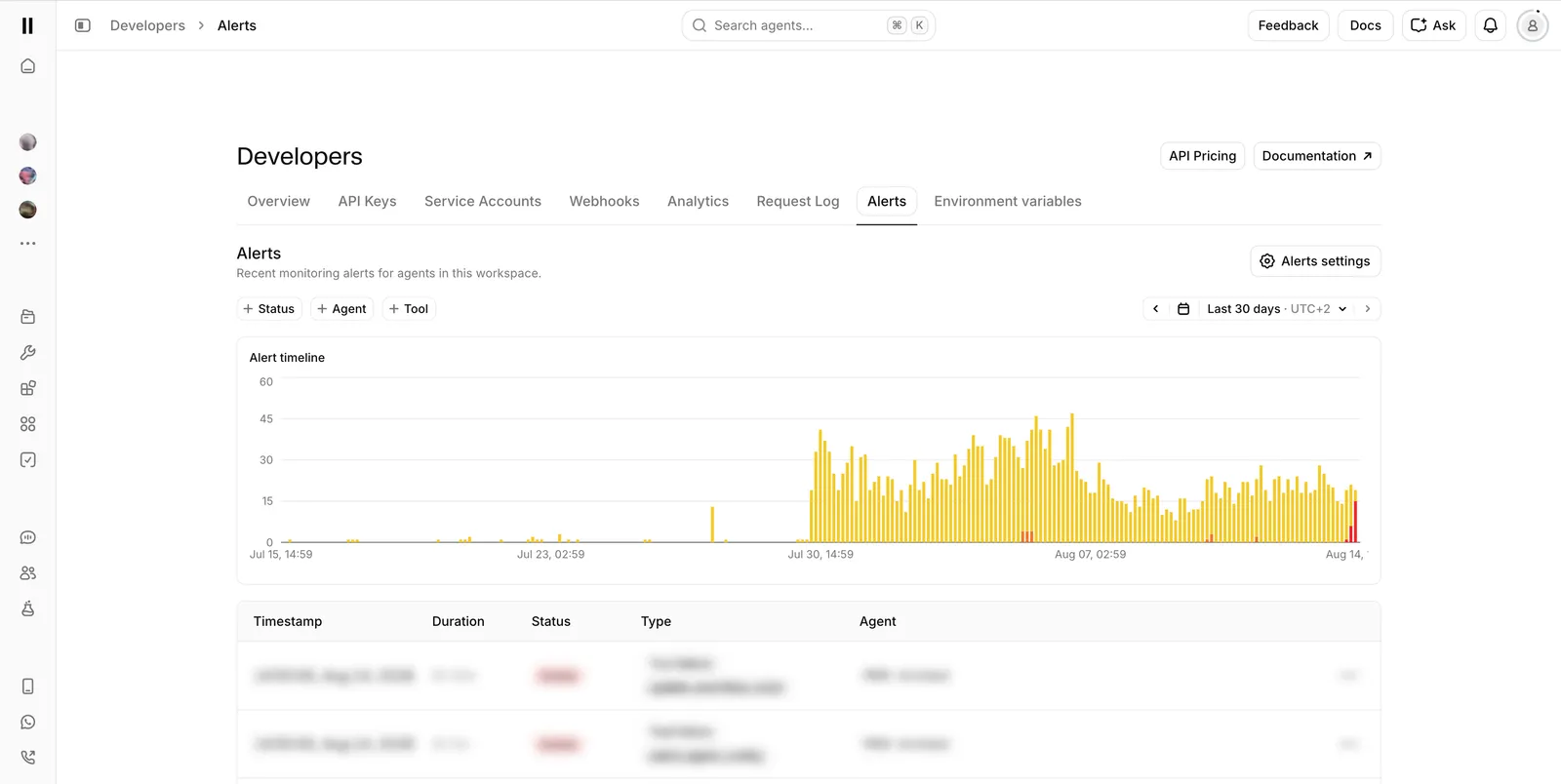
The Developers Alerts page shows a timeline and a table with each alert's timestamp, duration, status, type and agent. It can be filtered by status, agent or tool, over a time range of up to 90 days. From an alert, you can open the affected conversations in the conversation history, and active alerts can be dismissed from the row menu. Active alerts also show as high-priority cards in each agent's Spotlight overview, and a banner on the Agents dashboard links to the Alerts page.
Thresholds
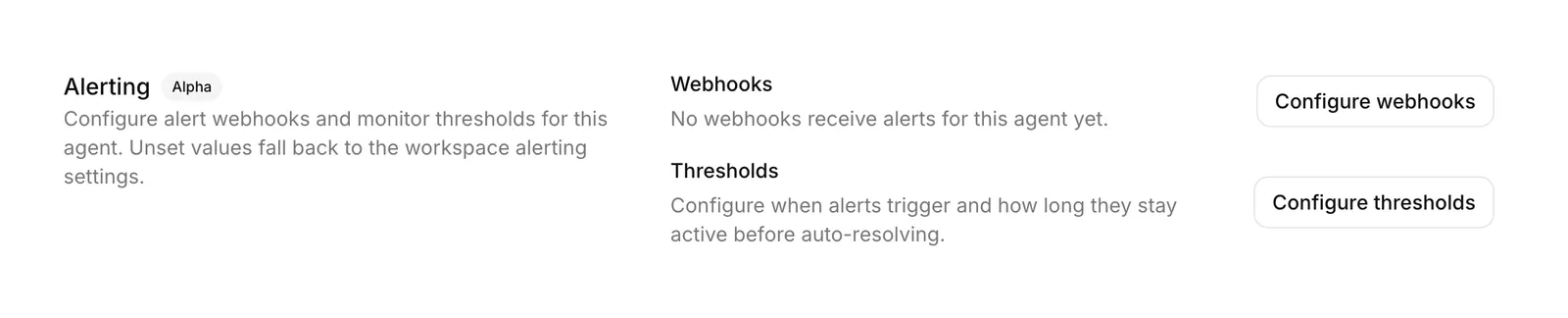
Thresholds can be set for the workspace and overridden per agent. Unset agent values fall back to the workspace configuration, and unset workspace values fall back to system defaults. Only workspace admins can change workspace-level settings. Each monitor can be switched on or off and has a threshold between 0% and 100%. An auto-resolve period in minutes controls how long an alert can stay inactive before it resolves.
Agent-level thresholds and notifiers can also be set in code through platform_settings.alerting on the Update agent API, in the SDKs, or in Agents CLI configuration files. Workspace-level settings and the alert history are dashboard-only.
Notifications
Alerts can be sent to workspace webhooks, Slack or PagerDuty whenever an alert triggers, resolves or is dismissed. Notifiers can be attached at workspace level and per agent. Agent notifiers are added on top of the workspace ones, and each level allows up to 10. Each notifier has a Send test action.
- Webhooks: a POST request is sent for each lifecycle event, using the convai_alerting_notification event type. The payload includes a text summary in Slack markup, so it can be forwarded to a Slack incoming webhook. Endpoints should verify the signature and return HTTP 200 promptly, as webhooks that repeatedly fail are disabled automatically.
- Slack: messages are posted to a channel by ID when an alert triggers and when it resolves. The connected app needs the chat:write scope, or chat:write.public for public channels it has not joined.
- PagerDuty: alerts become incidents through an Events API v2 integration key. An incident is resolved automatically when the alert resolves, and repeated triggers of one alert are deduplicated into a single incident. US and EU service regions are supported.