Connectors now route automatically, attach neatly and label easily
By Steven Van ·
Auto-routing, a Follow Terminals option and easier labelling are now in draw.io's connector tools, and rounded shapes get cleaner attachment.
Connectors in draw.io can now route automatically around shapes and update their paths when you move, rotate or resize elements in a diagram. Connectors attached to shapes with rounded corners now meet the rounded line instead of the squared perimeter. Connector labels have also been improved.
Auto-routing around shapes
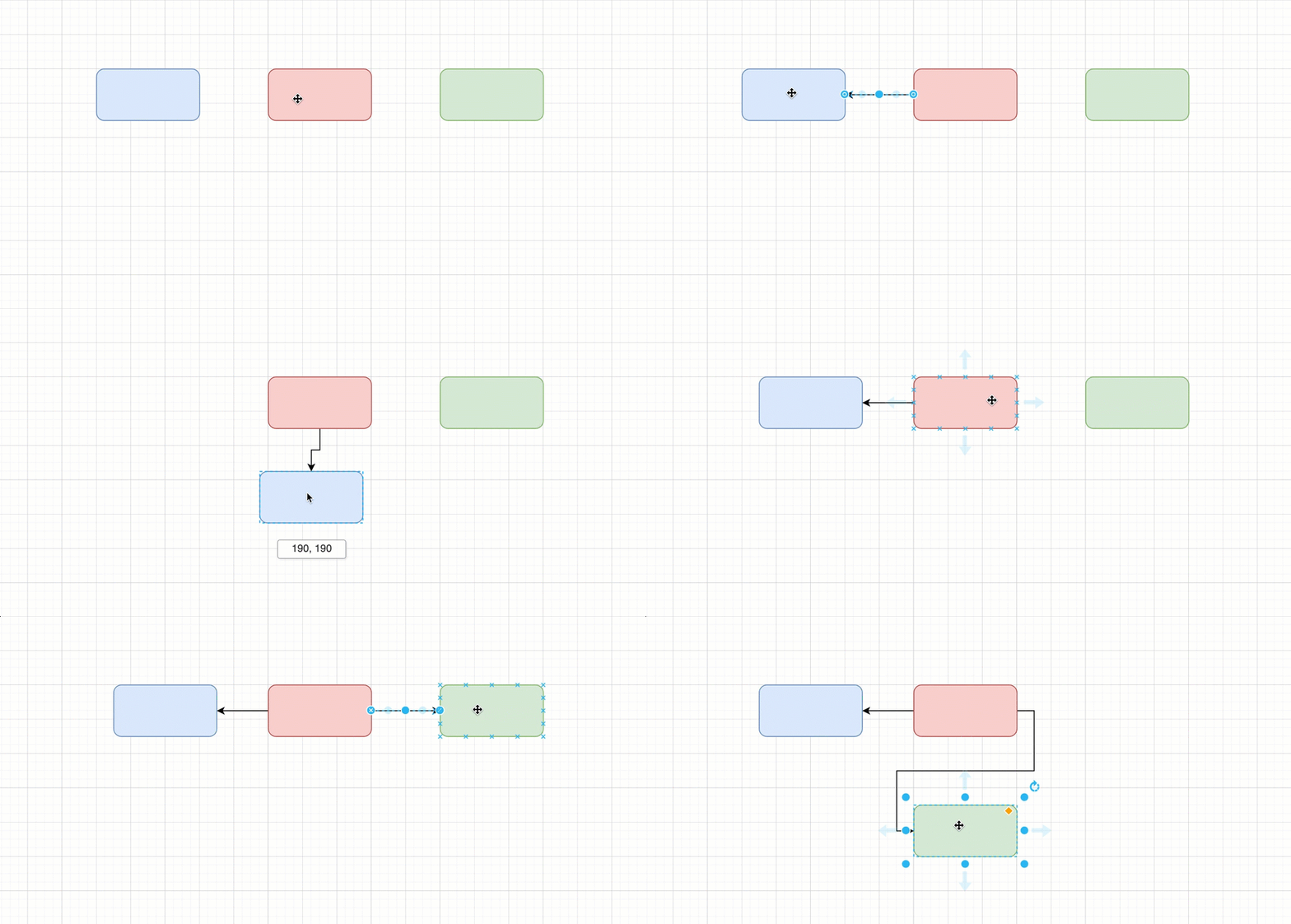
Auto-routed connectors follow a path with right-angled bends that never overlaps another shape. To turn it on, select one or more connectors, click Waypoints in the Style tab of the format panel, and choose Auto-route around shapes.
The connector then draws a new path whenever you move, resize, align, distribute or rotate a connected shape, move a shape onto or off its path, or apply a layout. While you drag a shape, a preview shows the new path of each auto-routed connector. Dragging the connector to set its path by hand disables auto-routing for that connector.
Diagrams generated by AI using the draw.io MCP server can also use auto-routed connectors.
Waypoints that follow shapes
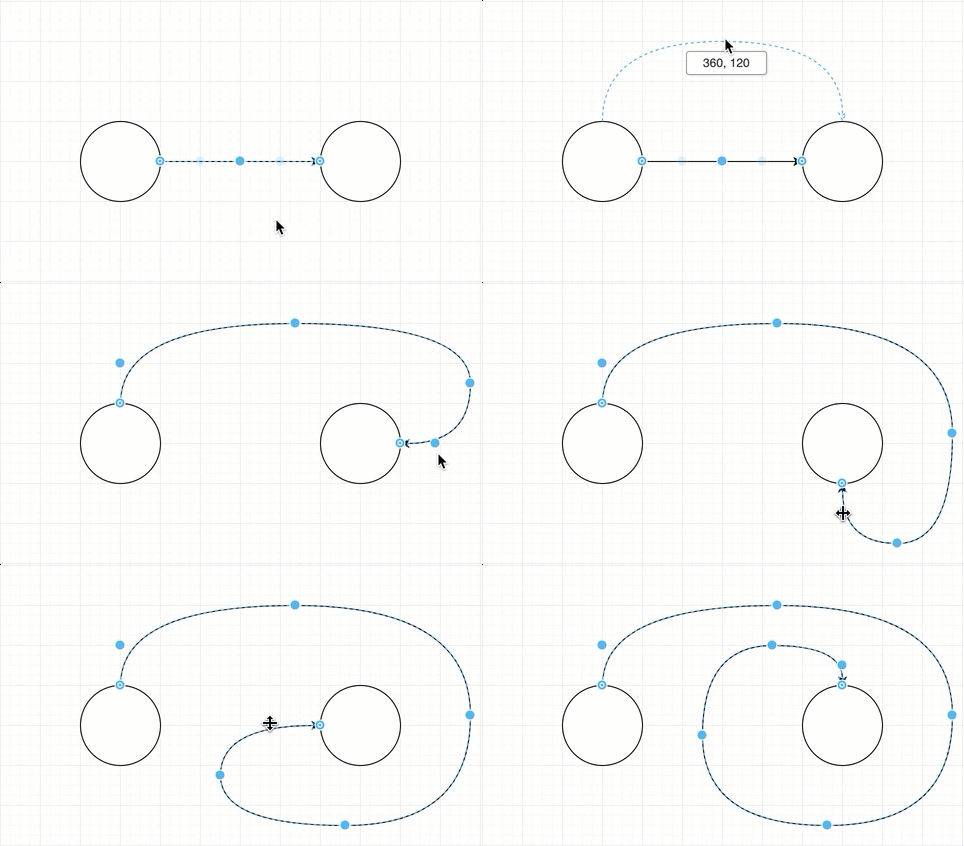
Waypoints normally stay in place when a connected shape moves, which can leave long and convoluted paths. The new Follow Terminals option moves a connector's waypoints with its shapes instead. Select the connector, open the Effects section in the Style tab of the format panel, and tick the Follow Terminals checkbox.
Orthogonal connectors keep their right-angled bends, and waypoints in other connector styles keep their bends. Straight connectors have no waypoints, so they look no different with the option on. The release note says this suits mind maps and other diagrams where the shapes logically determine a connector's path.
Label changes
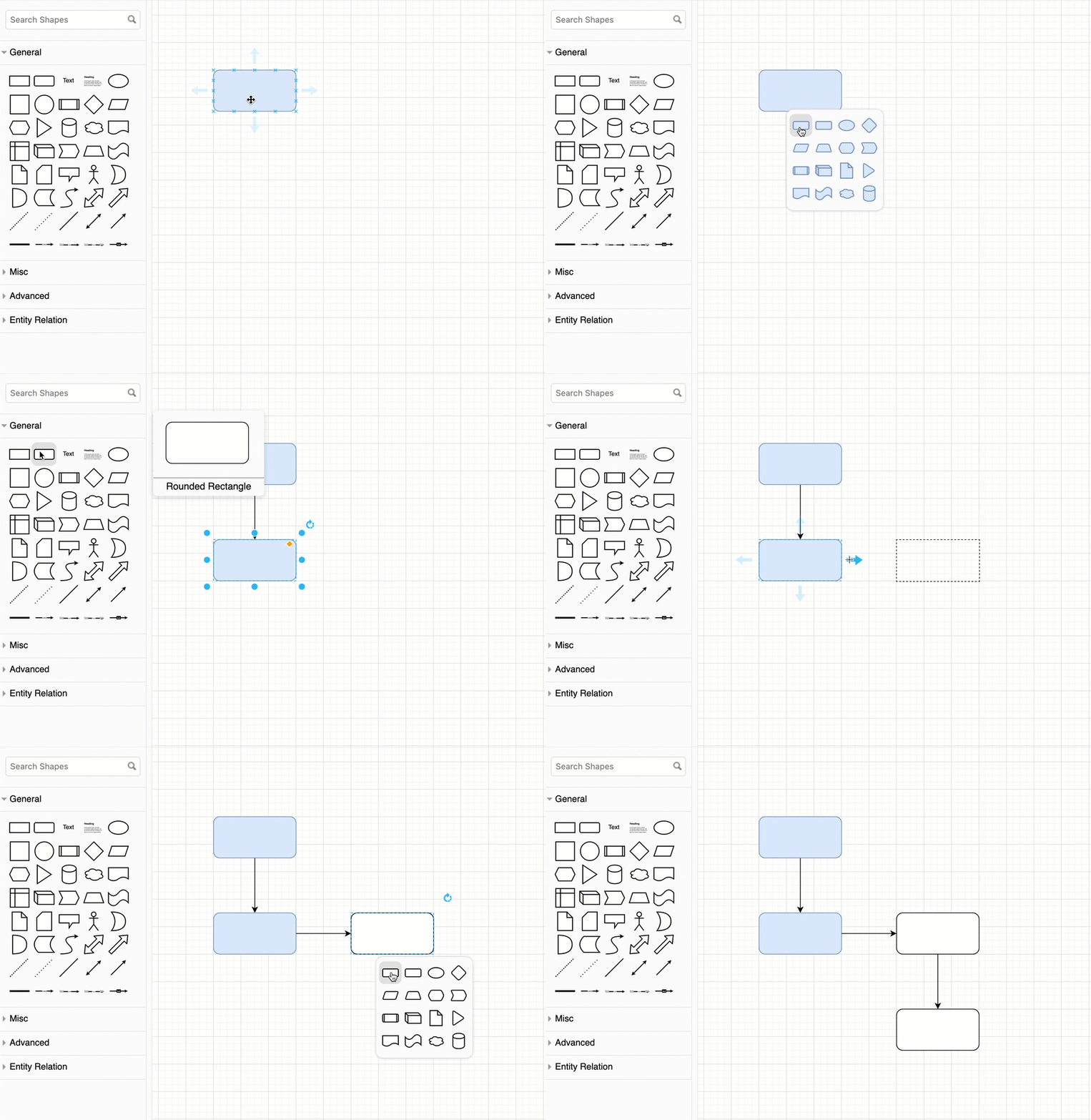
- Drag and drop a text element from the shape library onto a connector to add a label.
- Connector labels can be copied and pasted.
- Label backgrounds can be set to use the coloured page background, if one is set.