DaVinci Resolve 21.1.2 speeds up IntelliSearch and OGraf playback
By Steven Van ·
The point update makes IntelliSearch up to 14x faster on Apple M6, speeds OGraf playback up to 4x and brings OGraf and Lottie graphics to Linux.
Blackmagic Design released DaVinci Resolve 21.1.2 on October 26. The free version gets improved timeline edit point selection, up to 4x faster OGraf playback, extra template controls and support for OGraf and Lottie graphics on Linux.
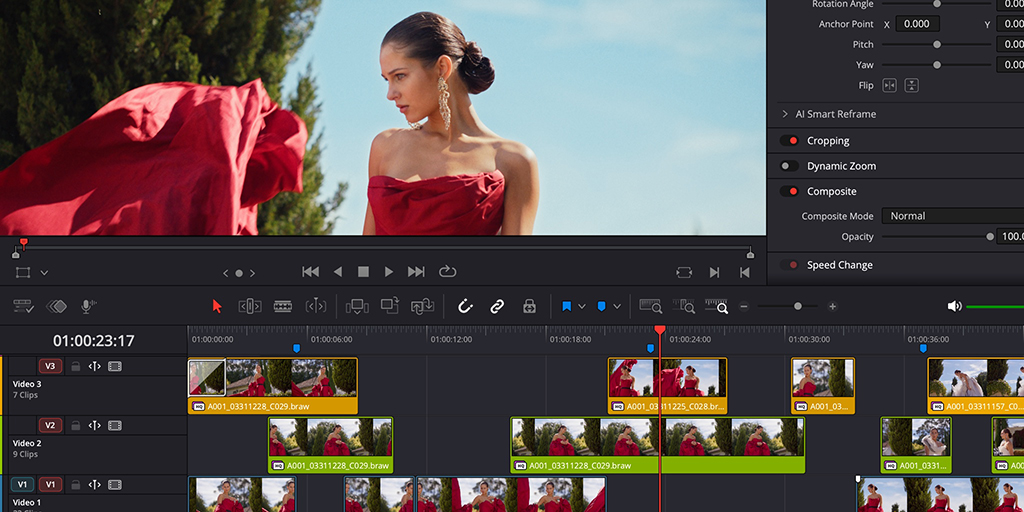
DaVinci Resolve Studio 21.1.2 adds up to 14x faster IntelliSearch analysis on Apple M6 computers running macOS 27. IntelliSearch, multicam SmartSwitch and other AI tools also run faster on Intel graphics platforms, and Studio gets expanded scripting API support for automating photo and editing tasks.
Fusion Studio 21.1.2 shipped alongside it with the same faster OGraf playback, select and multi-select template controls, and responsive OGraf templates that adapt to the aspect ratio. It also adds custom clip input and output labels for OpenFX.
The update is out now for Mac, Windows, Windows ARM and Linux from Blackmagic Design’s support center. Resolve Studio needs a license dongle, a Blackmagic Cloud license or an activation code, and Fusion Studio needs a license dongle or activation key.