Capture One 16.9 adds retouching and exact color
By Steven Van ·
The October 29 release cleans stray hairs and skin tone, types exact color values, and takes multi-user sessions out of beta on Mac.
On October 29, Capture One released version 16.9, with retouching tools for the busywork and new ways to set color. The company's what's-new page and release notes are the detail behind the post.
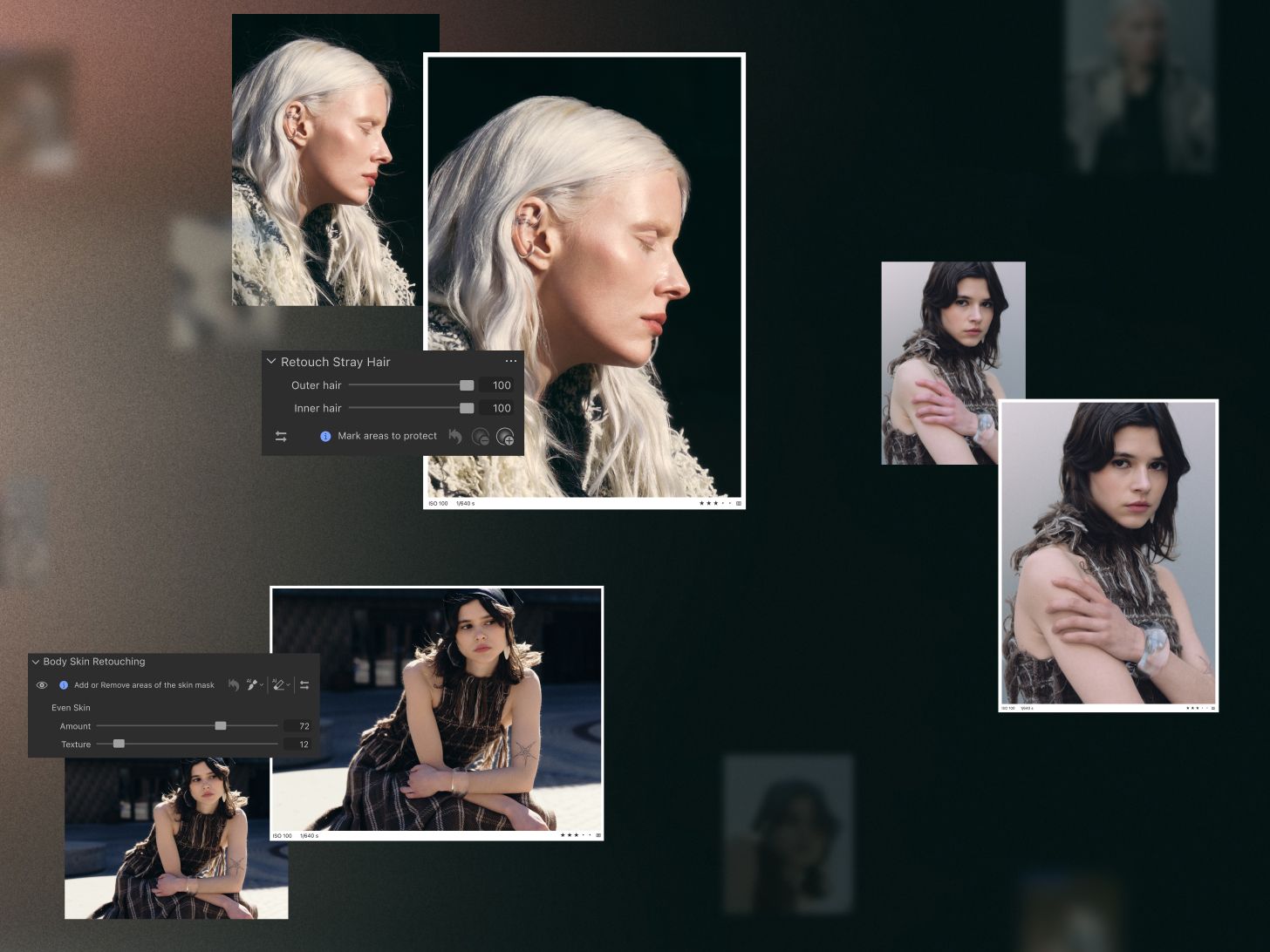
Stray-hair retouching uses sliders for outer and inner hair, and you can mark areas to protect. Capture One says it is also on mobile. Skin-tone retouching is meant to even out color casts such as red noses or purple hands. Assisted review, marked beta in the release notes, flags sharpness and closed eyes on each face in the Viewer.
The Color Editor can take typed RGB or HSL values. Multi-user sessions are out of beta: the release notes say collaborators can export images and follow the latest capture as it lands, on Capture One Studio for macOS. The announcement does not list prices.