Cap trims Instant Mode CPU use by 40% and adds CLI API keys
By Steven Van ·
v0.5.8 also adds a mic-missing confirmation and lets CI, servers and agents authenticate without a browser login.
Cap, the open source screen recorder from cap.so, shipped v0.5.8 on August 5 with three changes that hit different parts of the workflow: Instant Mode now uses 40% less CPU and 18% less peak memory with identical video quality, the Cap CLI gains API keys so you can record from CI, servers, and agents without a browser login, and a new confirmation stops you from recording without a microphone by accident.
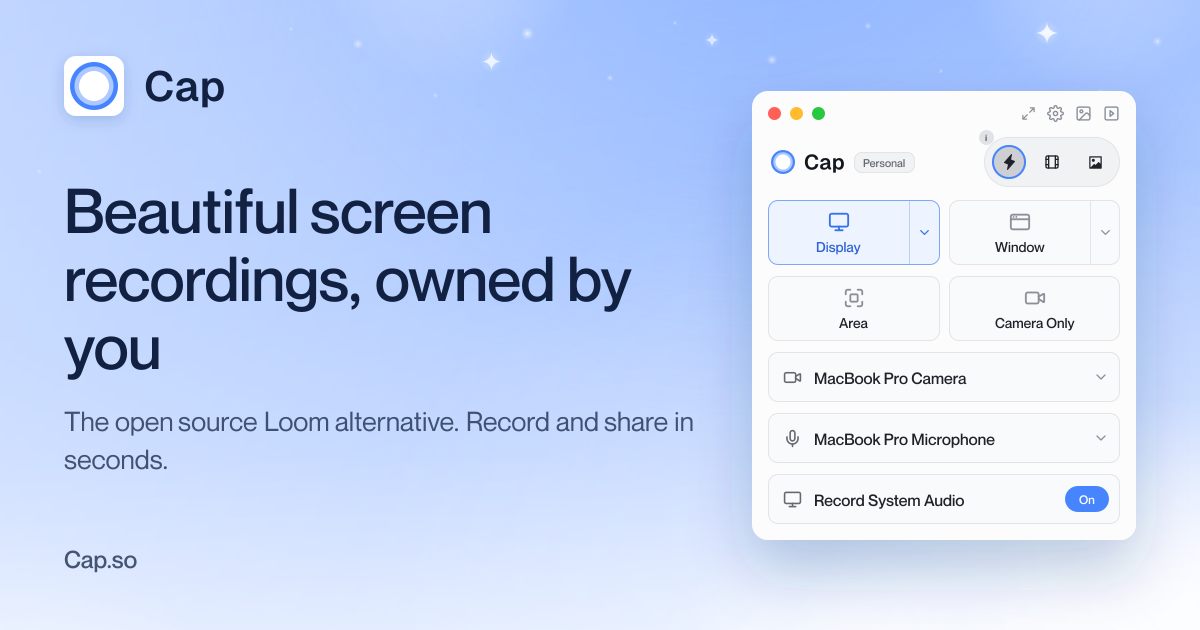
Instant Mode gets 40% lighter without touching quality
The performance win comes from capturing smarter rather than compressing harder. On high-density displays, instant recordings now capture at a size matched to the output resolution instead of grabbing the display's full Retina resolution and scaling down later. The camera preview also streams frames in a more efficient format while an instant recording is running, cutting preview overhead. The result, per Cap's changelog, is 40% less CPU and 18% less peak memory with the same video quality. If you record on a laptop while running the rest of your workload, that headroom is the difference between a recording you notice and one you do not.
CAP_API_KEY opens recording to CI, servers, and agents
Until now the Cap CLI authenticated through a browser login, which ruled out headless environments. v0.5.8 fixes that: generate an API key from account settings on the Cap dashboard, set the CAP_API_KEY environment variable, and the CLI works anywhere a terminal does. Keys can be listed and revoked from the dashboard at any time. The obvious wins are automated demo capture in CI pipelines and recording on remote servers, but the agent angle is the interesting one. Cap shipped Cap for Agents in July, letting coding agents like Claude Code and Cursor search your library and record on your behalf, and API keys give those agents a clean, revocable credential instead of piggybacking on a browser session.
The mic check that saves your take
The third change is small and extremely relatable: Cap now asks for confirmation before recording when no microphone is selected or the selected one is unavailable. Anyone who has narrated a flawless five-minute walkthrough only to discover a silent audio track knows exactly why this exists. You can still record without a mic deliberately, you just cannot do it unknowingly.
The rest of 0.5.8
The release also cleans up a batch of real-world annoyances. Memory leaks on macOS during idle periods, caused by permission checks and device enumeration, are fixed. Recordings with damaged microphone tracks now open in the editor with the broken audio dropped instead of failing outright. Starting a recording shows an immediate loading state, window screenshots on Windows work again, editor playback handles projects with background music but no recorded audio, the mic volume meter reads more accurately, and macOS settings can now exclude floating accessory panels from recordings. As always with Cap, the whole thing is open source, so the changes are inspectable on GitHub.