Canva launches offline editing, plus Affinity and learning tools
By Steven Van ·
Canva Create 2026 also brings free Cavalry access, a curriculum-mapped Learn Grid, and a redesigned Print Shop with 40 new products.
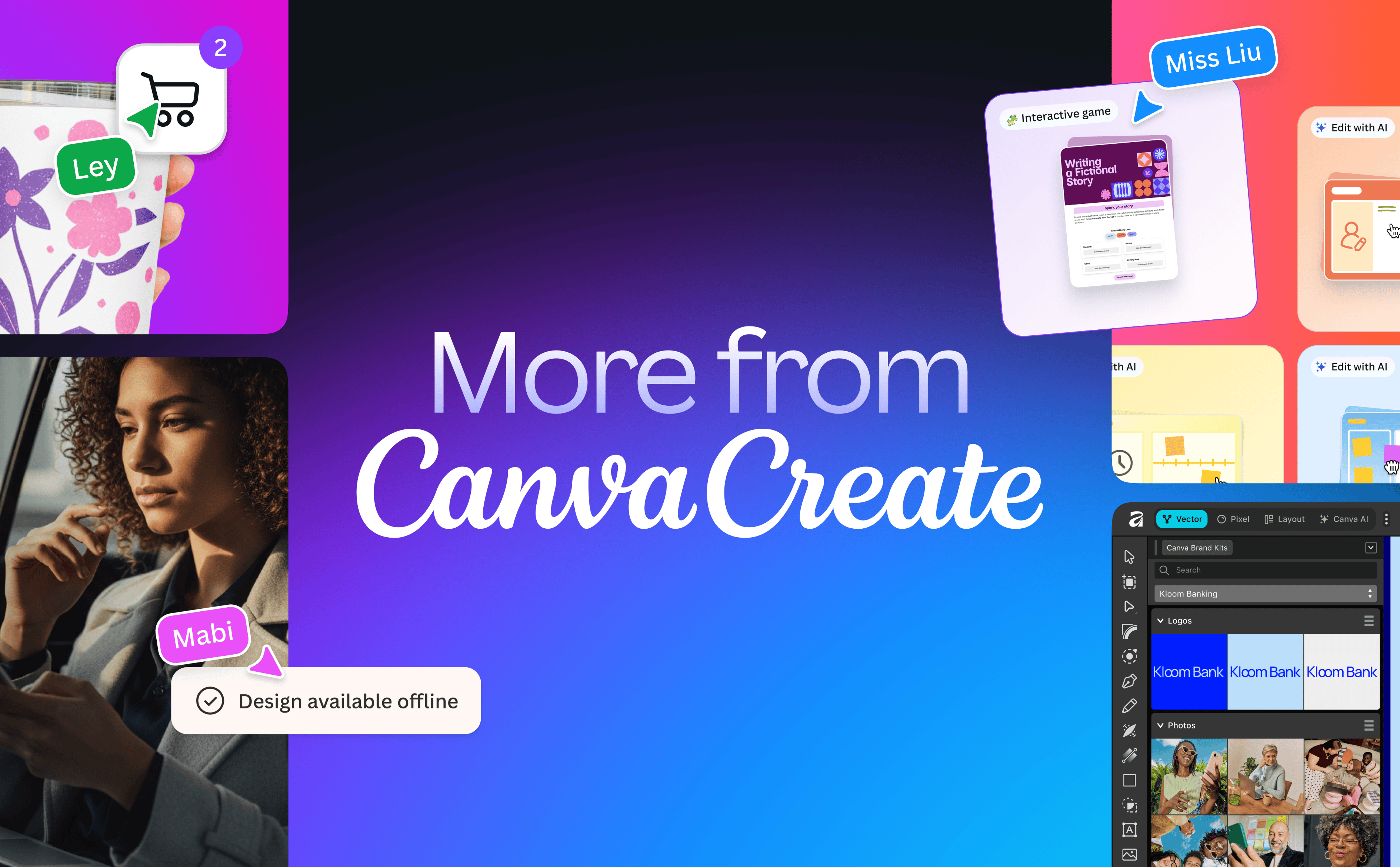
Canva used its Canva Create 2026 event to launch a batch of updates: an offline mode, an expanded professional design suite, a dedicated learning hub, and a redesigned print store.
- Canva Offline lets designs be edited without an internet connection, including uploading and working with local image files and picking up where you left off. Changes sync automatically once a connection returns.
- Professional suite: Canva Brand System now works inside Affinity, so designers can build brand elements there and publish them straight into their Canva Brand Kit. Affinity also gets an AI Connector with Claude that turns a plain-language description of a task, such as batch image editing or bulk colour adjustments, into a reusable script in the Scripting panel. Cavalry, Canva's procedural animation tool, is now free for anyone with a Canva account. Capture One and DaVinci Resolve now both support Affinity's native .af file type.
- Learn Grid is a new home for education inside Canva, with thousands of curriculum-mapped resources and AI-generated activities in more than 30 formats across over 16 languages, organised by grade, subject, and learning outcome. Verified teachers also get assignment tools and interactive classroom sessions.
- Print Shop is a reimagined ecommerce experience for Canva Print, adding 40 new products.
Canva
Free online design platform for creating presentations, social media graphics, videos, websites, and print materials with thousands of templates.
View Canva →