Canva rewrites its AI to generate full editable designs from a prompt
By Steven Van ·
Canva AI 2.0 adds a Memory Library, app connectors, scheduled tasks, Sheets AI and Canva Code 2.0, live now as a research preview.
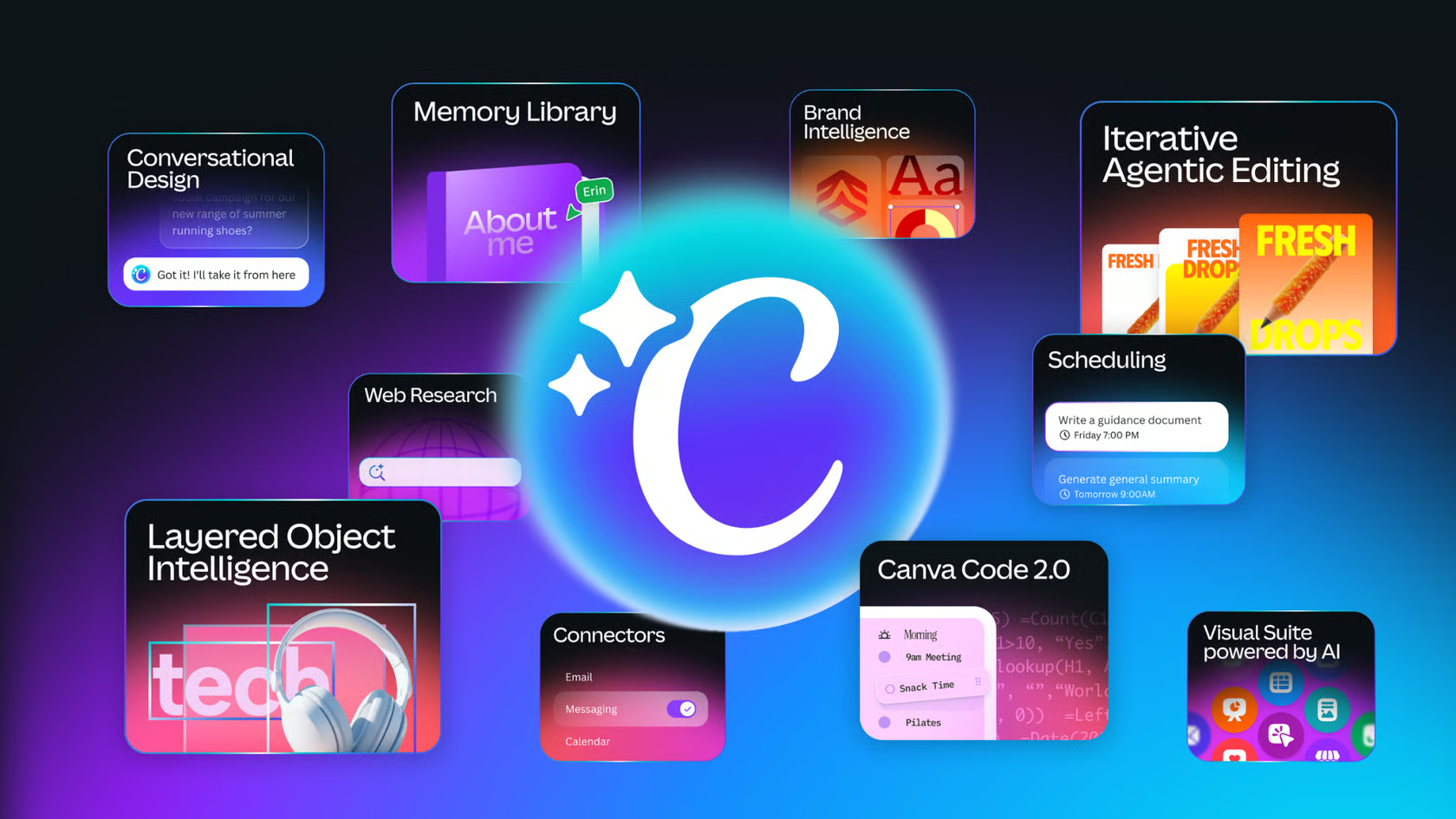
Canva is rolling out Canva AI 2.0, built on what it calls the Canva Design Model, a foundation model trained to understand design structure, hierarchy and layout. Instead of starting from a template, users can describe an idea, a brief or a rough sketch, and Canva AI generates a fully layered, editable design with brand fonts and colours already applied. Every element stays separately editable, so asking for one change, like swapping an image or a headline, doesn't affect the rest of the design. A persistent Memory Library keeps track of how someone works and applies their style automatically as they keep using it.
Six new workflows extend the same AI across the platform:
- Connectors link Canva AI to Slack, Gmail, Google Drive, Google Calendar, Notion, Zoom, HubSpot, Microsoft, Atlassian and Linear, letting it draw on content from those tools when generating designs.
- Scheduling lets users set a task once, such as a weekly batch of social content, and Canva AI runs it in the background, even while they're offline.
- Web research gathers and structures information from the web directly into a design, on demand or on a schedule.
- Brand Intelligence applies a connected brand template automatically from the first output, and can update existing designs to match a brand in one step.
- Sheets AI generates a structured, populated spreadsheet, such as a budget tracker or content calendar, from a description.
- Canva Code 2.0 builds interactive, responsive experiences from a prompt, now with HTML importing so an existing HTML file or AI-generated experience can be brought in and edited, and published to a custom domain with SSO protection.
Canva AI 2.0 is available today as a research preview, announced at Canva Create 2026, with general availability rolling out over the coming weeks.