Workspace Hub, a home page for your team's apps
By Steven Van ·
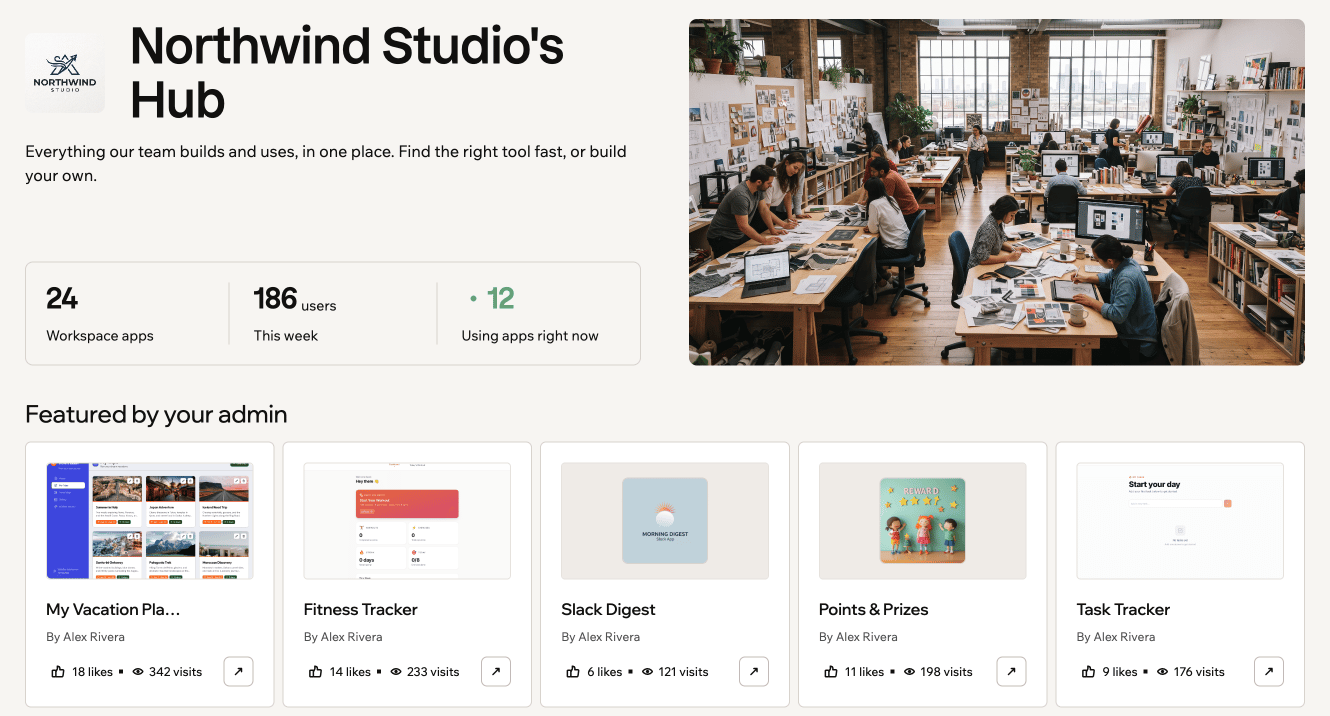
Enterprise teams can pin favourites, while admins choose featured apps, group tools into sections, and customise the hub’s branding.
Every Enterprise workspace in Base44 now has a Workspace Hub. Members can open it from Workspace hub in the left sidebar, or select Go to Hub from the recent-apps preview on their workspace home page.
Find and pin apps
The hub’s browse area lists published apps with Workspace visibility. Members can search and filter by recently used, most popular, or new this week. Each app card includes options to open the app, pin it for personal use, copy its link, or like it.
The hub also shows workspace stats, including app counts, how many people used an app this week, and how many are using apps right now. These stats cover published apps visible to the whole workspace.
Feature apps and organise sections
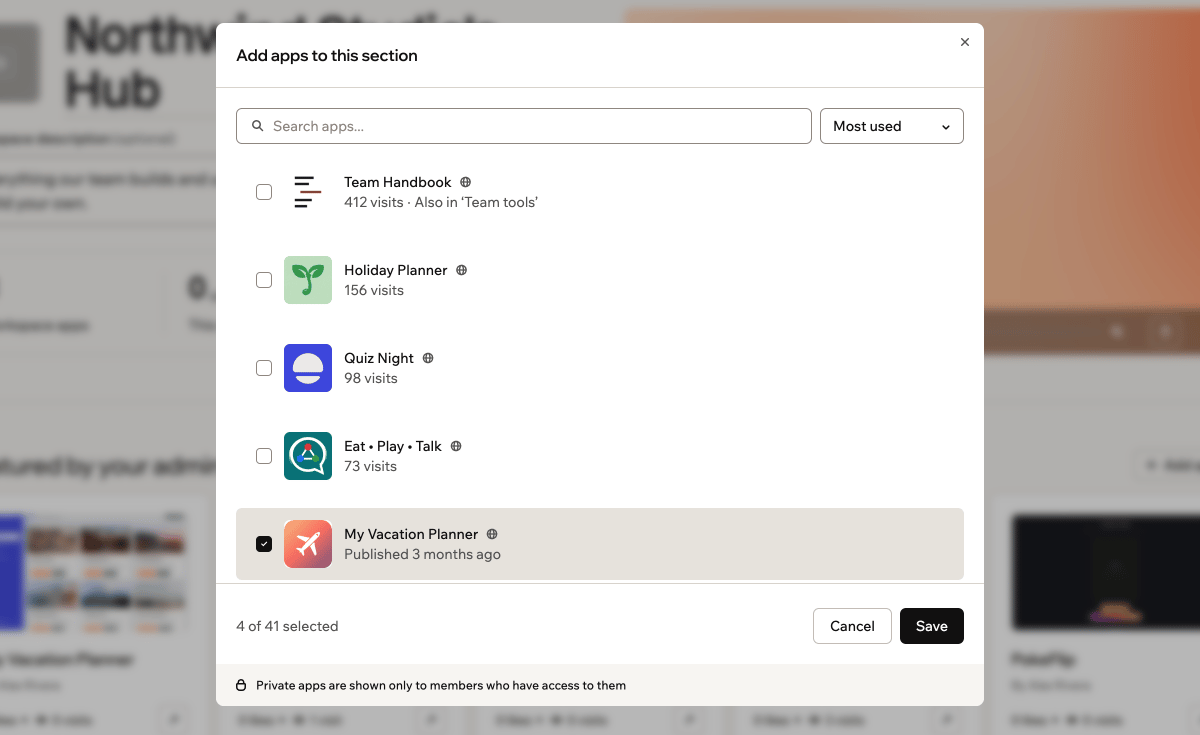
Featured apps appear at the top, showing the most popular apps by default. Workspace owners and admins can choose that selection and create sections grouped by team, workflow, or another category.
Any published app can be added to Featured or a section, regardless of visibility. Each member only sees apps they have access to, so private apps appear only for people who can open them.
Customise the hub
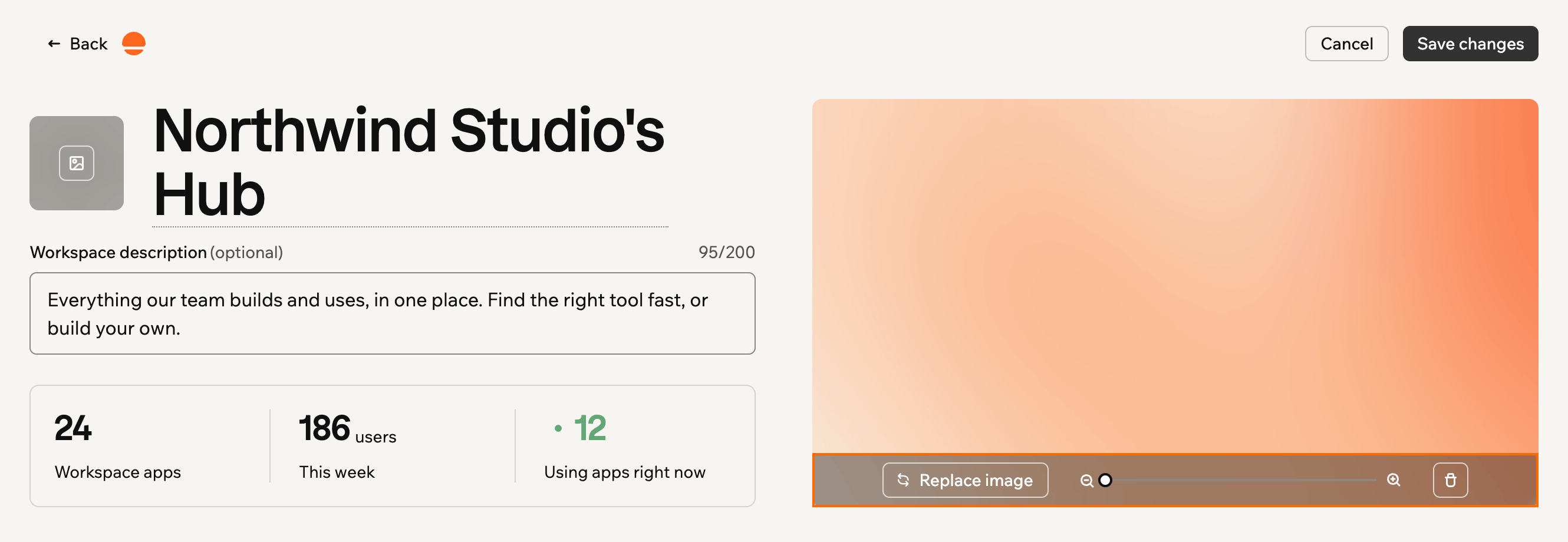
Owners and admins can use Edit hub to add a cover image, an organisation logo, and a description of up to 200 characters, as well as rename the hub. Changes remain drafts until they click Save changes, when they become visible to members.
The Workspace Hub documentation explains how to set up featured apps, sections, and branding.