Security scan results arrive area by area
By Steven Van ·
Fix buttons are disabled after app changes until a fresh scan provides up-to-date results.
Reviewing a security scan in Base44 no longer requires waiting for every area to finish. Completed areas show their findings while the rest of the scan continues.
Review results as they arrive
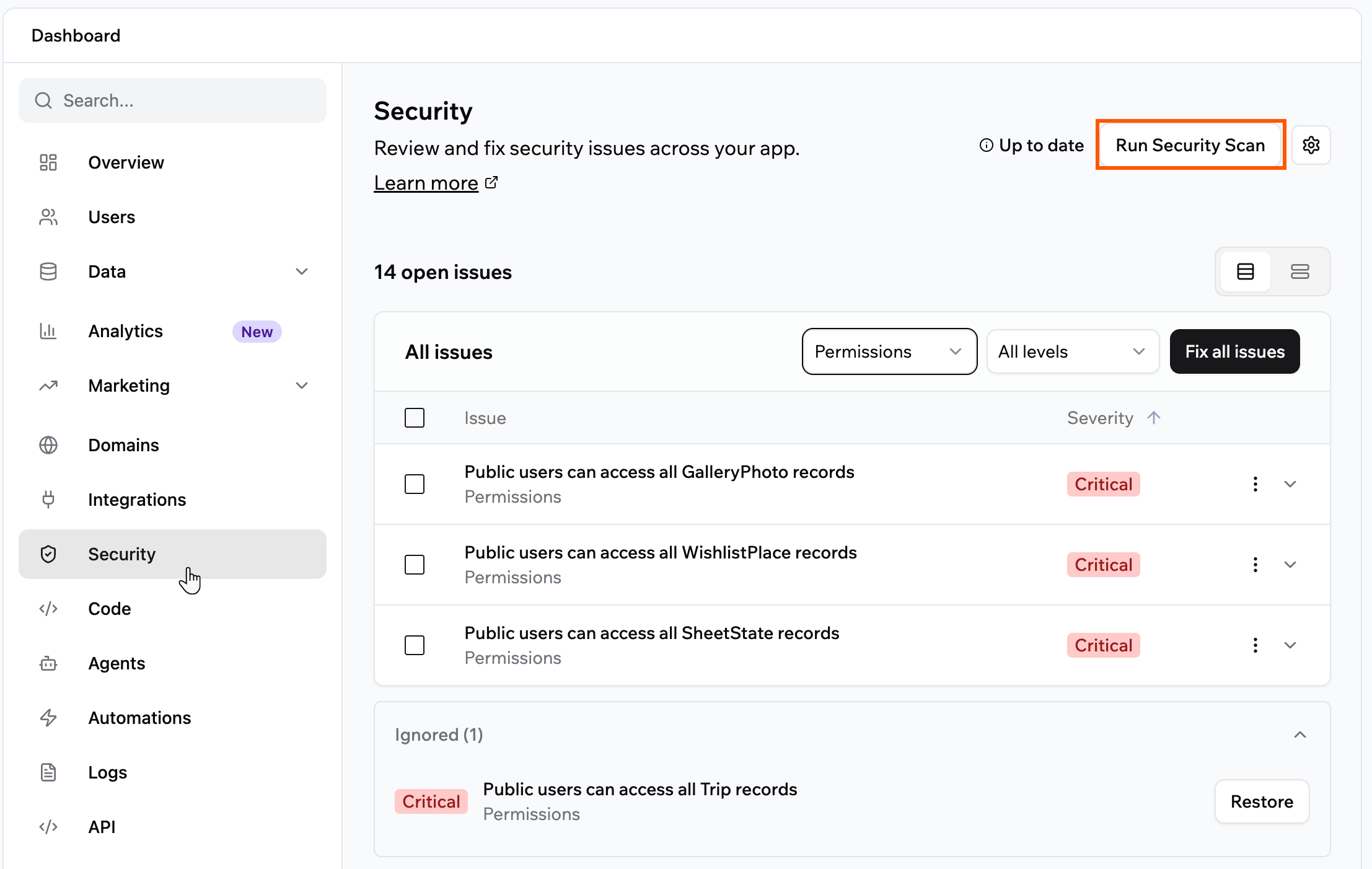
Open Dashboard, then Security, and click Run Security Scan. Each area displays Checking until its results are ready. If an area shows Not checked, run the scan again to retry it. Findings can be reviewed in Cards or Table view, with filters for issue groups and severity levels.
Apply fixes after the scan finishes
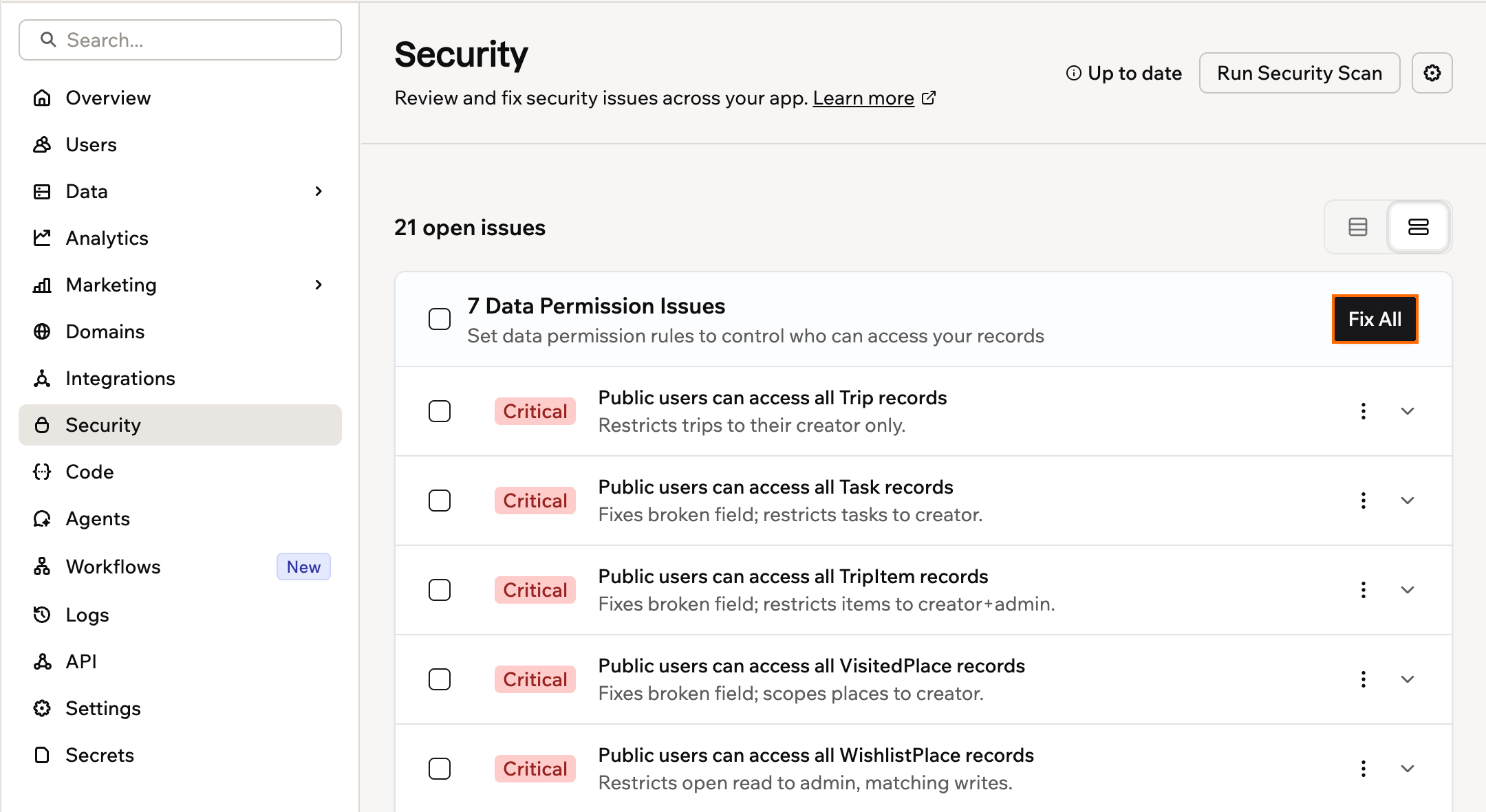
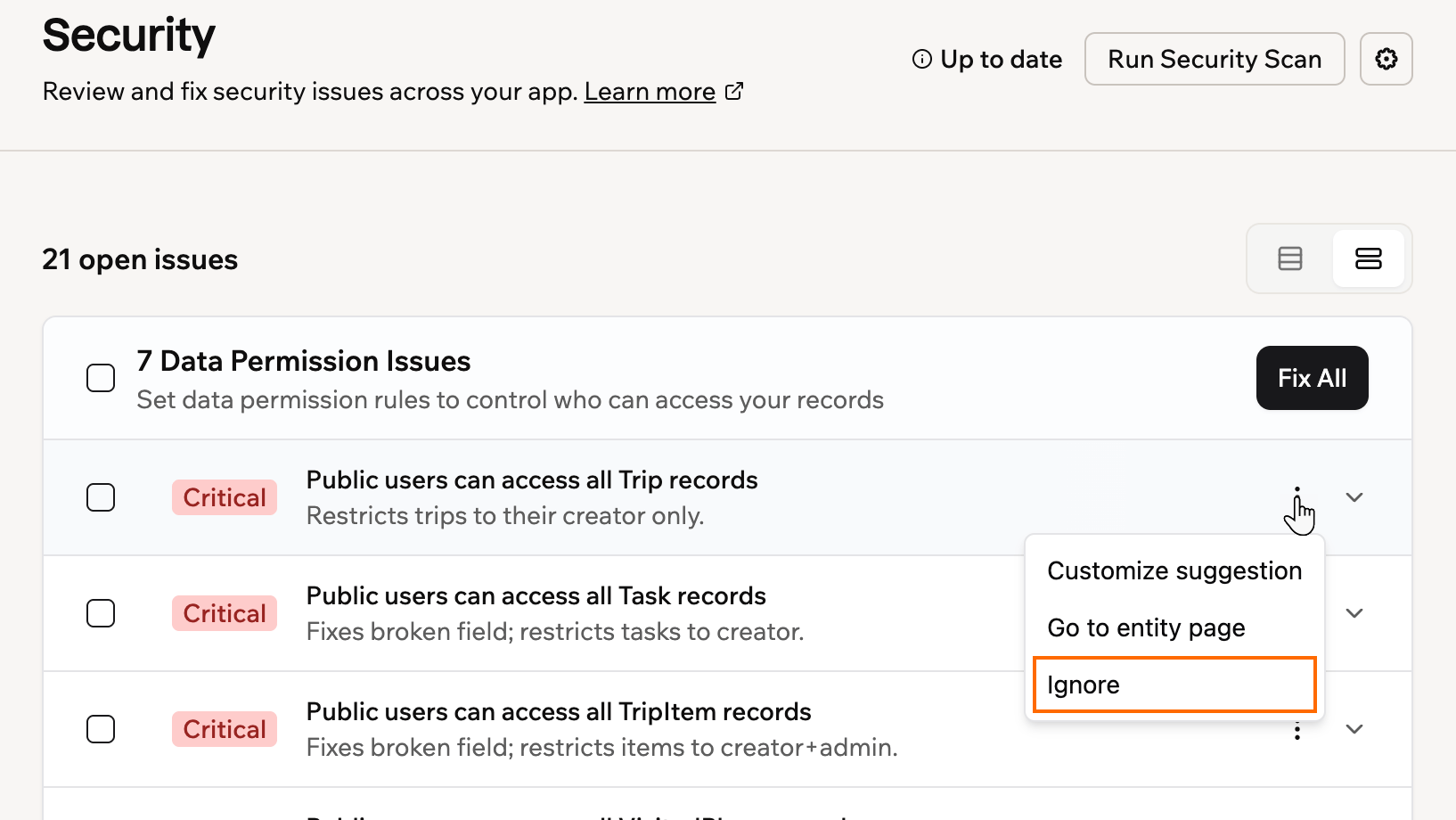
Once the scan finishes, review the recommendations and choose whether to fix all issues, a group, selected issues or an individual finding. Fixes are not applied automatically.
If the app has changed since the last scan, the page shows Rescan to apply fixes and disables the fix buttons. Run Security Scan again so fixes use current results. The scan documentation explains the workflow.