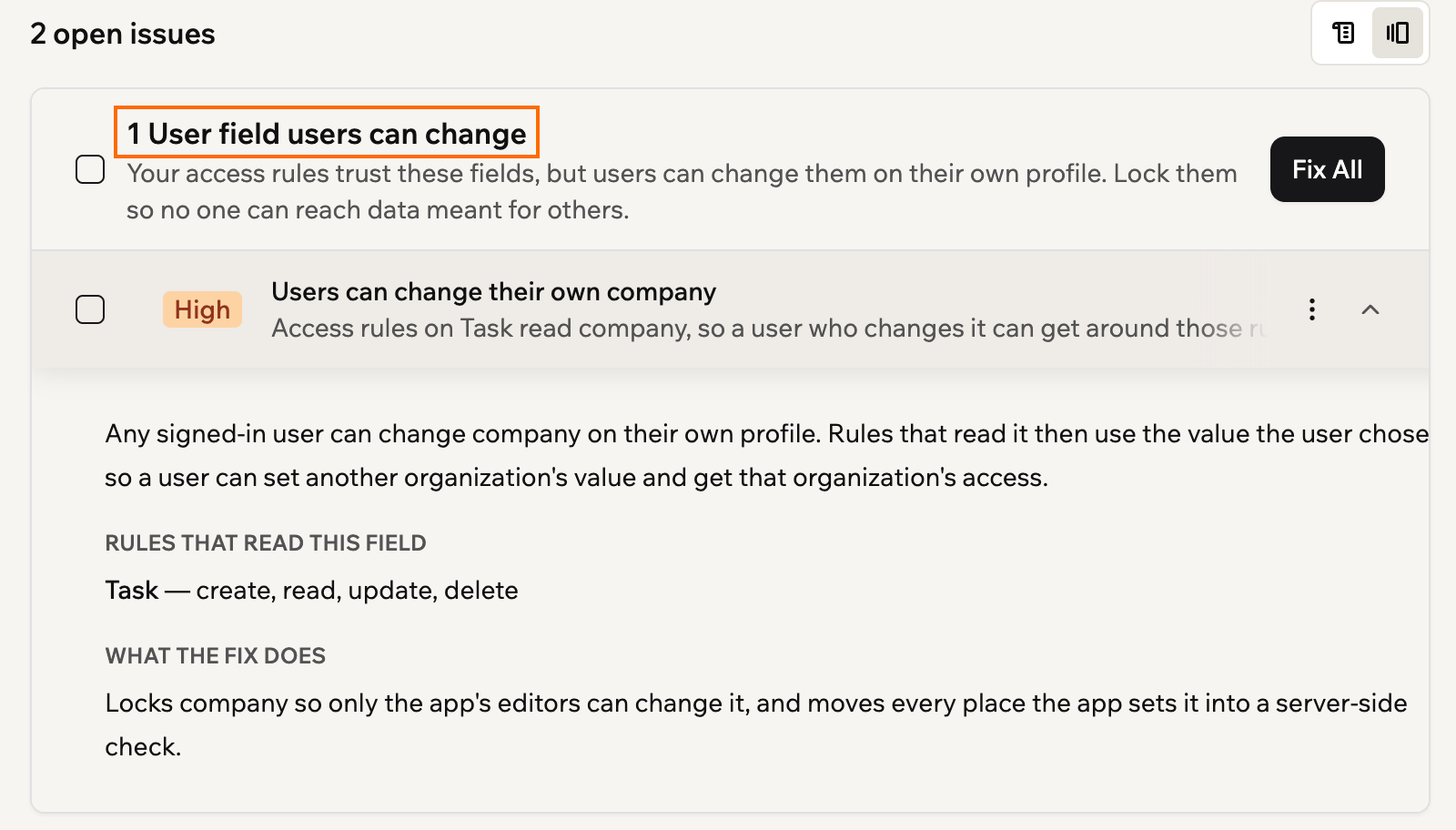
Security scan checks User fields your rules rely on
By Steven Van ·
The scan lists affected fields and tables, rates them High or Medium by signup access, and Fix All locks each field to the app's editors.
Base44's security scan now flags custom User fields that data permission rules depend on but app users can edit themselves. A company field that decides which records someone sees is the example the docs give.
Why the scan checks these fields
App users can change the custom fields on their own user profile. If an access rule relies on one of those fields, a user could set it to another organization's value and get that organization's access. The scan lists each such field under User fields users can change, along with the data tables whose rules read it. Expanding an issue shows the rules that read the field and what the fix does.
Issues are rated High if anyone can sign up for the app, and Medium otherwise.
The fix
Clicking Fix All on the card makes the AI lock each field so only the app's editors can change it. It also moves every place the app sets the field, such as during onboarding, into a check that runs on the server.
Base44 advises testing any signup or onboarding steps that set the field, then running the scan again.
The change is part of Base44's security scan documentation, listed in the October 19, 2026 release notes.