Manage shared connectors from the app editor
By Steven Van ·
The connector panel covers app-user setup and full management of workspace-level shared connectors, and connectors need a Builder plan or higher.
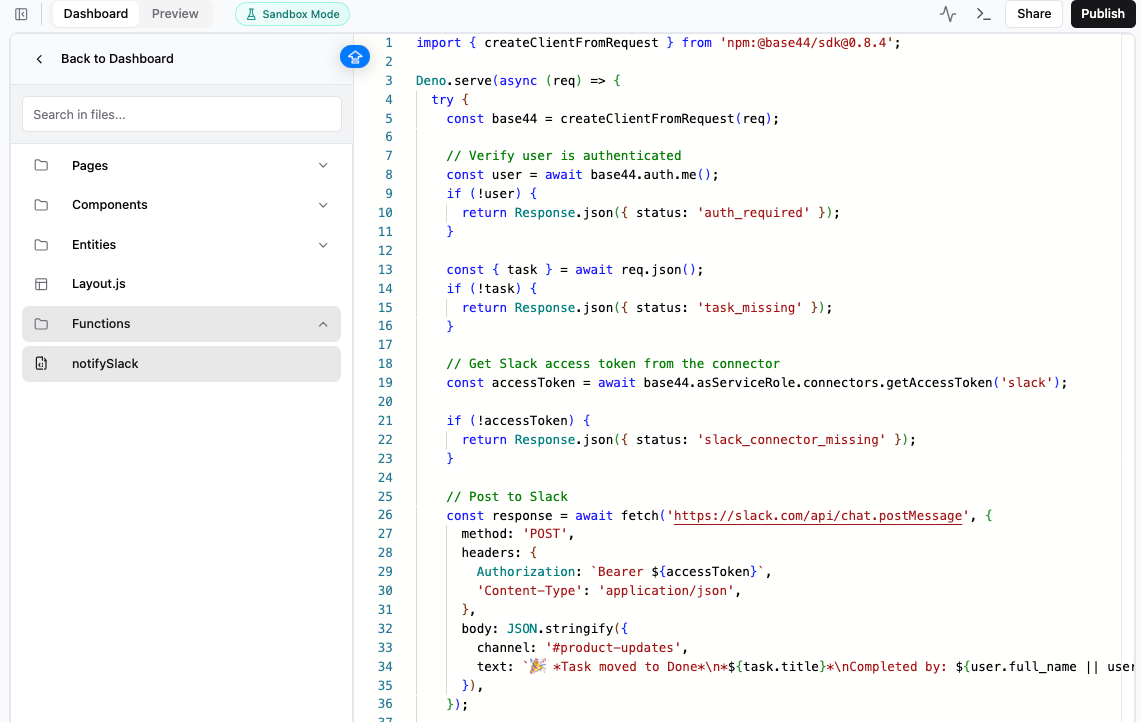
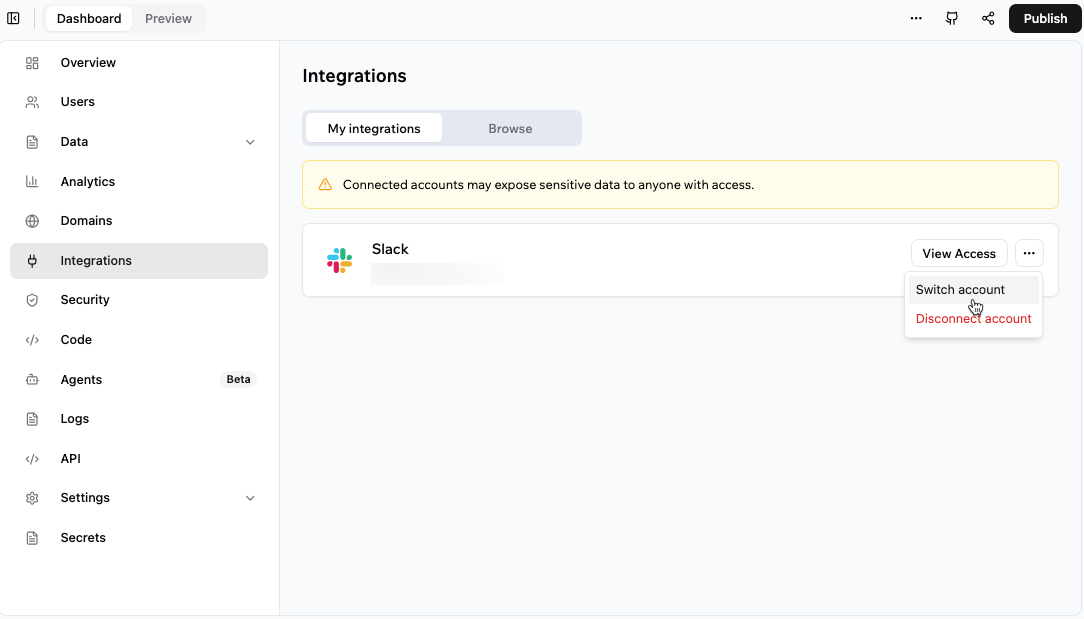
Base44's app editor now lets you manage shared connectors without leaving the connector panel. From there you can reconnect, rename, remove or change access on a shared connector, and each one is labelled as workspace-level. The panel also handles setup of app-user connectors.
The two connector types differ by whose account is used. A shared connector is connected once at the workspace level and the app uses that one connection for everyone, such as Slack alerts to a team channel or a Snowflake dashboard. An app-user connector has each person connect their own account. Connectors need a Builder plan or higher. The Connectors overview covers both types, and Base44 shipped the panel change in its September 23 release notes.