Fix a broken visitor lookup page after Fix all
By Steven Van ·
Apps that don't require login get a one-click AI request to repair a visitor lookup page that a security Fix all broke.
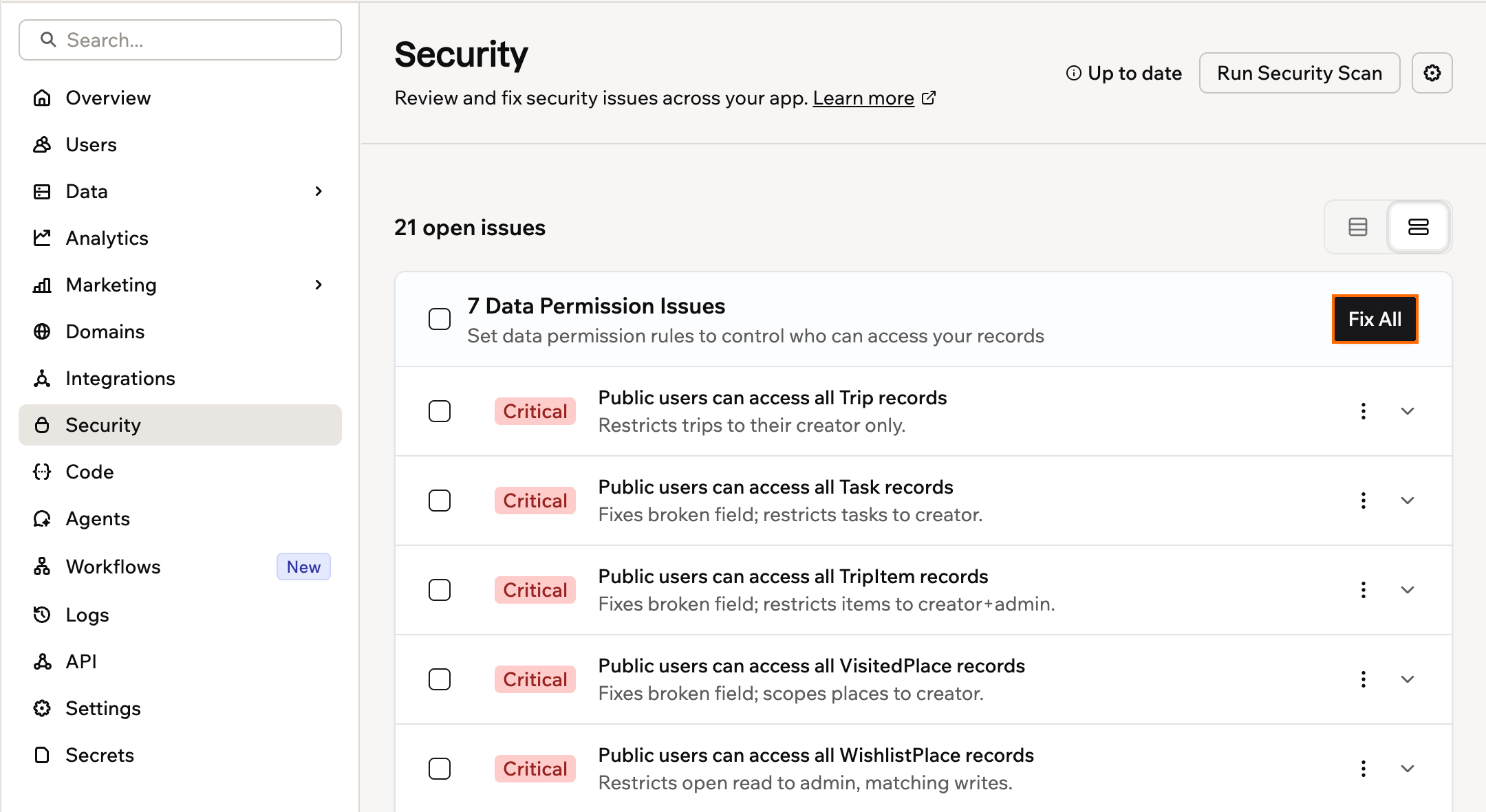
When Fix all in the Base44 security scan breaks a lookup page that visitors use without logging in, the result card now offers a Fix the visitor lookup page button. The button sends the AI chat a prepared request to repair the page.
When the button appears
The case applies to apps that don't require login. A data permissions fix can break a page where visitors look up something they submitted, such as a booking, without signing in. The fix's message in the AI chat then shows Fix the visitor lookup page.
What it does
Clicking the button sends the AI a ready-made request to get that page working again while keeping the records private. Base44 also records each security fix as a message in the app's AI chat and creates a checkpoint first, so a fix that doesn't work as expected can be reverted from that checkpoint.
The security scan is available on all plans, including the free plan. Details are in the Base44 security scan documentation.