Edit backend functions on a branch
By Steven Van ·
Backend functions can now be added or edited on a branch, keeping main on its old version until you merge.
Base44 branches can now include backend function changes. Ask AI chat to add or edit a function while working on a branch, and the branch gets its own copy, so the main app keeps running the version it already had until the branch is merged.
- The branch's preview calls the functions just changed, not main's.
- Shared files that those functions import from the app's shared folder can be edited on the branch alongside them.
- Merging the branch deploys its functions to main; publishing still happens from main as usual.
- Workflows and in-app agents still have to be changed on main.
An app's first backend function still has to be created on main, with branch editing available for functions after that. On apps imported from GitHub, backend changes stay on main. Read more in Working with branches.
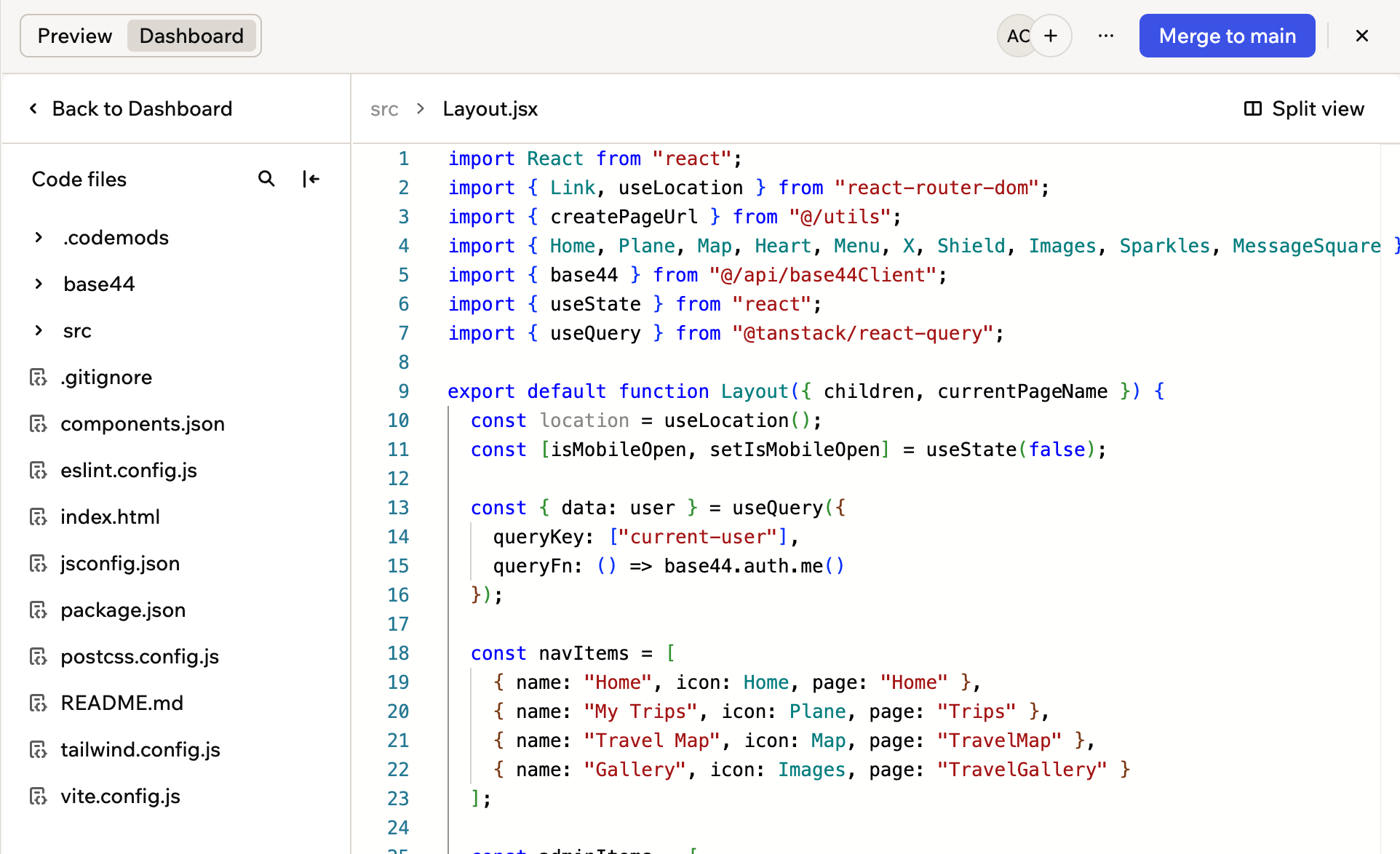
The Code tab on a branch, showing that branch's own files

Click Merge to main at the top of the editor, then publish from main when you are ready
Base44
AI app builder — describe what you want and get a fully functional web app in seconds, no coding required.
View Base44 →