Design your app's emails
By Steven Van ·
Builder plans and above can customize account emails and send designed templates from workflows.
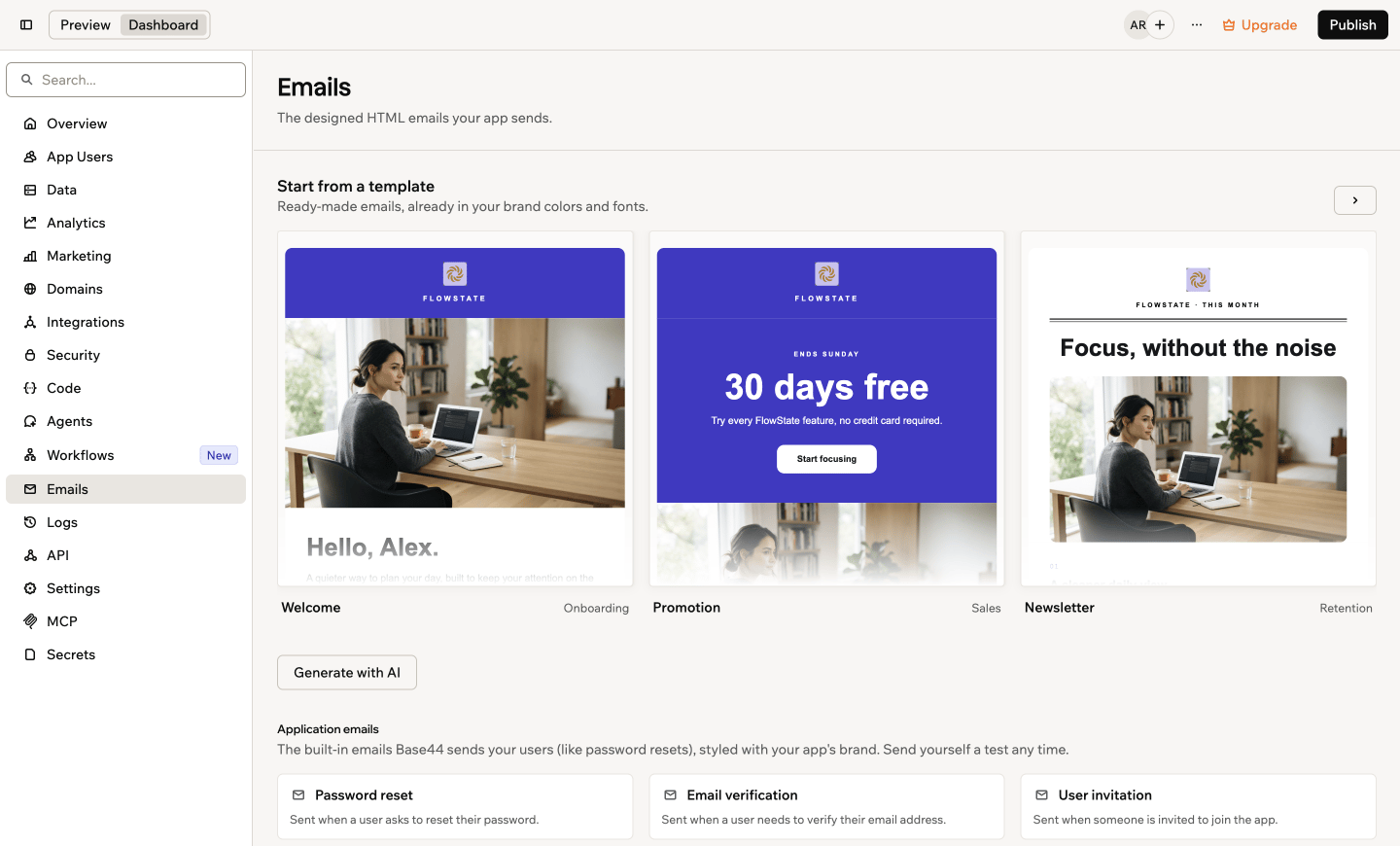
A new Emails tab in Base44 brings email templates, previews and editing into the app dashboard. Designing emails and customizing built-in messages requires the Builder plan or higher; Free and Starter users can preview and test built-in emails.
Start with a template or AI
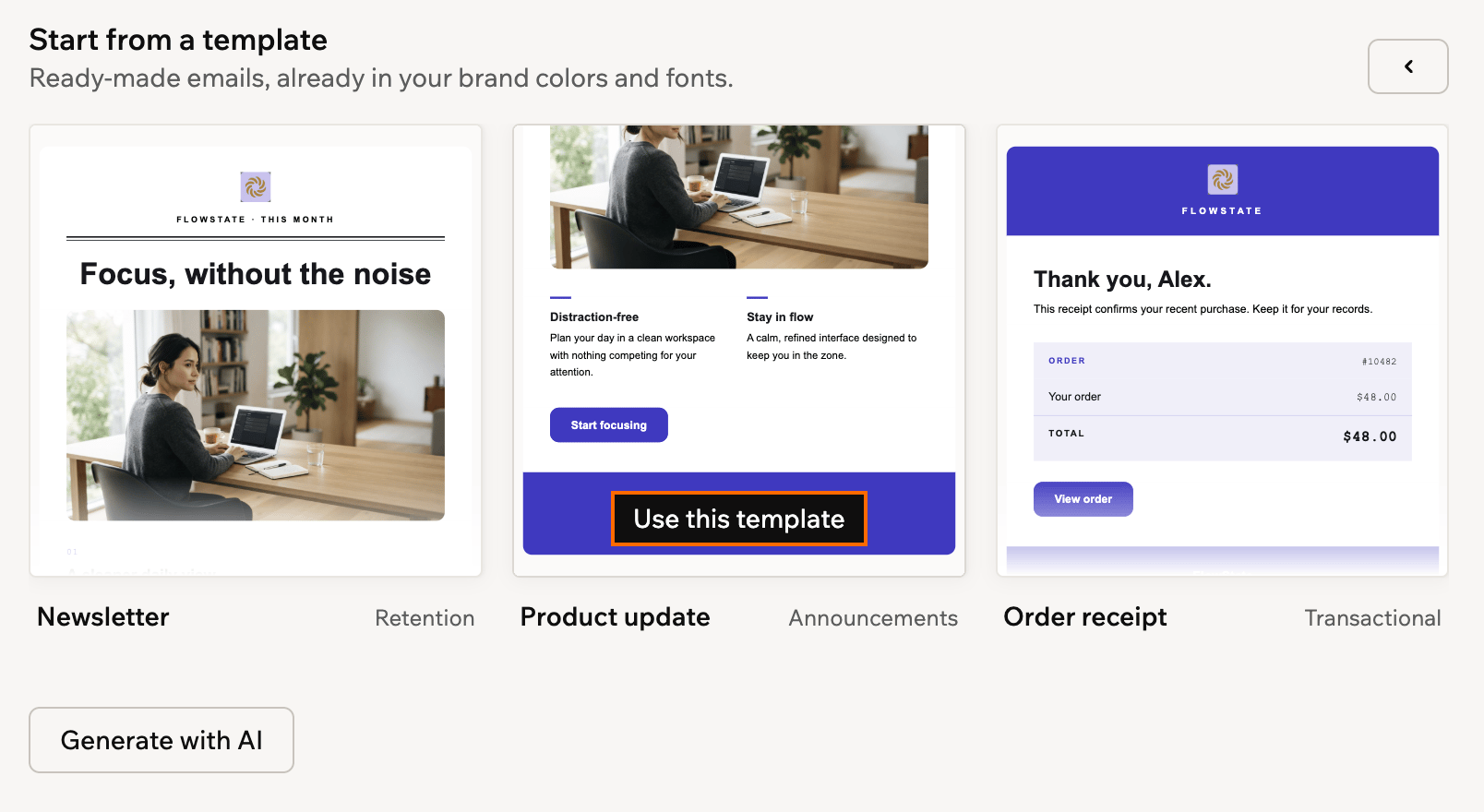
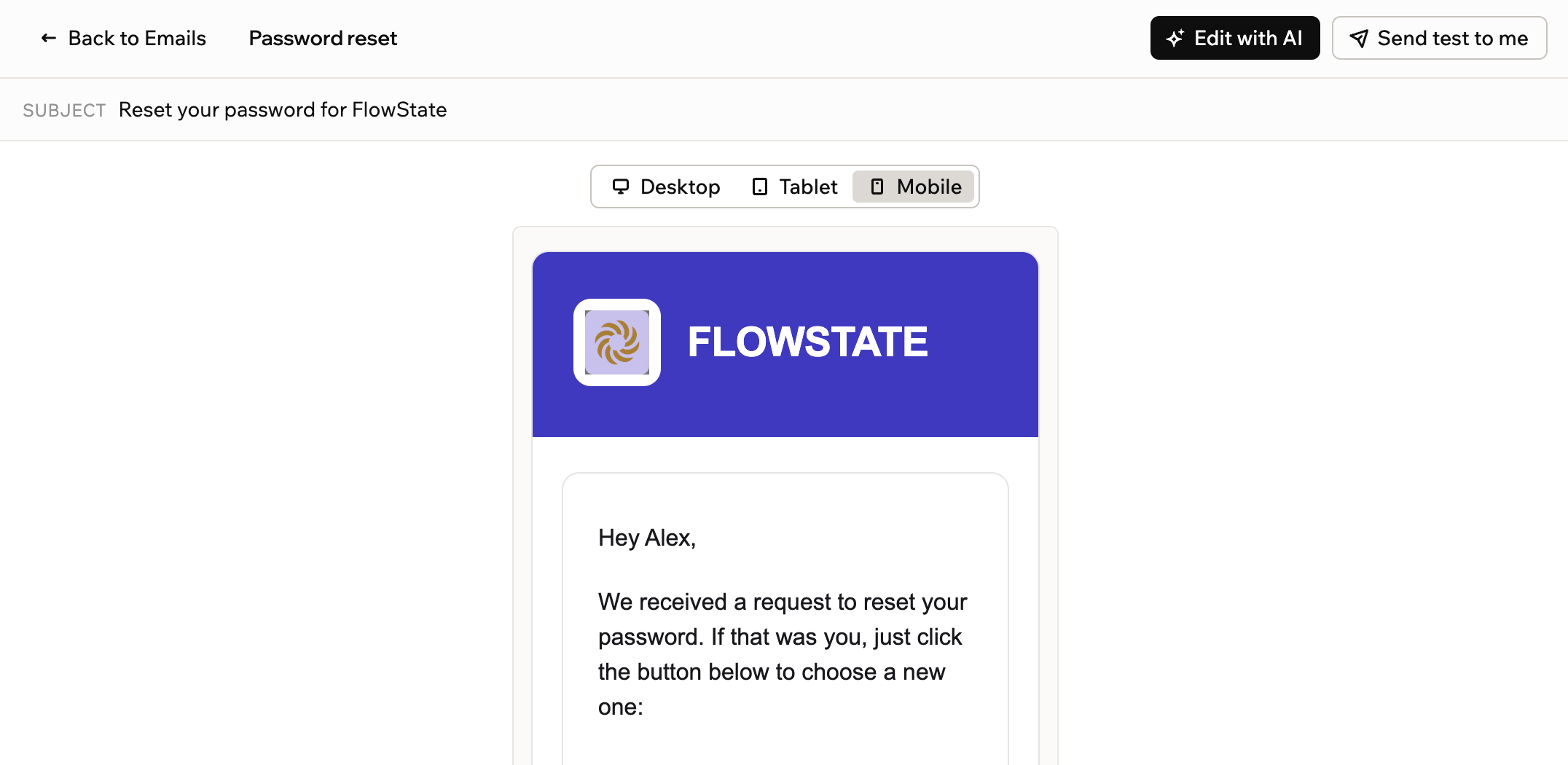
Starter templates come styled with the app’s logo, colors and fonts. Pick one to save as your own, or describe an email in the AI chat to generate a design in the app’s style. Open an email to preview it on desktop, tablet and mobile, send a test to your inbox, or request changes through Edit with AI.
Customize account emails
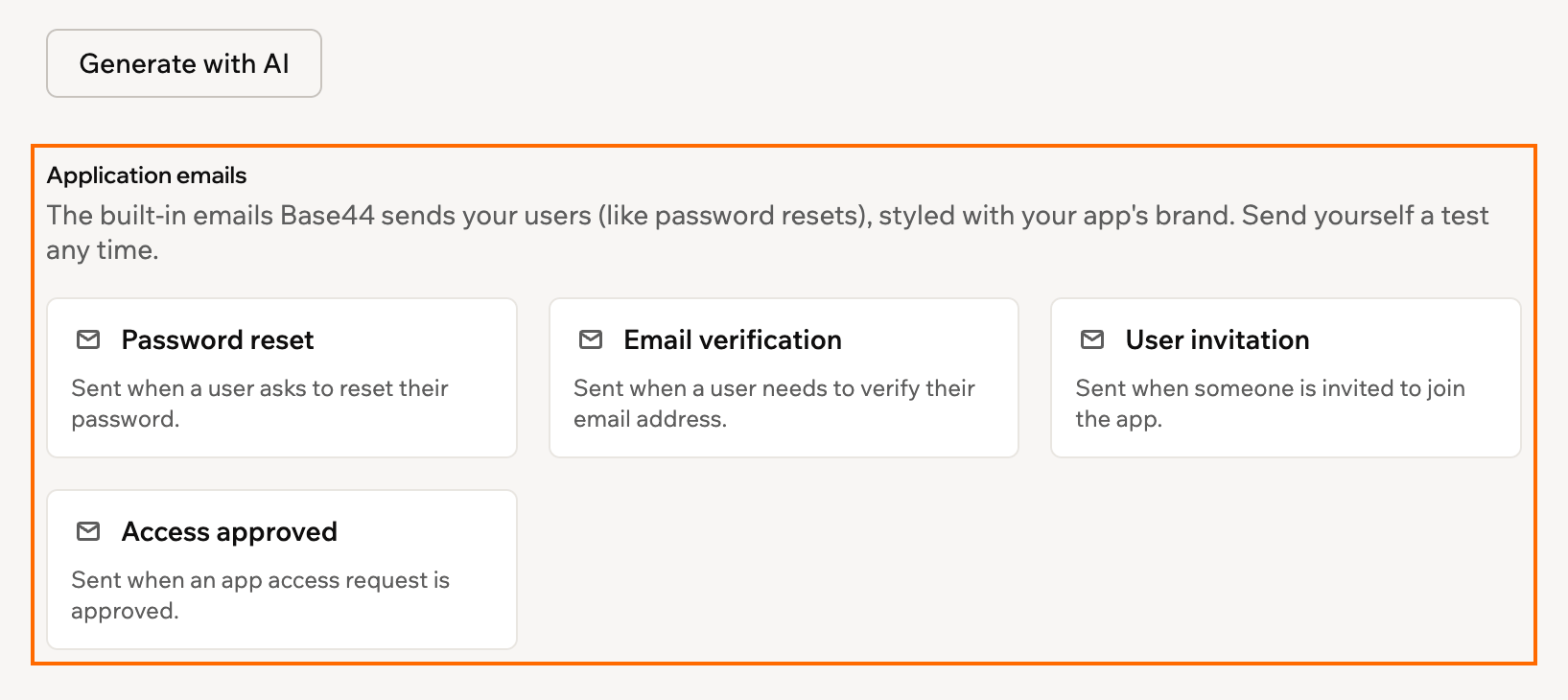
Apps with a login automatically send password reset, email verification, user invitation and access approved emails. These can now be edited, with the custom version replacing the default. Required links or buttons must stay in place, otherwise users receive the Base44 version.
Custom email verification messages have extra requirements: the app needs a custom email domain, the message must show the verification code, and the design must pass a review that can take up to an hour. The default version is sent until then.
Send emails from workflows
Ask the AI chat to send an email when something happens, such as a signup or completed order. It designs the email and adds a Send email step to the workflow. The step shows the recipient, subject and template when opened.
The email design documentation covers setup, testing and customization.