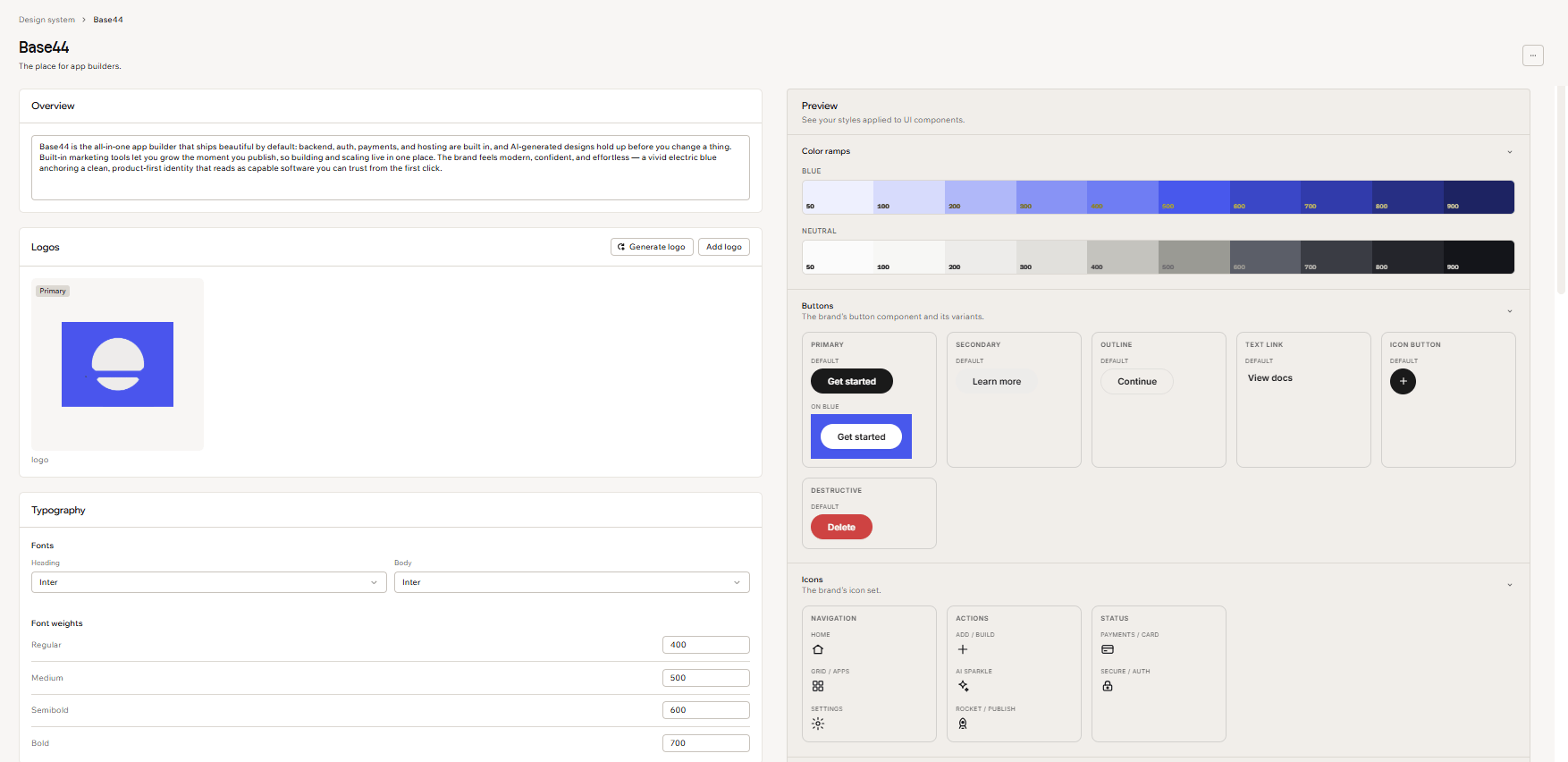
Design systems are managed by owners and admins
By Steven Van ·
Editors can still view design systems and attach them to apps through the AI chat.
Editors can still view and use design systems in Base44, but creating, generating, editing, deleting and setting a default are now restricted to workspace owners and admins.
Managing workspace defaults
Owners and admins manage design systems in Settings, under Design system. Each system’s More actions menu includes options to edit it, set it as the workspace default or delete it. A default is preselected for new apps so they start with that design system automatically.
Applying a design system in chat
Other workspace members can attach a design system through the Add icon in the AI chat. Applying it requires Build mode and takes effect on a build turn. For an existing app, this rebuilds the app to match the system.
Design systems are available on the Builder plan and above. See the design system documentation for the permissions and workflow.