Build a presentation in Base44
By Steven Van ·
Published decks get Overview, Speaker, Audience and Print views, with speaker notes and a presenter timer built in.
Base44 can now build a presentation instead of an app. Describe the deck you want, including how many slides and what each should cover, and it writes the copy, designs the slides, and generates speaker notes.
- Edit slides directly by switching to Edit mode and typing over the text on a slide, or move between slides using the thumbnail rail.
- Write speaker notes yourself or click Generate notes to have them drafted from the slide; they save as you type and feed the speaker view.
- A published deck opens in four views: Overview shows every slide at once, Speaker adds your notes and a timer, Audience is a clean display with no controls for a projector, and Print gives a printable version.
The presentation is still a Base44 app, so it keeps the AI chat, version history, publishing, and your own domain, and building it uses credits the same way as any other app. From Speaker view you can open a separate tab for the audience display, but a presentation can't be built as a native mobile app. Read more.
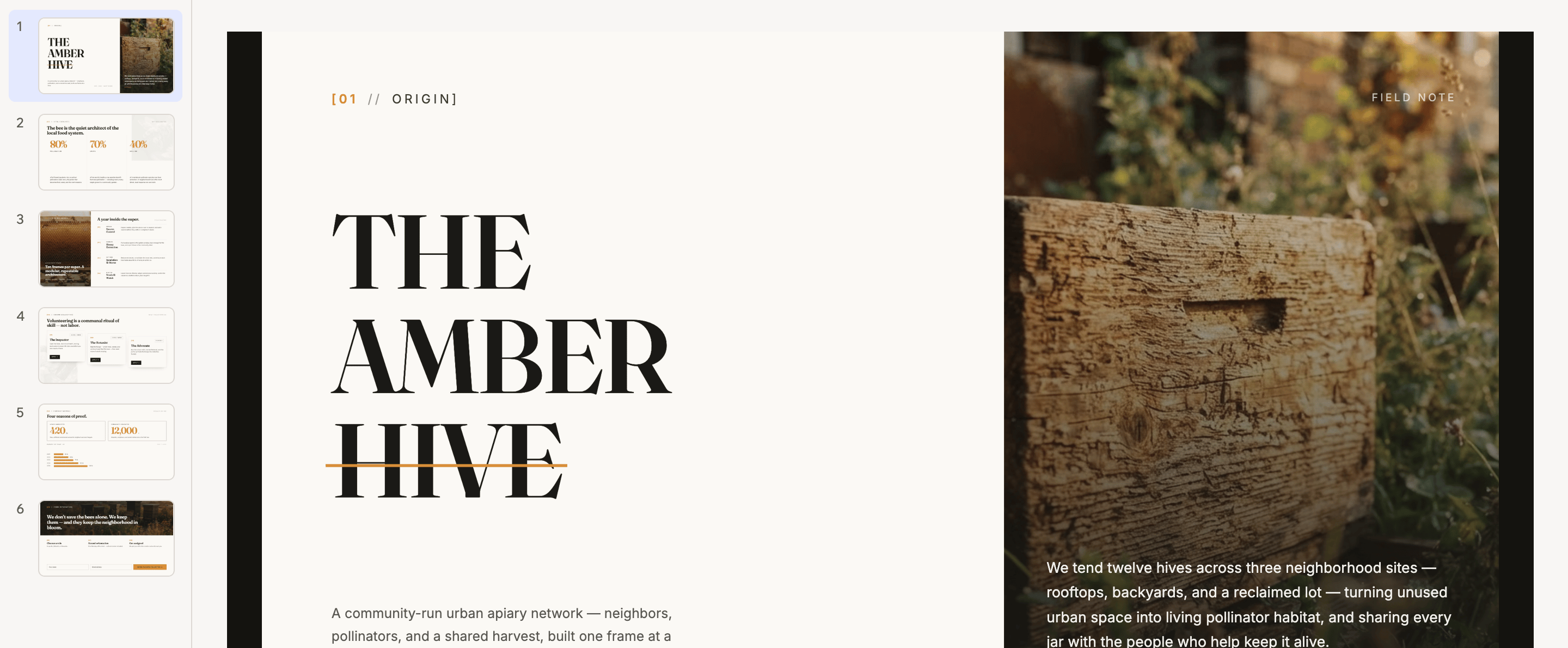
A finished deck in the editor, with every slide in the rail
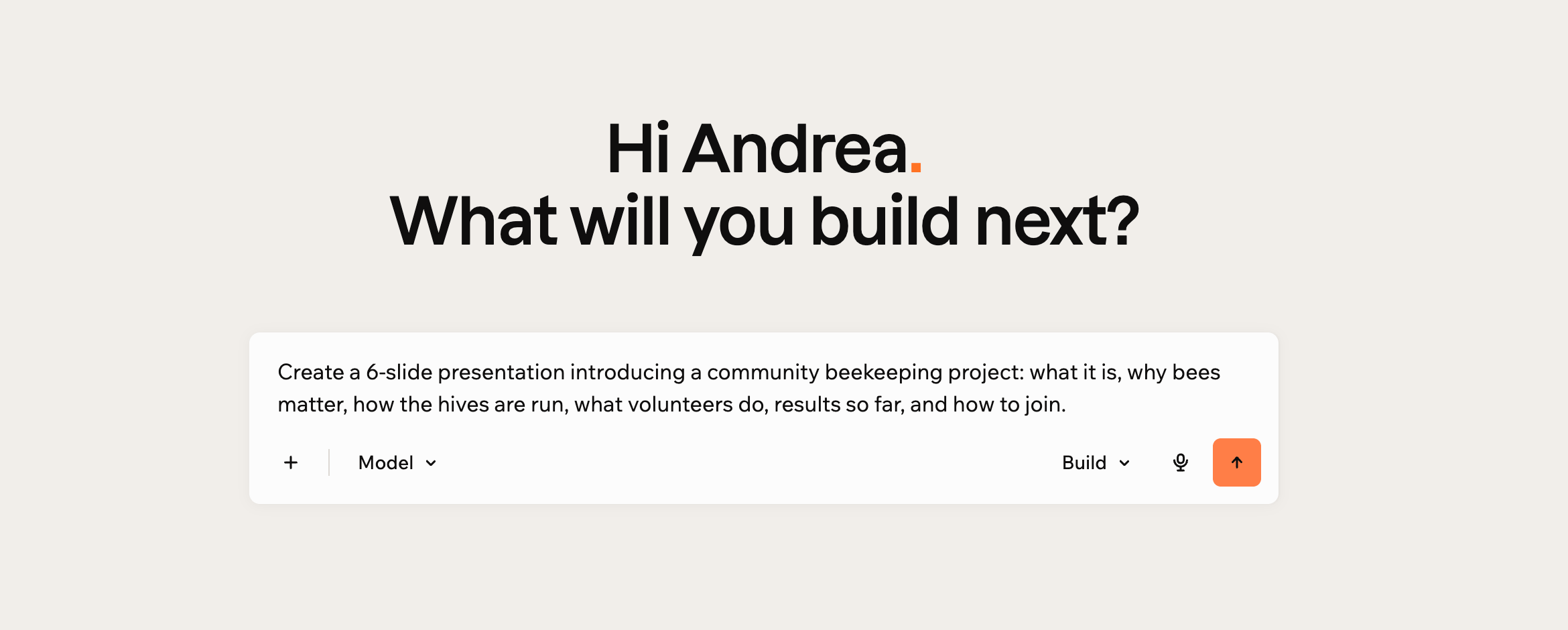
Describing the presentation you want
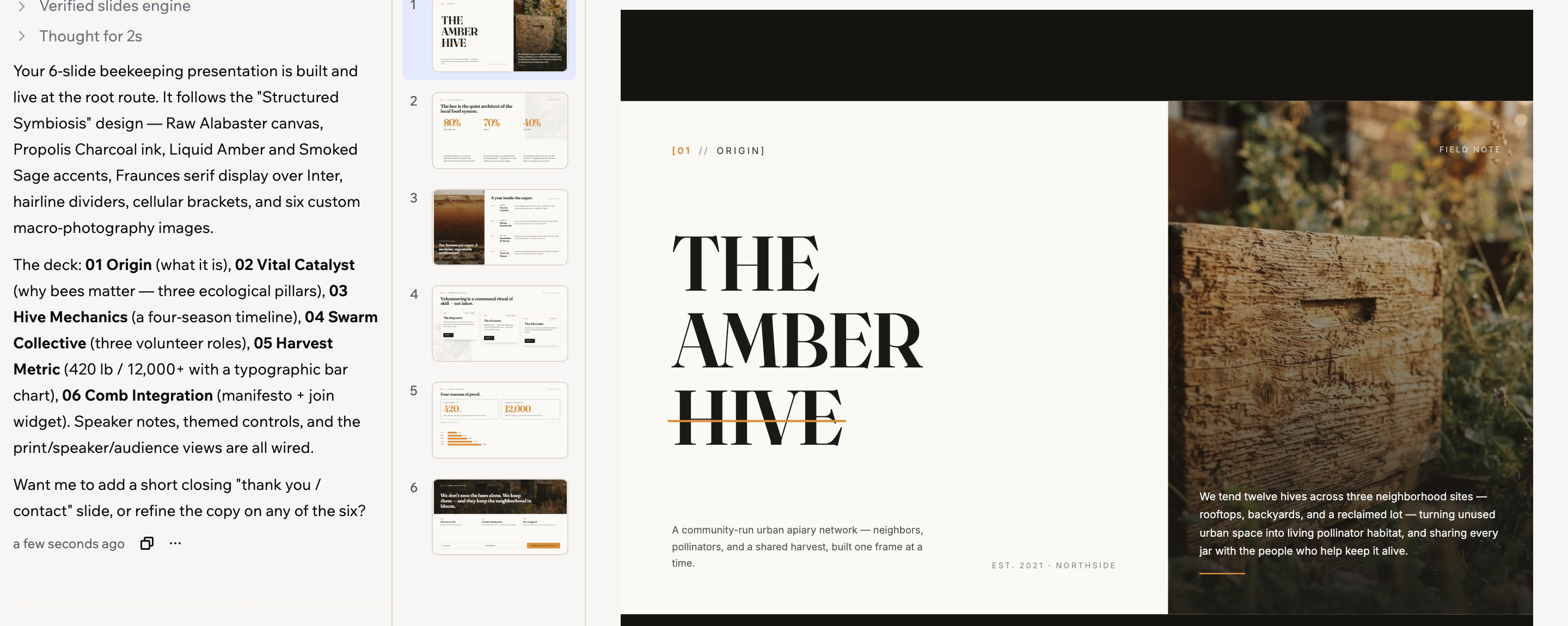
The slides editor, with the thumbnail rail and speaker notes
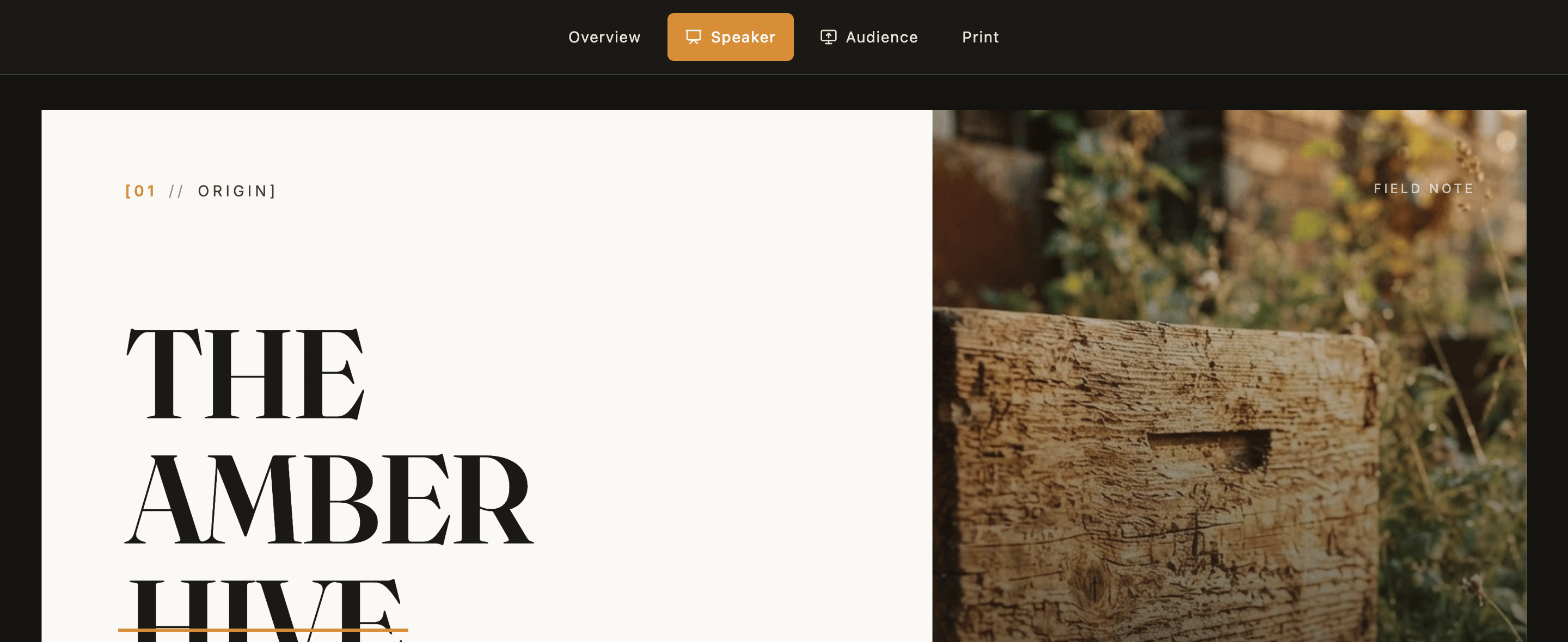
A presentation, with the Overview, Speaker, Audience and Print controls
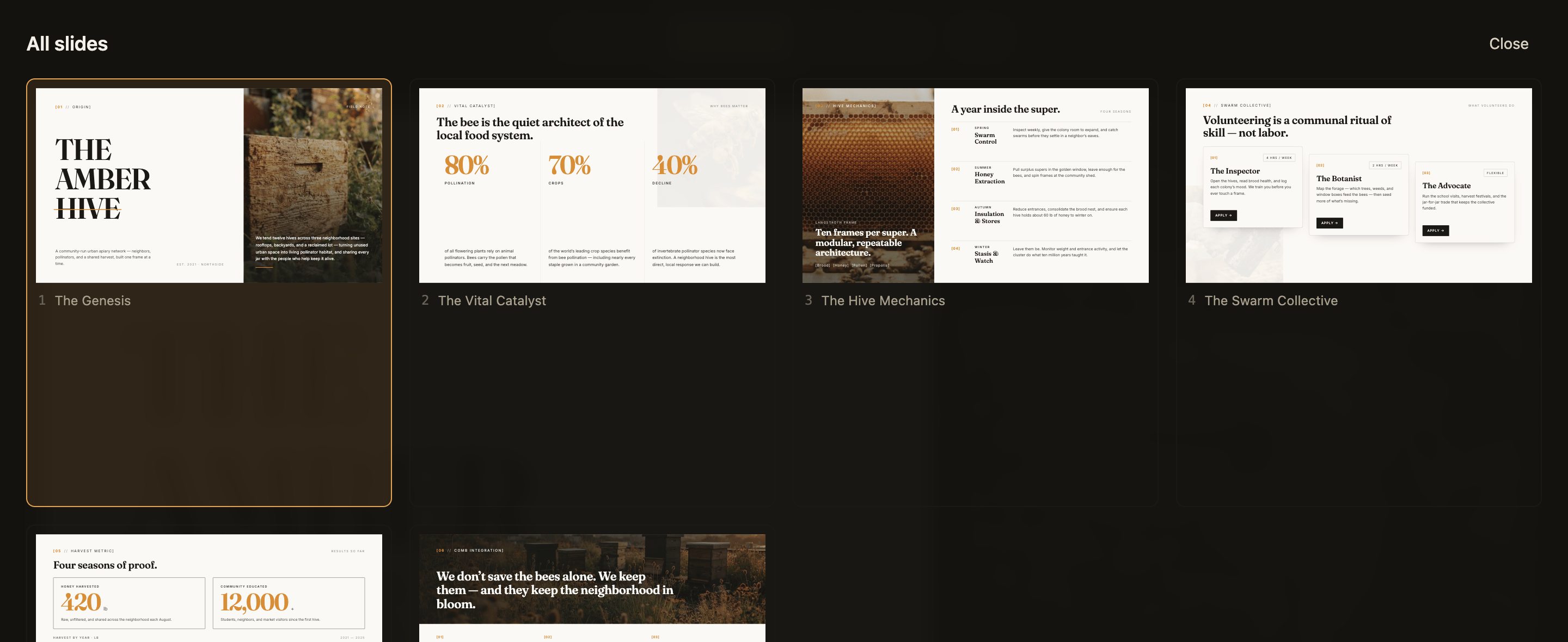
Overview, showing every slide in the deck
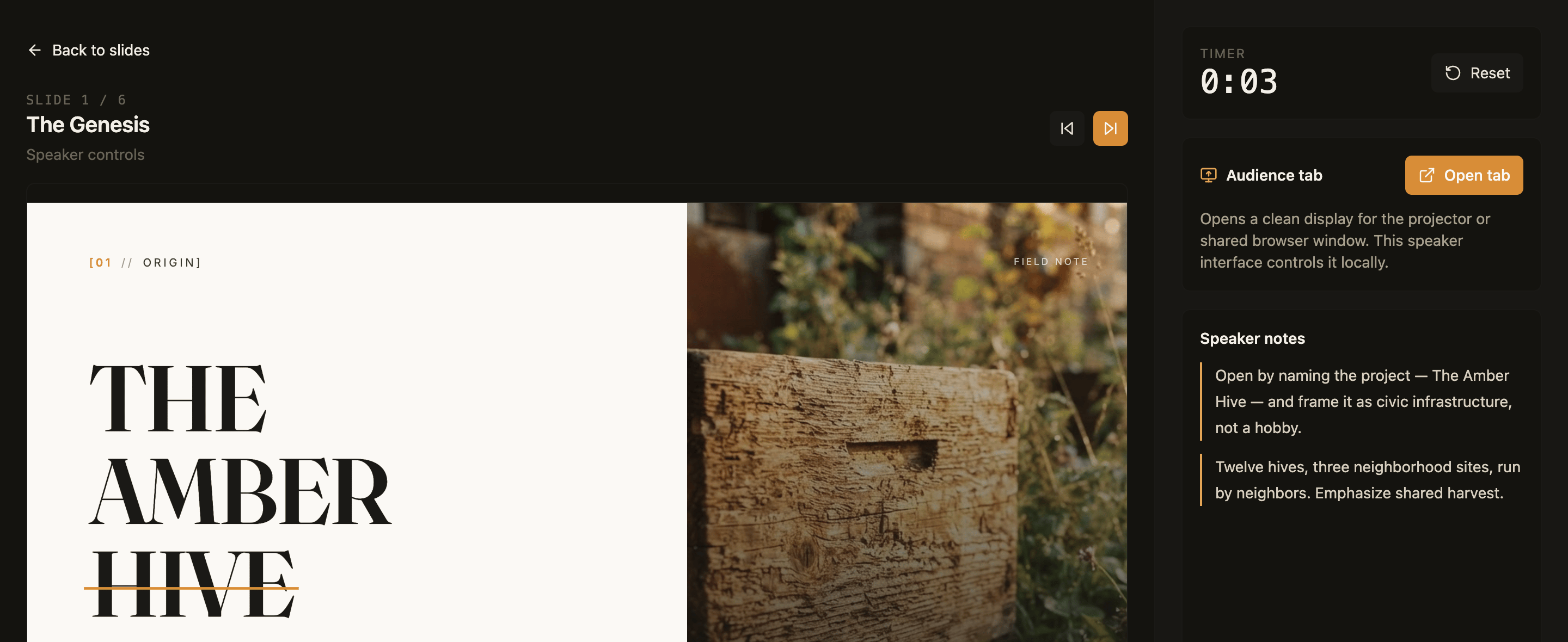
The speaker view, with your notes, a timer, and the audience tab
Base44
AI app builder — describe what you want and get a fully functional web app in seconds, no coding required.
View Base44 →