Branch your app to try changes safely
By Steven Van ·
Base44 lets creators build redesigns and features on separate branches, running up to five builds in parallel, before merging into main.
Base44 now lets you branch an app to try a redesign or new feature without touching the live version. Click the app's name at the top of the chat panel to create a branch, build in its own chat and preview, and merge back into main when you're ready to publish.
- Main and each branch run their own build queue, so up to five builds can run at once, and the branch menu shows which ones are still working.
- Element selection and Edit mode changes save to whichever branch you're on, alongside that branch's own chat. Editing code directly in the code editor stays on main.
- Base44 names each new branch automatically from your first message, in three words or fewer and always in English, whatever language you wrote in.
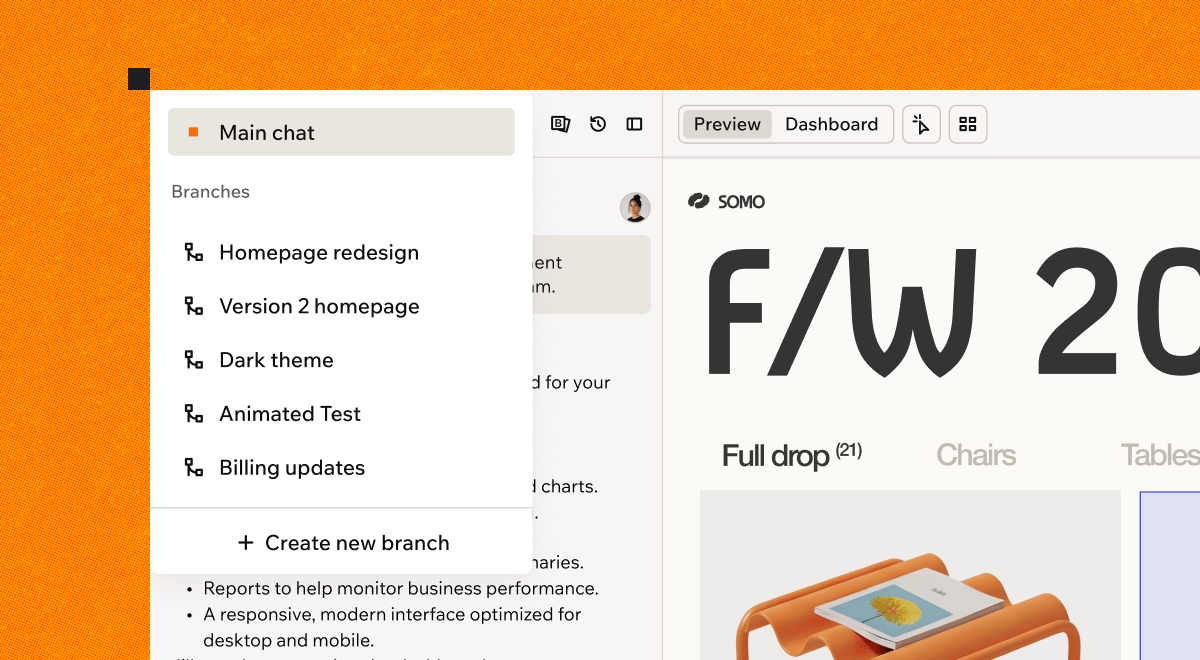
Work on several branches alongside your main app
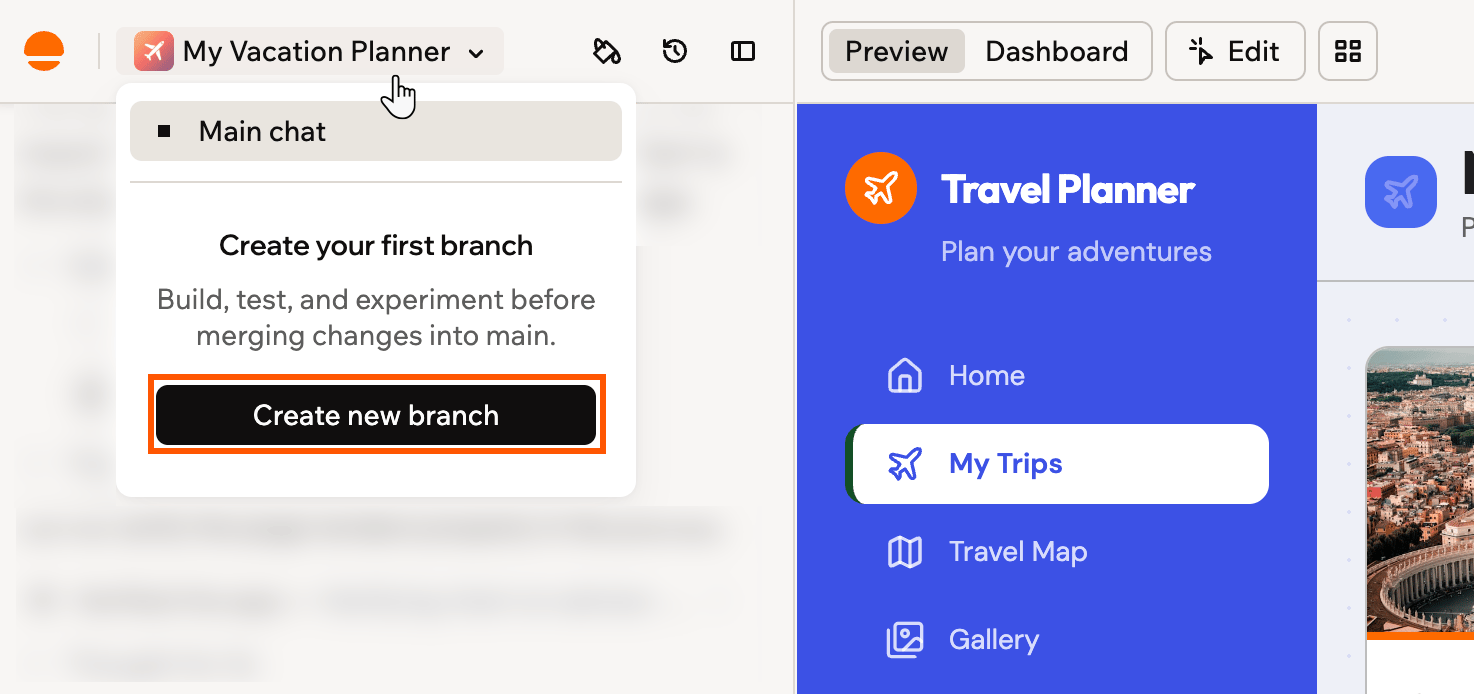
Creating your first branch from the branch menu
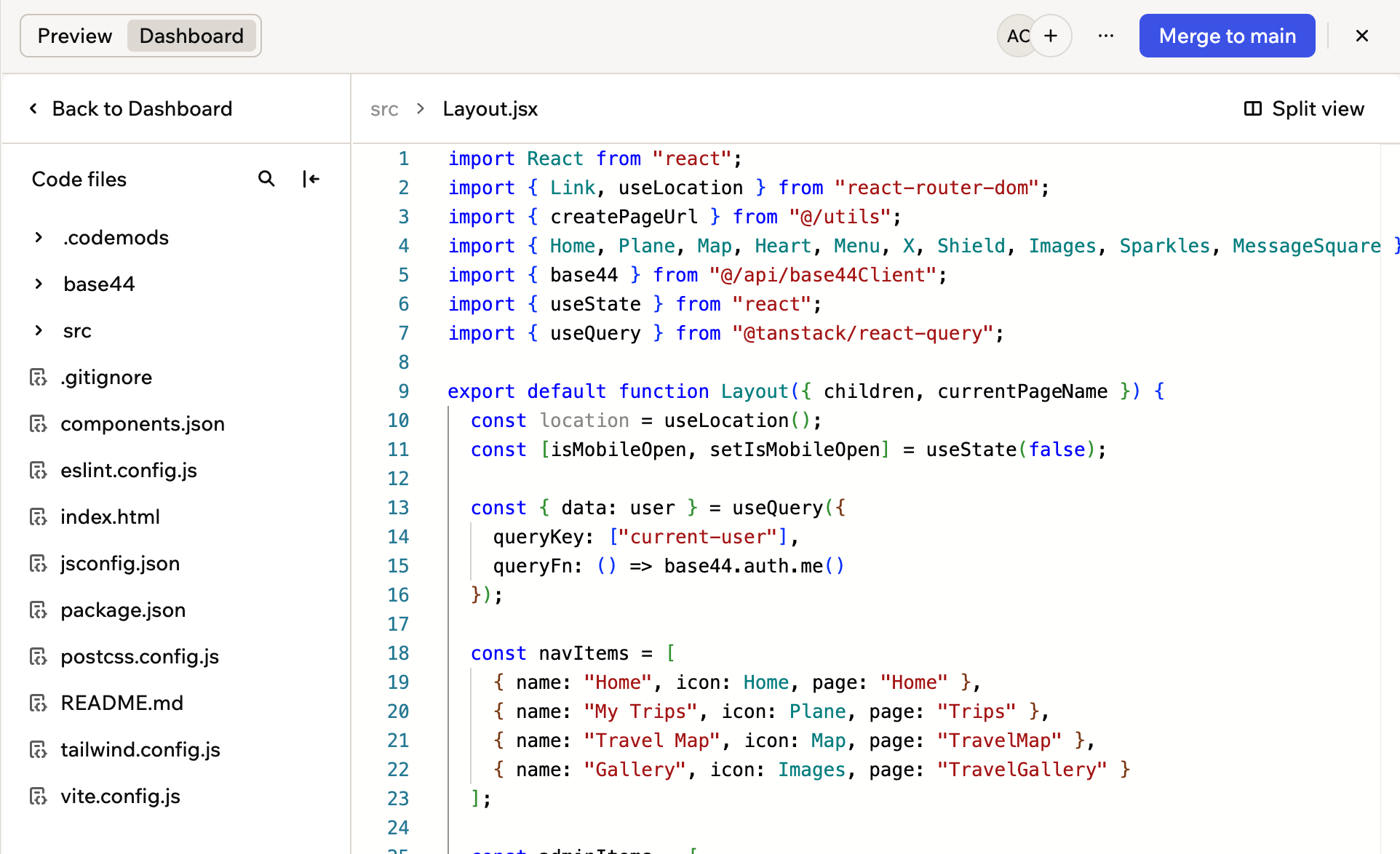
The Code tab on a branch, showing that branch's own files
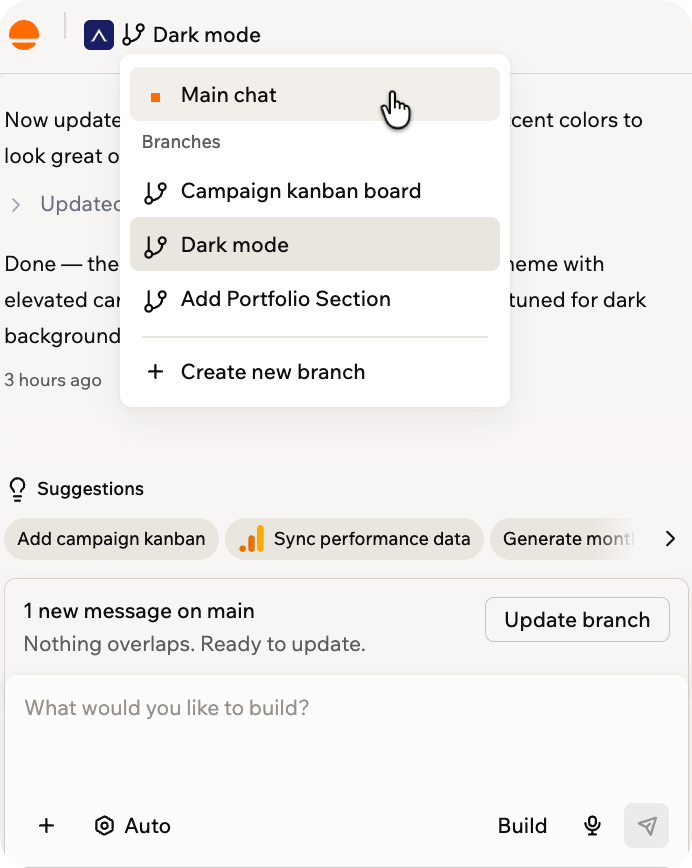
Switching between main and your branches
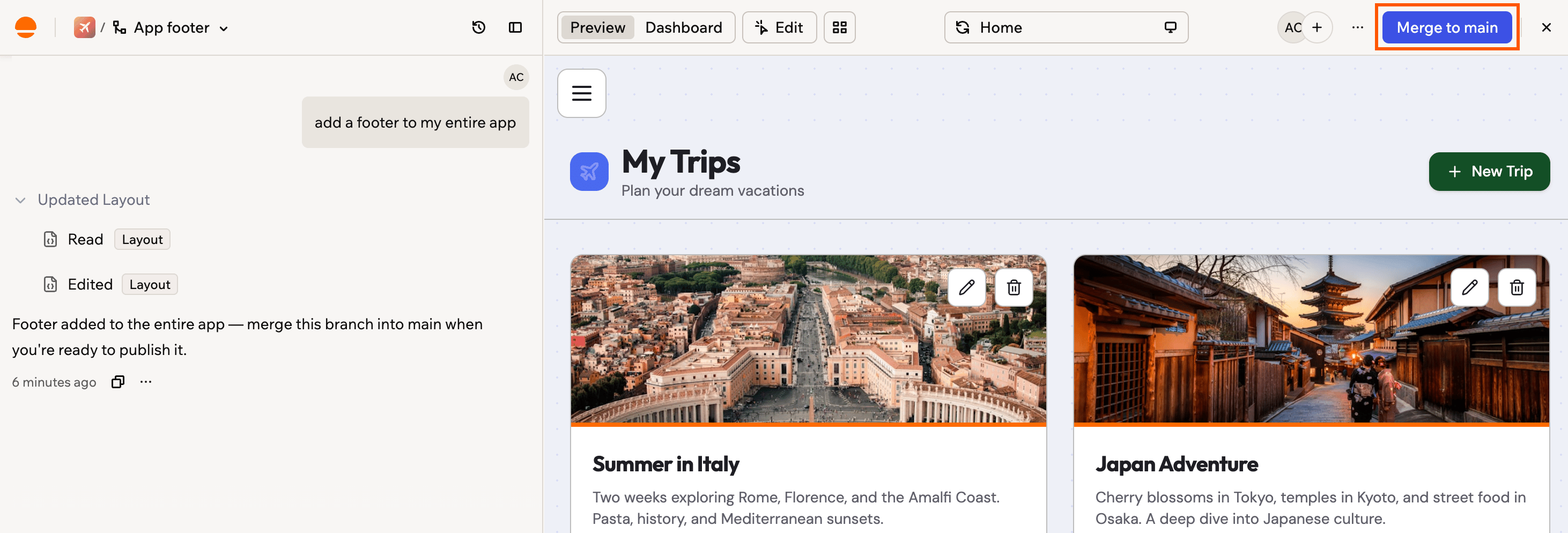
Click Merge to main at the top of the editor, then publish from main when you are ready
Base44
AI app builder — describe what you want and get a fully functional web app in seconds, no coding required.
View Base44 →