A Subscriptions tab for Stripe
By Steven Van ·
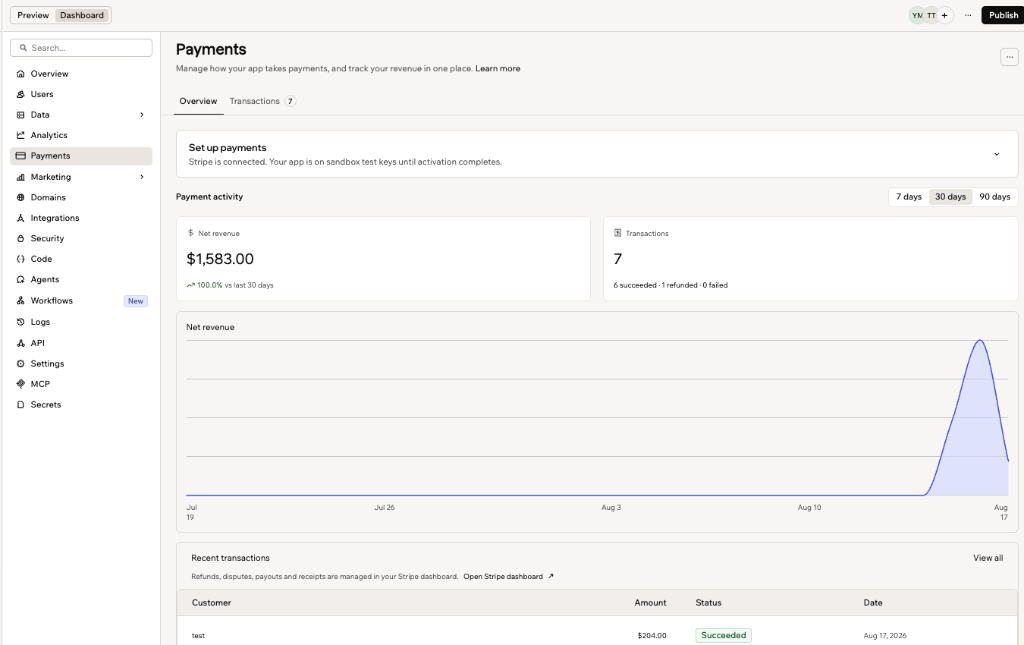
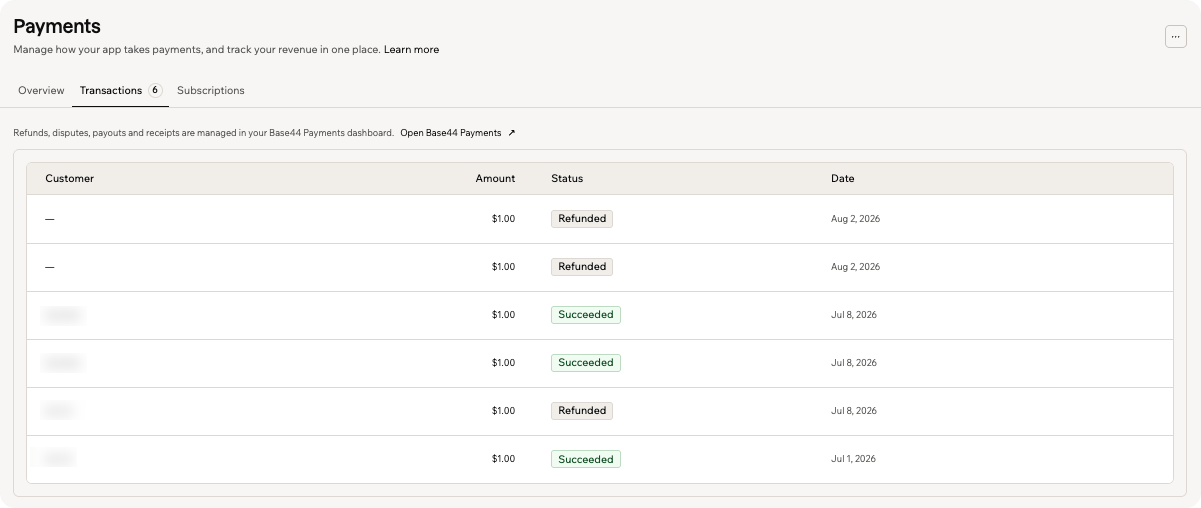
Stripe-connected Base44 apps can now see plan status, amount and next charge date for customers on recurring plans, alongside the Overview and Transactions tabs.
Apps connected to Stripe now get a Subscriptions tab in the Payments dashboard of Base44, so recurring payments show up next to other transactions. The change is covered in the Tracking payments in your app documentation.
What the tab shows
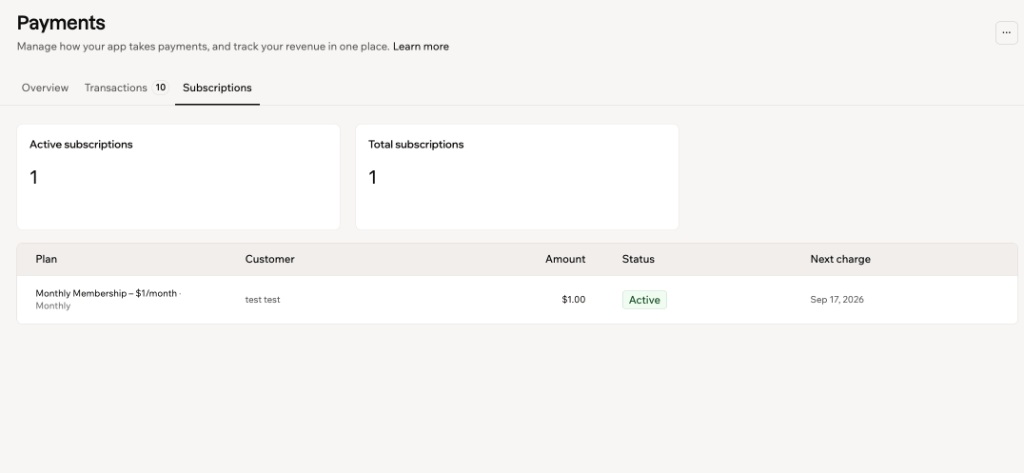
The Subscriptions tab lists the plans customers are on, with Active subscriptions and Total subscriptions counts at the top. Each row shows the plan and its billing cycle, the customer, the amount, the status and the next charge date.
A subscription has one of these statuses:
- Active: billing on schedule.
- Canceling: the plan stays active until the end of the current period, then stops renewing.
- Past due: a payment failed and the plan is at risk.
- Canceled: the plan has stopped.
- Paused: billing is on hold.
How to open it
Go to the app dashboard, click Payments, then click Subscriptions. The tab appears once the app sells plans through Base44 Payments or Stripe. To add recurring plans, ask the AI chat to add subscriptions.
Limits with Stripe
For Stripe, the tab shows subscriptions started through the app's checkout, not ones created directly in Stripe. Stripe subscriptions are managed in the Stripe dashboard.
The Payments tab is not part of the Base44 app on iPhone and iPad, because of Apple's App Store rules. Revenue, transactions and subscriptions can be viewed by opening the app dashboard in a browser.