Top 12 Adobe Creative Cloud Alternatives for 2026
By Steven Van ·
Discover the best Adobe Creative Cloud alternatives. Our list covers top software for design, video, and photo editing without the Adobe subscription.
For decades, Adobe Creative Cloud has been the default toolkit for designers, photographers, and video editors. Its integrated ecosystem is powerful, but a growing number of creatives are exploring Adobe Creative Cloud alternatives. This shift isn't just about finding a cheaper option; it's about regaining control over tools, budgets, and workflows.
The move from perpetual licenses to a mandatory subscription model is a primary driver. For many freelancers and small studios, the recurring cost is a significant financial burden. Performance is another concern, as some find the software suite bloated or resource-intensive on their systems. This has led many to seek out nimbler, more specialized applications that do one thing exceptionally well, rather than trying to do everything. Many designers are also exploring powerful free software alternatives to save money without compromising on quality, which further fuels this search.
This guide is designed to empower you with choices. It's not an "Adobe-killer" list, but a comprehensive resource for finding tools that align with your specific creative process and financial reality. We've organized the best alternatives into clear categories:
- Design & Vector Graphics
- Photo Editing & Management
- Video & Audio Production
- UI/UX & Web Design
Each entry provides a concise summary, platform availability, pricing, and an honest breakdown of pros and cons based on real-world use. We'll also offer practical migration tips to help you transition smoothly. Complete with direct links and screenshots, this listicle will help you find the perfect application to unlock your creative freedom.
1. Affinity (Designer, Photo, Publisher) – Serif
Affinity's suite has become a leading choice for professionals and hobbyists searching for powerful, non-subscription Adobe Creative Cloud alternatives. It provides a trio of applications: Designer (for vector illustration), Photo (for raster image editing), and Publisher (for page layout). The suite’s main draw is its one-time purchase model, which grants perpetual licenses for all three apps across macOS, Windows, and iPadOS under a single "V2 Universal License."
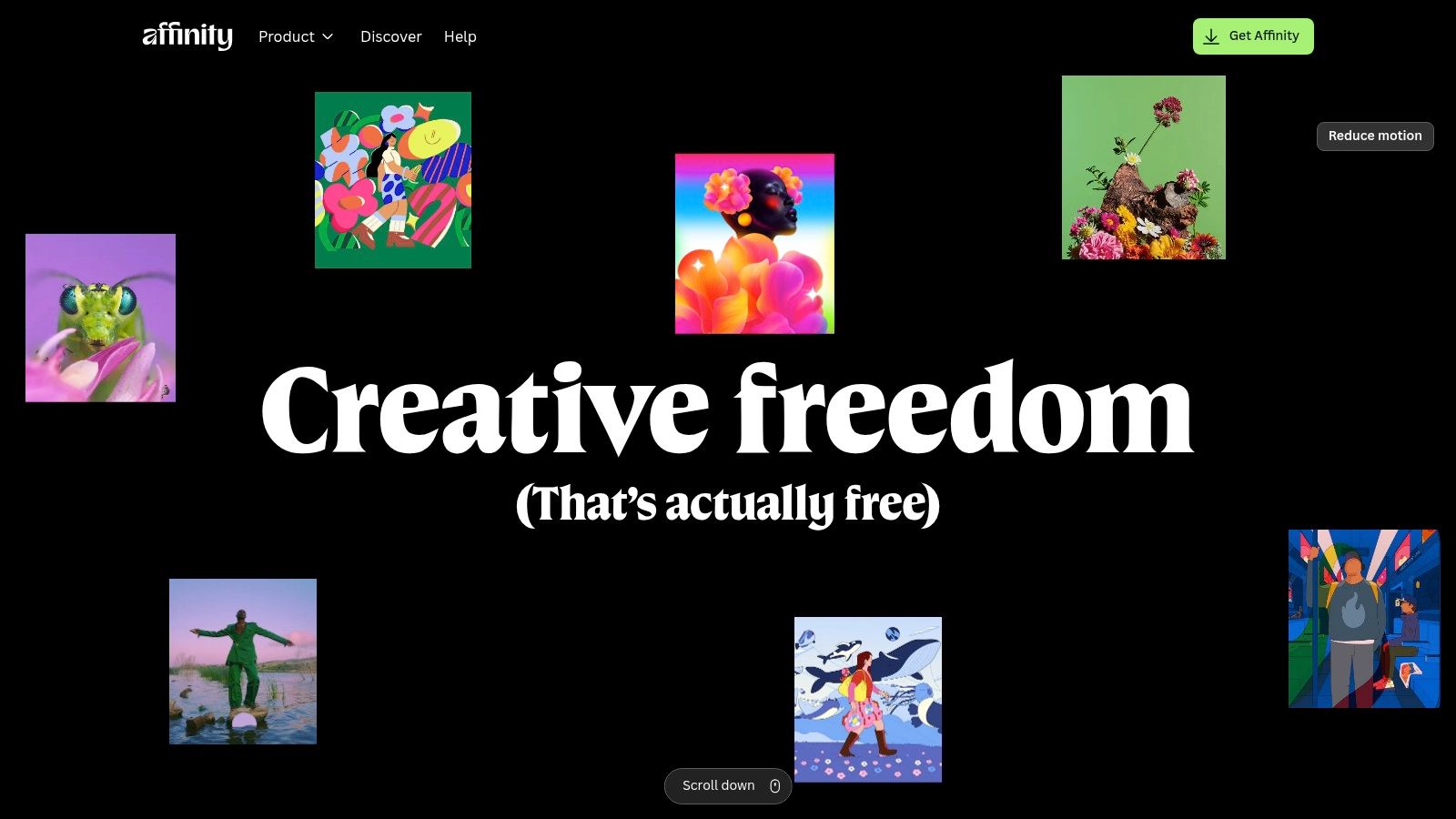
The user experience feels modern and responsive, with a clean interface that performs exceptionally well, even on modest hardware. A standout feature, StudioLink, allows users to access the full toolsets of Designer and Photo directly within a Publisher document, creating a fluid, integrated workflow without switching apps. This is particularly useful for complex projects involving vector graphics, photo edits, and page layouts.
Key Features & Considerations
- Pricing: One-time purchase. The V2 Universal License covers all three apps on all platforms for a single fee, often with significant discounts. Individual apps can also be bought separately.
- Best For: Freelancers, small studios, and individual creatives who need professional-grade tools for graphic design, photo editing, and desktop publishing without a recurring subscription cost.
- Pros:
- No subscription; highly cost-effective.
- Excellent performance and a modern, intuitive UI.
- StudioLink technology enables a seamless workflow between apps.
- Full-featured, desktop-class versions for iPad.
- Cons:
- The plugin and extension ecosystem is smaller compared to Adobe's.
- Lacks the deep enterprise integrations and cloud collaboration features of Creative Cloud.
Website: https://affinity.serif.com/en-us/
2. CorelDRAW Graphics Suite (Alludo)
CorelDRAW Graphics Suite has been a cornerstone in the design world for decades, cementing its place as a robust Adobe Creative Cloud alternative, particularly for Windows users. The suite centers around its powerful vector illustration app, CorelDRAW, and is complemented by PHOTO-PAINT for image editing. It excels in workflows geared toward print production, large-format printing, signage, apparel design, and technical illustration, where its CAD-adjacent features provide a distinct advantage.
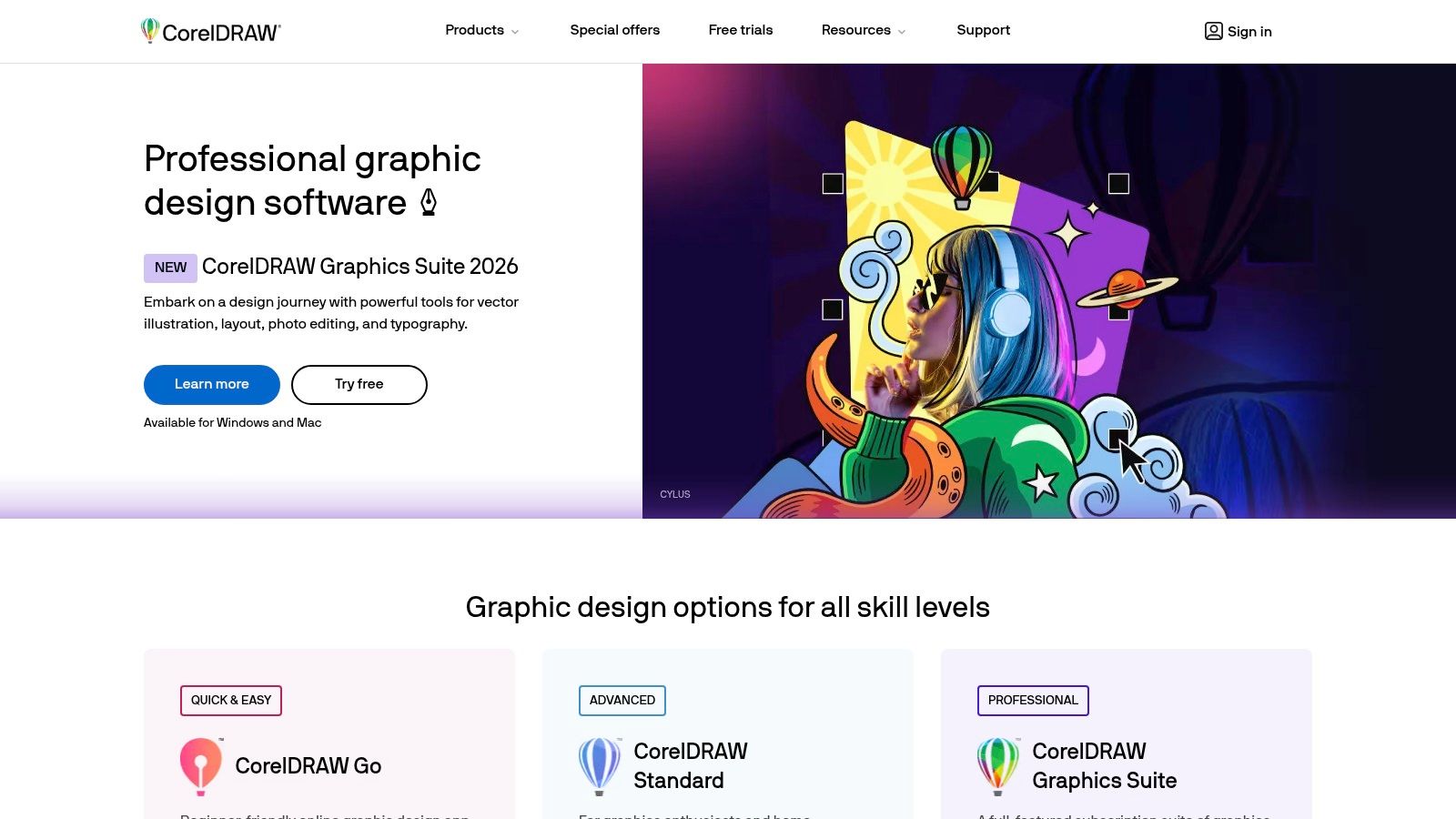
The user experience feels familiar to long-time graphic professionals, with a highly customizable interface that allows for personalized tool layouts. A key differentiator is its strong support for print-centric color management, including precise PDF/X output and Pantone spot color workflows. Subscribers also gain access to web-based collaboration tools and an iPad app, extending the suite's utility beyond the desktop.
Key Features & Considerations
- Pricing: Flexible licensing with options for a monthly/annual subscription or a one-time perpetual license purchase.
- Best For: Print shops, branding agencies, and designers in manufacturing or apparel industries who require specialized tools for physical production and technical accuracy.
- Pros:
- Choice between subscription and one-time purchase provides financial flexibility.
- Strong tooling for print, signage, and branding workflows with excellent color management.
- Mature and feature-rich vector illustration capabilities.
- Cons:
- Historically Windows-first; while Mac parity has improved, it remains a common complaint among users.
- The UI/UX design community and resource pool is smaller compared to Adobe or Affinity.
Website: https://www.coreldraw.com/
3. Figma
Figma has cemented its position as the industry-standard, browser-first platform for UI/UX design and prototyping. It stands out as one of the most powerful Adobe Creative Cloud alternatives, particularly for teams moving away from Adobe XD. Its core strength is real-time, multi-user collaboration, allowing designers, developers, and stakeholders to work simultaneously within the same file, eliminating version control issues.
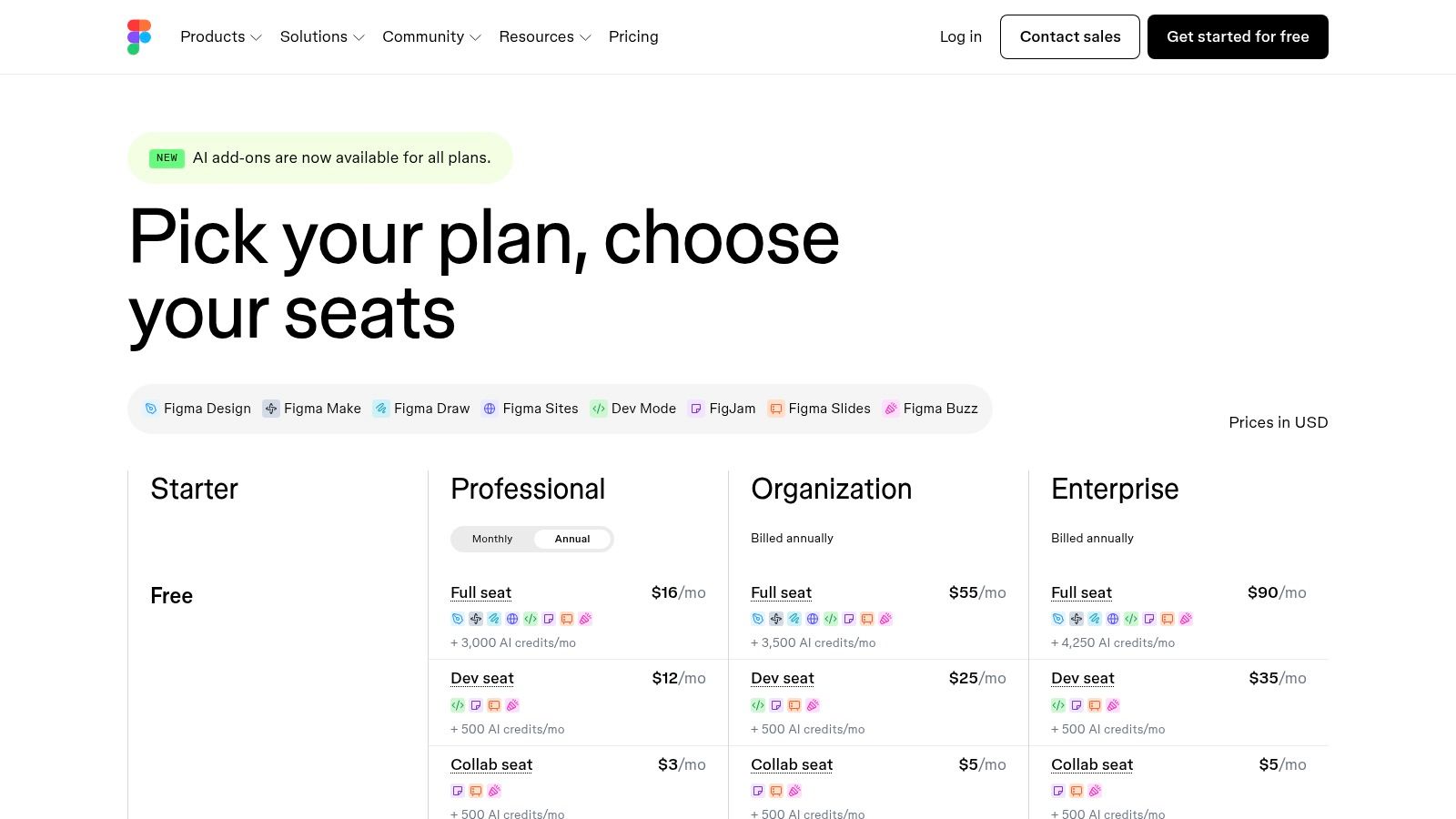
The platform offers a fluid and responsive experience directly in the browser, with robust desktop apps available for macOS and Windows. Features like Dev Mode streamline the handoff process by translating designs into ready-to-use code snippets. FigJam, its digital whiteboarding tool, complements the design workflow for brainstorming and diagramming. The extensive plugin ecosystem further extends Figma’s capabilities, making it a central hub for the entire product design lifecycle.
Key Features & Considerations
- Pricing: Offers a generous free tier for individuals. Paid plans (Professional, Organization, Enterprise) are priced per editor seat and unlock features like unlimited files, shared libraries, and advanced security controls.
- Best For: Product design teams, UI/UX designers, and organizations that prioritize real-time collaboration, design system management, and a seamless developer handoff process.
- Pros:
- Exceptional real-time collaboration and easy sharing for feedback.
- Powerful ecosystem of plugins and integrations that extends functionality.
- All-in-one tool for design, prototyping, and developer handoff.
- Strong community support with abundant templates and learning resources.
- Cons:
- Per-editor pricing model can become expensive as teams grow.
- Recent pricing and policy changes require careful budget consideration during renewals.
- Primarily focused on UI/UX; less suited for print or complex vector illustration work compared to other tools for graphic designers.
Website: https://www.figma.com/pricing/
4. Sketch
Sketch established itself as a foundational tool in the UI/UX design world, offering a powerful vector-based workflow specifically for Mac users. As a direct Adobe XD competitor, it presents a compelling case as an Adobe Creative Cloud alternative for design teams embedded in the Apple ecosystem. Its primary appeal lies in its clean, native macOS application, which provides excellent performance and a user experience that feels deeply integrated with the operating system. It offers both a subscription for cloud collaboration and a one-time purchase "Mac-only" license for those who prefer perpetual ownership.
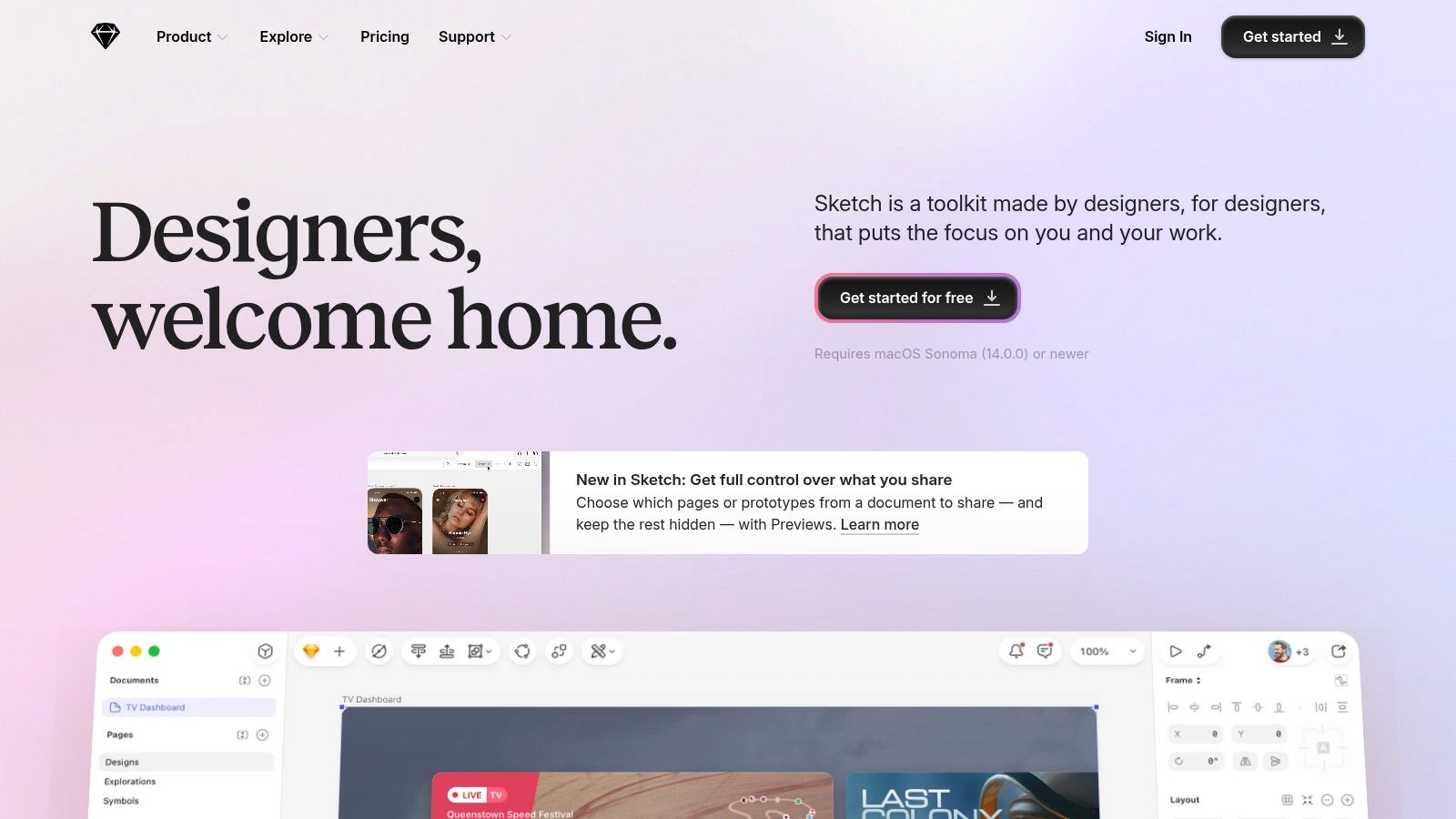
The platform excels at creating responsive interfaces with features like Smart Layout and reusable Symbols, which automate resizing and ensure design consistency. While the editor is Mac-only, its web-based collaboration features allow any stakeholder with a browser to view designs, leave feedback, and inspect elements for developer handoff. This makes it a practical choice for teams where designers use Macs, but developers and project managers use other operating systems.
Key Features & Considerations
- Pricing: Flexible options including a recurring subscription (Standard) for full collaboration features and a one-time purchase (Mac-only license) which includes a year of updates.
- Best For: UI/UX designers and product teams working exclusively on macOS who need a polished, native vector design tool with strong component-based design features and developer handoff.
- Pros:
- Exceptional native macOS performance and a clean, focused UI.
- Offers a one-time purchase option for those avoiding subscriptions.
- Powerful features for creating design systems (Symbols, Shared Libraries).
- Strong developer handoff and browser-based inspection tools.
- Cons:
- The core editor application is Mac-only, excluding Windows and Linux users from designing.
- The plugin ecosystem, while robust, is not as extensive as Figma's.
Website: https://www.sketch.com/
5. Canva
Canva has established itself as a dominant force in the design space, positioning itself not as a direct rival to professional-grade tools but as a rapid-content-creation platform. It excels for users who need to produce marketing materials, social media posts, presentations, and even short videos quickly, without a steep learning curve. The platform is entirely web-based and built around an enormous library of templates, stock photos, and design elements, making it one of the most accessible adobe creative cloud alternatives for non-designers or teams focused on speed.
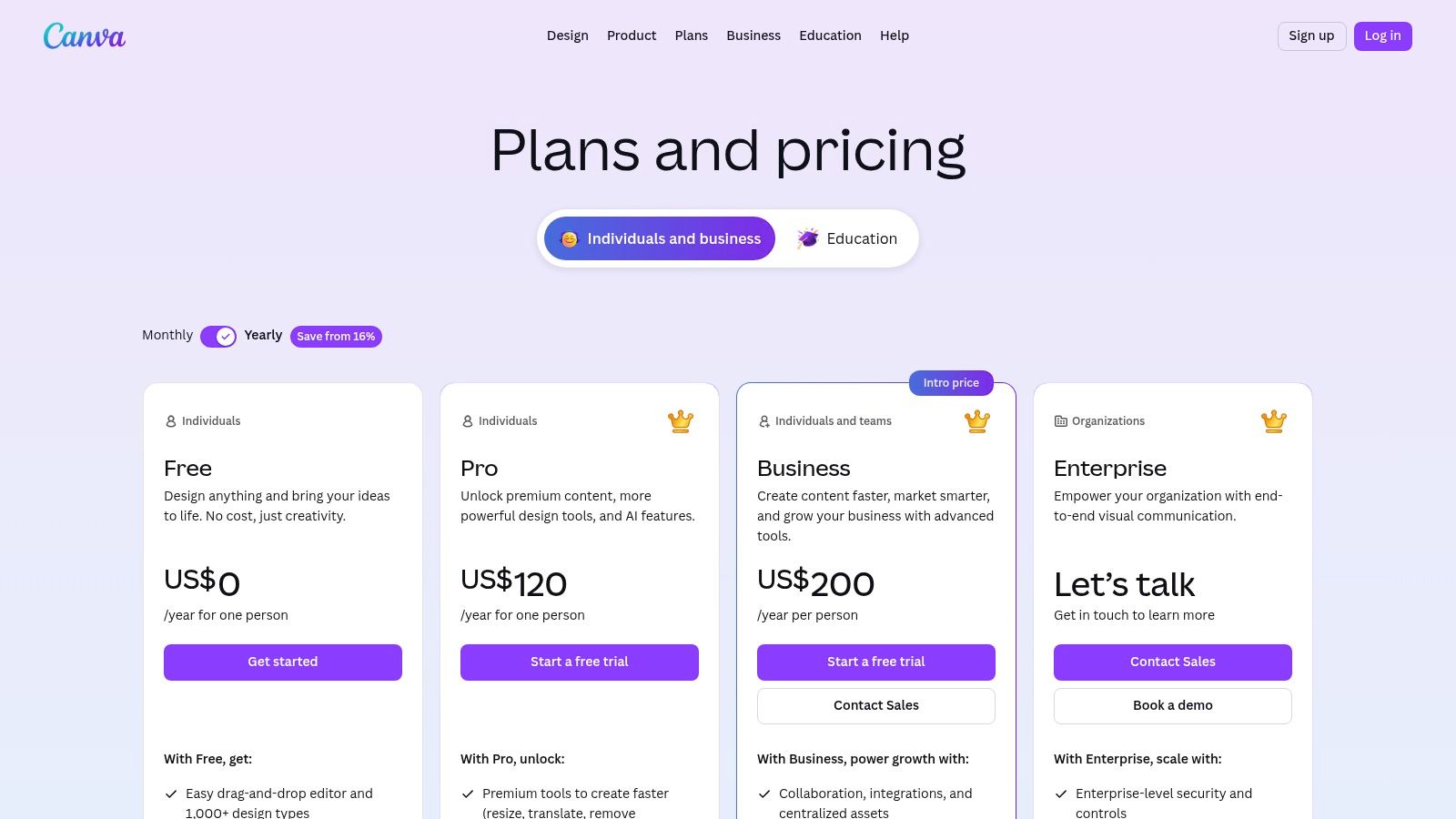
The user experience is centered on a drag-and-drop interface that makes design intuitive. Key features like Brand Kits allow teams to maintain brand consistency by pre-loading logos, color palettes, and fonts. For teams, the collaboration tools are a major asset, offering real-time commenting, approval workflows, and simple sharing links. This focus on marketing operations and team-based content creation makes it an ideal complement, or even a replacement, for certain Creative Cloud apps in a corporate environment.
Key Features & Considerations
- Pricing: Offers a robust Free plan. Paid plans (Pro and Teams) are subscription-based, unlocking premium content, Brand Kits, and advanced collaboration features.
- Best For: Marketing teams, social media managers, small business owners, and individuals who need to create visually appealing content fast without deep design knowledge.
- Pros:
- Extremely easy to learn and use, with a vast library of templates and assets.
- Strong collaboration features for team-based workflows.
- Excellent for maintaining brand consistency with Brand Kits.
- Broad export and sharing options are well-suited to marketing needs.
- Cons:
- Lacks the precision, advanced tools, and fine-grained control of professional desktop software.
- Pricing for multi-seat teams can get complex; it's wise to review the current tiers carefully.
Website: https://www.canva.com/pricing/
6. Apple Creator Studio (bundle: Final Cut Pro, Logic Pro, Pixelmator Pro, Motion, Compressor, MainStage, iWork enhancements)
For creators deeply embedded in the Apple ecosystem, the Creator Studio bundle presents a compelling and cohesive adobe creative cloud alternative. This subscription packages Apple’s professional video and audio applications, Final Cut Pro and Logic Pro, with the capable image editor Pixelmator Pro and several companion apps like Motion and Compressor. The primary appeal is its tight integration and performance, especially on devices with Apple Silicon, offering a smooth workflow from Mac to iPad.
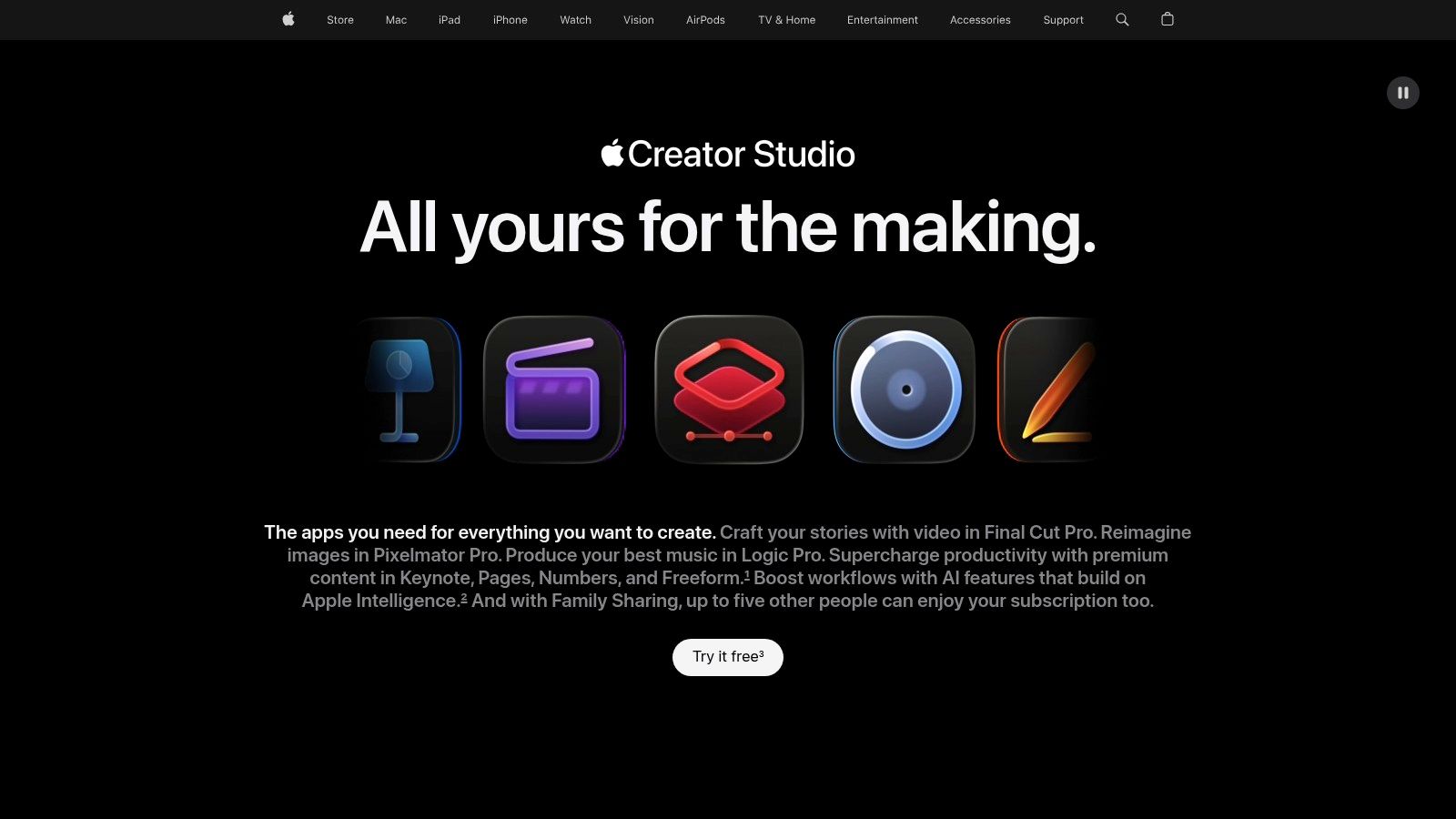
Unlike Adobe’s sprawling cloud services, Apple's offering focuses on delivering core professional tools that work exceptionally well together on its hardware. The bundle also includes Family Sharing, allowing multiple users within a household to access the full suite of applications across their Apple devices. This makes it a cost-effective solution for small creative teams or families who exclusively use Apple products for their video, audio, and image editing needs.
Key Features & Considerations
- Pricing: A single, low-cost monthly subscription that includes all bundled applications. The price is significantly lower than a comparable Creative Cloud subscription.
- Best For: Video editors, musicians, podcasters, and designers who work exclusively on Mac, iPad, and iPhone and prioritize performance and ecosystem integration over cross-platform compatibility.
- Pros:
- Affordable monthly price for a wide range of professional tools.
- Outstanding performance and stability on Apple Silicon.
- Tight hardware and software integration creates a very fluid user experience.
- Includes Family Sharing at no extra cost.
- Cons:
- Strictly limited to the Apple ecosystem; no Windows or Android support.
- The bundle is an all-or-nothing package with no à-la-carte options.
Website: https://www.apple.com/apple-creator-studio/
7. DaVinci Resolve (Blackmagic Design)
DaVinci Resolve has grown from a high-end color grading tool into a comprehensive post-production environment, making it a powerful Adobe Creative Cloud alternative for video work. It uniquely unifies professional editing, industry-leading color correction, visual effects (Fusion), and audio post-production (Fairlight) into a single, cohesive application. This integrated approach eliminates the need for round-tripping between different programs, creating an efficient, end-to-end workflow from ingest to delivery.
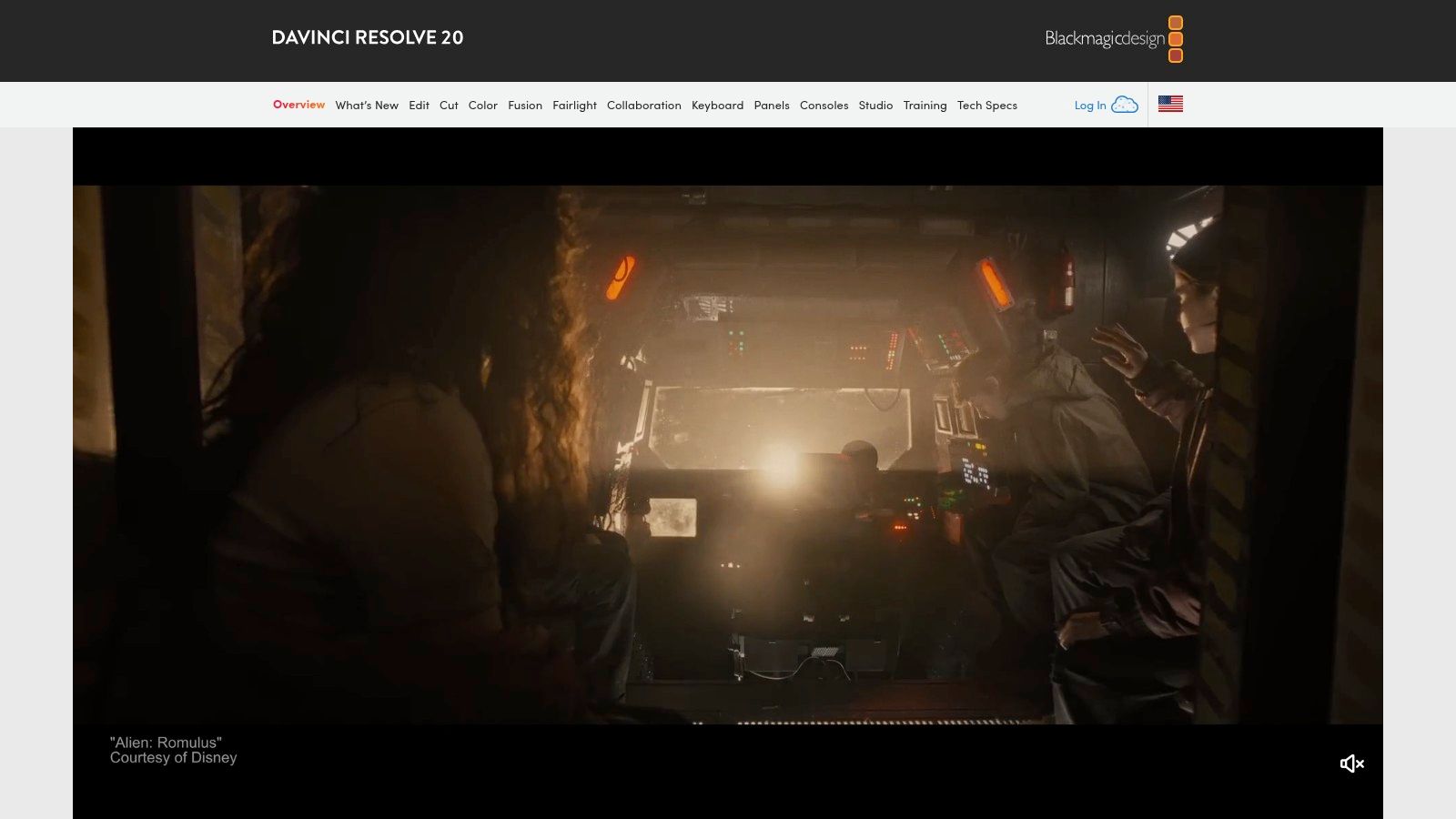
The platform is renowned for its node-based workflow in both the Color and Fusion pages, which offers granular control that rivals dedicated compositing software. While the interface can seem complex to newcomers, its logical "page" system guides users through the post-production process. The most compelling aspect is its pricing model: a remarkably capable free version supports up to 4K projects, while the "Studio" version is a single, affordable one-time purchase. For a deeper dive, you can explore other best tools for video editors and see how Resolve compares.
Key Features & Considerations
- Pricing: A powerful free version is available. The premium DaVinci Resolve Studio is a one-time purchase, providing lifetime updates and unlocking AI tools, advanced codecs, and collaboration features.
- Best For: Independent filmmakers, colorists, and video creators who need an all-in-one post-production solution and want to avoid subscriptions. Excellent for those prioritizing color grading and visual effects.
- Pros:
- Extremely powerful free version suitable for many professional projects.
- True end-to-end post-production pipeline in a single application.
- Industry-standard color grading tools.
- One-time purchase for the full-featured Studio version.
- Cons:
- Steeper learning curve compared to simpler video editors like Premiere Pro.
- Some advanced formats, GPU accelerations, and AI features are exclusive to the paid Studio version.
Website: https://www.blackmagicdesign.com/products/davinciresolve/
8. Capture One
For professional photographers, particularly those in commercial, studio, and fashion settings, Capture One is a top-tier Adobe Creative Cloud alternative, often chosen over Lightroom Classic. It is renowned for its exceptional RAW processing engine, which produces images with remarkable color accuracy and detail. The software is built around a robust workflow designed for high-volume shoots, with a special emphasis on tethered capture.
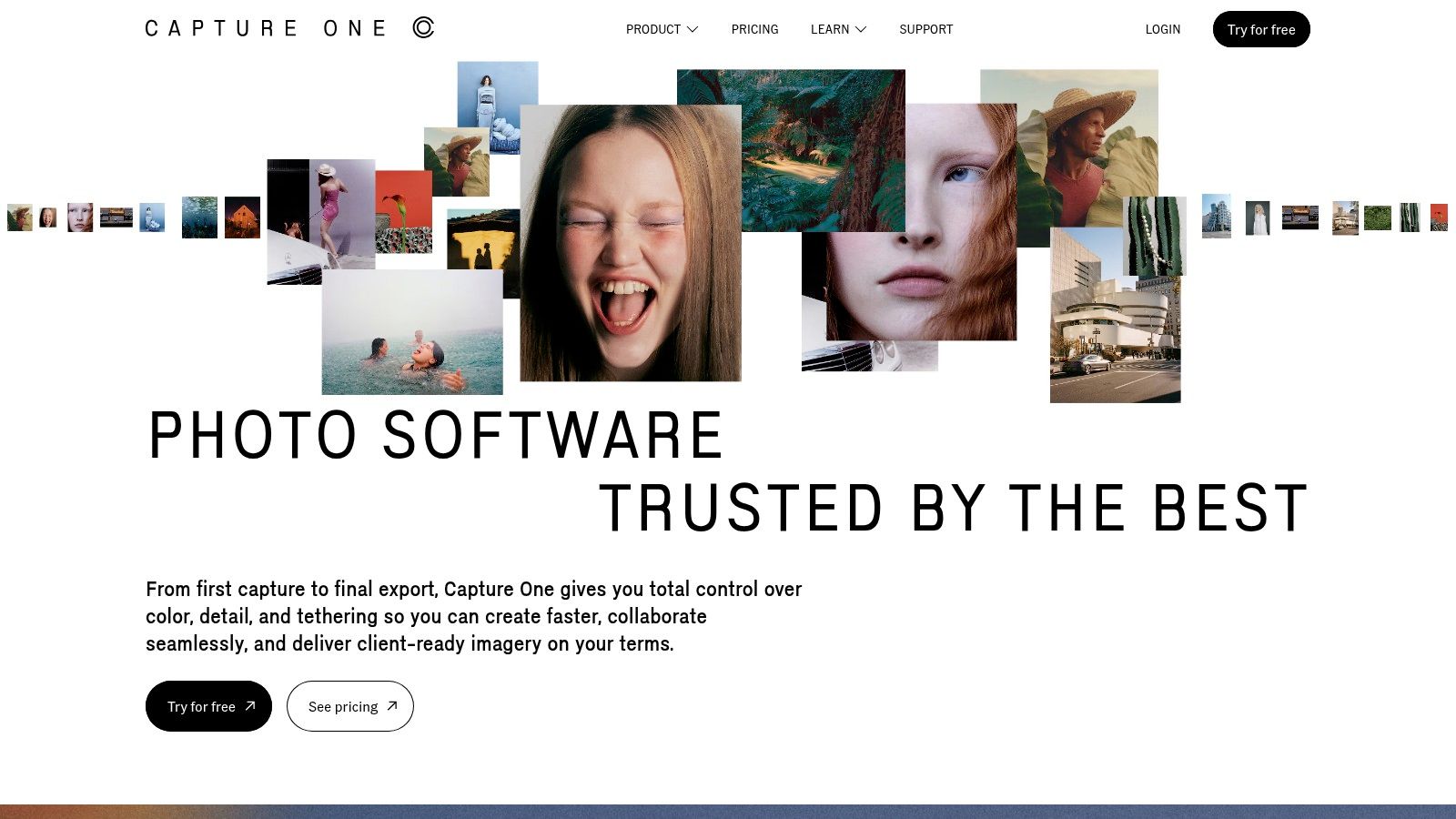
Capture One gives photographers a choice between a flexible Sessions workflow for individual projects and a more permanent Catalog system for long-term asset management. Its advanced color editor is a key differentiator, offering precise control over hues, saturation, and lightness that many professionals find superior for commercial work. Features like layers, masks, and live collaboration tools further cement its place in high-end production environments. You can explore more of the best tools for photographers in our related guide.
Key Features & Considerations
- Pricing: Offers both subscription plans and a perpetual license model. Pricing has been subject to change, so it's wise to review the current options before purchasing.
- Best For: Commercial and studio photographers who require the highest quality RAW conversion, precise color grading, and reliable tethered shooting capabilities.
- Pros:
- Industry-leading color and tone fidelity, especially for skin tones.
- Best-in-class tethering and session management tools for studio work.
- Flexible licensing with both subscription and one-time purchase options.
- Advanced layer and masking tools for non-destructive editing.
- Cons:
- Steeper learning curve compared to more consumer-focused photo editors.
- Perpetual license model has become more complex and may not include all future updates.
- Higher price point than many other Lightroom alternatives.
Website: https://www.captureone.com/
9. Clip Studio Paint (Celsys)
Clip Studio Paint has solidified its position as a go-to Adobe Creative Cloud alternative, especially for illustrators, comic artists, and animators who find Photoshop's tools too generalized. It excels in creating digital art with a focus on line work, coloring, and sequential art. The application is celebrated for its natural brush engine, which offers extensive customization and stabilization settings to produce smooth, clean lines, closely mimicking traditional media.
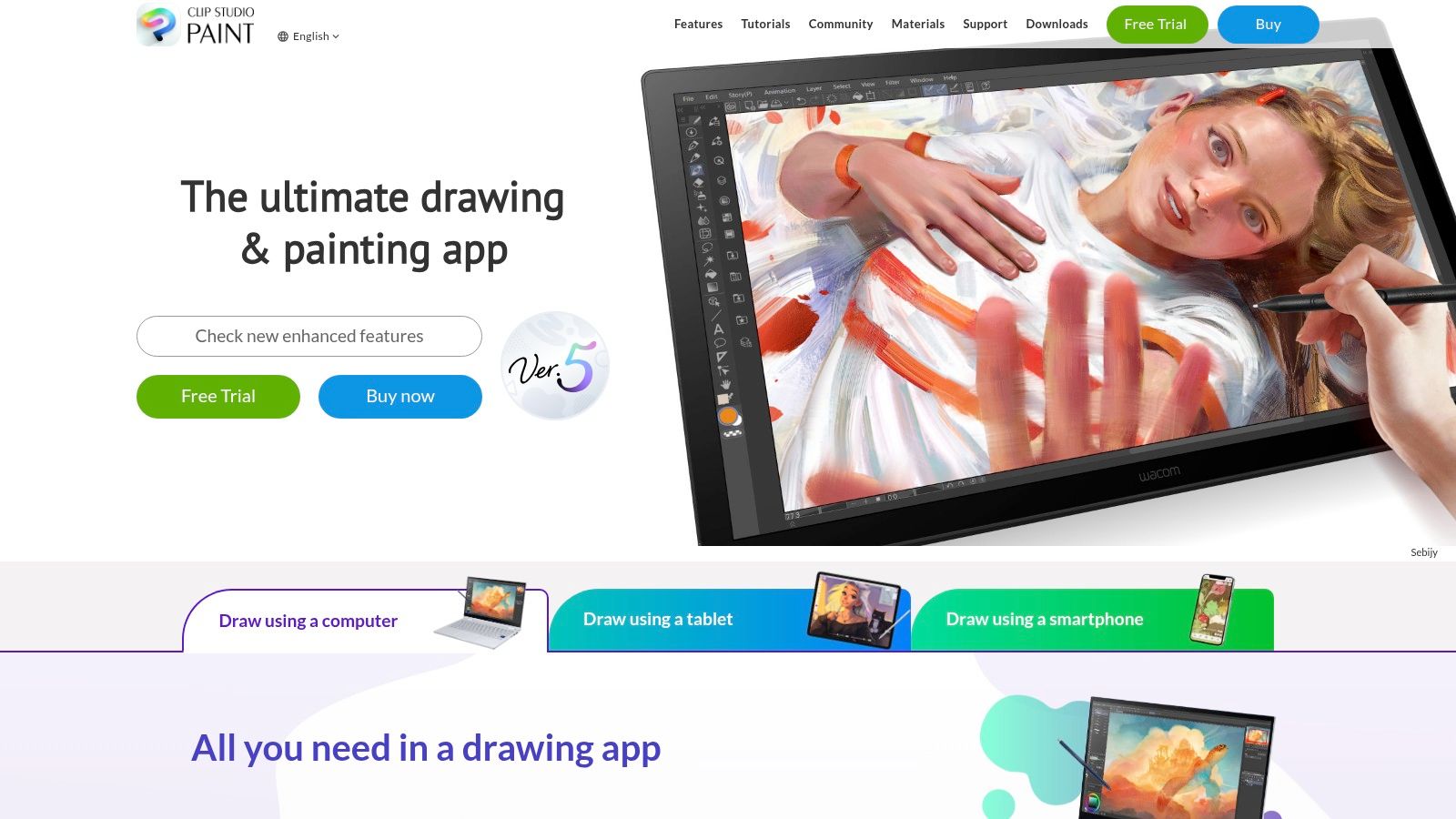
The platform is split into two main versions: PRO, geared towards character art and single-page illustrations, and EX, which adds multi-page story management and advanced 2D animation features. A key advantage is its robust set of built-in tools for creating comics and webtoons, including panel layouts, speech balloons, effect lines, and 3D model posing for reference. The active community and an extensive asset store provide a constant stream of brushes, materials, and 3D objects, greatly speeding up creative workflows.
Key Features & Considerations
- Pricing: Available as a one-time purchase for Windows and macOS. Mobile versions (iPad, iPhone, Android, Chromebook) require a monthly or annual subscription plan.
- Best For: Comic book artists, manga creators, webtoon illustrators, and 2D animators who require specialized tools for sequential art and character illustration.
- Pros:
- Exceptional brush engine with powerful stabilization for clean line art.
- Deep, specialized toolset for comic, manga, and webtoon creation.
- Vibrant community and a massive asset store for free and paid resources.
- One-time purchase option for desktop users.
- Cons:
- The user interface can feel dense and overwhelming for new users.
- Advanced features like multi-page story files and unlimited animation frames are exclusive to the more expensive EX version.
- Subscription model for mobile devices can be confusing alongside the perpetual desktop license.
Website: https://www.clipstudio.net/en/
10. Krita
For digital painters, illustrators, and concept artists seeking an Adobe Creative Cloud alternative focused purely on painting, Krita is a standout open-source solution. Developed by a community of artists, it's a powerful digital painting and 2D animation application designed for creative workflows like concept art, texture painting, comics, and frame-by-frame animation. Unlike Photoshop, which balances photo editing with painting, Krita is built from the ground up for artists, offering specialized tools at no cost.
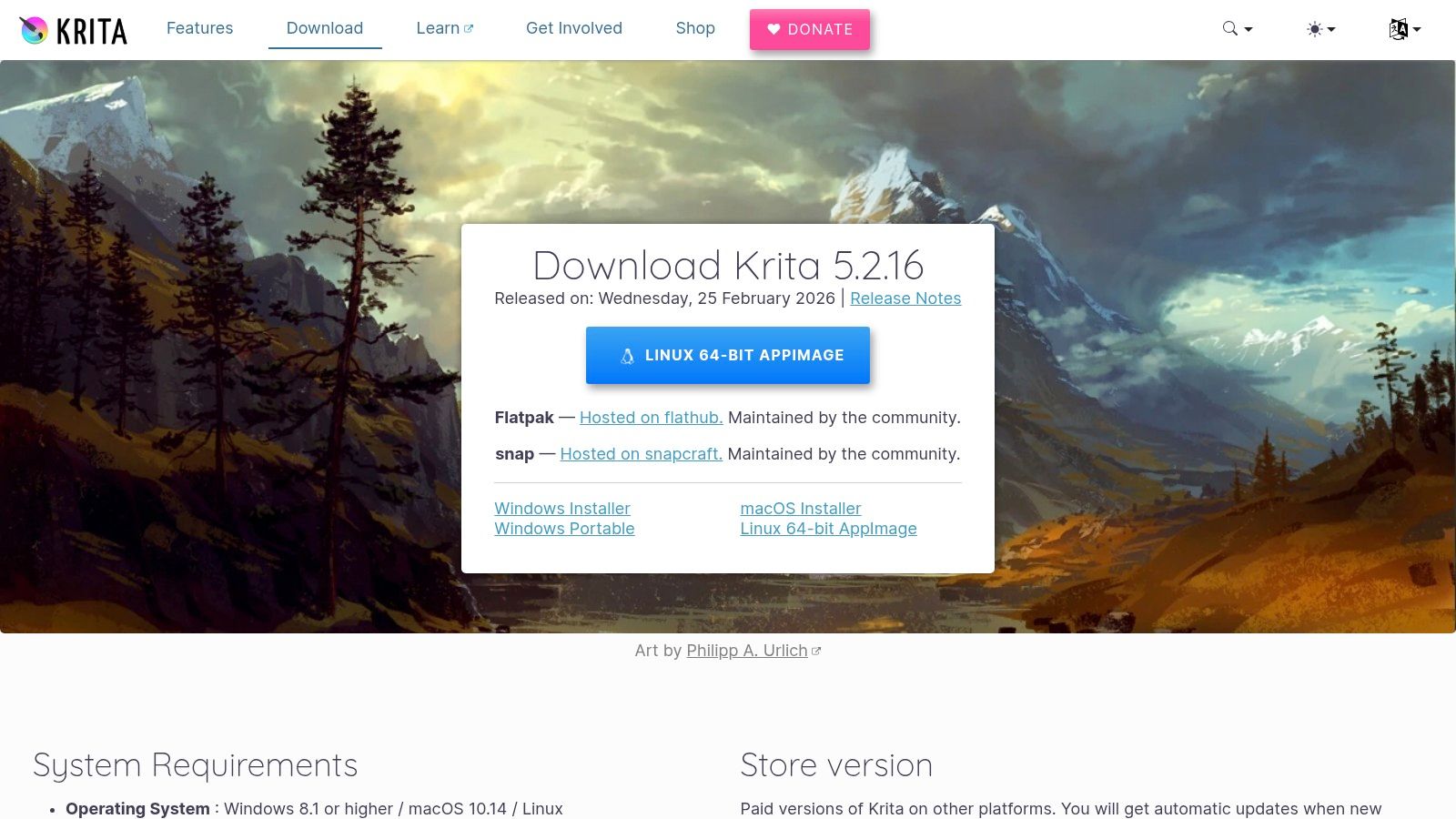
The user experience centers on a customizable, dock-based interface that allows artists to arrange their workspace to their liking. Its performance is impressive, with advanced brush engines that support stabilization, texture, and complex dynamics. A key feature is its wrap-around mode, which lets artists create seamless textures and patterns by painting across the image canvas boundaries in real-time. It also includes solid 2D animation tools with an onion-skinning display and timeline.
Key Features & Considerations
- Pricing: Completely free. Krita is funded by community donations and is available to everyone without a fee or subscription.
- Best For: Digital painters, comic book artists, animators, and concept artists who need a professional-grade painting application without the cost of a commercial license.
- Pros:
- Powerful and feature-rich painting toolset available at no cost.
- Excellent brush engines with extensive customization.
- Cross-platform and supported by an active, responsive community.
- Includes built-in 2D animation and vector tools.
- Cons:
- Photo-editing and advanced typography tools are limited compared to Photoshop.
- Fewer commercial plugins and a smaller third-party support ecosystem.
Website: https://krita.org/en/download/
11. GIMP
As a long-standing, free, and open-source raster editor, GIMP (GNU Image Manipulation Program) is a formidable Adobe Creative Cloud alternative for users who need core image editing functions without the cost. It provides a robust toolset for photo retouching, image composition, and basic graphic creation. Its main appeal lies in its zero-cost, community-driven model, making professional-grade tools accessible to everyone across Windows, macOS, and Linux.
While its user interface may seem less polished than modern commercial software, GIMP is exceptionally powerful, offering layers, masks, advanced selection tools, and an extensive library of filters. Its true strength is revealed through its customization and extensibility; users can install countless plugins or use scripting (with Python or Scheme) to automate repetitive tasks and create custom workflows, a feature many paid programs lack.
Key Features & Considerations
- Pricing: Completely free and open-source. No hidden costs or subscriptions.
- Best For: Students, hobbyists, and budget-conscious professionals who need a powerful raster editor for photo editing and image manipulation and are willing to navigate a less-refined user experience.
- Pros:
- Absolutely free with no strings attached.
- Powerful scripting and automation capabilities for batch processing.
- Extensive plugin ecosystem and a large, supportive community.
- Cross-platform support for major operating systems.
- Cons:
- The user interface and workflow can feel dated and are less intuitive than Photoshop's.
- Lacks robust CMYK support, making it less ideal for professional print workflows.
- Limited compatibility with complex PSD files containing advanced Photoshop features.
Website: https://www.gimp.org/downloads/
12. Blender
Blender is an industry-standard, free, and open-source 3D creation suite that serves as a powerful Adobe Creative Cloud alternative, particularly for motion graphics and 3D work often done in After Effects or Cinema 4D. It offers a complete production pipeline, including modeling, sculpting, animation, simulation, rendering, and even video editing. As a completely free tool, it provides access to professional-grade features that rival, and in some cases exceed, expensive commercial software.
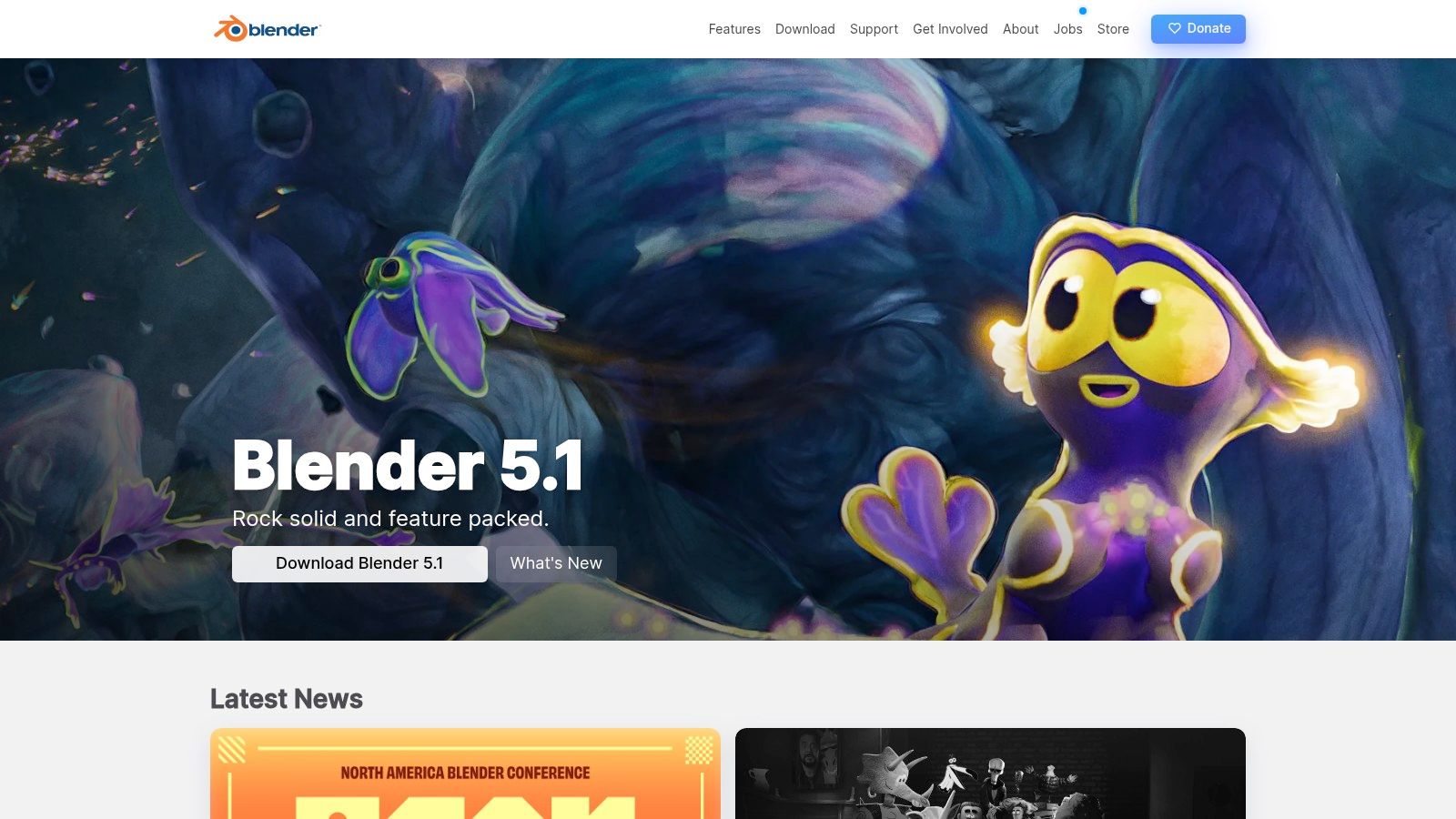
The platform is known for its rapid development and robust community support, which fuels a massive ecosystem of free and paid add-ons. Unique features like the Grease Pencil tool allow artists to combine 2D animation within a 3D environment, opening up creative possibilities not easily found elsewhere. While its 3D-centric, node-based workflow presents a steep learning curve for those accustomed to 2D design tools, its capabilities make it an indispensable asset for anyone serious about 3D, VFX, or complex motion design.
Key Features & Considerations
- Pricing: Completely free and open-source forever. Development is funded by donations and corporate partners.
- Best For: 3D artists, motion designers, animators, and VFX specialists looking for a studio-grade, all-in-one suite without any cost.
- Pros:
- No cost; provides professional-level 3D tools for free.
- An all-in-one pipeline from modeling and sculpting to video editing.
- Large, active community and extensive add-on market.
- Cross-platform with strong industry adoption.
- Cons:
- The interface and workflows can be overwhelming for beginners.
- Its video editor is functional but not a replacement for dedicated NLEs like Premiere Pro.
Website: https://www.blender.org/
Top 12 Adobe Creative Cloud Alternatives: Features & Pricing
| Product | Core Focus | Standout Features ✨ / Wins 🏆 | UX Quality ★ | Pricing & Value 💰 |
|---|---|---|---|---|
| Affinity (Designer, Photo, Publisher) – Serif | Vector, photo, publishing (cross‑platform) | ✨ One‑off V2 Universal License; CMYK, RAW, StudioLink · 🏆 High performance | ★★★★☆ | 💰 One‑time license — cost‑effective |
| CorelDRAW Graphics Suite (Alludo) | Vector, layout, print & signage | ✨ Advanced prepress & Pantone support; variable fonts · 🏆 Licensing choice (sub/perpetual) | ★★★☆☆ | 💰 Subscription or perpetual |
| Figma | Browser UI/UX, prototyping, design systems | ✨ Real‑time multiuser, plugins, Dev Mode · 🏆 Collaboration leader | ★★★★☆ | 💰 Subscription per editor (scales with seats) |
| Sketch | Mac‑native UI/UX & prototyping | ✨ Native macOS tools, symbols & auto‑layout · 🏆 Simple Mac‑centric workflow | ★★★★☆ | 💰 One‑time + cloud/sub options |
| Canva | Web‑based templates, quick design & video | ✨ Massive templates & brand kits; fast outputs · 🏆 Ideal for non‑designers | ★★★★☆ | 💰 Free tier; Pro & Enterprise subs |
| Apple Creator Studio (bundle) | Pro video/audio + image apps (Apple only) | ✨ Final Cut/Logic + Pixelmator integration; Family Sharing · 🏆 Optimized for Apple Silicon | ★★★★☆ | 💰 Subscription bundle (Apple‑only) |
| DaVinci Resolve (Blackmagic) | Editing, color, VFX, audio (all‑in‑one) | ✨ Industry‑leading color + Fusion & Fairlight · 🏆 Powerful free tier | ★★★☆☆ | 💰 Free tier; Studio one‑time purchase |
| Capture One | RAW processing & tethering | ✨ Superior color editor & tethering · 🏆 Preferred for commercial shoots | ★★★☆☆ | 💰 Subscription or perpetual |
| Clip Studio Paint (Celsys) | Illustration, comics, 2D animation | ✨ Natural brush engine, manga tools, timeline · 🏆 Favored by illustrators & comic artists | ★★★★☆ | 💰 One‑time / tiered editions; mobile pricing |
| Krita | Digital painting & 2D animation (OSS) | ✨ Advanced brushes, HDR, animation tools · 🏆 Free, artist‑driven | ★★★☆☆ | 💰 Free / donation supported |
| GIMP | Raster editing, retouching, compositing (OSS) | ✨ Extensive plugins & scripting · 🏆 Free alternative for common image tasks | ★★★☆☆ | 💰 Free / open‑source |
| Blender | 3D modeling, animation, rendering (OSS) | ✨ Grease Pencil, Cycles/Eevee, full 3D pipeline · 🏆 Studio‑grade free toolset | ★★★☆☆ | 💰 Free / open‑source |
Choosing Your Next Creative Tool: A Final Framework
We've explored a wide spectrum of powerful adobe creative cloud alternatives, from comprehensive suites like Affinity and CorelDRAW to specialized powerhouses like DaVinci Resolve and Figma. The journey away from a familiar ecosystem can seem daunting, but it’s clear the market is rich with capable, professional-grade software ready to support your creative ambitions. The most critical takeaway is that there is no single "best" replacement; the ideal choice is entirely subjective, shaped by your unique projects, budget, and personal workflow.
Instead of searching for a one-to-one Adobe clone, the real opportunity lies in building a new, more efficient toolkit tailored specifically to you. This shift allows you to escape the confines of a single subscription and hand-pick the applications that best serve your craft.
A Framework for Your Decision
To help you make a confident choice, consider your needs through this simple three-part framework. Answering these questions will quickly narrow the field and point you toward the right software combination.
1. Budget: Perpetual vs. Subscription vs. Free
Your financial model is the first and most practical filter. Do you prefer the predictability of a one-time payment, the flexibility of a monthly subscription, or the accessibility of free, open-source software?
- Perpetual License: Tools like Affinity Suite (Designer, Photo, Publisher), Capture One, and DaVinci Resolve Studio offer a "buy it once, own it forever" model. This is excellent for budget predictability but may require paid upgrades for major new versions.
- Subscription Model: Platforms like Figma, Sketch, and Canva operate on a recurring payment. This ensures you always have the latest features and cloud collaboration tools but represents an ongoing operational cost.
- Free & Open-Source: Incredible options like Krita, GIMP, and the standard version of DaVinci Resolve are completely free. They are community-driven and offer immense power without any financial commitment, making them perfect for students, hobbyists, or professionals on a tight budget.
2. Workflow: All-in-One vs. Specialized Tools
Next, evaluate how you work. Do you need a tightly integrated environment for multi-disciplinary projects, or do you perform highly specialized tasks that demand a best-in-class tool?
- Integrated Suites: If you regularly jump between vector design, photo editing, and page layout, the Affinity Suite is an obvious choice. Its StudioLink technology provides a near-seamless experience. Similarly, the Apple Creator Studio bundle offers a cohesive workflow for those invested in the macOS ecosystem.
- Best-in-Class Specialists: Perhaps you only need a vector editor. In that case, focusing solely on Figma or Sketch makes more sense than paying for a bundle with tools you won't use. For advanced color grading and video editing, DaVinci Resolve stands on its own. When evaluating different platforms, a comprehensive video production software comparison can help streamline your decision-making process by laying out the specific strengths of each option.
3. Platform: Cross-Platform vs. Ecosystem-Specific
Finally, consider where you work. Your operating system and hardware can be a deciding factor.
- Cross-Platform Champions: Many modern tools, including Affinity, DaVinci Resolve, Figma, and Krita, work flawlessly across Windows, macOS, and sometimes even Linux. This flexibility is crucial for teams with diverse hardware or individuals who use multiple systems.
- Ecosystem Exclusives: Some of the most polished tools are tied to a single platform. Sketch and the Apple Creator Studio (Final Cut Pro, Logic Pro) are macOS-only, offering deep integration with Apple hardware and software at the cost of platform independence.
The path forward is clear: try before you buy. Nearly every paid tool on this list offers a free trial. Use this opportunity to test your real-world projects. See how the software feels, check if it supports your essential file types, and determine if the workflow clicks with your creative process.
Moving on from Adobe Creative Cloud isn't just about saving money; it's about empowerment. It's a chance to discover new techniques, optimize your workflow, and find a set of tools that doesn't just work, but inspires. You are now equipped to build a creative suite that is truly your own.
The creative software landscape is always changing. To stay informed about the latest tools, updates, and workflow strategies, consider subscribing to the Creators Toolbox newsletter. We deliver curated insights directly to your inbox, helping you discover and master the best applications for your craft. Find your next favorite tool at Creators Toolbox.