Max Lytvyn
Grammarly co-founder
AI assistant that moves with you across the apps you already use — save time, improve focus, and make work effortless.
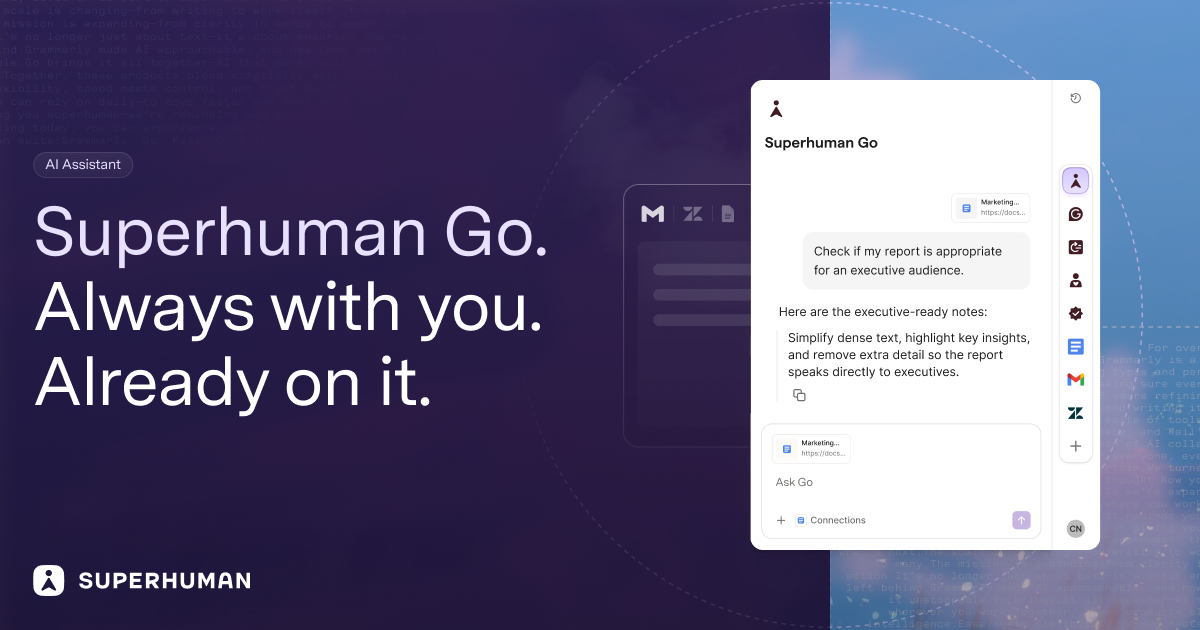
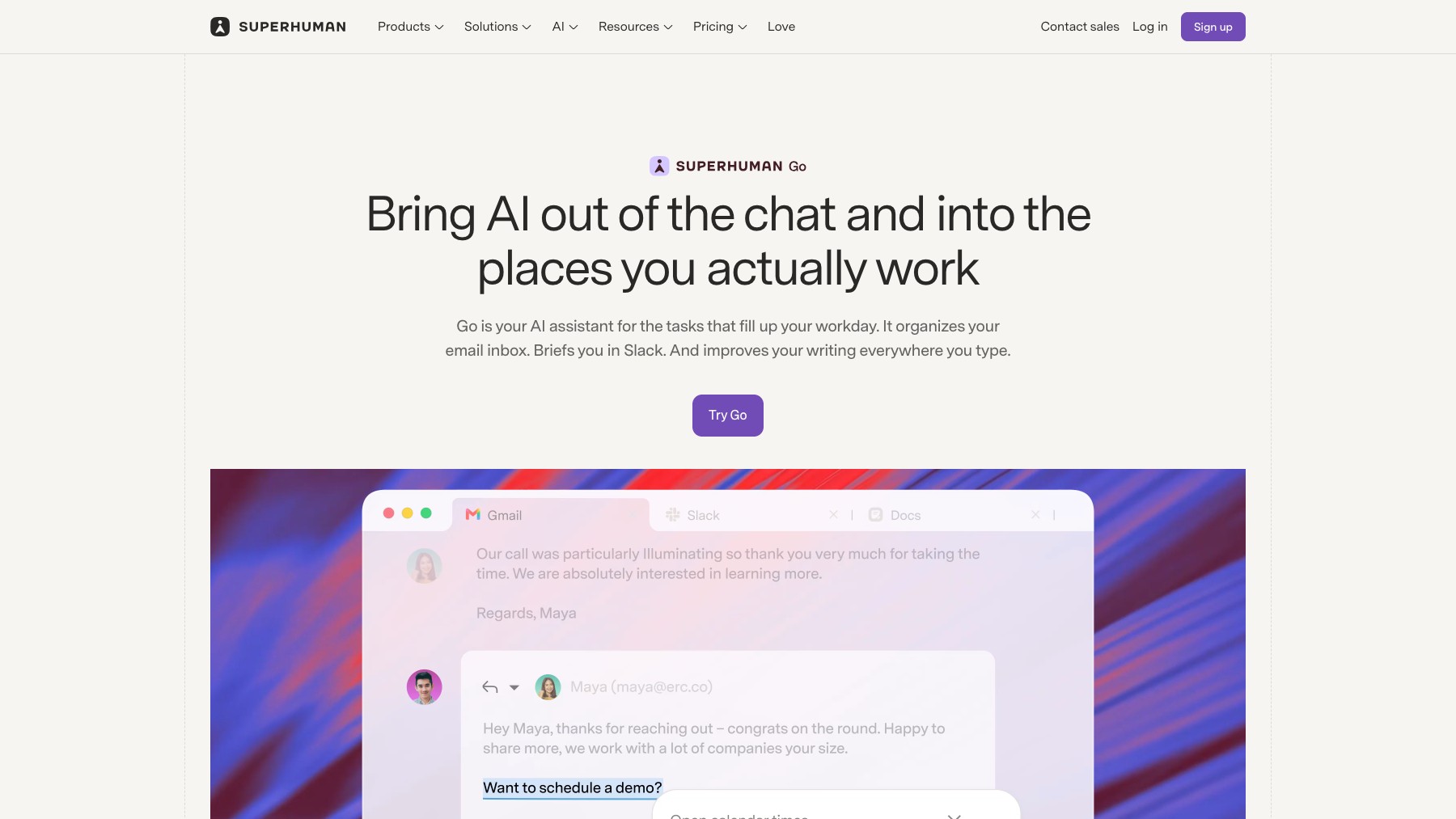
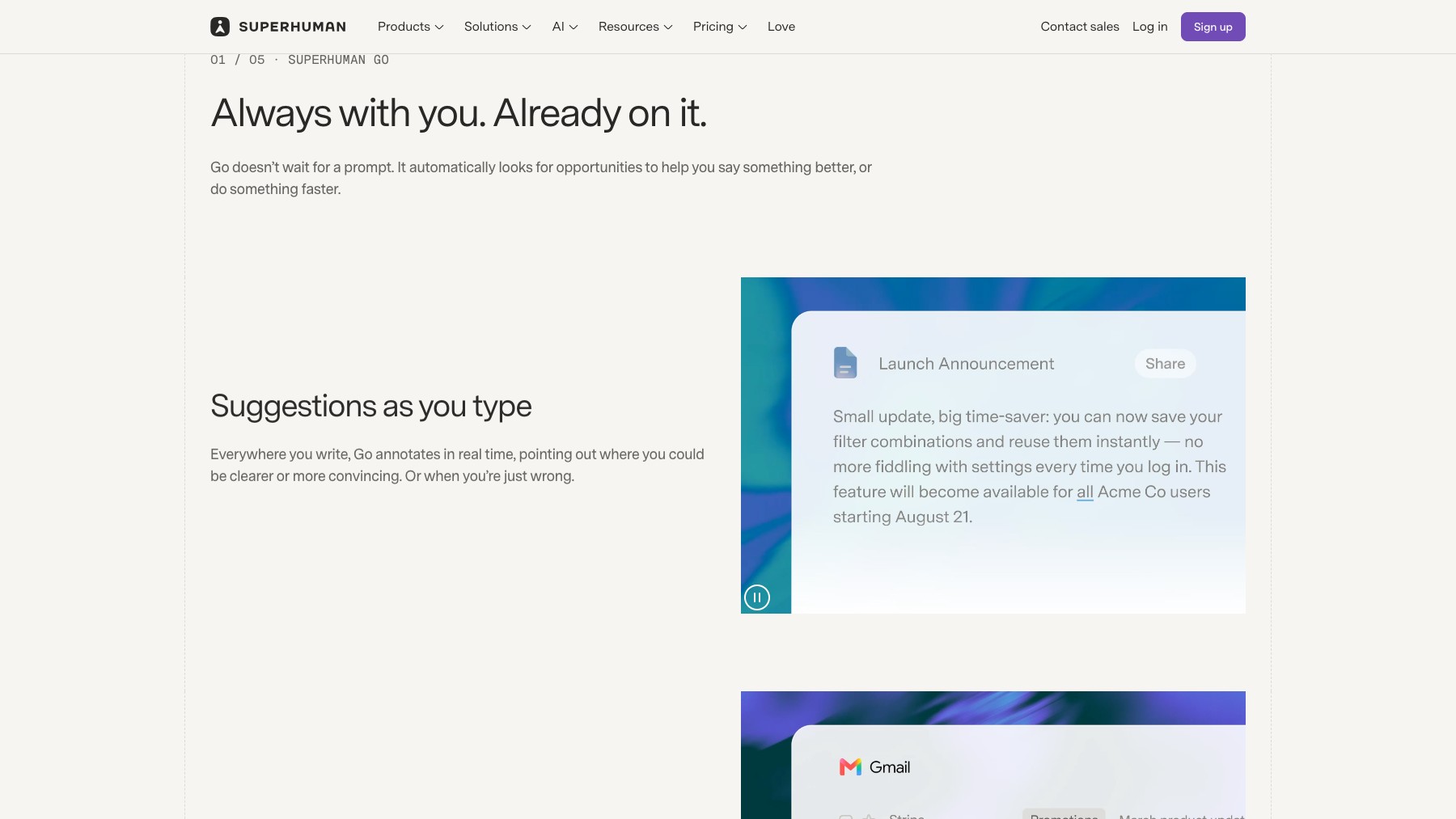
Superhuman Go is an AI assistant designed to live alongside the apps you already work in, not pull you away from them. From the team behind Superhuman email, Go reads cross-app context, drafts replies and summaries, and surfaces what you need without forcing a new workflow. Built for knowledge workers who want speed, focus, and an assistant that meets them where they already are.
Common questions about Superhuman Go
Traffic and momentum for Superhuman Go
6 similar tools

Superhuman
AI productivity suite combining Mail, Docs, and AI agents that follow you across the apps you already use.

Notion Mail
AI email client from Notion — auto-organizes, labels, and filters your inbox, drafts replies, and turns repeated responses into reusable snippets.

Muse for iOS & Android
Chat with Meta’s personal AI agent on your phone, delegate tasks, and review requests for approval.

Hermes Agent
Open-source AI agent from Nous Research that lives in your terminal and desktop — persistent memory, scheduling, subagents, and sandboxed execution.
Grok Bot
AI teammates with their own cloud computer that do multi-step work across your apps and websites, on desktop and mobile.
Phi
A remarkably well-behaved browser engineered specifically for macOS — quietly intelligent, beautifully native, and built on Chromium.
The people behind Superhuman Go
Grammarly co-founder
Grammarly co-founder
Grammarly co-founder
Similar Launches
Muse for iOS & Android
Chat with Meta’s personal AI agent on your phone, delegate tasks, and review requests for approval.
Hermes Agent
Open-source AI agent from Nous Research that lives in your terminal and desktop — persistent memory, scheduling, subagents, and sandboxed execution.
Grok Bot
AI teammates with their own cloud computer that do multi-step work across your apps and websites, on desktop and mobile.
Phi
A remarkably well-behaved browser engineered specifically for macOS — quietly intelligent, beautifully native, and built on Chromium.
ChatGPT for Desktop
ChatGPT on your desktop with Work and Codex modes, plus context from your email, screenshots, files, and anything on your screen.
ChatGPT Work
Create and edit polished docs, spreadsheets, and slides with ChatGPT — a work mode built for producing real documents, not just chat.
Comments