Sam Altman
OpenAI co-founder and CEO
ChatGPT on your desktop with Work and Codex modes, plus context from your email, screenshots, files, and anything on your screen.
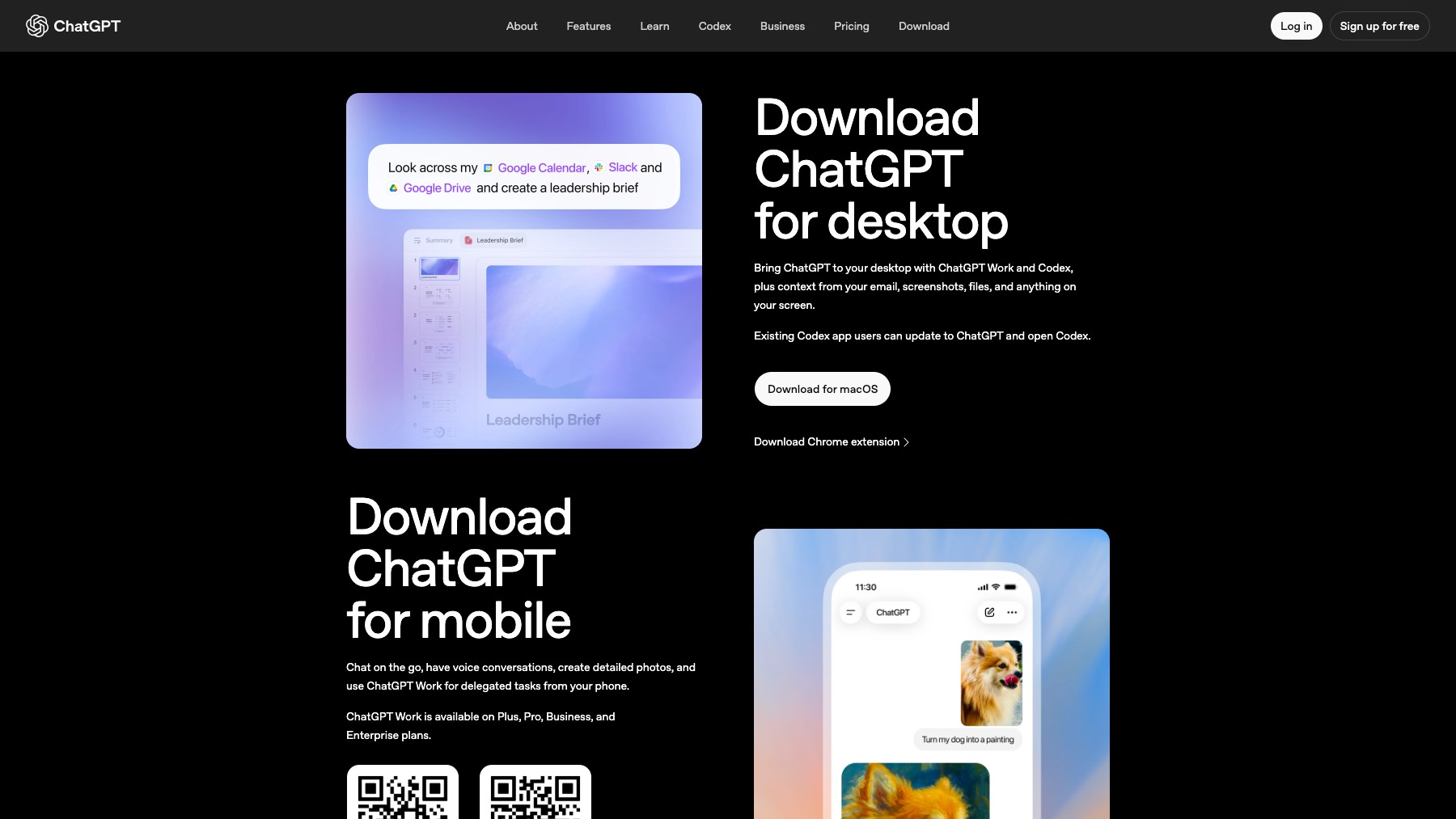
ChatGPT for desktop brings OpenAI's assistant to macOS and Windows with three modes: Chat for everyday conversations, Work for documents, spreadsheets, and slides, and Codex for coding. It can draw context from your email, screenshots, files, and anything on your screen, browse the web with a built-in browser, and work with apps on your computer. Conversation history and projects sync across web, mobile, and desktop, while local tasks stay on your machine.
Common questions about ChatGPT for Desktop
Traffic and momentum for ChatGPT for Desktop
6 similar tools

Claude
AI assistant by Anthropic — write, analyze, code, and create with one of the most capable large language models available.
ChatGPT
AI assistant by OpenAI — chat, write, code, analyse data, generate images, and browse the web, powered by the GPT-5.6 family.

ChatGPT App
Download ChatGPT as a native app — macOS, Windows, iOS, and Android. Voice mode, screenshot context, system shortcuts, and a dedicated window outside your browser.
ChatGPT Work
Create and edit polished docs, spreadsheets, and slides with ChatGPT — a work mode built for producing real documents, not just chat.
Claude Cowork
Delegate tasks to Claude — it runs them on your computer and ships finished results. Schedule recurring jobs, automate file wrangling, generate reports from raw inputs.

Cursor for iOS
Cursor's iOS app — kick off and manage AI coding agents from your phone, talk to Cursor by voice, annotate images for feedback, and review work on the go.
Similar Launches
ChatGPT Work
Create and edit polished docs, spreadsheets, and slides with ChatGPT — a work mode built for producing real documents, not just chat.
Google App for Desktop
AI-powered search on your desktop — press Alt+Space to search the web, your files, apps, and Google Drive with Gemini AI.
Claude App
Download the Claude AI assistant as a native app — available on macOS, Windows, iOS, and Android for fast access to chat, code generation, and file analysis.
ChatGPT App
Download ChatGPT as a native app — macOS, Windows, iOS, and Android. Voice mode, screenshot context, system shortcuts, and a dedicated window outside your browser.
Claude Cowork
Delegate tasks to Claude — it runs them on your computer and ships finished results. Schedule recurring jobs, automate file wrangling, generate reports from raw inputs.

Wispr Flow for Mac
AI-powered voice dictation for Mac — speak naturally and Flow writes clean, formatted text anywhere on your computer.
Comments