


Sergey Nazarov
Founder
Mac screen recorder with smart zoom, webcam overlay, motion blur, background music, and 4K export — one-time purchase, no subscription.
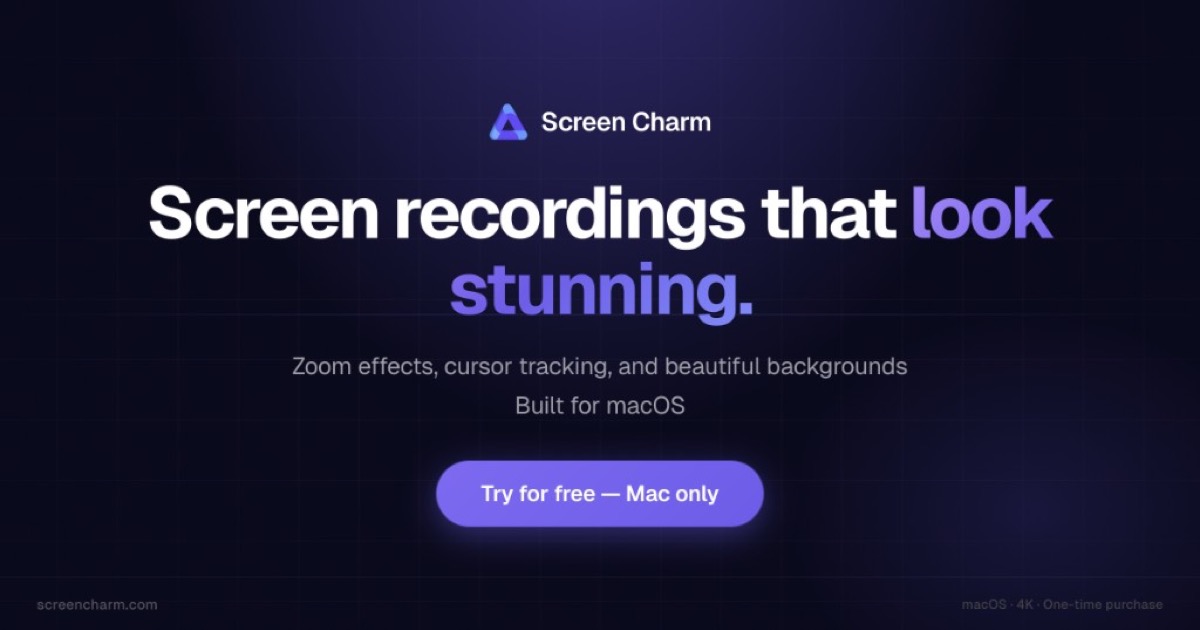
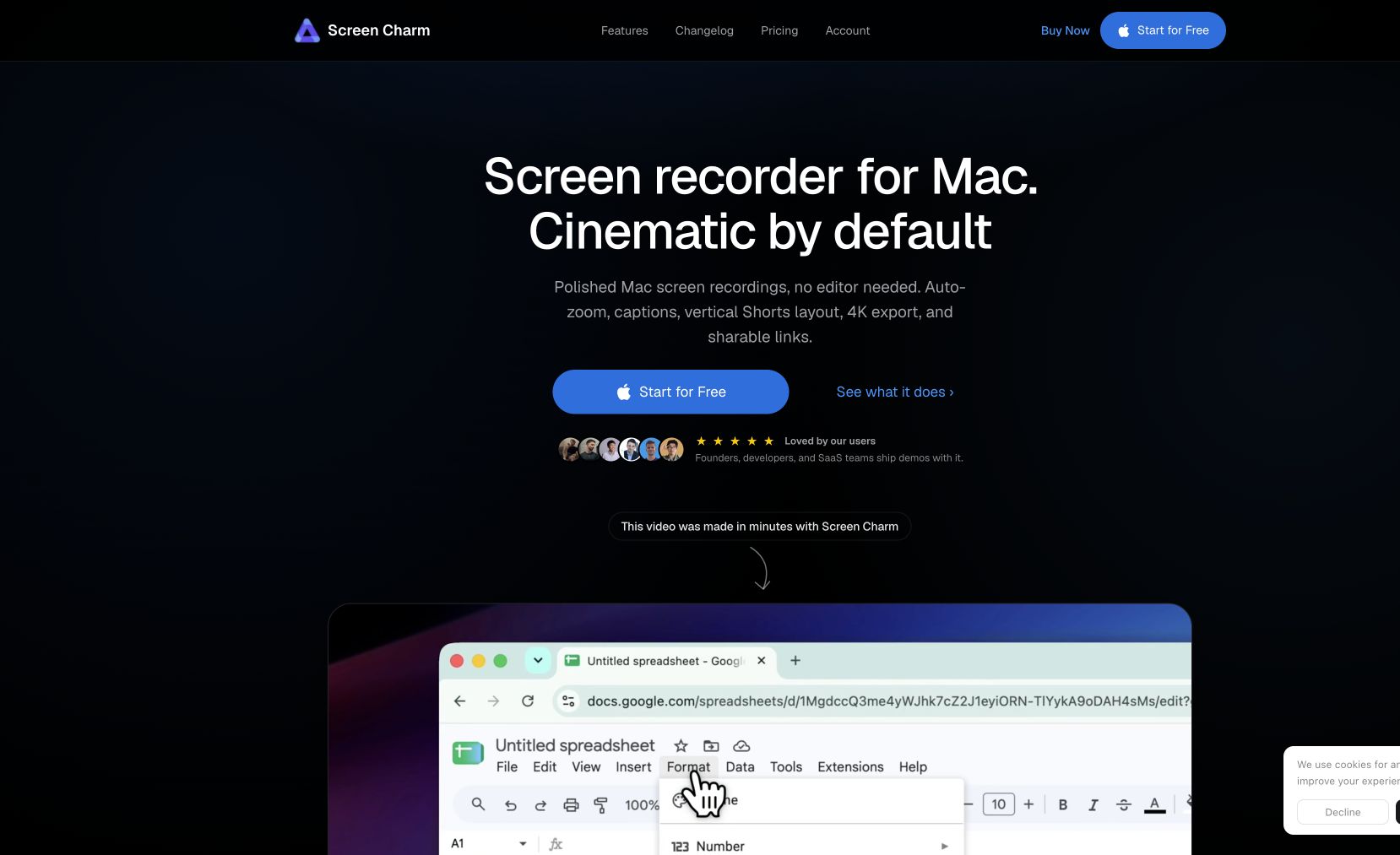
Screen Charm is a Mac screen recorder built for creators who want polished results without a monthly subscription. Its smart zoom effect automatically follows your pointer to keep the action in frame, while motion blur smooths out fast movements. Add a webcam overlay with background removal, drop in background music that auto-ducks when you speak, and export in up to 4K.
A built-in editor lets you trim and adjust before you share. One-time purchase.
Common questions about Screen Charm
Traffic and momentum for Screen Charm
Official videos and tutorials for Screen Charm.
6 similar tools

Cap
Open source screen recorder for Mac — capture your full screen or a single window in high quality and share it instantly via link, no watermarks.
Motionfly
A desktop screen recorder for software demos — auto zoom, animated 3D device mockups, and motion-graphics-style demo videos.
SuperMotion
Turn product screenshots and screen recordings into polished promo videos — zoom, pan, device mockups, annotations, and multi-scene editing. One-time $79.
Taken
Screen recorder for your 9th take. A lightweight macOS menu bar app to capture, record, trim, copy, or export any screen region in a few clicks.
Tella
Browser-based screen and webcam recorder with custom layouts, plus Tella Agent for edits and an MCP server for motion graphics and remote capture.
Recordly
Open-source screen recorder with auto-zoom, motion blur cursors, and minimal interface — a free alternative to Screen Studio.
The people behind Screen Charm
Founder
Similar Launches
Screen Movie
Native macOS screen recorder and video editor — record, screenshot, animate text and captions, add music, and export product videos in 4K.
CleanShot
The Mac screenshot and screen recording app — annotate, scroll-capture, record GIFs and video, pin to screen, and share via cloud link. Version 5.0 adds Studio Mode for polished recordings.
Taken
Screen recorder for your 9th take. A lightweight macOS menu bar app to capture, record, trim, copy, or export any screen region in a few clicks.
Shotbase
macOS capture workspace — screenshots, screen recordings and full-page web captures, edited, auto-organised by on-device AI, and shared as a link.

Evercut
A Mac screen capture and recording app with cinematic zooms, backgrounds, and transcript-based video editing.
Comments