Dario Amodei
Anthropic co-founder and CEO
Download the Claude AI assistant as a native app — available on macOS, Windows, iOS, and Android for fast access to chat, code generation, and file analysis.
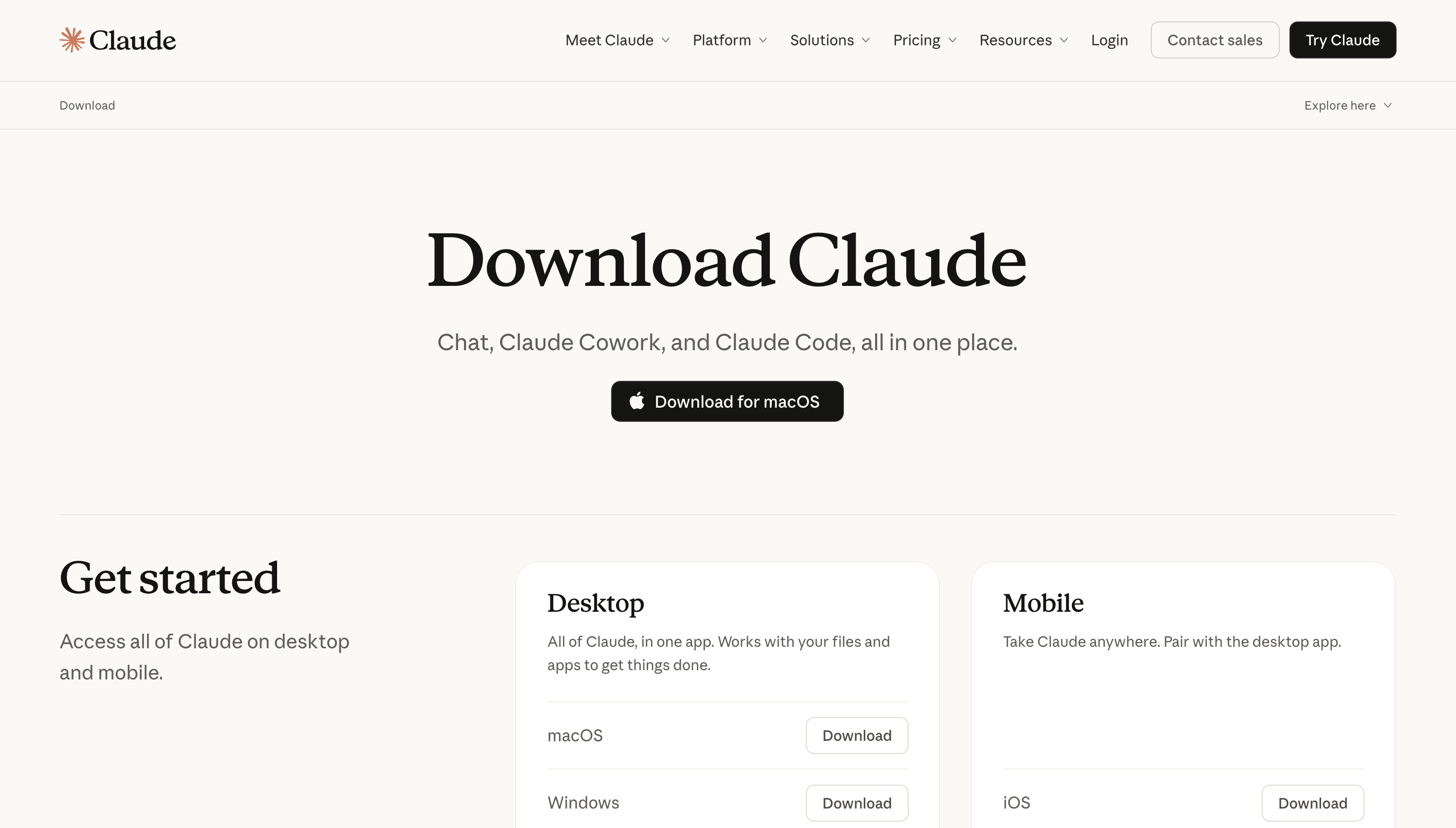
Claude for Desktop brings Anthropic's AI assistant to your dock as a native app. Available on macOS, Windows, iOS, and Android, it gives you fast access to Claude's full capabilities — advanced reasoning, code generation, document analysis, and creative writing — without opening a browser tab. Drag and drop files directly into the app for analysis, use keyboard shortcuts for quick access, and keep your AI conversations separate from your browsing.
The desktop app includes all the same features as claude.ai with the convenience of a dedicated native experience. Free tier available with Pro and Team plans for higher usage.
Common questions about Claude App
Traffic and momentum for Claude App
6 similar tools

Claude
AI assistant by Anthropic — write, analyze, code, and create with one of the most capable large language models available.
ChatGPT
AI assistant by OpenAI — chat, write, code, analyse data, generate images, and browse the web, powered by the GPT-5.6 family.
Google Gemini
Google's AI assistant — write, plan, brainstorm, generate images, and analyze files with one of the most powerful multimodal models.
Grok
AI assistant by xAI — chat, reason, generate images, and analyze data with real-time information access.
Perplexity
AI-powered answer engine — ask anything and get cited, real-time answers from across the web.
Claude for Microsoft 365
Use Claude inside Word, Excel, PowerPoint, and Outlook — context carries across all four apps so you can move from email to doc to deck in one conversation.
The people behind Claude App
Anthropic co-founder and CEO
Anthropic co-founder and President
Anthropic co-founder and Chief Compute Officer
Anthropic co-founder and Head of Public Benefit
Anthropic co-founder and Chief Science Officer
Anthropic co-founder and Chief Architect
Anthropic co-founder and Interpretability Research Lead
Anthropic Chief Product Officer
Similar Launches
ChatGPT for Desktop
ChatGPT on your desktop with Work and Codex modes, plus context from your email, screenshots, files, and anything on your screen.
Google App for Desktop
AI-powered search on your desktop — press Alt+Space to search the web, your files, apps, and Google Drive with Gemini AI.

ChatGPT App
Download ChatGPT as a native app — macOS, Windows, iOS, and Android. Voice mode, screenshot context, system shortcuts, and a dedicated window outside your browser.
Claude Cowork
Delegate tasks to Claude — it runs them on your computer and ships finished results. Schedule recurring jobs, automate file wrangling, generate reports from raw inputs.

Wispr Flow for Mac
AI-powered voice dictation for Mac — speak naturally and Flow writes clean, formatted text anywhere on your computer.
SuperWhisper for Mac
AI voice-to-text app for macOS — dictate anywhere with local AI processing, zero latency, and full privacy.
Comments