Yiming Zhang
Co-founder of ByteDance, CapCut’s parent company
CapCut's dedicated tablet editing app for Android — full-featured video editing optimized for the large screen with AI tools and multi-track editing.
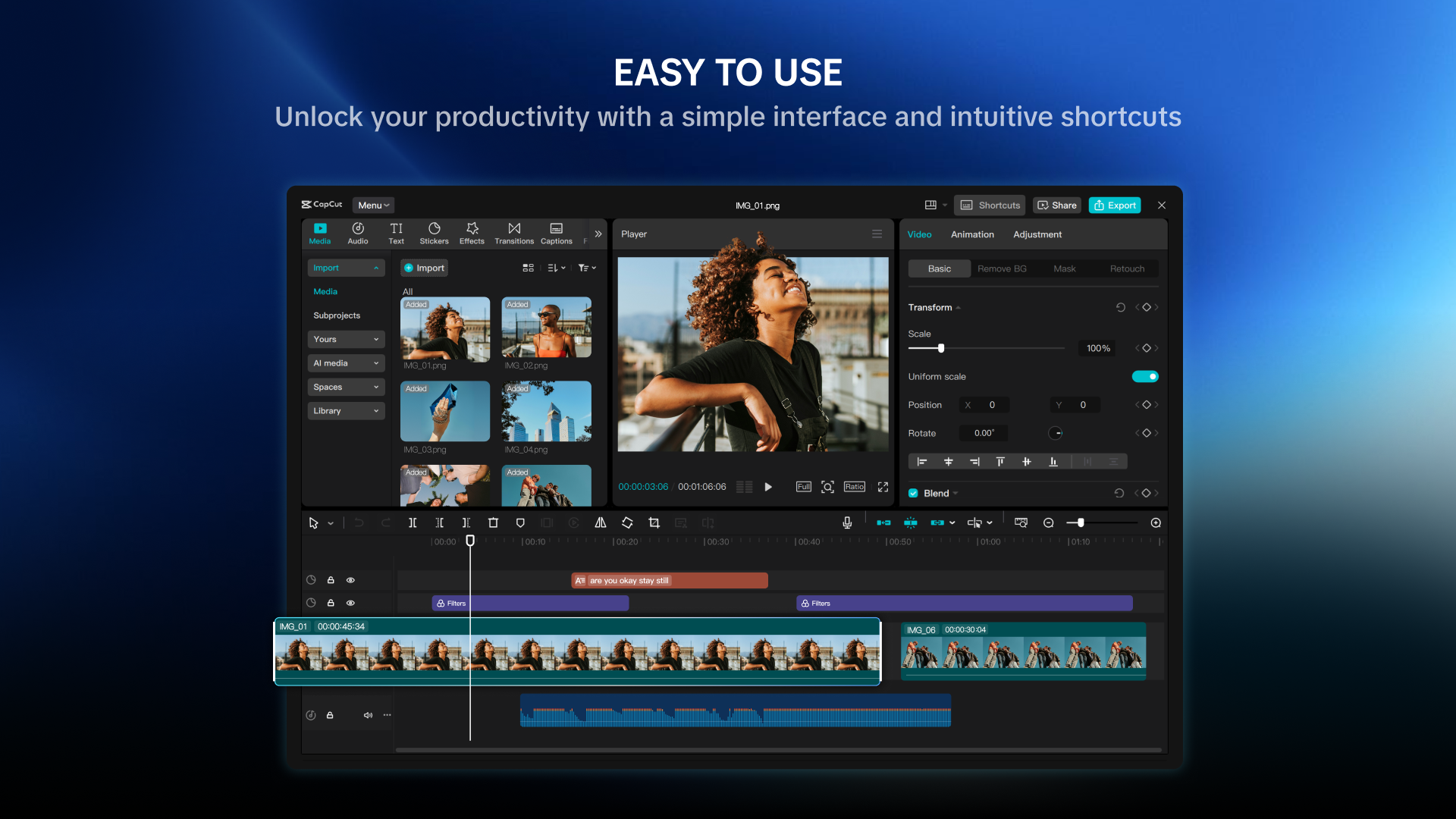
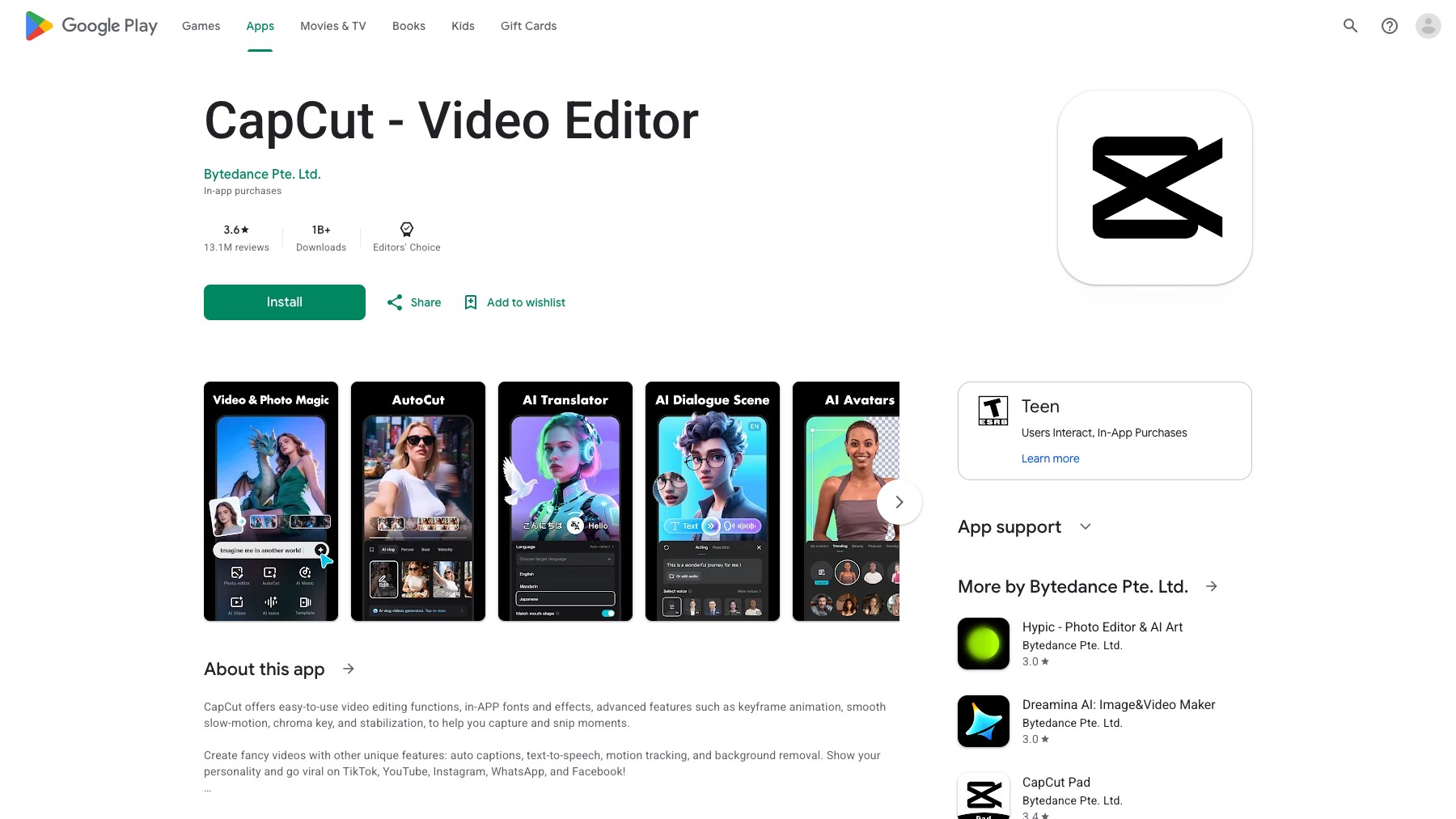
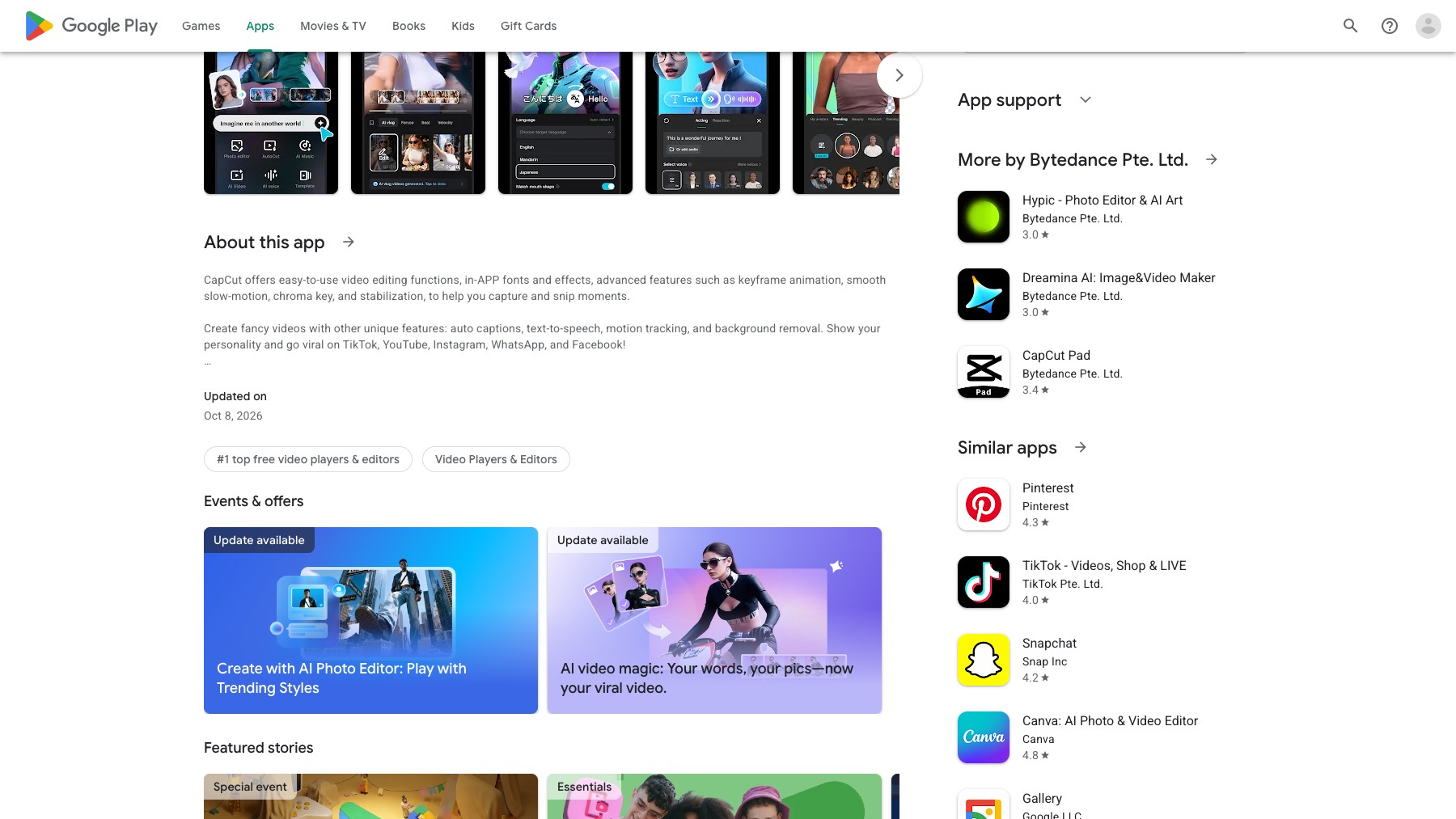
CapCut Pad brings the full CapCut editing experience to Android tablets with a layout optimized for large screens. Multi-track editing, AI-powered tools (auto-captions, background removal, effects), trending templates, and up to 4K export — all adapted for tablet input and display. From ByteDance, the same team behind the main CapCut app.
Available on the Google Play Store.
Common questions about CapCut for Android
Traffic and momentum for CapCut for Android
6 similar tools

CapCut
All-in-one video editing software with AI-powered tools, trending effects, and multi-track editing across app, web, and desktop.

Descript
Edit video and podcasts by editing the transcript — delete a word and it leaves the video, plus Studio Sound cleanup and Overdub voice cloning.

CapCut for iOS
CapCut's dedicated tablet editing app for iPad — full-featured video editing optimized for the large screen with AI tools and multi-track editing.

Muse for iOS & Android
Chat with Meta’s personal AI agent on your phone, delegate tasks, and review requests for approval.
Filmora
Cross-platform video editor by Wondershare — AI Copilot, motion tracking, keyframing, and effects for creators on desktop and mobile.

mtioon
Prompt-driven motion design editor that connects to Claude Code, reads your project assets, and builds editable videos on a real timeline.
The people behind CapCut for Android
Co-founder of ByteDance, CapCut’s parent company
Co-founder and Chairman of the Board of ByteDance, CapCut’s parent company
Similar Launches
CapCut for iOS
CapCut's dedicated tablet editing app for iPad — full-featured video editing optimized for the large screen with AI tools and multi-track editing.
Muse for iOS & Android
Chat with Meta’s personal AI agent on your phone, delegate tasks, and review requests for approval.
CapCut
All-in-one video editing software with AI-powered tools, trending effects, and multi-track editing across app, web, and desktop.
Filmora
Cross-platform video editor by Wondershare — AI Copilot, motion tracking, keyframing, and effects for creators on desktop and mobile.
mtioon
Prompt-driven motion design editor that connects to Claude Code, reads your project assets, and builds editable videos on a real timeline.

OpenEdit
Open source agentic video editor by VEED. Install it as an agent skill and let Claude Code, Codex, or Gemini transcribe footage, design caption styles, and render finished MP4s locally.
Comments