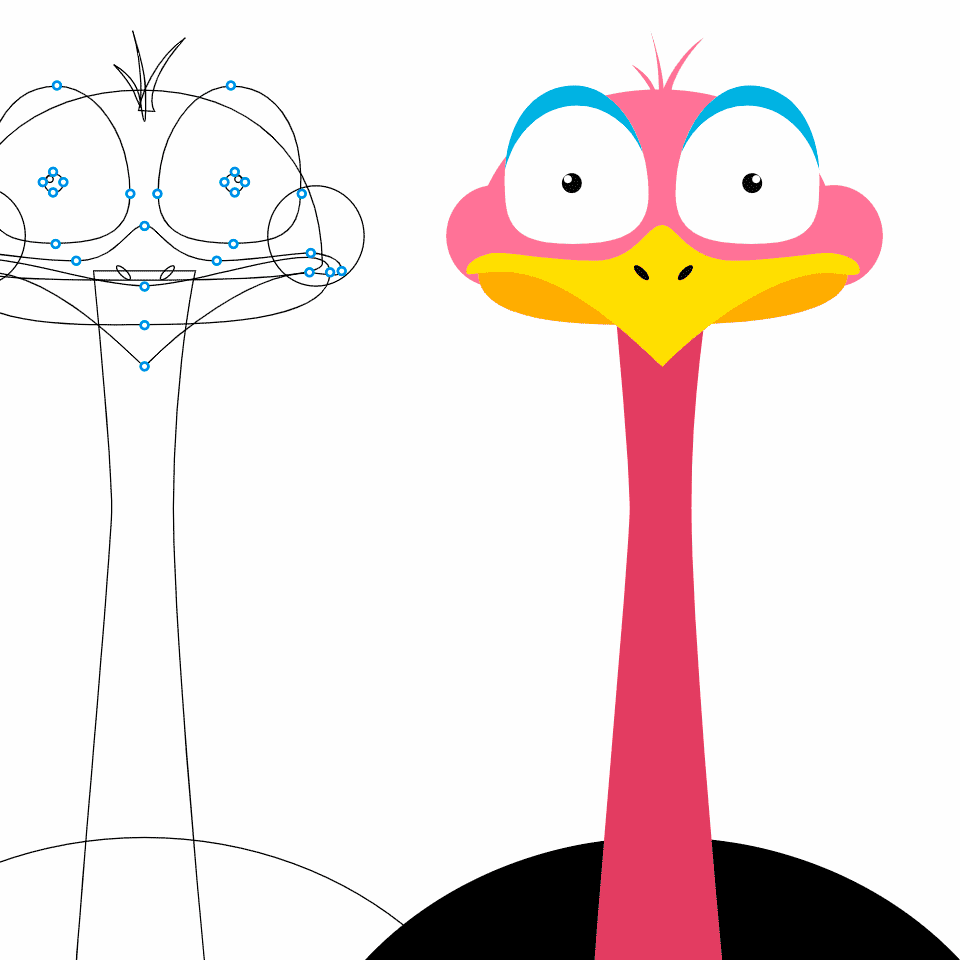
Figma plugin that animates shapes along any path — draw a line, attach a shape, and export smooth motion graphics in one click.
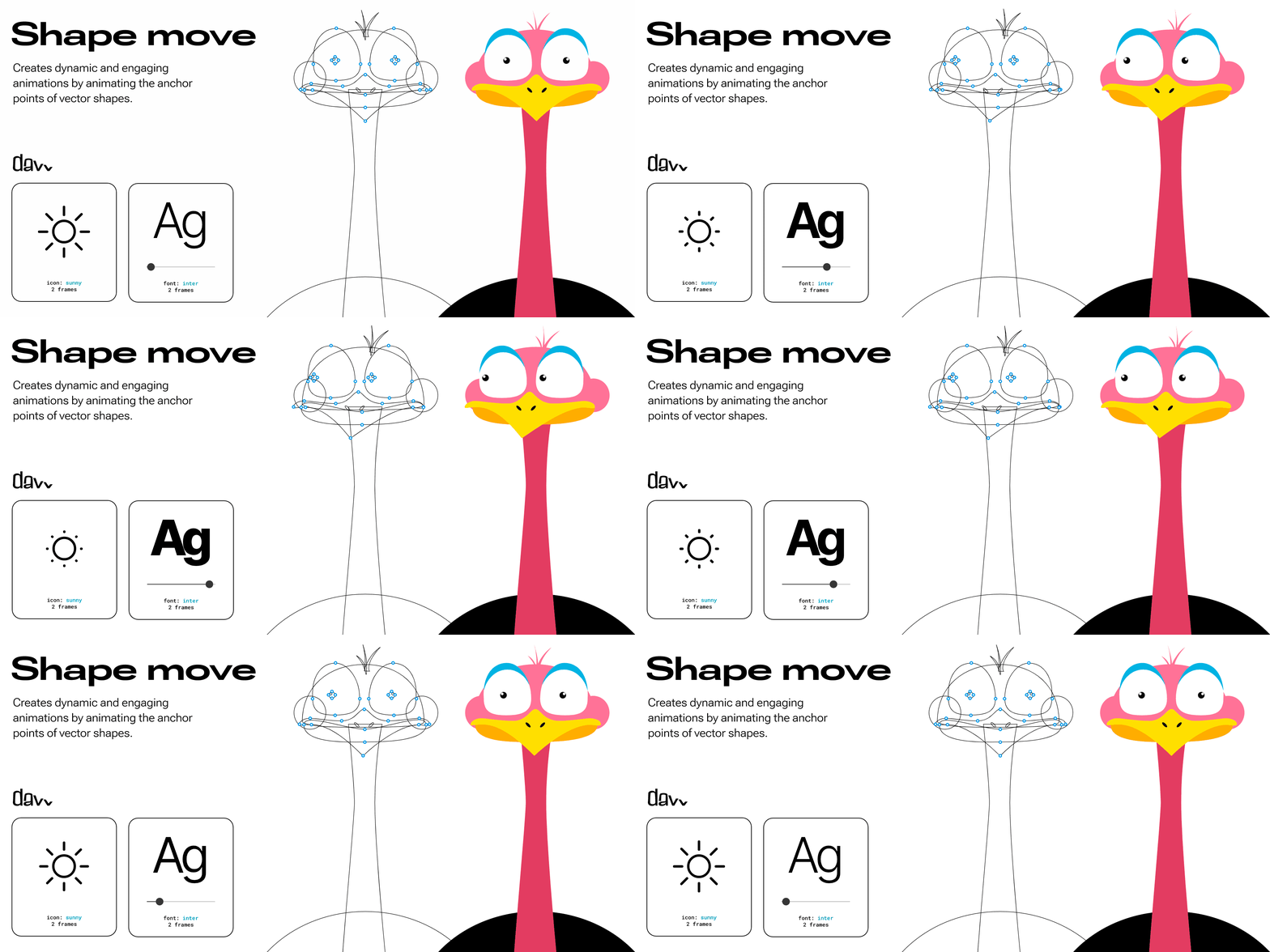
What is Shape Move?
Shape Move is a free Figma community plugin that lets you animate any shape or frame along a custom path. Draw a line or curve in Figma, select your shape, and the plugin generates a smooth motion animation you can export as a GIF or video. Ideal for creating animated icons, loading indicators, and motion graphics without switching to After Effects or a dedicated animation tool.
Features
- Animate shapes along any drawn path
- One-click export to GIF or video
- Works with any Figma shape or frame
- Customizable speed, easing, and loop options
- Free Figma community plugin
FAQs
Common questions about Shape Move
Is Shape Move free?
What can I export?
Insights
Traffic and momentum for Shape Move
Similar to Shape Move
6 similar picks
Jitter
Collaborative motion design tool on the web — create professional animations in minutes, no experience required.
Adobe for ChatGPT
Adobe's unified plugin for ChatGPT. Access tools from Photoshop, Adobe Express, Illustrator, Premiere, Acrobat, and more in ChatGPT, ChatGPT Work, and Codex using natural language.
Figma for Chrome
Official Figma browser extension — capture live websites and import them into Figma as editable layers, not screenshots.
Magnific Plugins
Magnific plugins for Premiere Pro, After Effects, DaVinci Resolve, and Final Cut Pro — generate, upscale, relight, reframe, add AI audio, and pull from 250M stock assets in your timeline.

Higgsfield for Adobe
Free AI plugin for Premiere Pro and After Effects — reframe, remove background, upscale to 4K/8K, draw to edit, and generate video without leaving Creative Cloud.
Higgsfield for Figma
Generate AI images and video, remove backgrounds, relight, and expand — all inside Figma and FigJam without switching tools.
Team
The people behind Shape Move
Similar Launches
Magic Animator
Figma plugin that animates your designs in seconds with AI — bring static layers to life without a motion workflow.

DEEO Artifacts
Interactive and motion experiments from DEEO Studio — built for the curious and made to be played with.
Creator Bazaar
The plugin marketplace for Lottie Creator: install community-built tools in one click, or build and publish your own with the SDK.
CoAnimator
The agentic animation studio for Mac, Windows and Linux — bring your own Claude Code, Codex, Antigravity or OpenClaw and the agent builds product demos, launch videos, tutorials, motion graphics and 3D scene by scene, rendered on your machine with no credits, ever.
Lottielab
Create and edit Lottie animations — a motion design tool for product teams, with export to iOS, Android, and web.
animos
Ready-made animation templates for showcasing your designs — drop in images or video, tweak, and export MP4/WebM in your browser.
Comments