Learn Figma's glass effect to manipulate light, depth, and frost.
What is Glass Effect Playground?
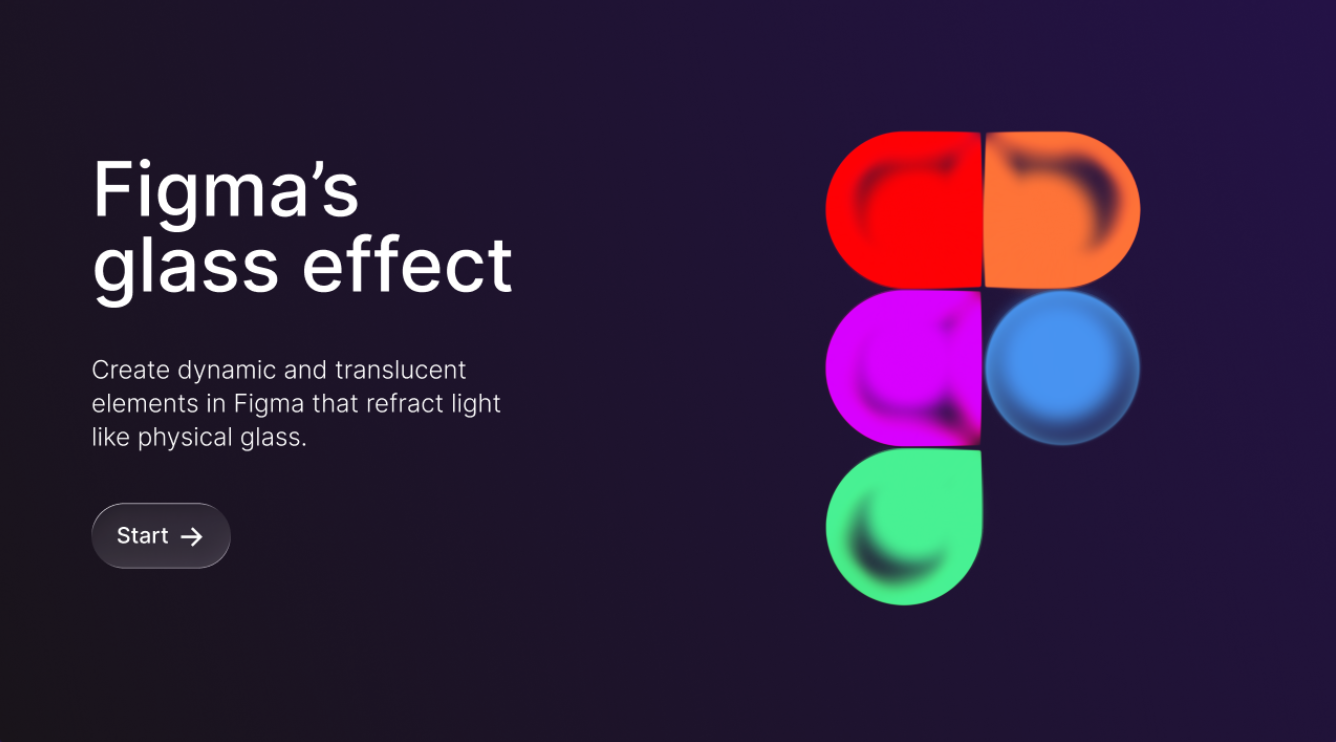
The Glass Effect Playground is an official Figma Community file that teaches you how to use Figma's glass material effect to manipulate light, depth, and frost in your UI designs. Experiment with refraction, blur intensity, tint color, and transparency to create dynamic elements that behave like physical glass — from frosted panels and translucent cards to prismatic overlays. This interactive playground provides hands-on examples and parameter controls, making it the best way to master one of Figma's most visually striking features.
Features
- Glass effect tutorial
- Interactive playground
- Creative inspiration
FAQs
Common questions about Glass Effect Playground
Is the Glass Effect Playground an official Figma resource?
What glass parameters can I experiment with?
Insights
Traffic and momentum for Glass Effect Playground
Similar to Glass Effect Playground
6 similar picks
Introduction to Model Context Protocol
Build MCP servers and clients from scratch in Python — the open protocol for connecting AI to data and tools.
Webflow Visual Developer Certification
Official Webflow certification — prove your skills in visual web development and earn a recognized industry credential.
AI Fluency: Framework & Foundations
Collaborate with AI systems effectively, efficiently, ethically, and safely — the core 4Ds framework.
Figma Skills
Official Figma community hub for interactive skill-building — learn design techniques through hands-on exercises and community files.
Lovable Academy
Learn to build apps with AI — prompting guides, video tutorials, templates, and advanced topics like auth, payments, and deployment.
Lottie Creator Certification
Official LottieFiles certification for motion designers — prove your Lottie animation skills with a recognized credential.
Team
The people behind Glass Effect Playground
Ask AI about Glass Effect Playground
Share
Similar Launches
beUI
Free, open-source animated components for React and Next.js — 108 motion primitives and blocks built with Motion and Tailwind, installable via the shadcn CLI.

ThreeUI
Copy-paste Three.js and WebGL components — hero sections, shaders, backgrounds, and full landing page templates, with variants and an MCP server for agents.
UIHut
Design resource marketplace — UI kits, templates, icons, and illustrations for Figma and Webflow.
HorizonX
A subscription library of UI kits, components, Figma files, coded templates, textures, shaders, and interactive web tools.
Comments