
Chrome extension companion to Atlas for Mac — save images, videos, and links from the web directly into your visual library.
Free·Chrome Extension·Browser Extensions·Visual Research·Image Saving·Atlas
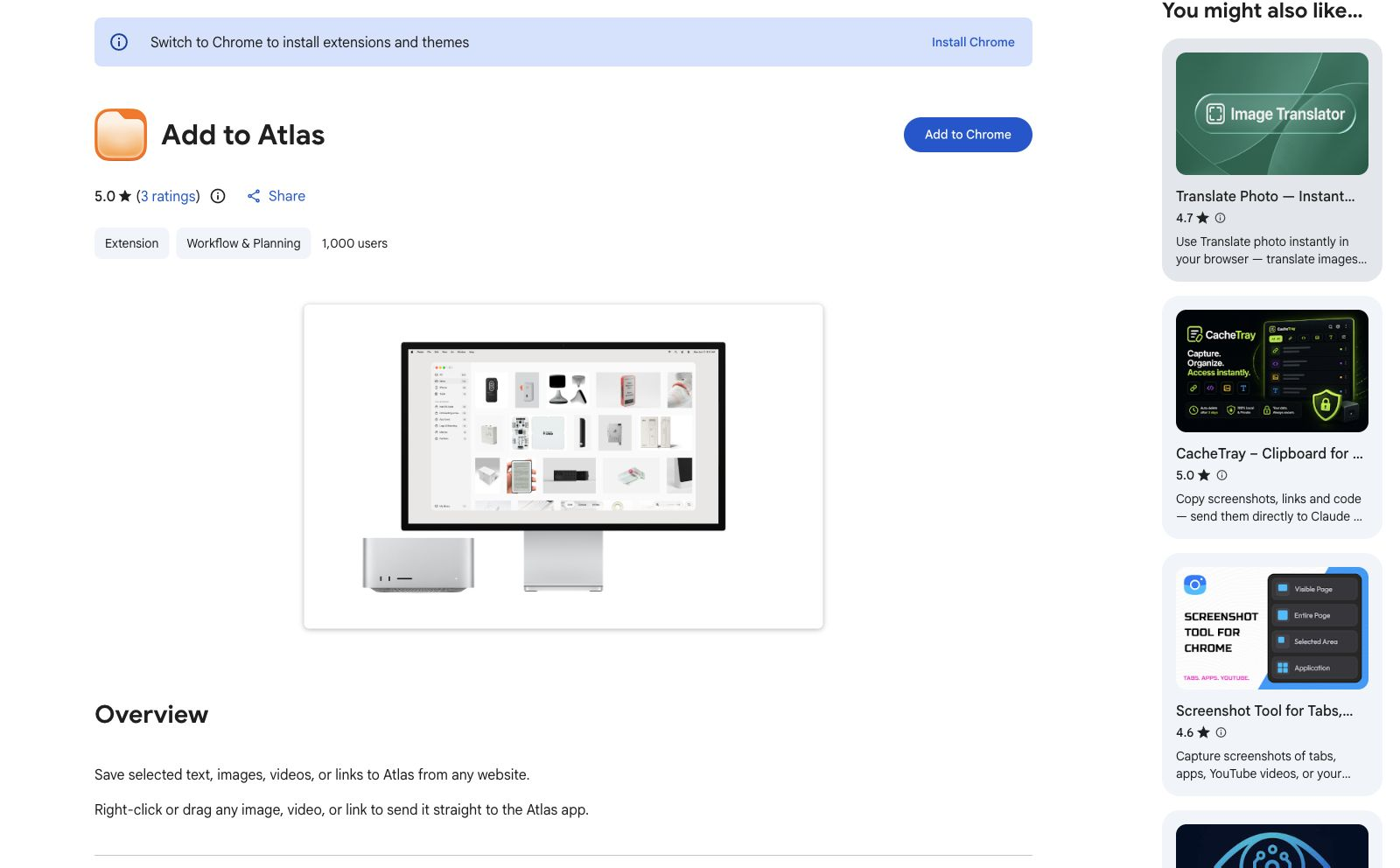
Add to Atlas preview 1

What is Add to Atlas?

Add to Atlas is the Chrome extension for Atlas for Mac. Right-click or drag an image, video, or link to send it to an Atlas collection, or Alt-click an image or video to save it instantly. It is free to install and requires the Atlas Mac app to organize the saved references.

Features

  • Right-click or drag images, videos, and links into Atlas
  • Alt-click images or videos to save them quickly
  • Send references into Atlas collections while browsing
  • Works with the Atlas for Mac app

FAQs

Common questions about Add to Atlas

What does Add to Atlas do?
It sends images, videos, and links from Chrome into your Atlas for Mac library.
Do I need the Atlas app?
Yes. Add to Atlas is a browser companion that sends saved references to the Atlas Mac app.
Is the extension free?
Yes. The Chrome extension is free to install; the Atlas Mac app is sold separately.