


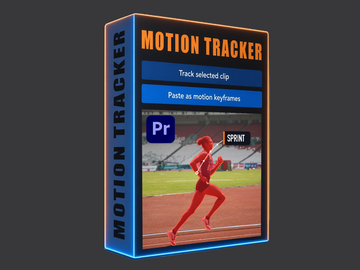
Turn a tracked mask in Premiere Pro into Position, Scale and Rotation keyframes for titles, graphics and clips.


What it is
Turn a tracked mask in Premiere Pro into Position, Scale and Rotation keyframes for titles, graphics and clips.
Motion Tracker for Premiere Pro is now listed on aescripts. Track an Opacity mask on a clip in Premiere Pro, then paste the result onto a title, graphic or another clip as Position, Scale and Rotation keyframes. You can also use the tracked mask to stabilize the original clip.
The plugin requires Premiere Pro 26.0 or newer. The developer’s store lists it at $34.90 USD.
Key features
- Turn a tracked Opacity mask into Motion keyframes
- Write position, scale and rotation to a destination clip
- Stabilize footage around a tracked mask
Pricing
Who it’s for
Video Editor, Motion Designer
Related tools
FAQs
What do I need to track first?
What does the plugin write?
Which Premiere Pro versions are supported?
Is Motion Tracker for Premiere Pro free?
Last updated
Featured

Free Guide: Make Money with AI
SponsoredDownload the guide from HubSpot

Free Guide: 100 Side Hustle Ideas
SponsoredDownload the guide from HubSpot

Free Guide: ChatGPT at Work
SponsoredDownload the guide from HubSpot

Free Course: AI for Business
Sponsored4-part crash course from HubSpot

Free Guide: The $0 Hire
SponsoredDownload the guide from BELAY