StreamYard adds a Fill Previous button for stream setup
By Steven Van ·
The one-click option auto-fills a new stream's title and description from your last one, free on every plan.
StreamYard just shaved another minute off stream setup. The browser-based live streaming studio announced a new Fill Previous option that auto-fills the title and description of a new stream using the details from your most recent one. Announced on X and confirmed on StreamYard's product updates page, the feature is available on all plans, including free accounts, and it targets one of the most repetitive parts of running a show: retyping nearly identical stream details every single week.
How Fill Previous works
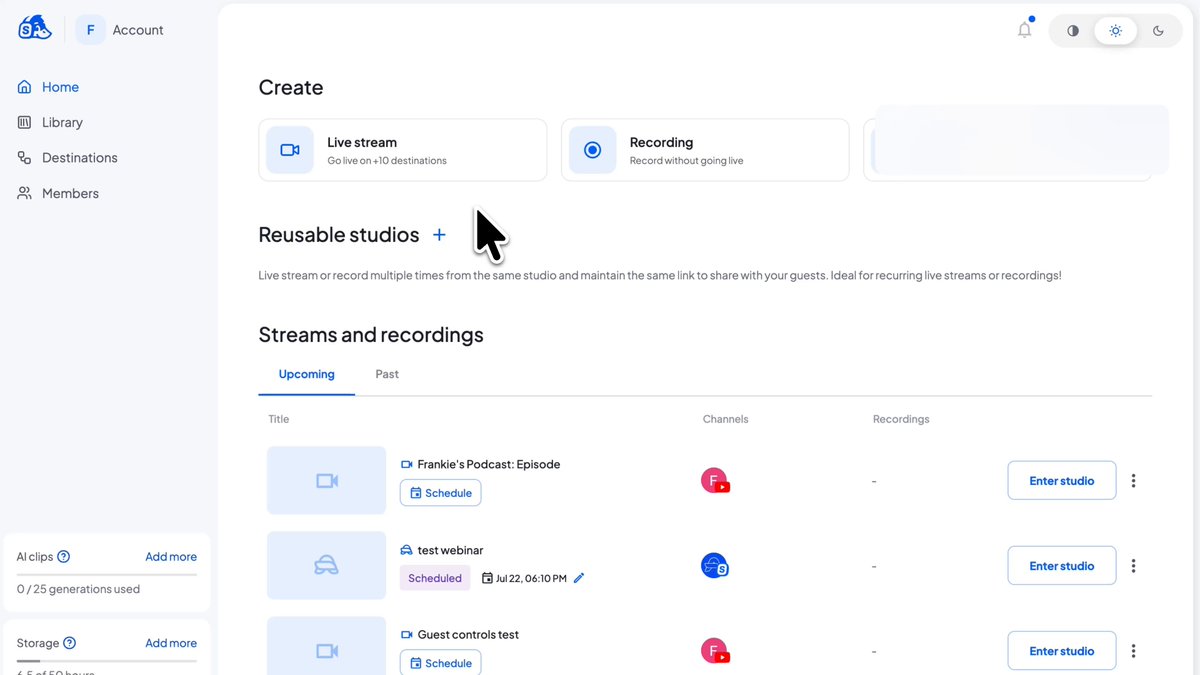
When you create a new stream in StreamYard, you will now see a Fill Previous option in the setup flow. Click it and StreamYard pulls in the title and description from your most recent stream. From there you can edit whatever needs to change, usually an episode number, a guest name, or a date, and go live. That is the whole feature. There is no configuration, no template builder, and nothing to enable in settings.
The simplicity is the point. StreamYard already supports scheduled broadcasts and destinations, but until now every new stream started with blank title and description fields. If your show is called the same thing every Tuesday, that blank field was pure friction.
Who saves the most time with auto-filled stream details
This update is aimed squarely at creators who stream on a recurring schedule:
Weekly shows and recurring series. If you run a Monday marketing show or a Friday community Q&A, your title and description barely change between episodes. Fill Previous turns setup into a two-second edit instead of a copy-paste ritual from a notes app.
Video podcasters. Podcast episodes tend to follow a strict naming format, something like "Show Name Ep. 47: Guest Name." Pulling in the last episode's details means the format stays consistent and you only swap the parts that change, which also keeps your listings tidy on YouTube and other destinations.
Teams and multi-host channels. When different people set up streams for the same brand, small inconsistencies creep into titles and descriptions. Starting from the previous stream's details keeps everyone anchored to the same format without writing an internal style guide.
Consistent titles and descriptions are not just a convenience. They matter for search on YouTube and for viewers scanning a channel page. A predictable naming pattern helps returning viewers recognize your show instantly, and it keeps your keywords in place from episode to episode.
Part of a fast run of StreamYard workflow updates
Fill Previous lands in the middle of a noticeably busy stretch for StreamYard. In just the past few weeks, the company has shipped a string of quality-of-life improvements. Vimeo comments now appear directly in the StreamYard chat feed, so streamers broadcasting to Vimeo can read and respond without switching tabs. Monetized YouTube creators can now see gifted Jewels arrive in the chat feed and show them on screen in real time. Overlays received automatic fade in and fade out transitions for a more polished look with zero setup. Before that came slide control sharing for guests and independent portrait and landscape layouts for multi-aspect-ratio streams.
None of these are headline features on their own. Together, they show StreamYard sanding down the small rough edges of live production, the tab-switching, the retyping, the abrupt visual cuts. For a tool whose pitch is that anyone can run a professional-looking stream from a browser, that accumulation of small fixes is the product strategy.
Available now on every plan
Fill Previous is live for all StreamYard users at no extra cost, on free and paid plans alike. If you run any kind of recurring broadcast, it is worth building into your routine: create the stream, click Fill Previous, update the episode-specific details, and go live. It will not transform your show, but it removes one more excuse to skip a week, and for recurring creators, showing up consistently is the thing that actually grows an audience.