Magnific lets you set camera moves in 3D instead of prompts
By Steven Van ·
3D Motion Control launched with Magnific's Seedance 2.5 integration, letting creators block camera paths spatially for repeatable takes.
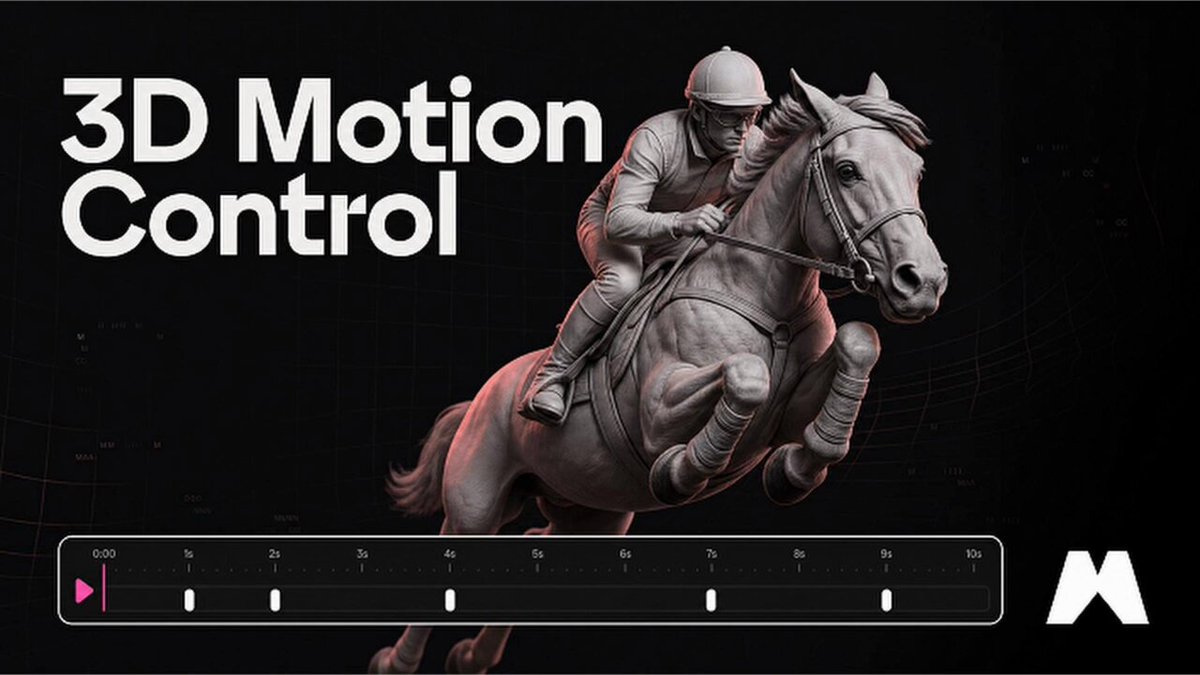
Magnific just shipped 3D Motion Control, a tool that pulls camera direction out of the text prompt entirely. Instead of typing "slow dolly-in, then orbit left" and hoping the model interprets it the same way twice, you set the camera path in a 3D viewport. That configured scene becomes the video reference the model follows, which means the same move lands on every take, exactly where you set it. It is available now on Magnific, launched alongside the platform's Seedance 2.5 integration.
Why prompts were always the wrong place for a camera
Language is a lossy way to describe motion. "Push in slowly" says nothing about speed curve, end framing, or how the move relates to the subject, so every generation becomes a coin flip on interpretation. Directors on real sets do not describe camera moves in prose either: they block them physically. 3D Motion Control brings that logic to AI video. You define where the camera starts, where it travels, and what it looks at, spatially, and the ambiguity disappears before the model ever runs.
Your scene becomes the reference
The mechanism is clever: rather than inventing a new conditioning format, Magnific turns your 3D camera setup into a video reference. Seedance 2.5, the model this tool launched with, is notably strong at reading reference video, capturing not just raw motion but framing and cinematic intent, according to ByteDance's official model page. Magnific exploits exactly that strength. The 3D scene you build renders into reference material the model treats as ground truth for movement, so the generation inherits your move rather than approximating your words.
Same move, every take: the repeatability payoff
Repeatability is the difference between a toy and a production tool. If you are cutting a multi-shot sequence, shots need matched motion. If a client asks for the same camera move on a different product, you need to reproduce it precisely. With prompt-based camera direction, neither is reliable. With a stored 3D camera path, both become routine: run the same path against new subjects, new styles, or new lighting, and the move survives every variation. That consistency is what makes AI video usable for series work, product lines, and anything with a shot list.
Where it fits in the Seedance 2.5 workflow
3D Motion Control launched as part of Magnific's larger Seedance 2.5 rollout, which also brought up to 50 references per generation, native 30-second clips, and an edit, extend, and 4K upscale pipeline in a single workflow. The camera tool slots in at the front of that chain: block the move, generate with your references, then refine and upscale without switching apps. Magnific is positioning this as the layer the base model was missing, and for once the marketing line matches a real gap. Camera control has been the most requested and least solved feature in AI video, and moving it from prose to 3D is the most direct fix anyone has shipped.
The tool is live now for Magnific users. If your work involves any repeatable camera language, an intro sequence, a product orbit, a signature move, this is the feature that decides whether AI video fits your pipeline or stays a demo.
Sources: Magnific 3D Motion Control announcement on X, Magnific: Seedance 2.5, ByteDance Seed: Seedance 2.5