Best Customer Service Chatbots in 2026: Pricing Compared
You sign up for a chatbot trial on Monday. By Wednesday you've pasted in a few dozen FAQ answers. By Friday the bot is confidently telling a customer how to get a refund, even though you never configured refund handling, connected order data, or decided when a person should step in.
That failure is rarely about the model. It's a mismatch between the tool, where your tickets already live, and how you're charged when volume rises. A bot that looks cheap at 200 conversations can get expensive at 2,000 if you're paying per resolution, per credit, or per seat on top of usage.
Speed doesn't settle it either. In a retrospective survey of 400 people comparing recent chatbot and live-agent interactions, approximately 77% to 79% of chatbot users waited less than one minute, yet chatbot success rates ranged from just 34% to 42%, compared with approximately 79% to 87% for live agents. Fast and wrong still creates a ticket.
This guide compares the best customer service chatbots by situation, not by a single winner. Is your help desk already Zendesk, HubSpot, or Salesforce? Are you running a Shopify store? Do you just need website chat with a human fallback? Each entry keeps pricing in view, because that's where most surprises show up after the trial ends.
Table of Contents
- 1. Awesome Tools
- 2. Intercom Fin
- 3. Zendesk AI Agents
- 4. Freshdesk Freddy AI
- 5. Tidio Lyro
- 6. HubSpot Customer Agent
- 7. Crisp AI Chatbot
- 8. LiveChat Text AI Agent
- 9. Gorgias AI Agent
- 10. Salesforce Agentforce for Service
- 11. Ada
- How the leading customer service chatbots compare on listed pricing, pricing model, and best fit
- Choosing the Chatbot That Fits Your Ticket Volume
1. Awesome Tools
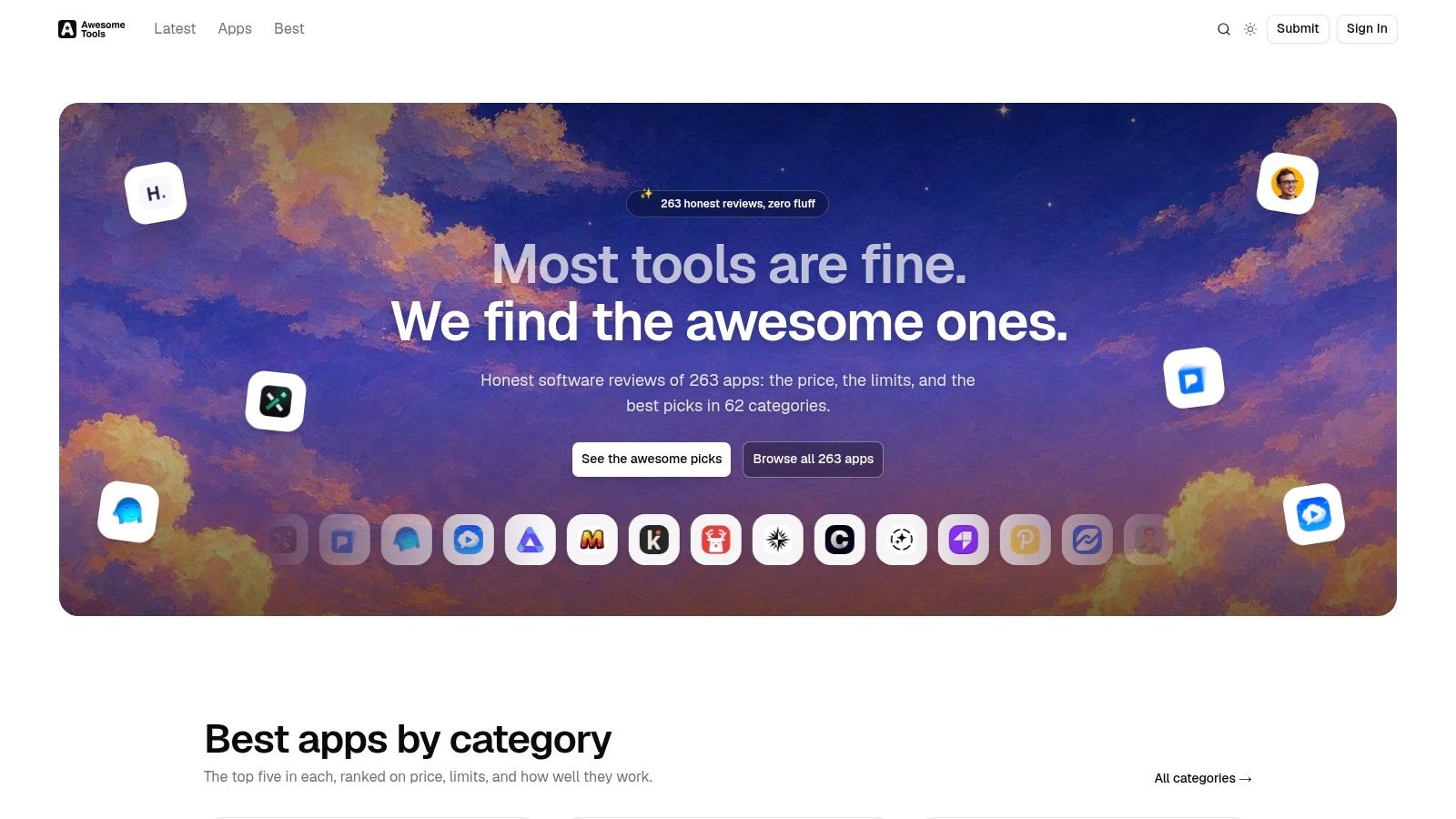
Before you book demos, you need a shortlist you can trust. Awesome Tools is a curated software directory covering software, AI, and developer tools. It helps you compare options before a sales call pushes you toward the loudest vendor.
How It Helps You Shortlist Chatbots
Chatbot pricing is rarely one number. One vendor charges per outcome. Another charges per seat plus credits. A directory organized by category lets you line up tools that share a model, so you compare like with like instead of stacking a per-resolution bot against a flat seat price. That grouping does the first pass of your shortlist for you.
Say you're weighing a standalone bot you train on your docs against a help desk add-on. You can read the Chatbase review, check what it doesn't do, and see named alternatives in the same place instead of opening ten pricing pages.
The use is narrow but real. Run your expected monthly conversation count against each candidate's pricing unit. A per-seat tool stays predictable until your team grows, and a per-outcome tool stays cheap until volume climbs. I recommend it for one reason: it lets you narrow this list by workflow fit and true cost before you put live customers in front of any bot.
2. Intercom Fin
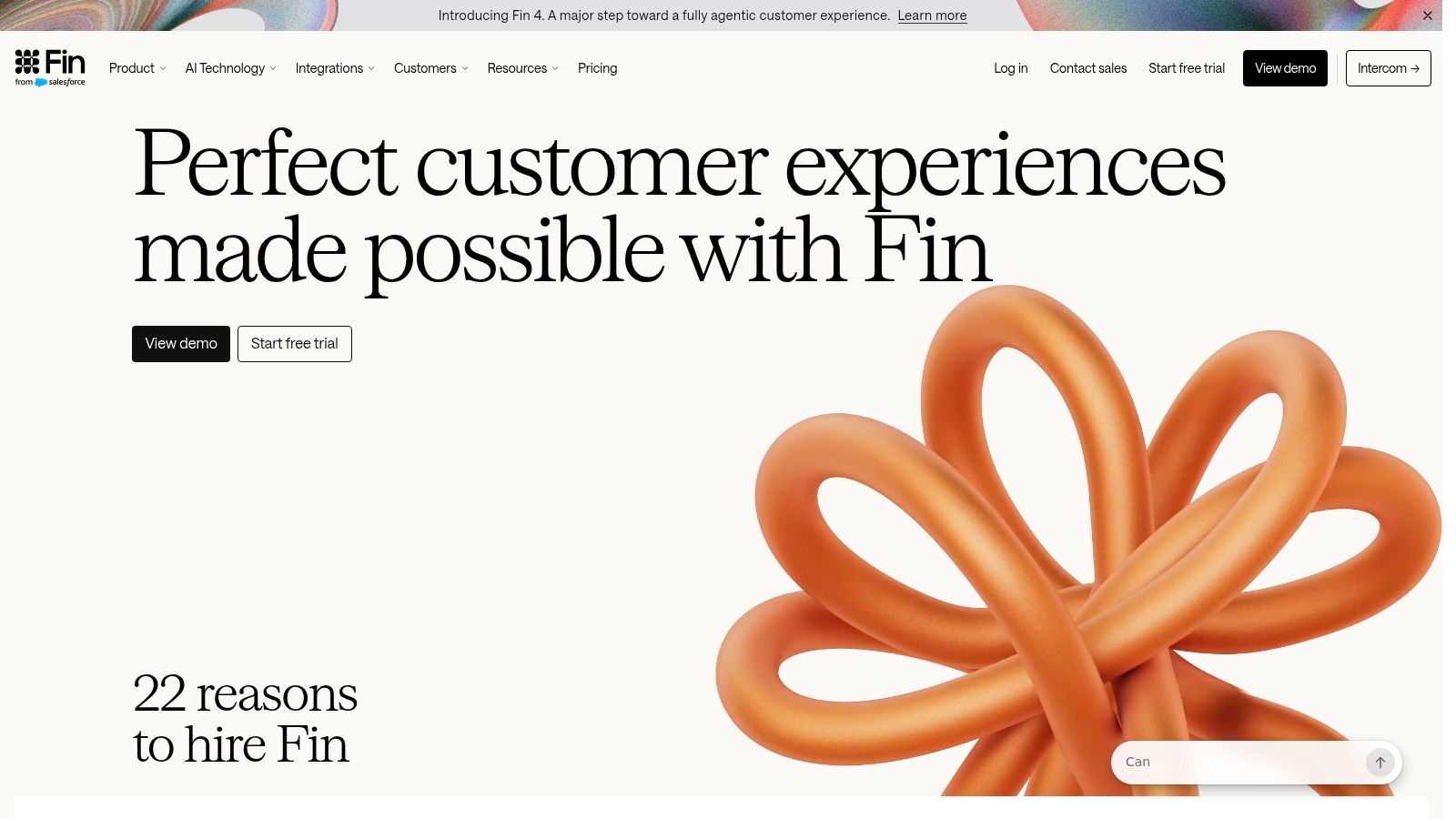
Intercom Fin fits two situations: support that already runs through Intercom, or an AI agent layered on top of certain existing help desks. It answers across live chat, email, and phone, follows procedures you configure, and takes actions through integrations.
The handoff matters more than the first answer. Fin passes conversations to human agents with context, so the customer never repeats the order number, account email, and problem. Start with answers grounded in your support content. Add workflows only after testing where the bot gets stuck.
Pricing is where teams misjudge it. Intercom bills Fin per resolved outcome, and the platform plans add a per-seat charge on annual billing. Two meters run at once, so model both lines. A quiet month looks fine. A launch month with more resolved conversations and more agents logged in costs more on each. Check the Fin page linked above for the current rates before you forecast.
Practical rule: Before you sign, ask exactly how a billable outcome is counted when Fin answers, the customer replies again, and a human finishes the case.
I'd choose Fin for a product team that wants AI and a shared inbox in one place. I'd be cautious if you can't forecast outcome volume yet, because that meter is the one that surprises you.
3. Zendesk AI Agents
If your agents already live in Zendesk, don't rip that out to chase a shinier bot. Zendesk AI Agents automate requests across your existing Zendesk channels and workflows, which keeps routing, ticketing, and reporting where your team already works.
Coverage is broad. You're looking at messaging, email, voice, web, mobile, and social, an AI agent builder, integrations that take actions in external systems, and support for 80 languages. For a complex operation with several queues and brands, that breadth is the point.
The trade-off is weight. Zendesk Suite Team starts at $55 per agent per month with annual billing, and plans include some automated resolutions. Additional usage and advanced capabilities can cost extra. Seat costs rise as you add agents, even if the bot resolves more on its own.
Model it this way. Ten agents means your base seat bill comes first. Automated-resolution allowances come next. If you regularly exceed what's included, that overage becomes a permanent line, not a one-off.
For a small team with simple website chat, this is likely more administration than you need. For an established Zendesk shop, I think it's the natural first test. You keep customer history intact and you don't teach agents a second system.
4. Freshdesk Freddy AI
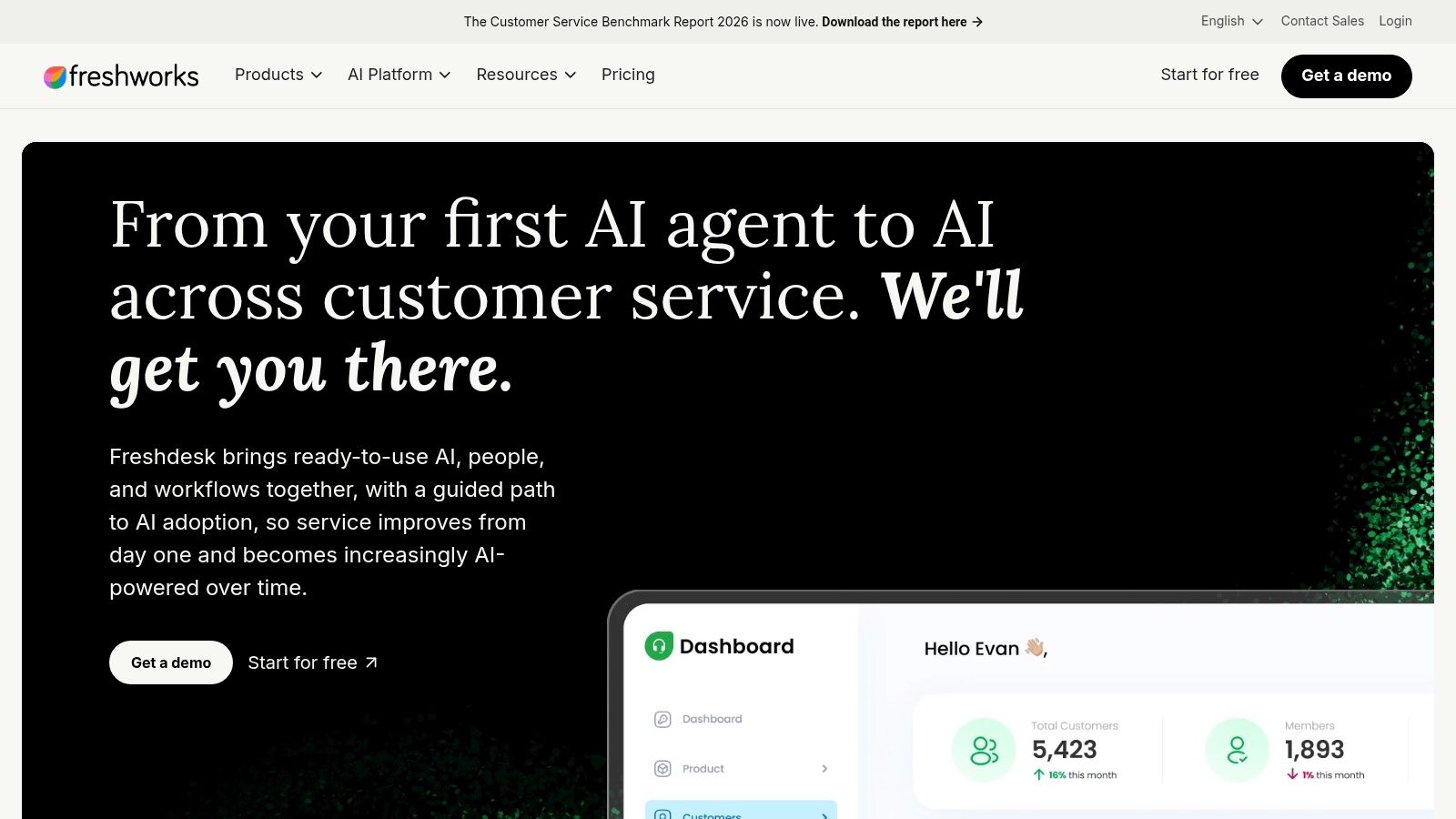
Freshdesk suits a team that's outgrowing a shared email inbox. You get ticketing, a shared inbox, a customer portal, and a knowledge base in one place, with Freddy AI Agent handling routine conversations on top.
That combination is practical. Customers can search the knowledge base, try the bot, then land in a proper ticket if neither works. Your agents see one queue instead of scattered threads.
What the Price Really Means
Freddy runs on two meters at once. The help desk itself bills per agent on annual plans, and the Growth tier includes a monthly allowance of Freddy AI Agent sessions. Once that allowance runs out, you buy extra sessions in packs. Treat those packs as a recurring line item, because a bot that works well keeps consuming sessions every month.
Session allowances drain faster than the seat price suggests. A rough release or a billing incident can push a mid-sized queue past its included sessions inside a week, and the meter doesn't throttle itself.
Higher plans add multilingual support, intelligent routing, and deeper reporting. AI Copilot, the agent-assist side, is a separate add-on, so the bot that talks to customers and the assistant that helps your agents are priced apart. Confirm the current session allowance and pack pricing on Freshdesk's site before you budget. For small and mid-sized teams that need order first and AI second, it's a sensible entry point.
5. Tidio Lyro
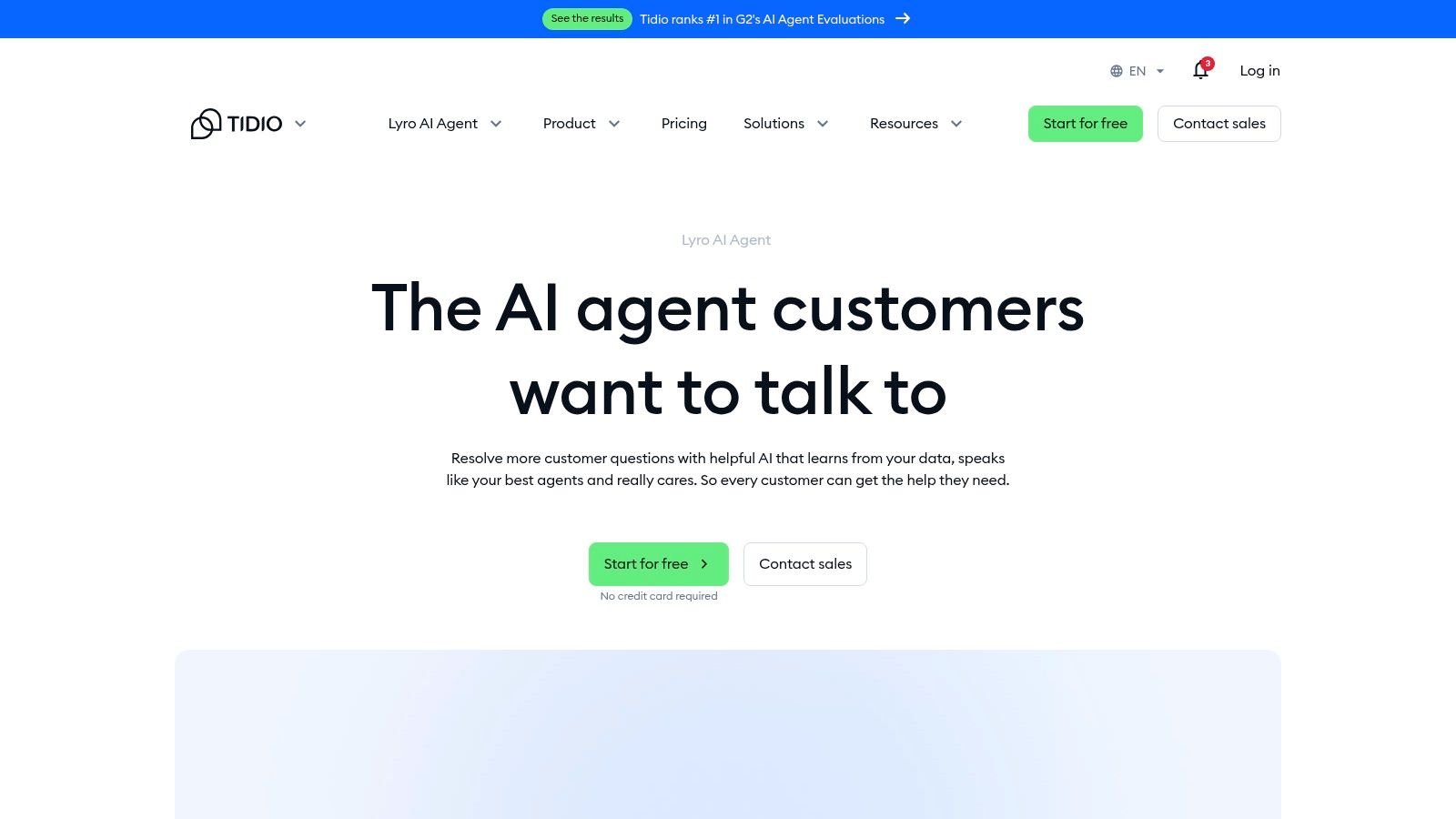
Small business, one website, no dedicated support department. That's where Tidio Lyro fits. It pairs an AI agent with live chat, ticketing, and automation flows, and it learns answers from uploaded FAQs and website content you provide.
You can buy it as an AI-agent-only option or as part of a help desk package. That choice matters. If you already have a help desk you're happy with, don't pay for a second one. If you're starting from a contact form and a prayer, the combined setup gives you somewhere for escalations to go.
The free plan is a genuine way to test, but read the limit carefully. Tidio lists 50 one-time Lyro AI conversations on the free plan. One-time means one-time. Once they're used, ongoing AI needs a paid quota, and paid plans vary by the conversation volume you select.
So your cost grows directly with chats. That's easy to understand and easy to underestimate during a sale or a viral post. Product recommendations and some integrations also depend on plan or add-on.
I like Lyro for a lean team that wants a human option sitting right behind the bot. Test it on your messiest real questions, not the clean FAQs.
6. HubSpot Customer Agent
Don't buy HubSpot just to get this bot. Do test HubSpot Customer Agent if your sales, marketing, and service teams already work in HubSpot and your customer history sits in that CRM.
The agent responds using your business information and hands off when a person should take over. Because it sits inside Service Hub, the agent who picks up the case sees the same customer record and conversation history. Nobody copies text between systems. Nobody asks the customer which company they're from when the record already says so.
Pricing runs on HubSpot Credits. Customer Agent consumes credits per resolved conversation, so your real monthly cost depends on your Service Hub tier, your seats, and how many chats resolve without a human stepping in. Credits are harder to forecast than a flat per-resolution price because you're converting one unit into another before you know your true resolution volume.
Trial access varies by plan, so check what your Service Hub subscription allows. Whatever window you get, spend it on your hardest recurring tickets and your own support content. Clean demo questions prove nothing.
Watch the wider commitment too. Professional and Enterprise plans carry significant starting costs and required onboarding fees. If HubSpot is already your system of record, that math can work. If it isn't, you're buying a CRM to get a chatbot.
7. Crisp AI Chatbot
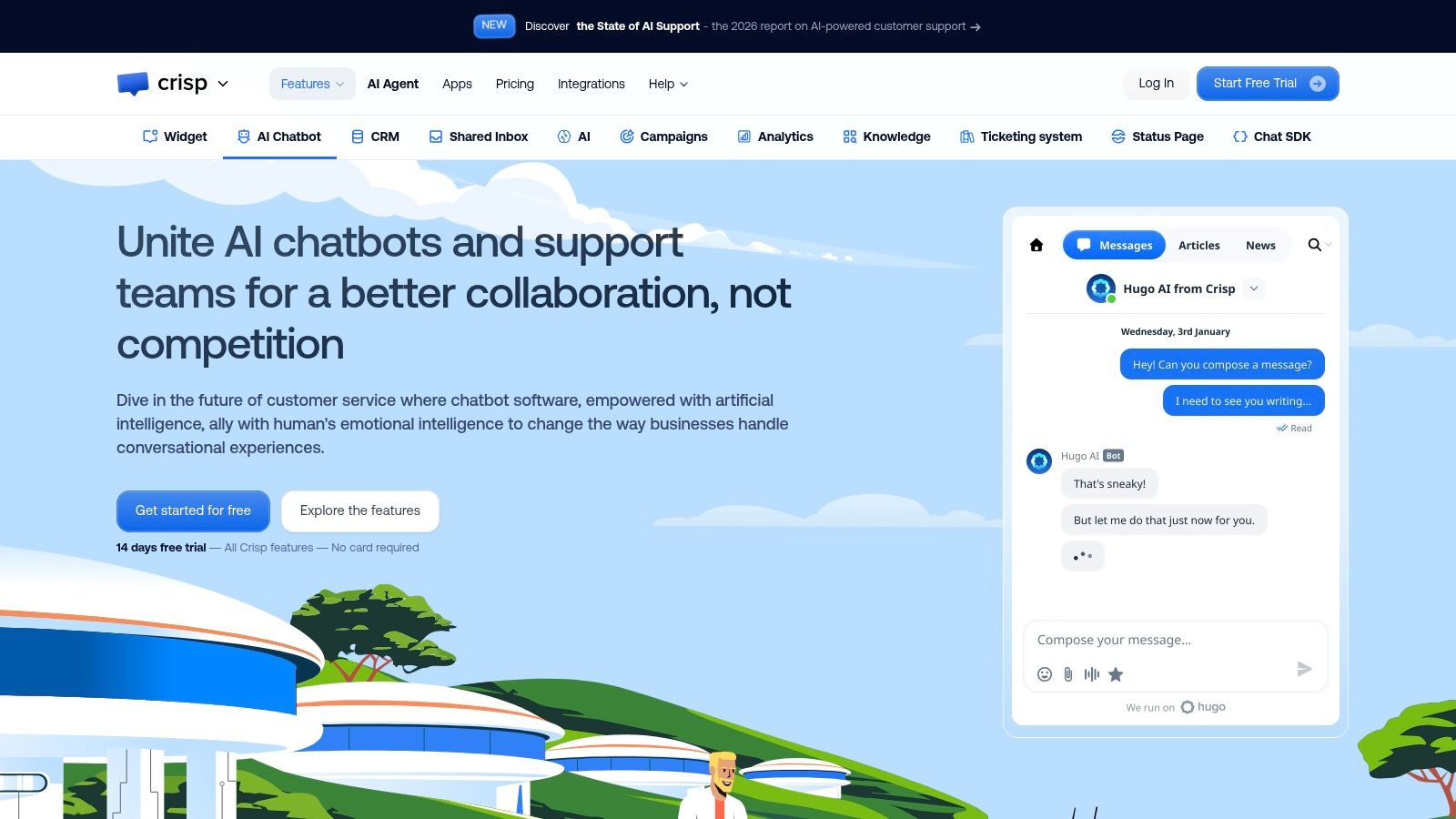
Per-agent pricing punishes growing teams. Crisp takes a different route with workspace-based pricing, which is why it appeals to teams adding agents without wanting every new hire to trigger a new seat charge.
The product bundles a no-code AI chatbot and visual workflow builder with a shared inbox, website chat, a help center, and analytics on eligible plans. Omnichannel options include WhatsApp and Instagram, with integrations and task automation on higher tiers.
Listed pricing is clear at the base level. Crisp offers a free plan, then Mini at $45 per workspace per month, Essentials at $95, and Plus at $295. A workspace price you can state in a budget meeting is a real advantage.
Now the catch. The free plan doesn't include AI credits, even though it provides website chat and a shared inbox for two seats. Paid plans have limited AI credits, so heavier bot use can mean additional spending on top of that tidy workspace fee.
Don't compare a workspace price against a competitor's seat price until you've added your expected AI credit use to both.
For a growing team that wants chat, help center, and bot in one tool, Crisp is worth modeling carefully.
8. LiveChat Text AI Agent
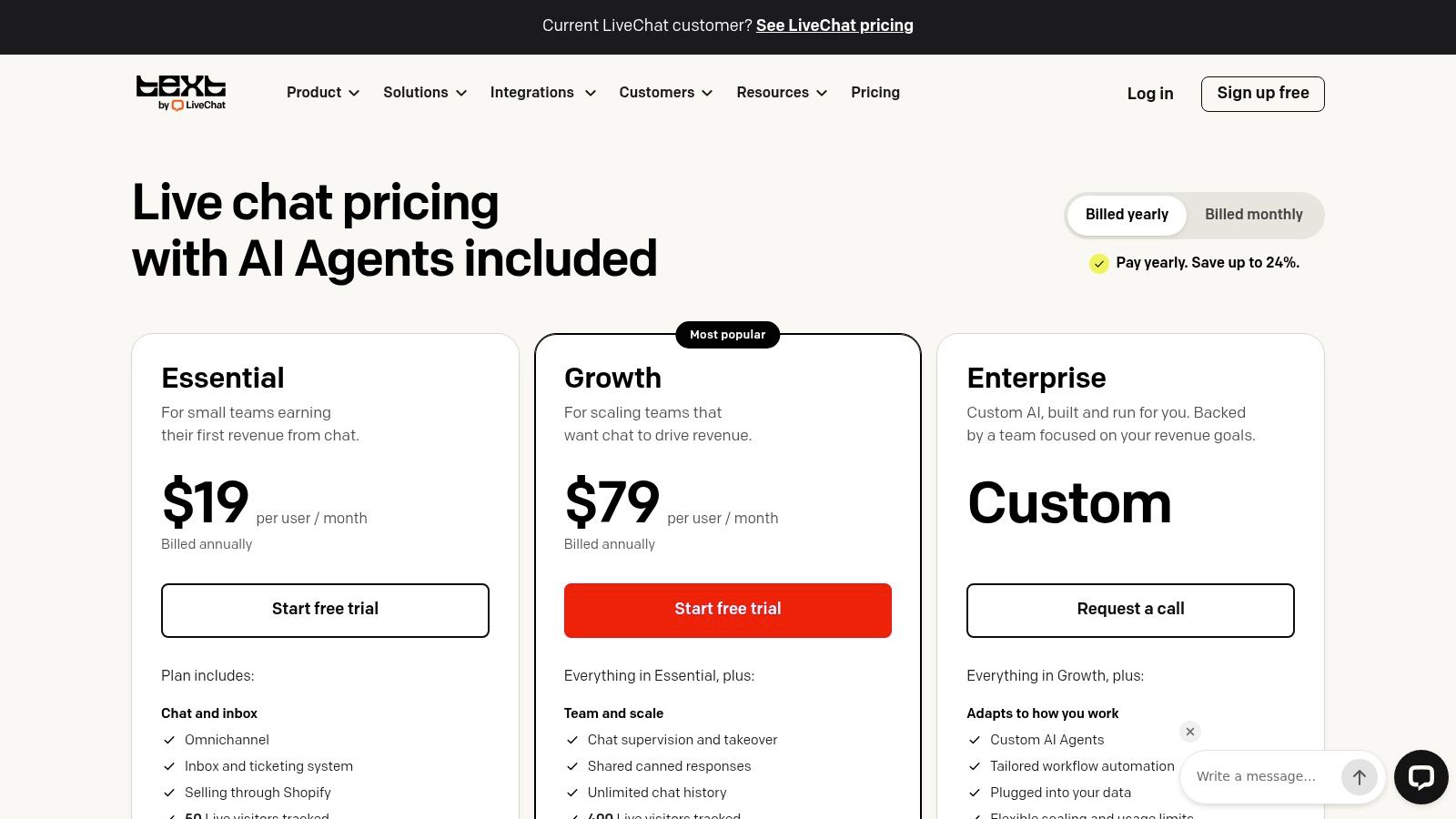
First, check which product you're buying. Text, from the team behind LiveChat, combines website and messaging support with a shared inbox, ticketing, and an AI Agent. A legacy LiveChat subscription does not include the same features.
Inside Text you get website chat, ticketing, AI Agent, and AI Copilot on listed plans, plus omnichannel options including Messenger, Shopify, SMS, and WhatsApp. Human takeover and AI resolution reporting are built in, so you can see what the bot closed and what it merely touched.
That distinction matters at scale. In a 2025 benchmark covering more than 220 million live-chat interactions, chatbots handled 73.8% of incoming chats in 2024 but independently resolved only 45.8% of those chats. Handled is not resolved. Buy on the second number.
The pricing model pulls two levers at once: a per-user charge plus a cap on AI resolutions. Essential starts at $19 per user per month with annual billing (LiveChat's pricing page) and includes 10 AI resolutions monthly, with additional packages available. Ten resolutions is a test allowance, not a production allowance. A team deflecting a few hundred chats a month burns through it in days. Growth is substantially more expensive than Essential, so price the tier you'll need after the bot starts resolving, not the one that gets you in the door.
The 14-day trial without a credit card lowers the risk. Run real traffic through it and count resolutions yourself. Multiply that count across a month of tickets and you'll know which tier you're buying.
9. Gorgias AI Agent
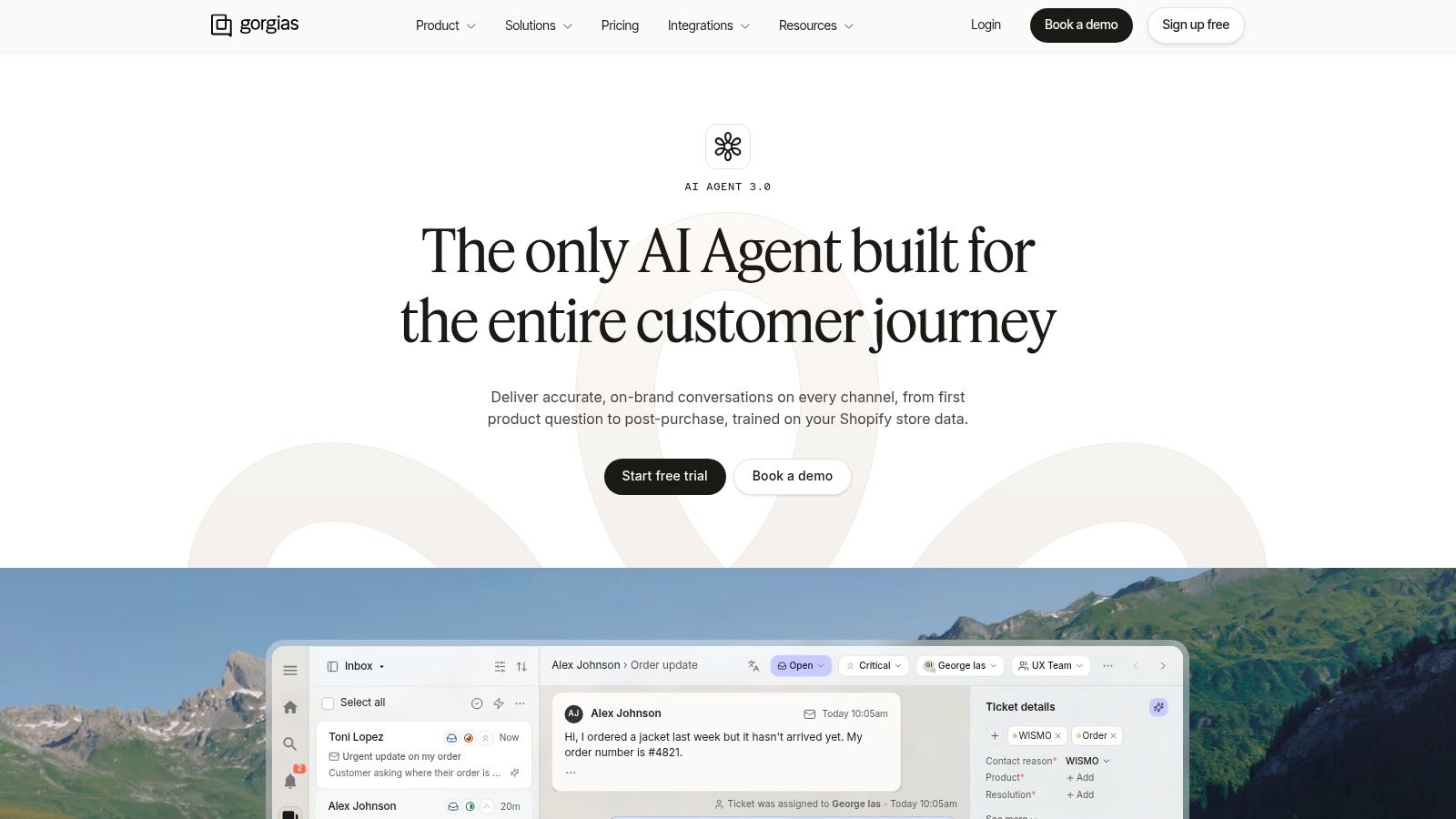
A shopper asking where a parcel is needs order data, not a scripted FAQ. Gorgias AI Agent fits the ecommerce case because its Shopify integration pulls order and customer context into the conversation.
That changes what the bot can finish. Order tracking and return workflows become tasks it can act on across email, chat, and text messages, with handoff to human support when it cannot close the issue.
Customers will use it when it beats a queue. According to Statista's summary of consumer survey data, in 2024, 82% of consumers said they would use a chatbot instead of waiting for a customer-service representative. During a flash sale, that preference is the business case.
The pricing model is per resolution. AI Agent is billed per AI-resolved conversation on top of the platform subscription, so model that per-resolution cost against your order volume before you commit. You pay when the bot closes the conversation, which means a successful deployment gets more expensive as ticket volume grows.
For a Shopify store, I'd shortlist it ahead of a general website bot. For non-retail support, look elsewhere.
10. Salesforce Agentforce for Service
Large organization, customer records in Salesforce, service workflows already built around it. That's the case for Salesforce Agentforce for Service, and it's a narrower case than the marketing suggests.
Agents work with Salesforce CRM and service data. They answer inquiries and perform configured actions, such as updating records or executing processes, instead of only replying with text. Low-code and no-code tools let your team build and customize agents, though configured actions still need someone technical watching permissions and edge cases.
Consumption pricing needs a model before you commit. Listed options include $2 per conversation or $500 per 100,000 Flex Credits, and the right option plus any separate license or edition requirements depend on your deployment.
Run your own numbers. A flat per-conversation rate is predictable if you know chat volume. Credits can suit mixed usage but obscure the cost of a single resolved case. Ask what a long, action-heavy conversation consumes compared with a one-line question.
Adoption pressure is real. Based on a Gartner survey of 187 customer-service leaders, in 2025, 85% of customer-service leaders planned to explore or pilot customer-facing conversational generative AI. Planned pilots aren't proof of fit. If Salesforce isn't your core system, this one is hard to justify.
11. Ada
Ada is the enterprise option on this list. It's built for organizations automating high volumes of conversations across channels, with knowledge-based answers, configurable workflows, and integrations into existing customer-service systems.
Handoff is part of the design. Conversations move to human agents with context, which matters when you're handling enough volume that a bad escalation pattern creates thousands of frustrated customers, not a handful.
Set expectations about quality control before you scale anything like this. A 2023 Journal of Consumer Research article reports that one analysis of 35,000 customer-service chatbot interactions found 66% were rated only 1 out of 5 for customer satisfaction. Volume without accurate intent recognition and a clean human route just manufactures dissatisfaction faster.
Pricing is typically custom and sales-led, not listed publicly. That makes Ada hard to compare on a spreadsheet until you're deep in an evaluation. You can't model per-resolution cost growth the way you can with Fin or Gorgias until a quote gives you the billing unit.
Budget time accordingly. Enterprise evaluation, integration, and deployment support take longer than a self-serve bot you launch this week. For a high-volume operation with staff to run it, that investment can make sense. Smaller teams will likely find the platform and sales process more than they need.
How the leading customer service chatbots compare on listed pricing, pricing model, and best fit
The pricing model column carries the comparison: starting prices mark the floor of each plan, and the billing unit shows how the cost grows from there.
| Item | Listed starting price | Pricing model | Best for |
|---|---|---|---|
| Intercom Fin | $0.99 per outcome; Intercom plans from $29 per seat/month | Per AI outcome plus seat-based platform pricing | Teams wanting AI support alongside a shared inbox and help desk |
| Zendesk AI Agents | Zendesk Suite Team from $55 per agent/month | Seat-based plans with included and potentially additional AI usage | Organizations already using Zendesk or managing support across many channels |
| Freshdesk Freddy AI | Growth from $19 per agent/month | Seat-based plans with included AI sessions and paid additional sessions | Small and mid-sized teams organizing support with ticketing and AI |
| Tidio Lyro | Free plan includes 50 one-time AI conversations | Free limited allowance; paid plans vary by conversation volume | Smaller businesses seeking website chat with AI and human support |
| HubSpot Customer Agent | Service Hub Professional or Enterprise seats; 50 HubSpot Credits per resolved conversation | HubSpot Credits plus Service Hub seats and tier | Existing HubSpot users who want AI support tied to CRM context |
| Crisp AI Chatbot | Free plan; paid plans from $45/workspace/month | Workspace-based tiers with limited AI credits | Teams wanting a shared inbox, chatbot, and live support under workspace pricing |
| LiveChat Text AI Agent | Essential from $19 per user/month | Seat-based plans with included AI resolutions and paid add-on packages | Teams combining website chat, ticketing, and AI with human takeover |
| Gorgias AI Agent | $0.90 per AI-resolved conversation annually; platform cost separate | Per-resolved-conversation AI pricing plus platform subscription | Ecommerce brands, especially Shopify stores, automating order-related support |
| Salesforce Agentforce for Service | $2 per conversation or $500 per 100,000 Flex Credits | Per-conversation or credit-based usage; licensing may also apply | Salesforce organizations automating support with CRM data and workflows |
| Ada | Custom pricing | Sales-led enterprise pricing | Large organizations automating high volumes of customer conversations |
Read the rows in billing-unit groups. Fin and Gorgias bill per resolved conversation and compare directly. Zendesk, Freshdesk and LiveChat Text scale per seat. The rest meter conversations or credits in units that need converting before the numbers line up.
Choosing the Chatbot That Fits Your Ticket Volume
Start with your existing stack, not the feature list. If your help desk or CRM already holds customer history, test the native AI option first. The context it carries into a handoff is often worth more than a small feature gap against a standalone bot. Your first question is always where the ticket already lives.
Next, export two months of real tickets. Sort them into three piles: repeatable questions the bot can answer from your help content, account actions that need order, billing, or CRM data, and cases that need a person because they're emotional, ambiguous, or high stakes. If most of your volume sits in that third pile, no bot on this list will save you. Fix routing and staffing first.
Then model cost using each tool's actual billing unit. Per seat punishes team growth. Per workspace stays flat until credits run out. Per resolution gets expensive precisely when the bot works well. Per credit hides the price of one resolved case until you convert it. Run your sorted ticket numbers through each model at your current volume, then at double. That's the figure to take into a budget conversation.
Trust affects whether customers stay in the chat at all. In Adobe's 2025 retail digital trends report, 87% of consumers expected businesses to handle personal data responsibly and securely, but only 46% believed brands were doing so, and 74% said clear disclosure of AI use was important. Tell customers they're talking to AI. Collect only what the task needs. Make the human route visible before they ask for it in capital letters.
Confirm how handoffs and failed resolutions are counted, because that's where budgets drift. Ask what happens during an outage, what the fallback message says, and whether you get audit logs. Pricing changes often, so verify current figures on each publisher's website before you commit. The same check applies to the tools in Top Customer Support Launches, where the publisher's website is the source for current pricing, availability, and requirements.
Run a two-week pilot on live traffic, not a demo sandbox. Track resolution rate by intent, fallback frequency, transfer rate, and post-chat satisfaction. Read twenty failed transcripts yourself. They'll tell you more than any dashboard.
Pick two finalists today, export your last two months of tickets, and model each one against its real billing unit before you book a single demo. Then use the Top Customer Support Tools page, which lists 16 tools, to cross-check alternatives. If you get stuck narrowing the field, send questions or support requests to contact@creatorstoolbox.com.