Tanay Kothari
Wispr publisher: Co-founder & CEO at Wispr
Meeting notes you'll never double check. Bot-free AI notetaker by Wispr Flow: accurate transcripts with real speaker names, summaries, action items, and meeting search.
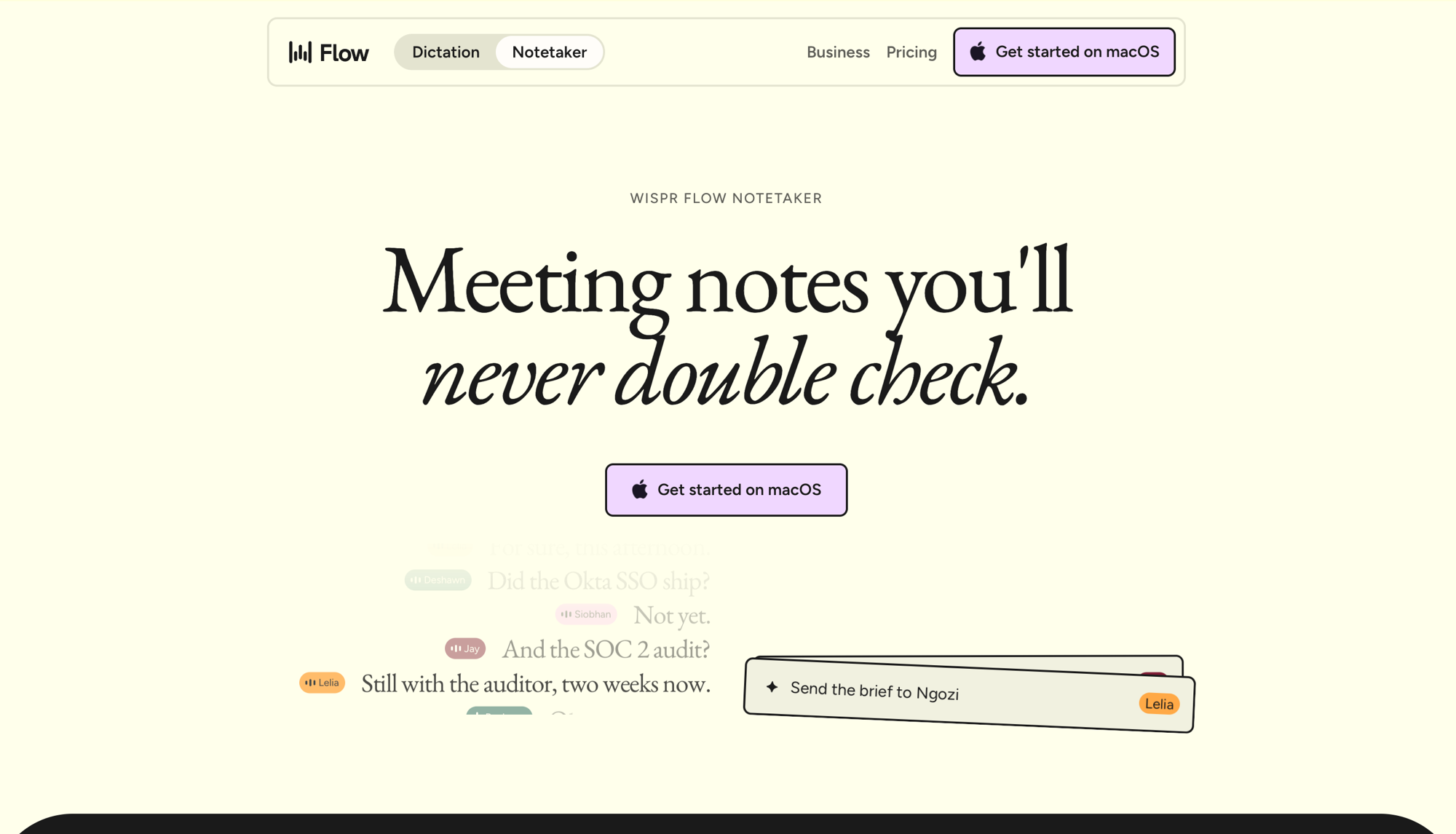
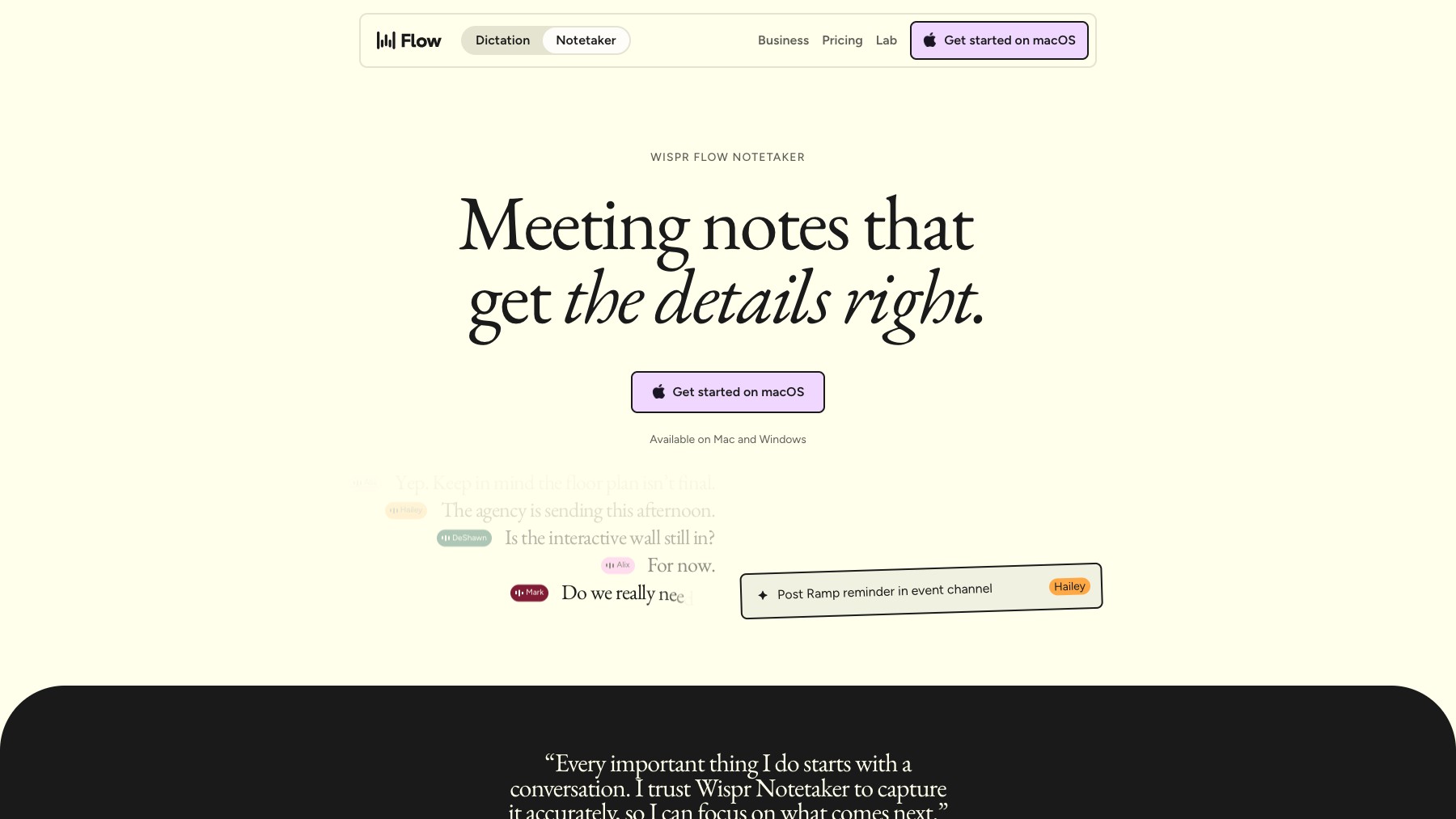
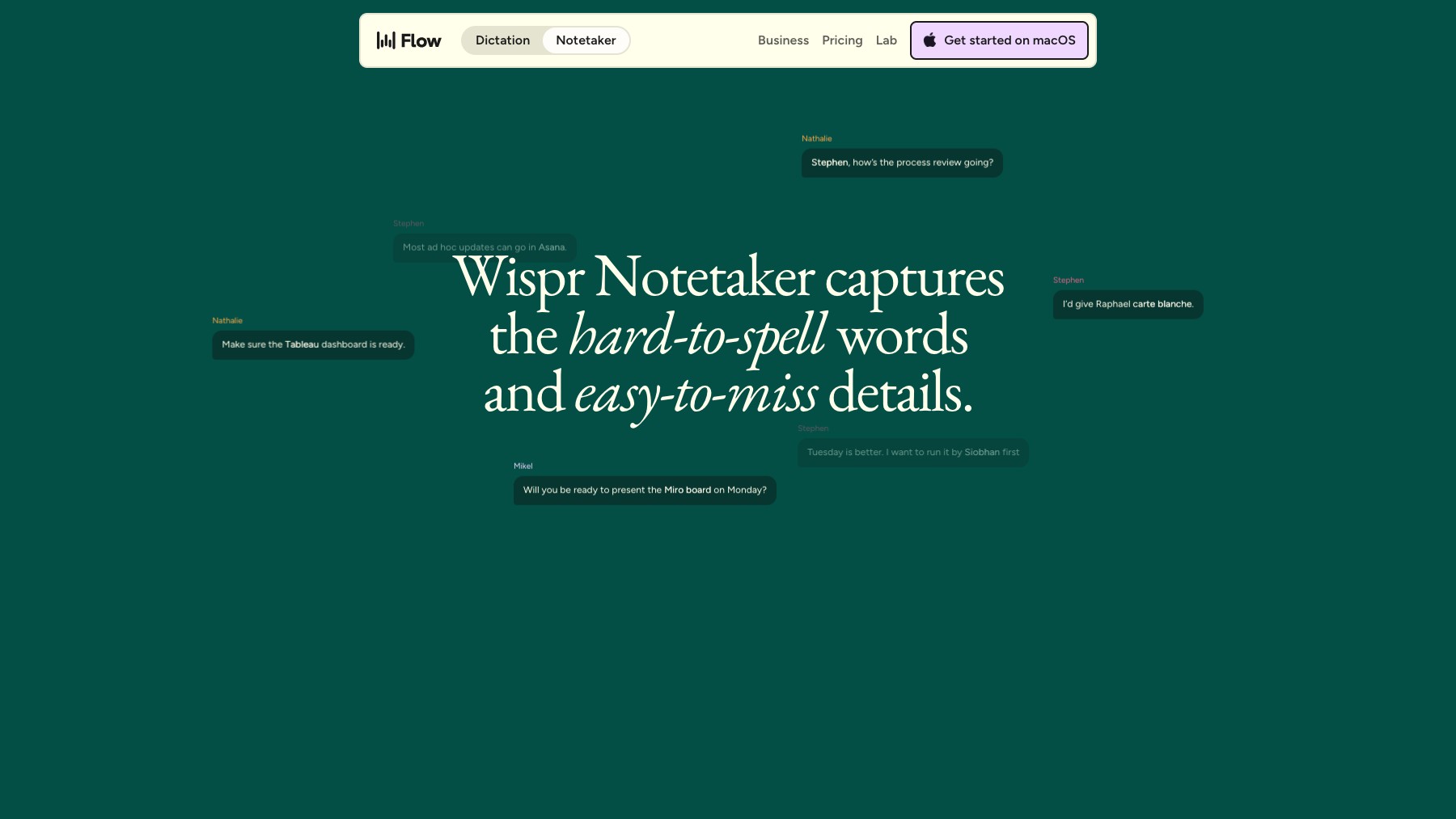
Wispr Flow Notetaker records and transcribes your meetings without sending a bot into the room. It captures video calls, in-person conversations, and phone calls right from your Mac, works with Zoom, Google Meet, Teams, Slack Huddles, Discord, and browser calls, and even detects calls that aren't on your calendar. Transcripts identify speakers by name, and summaries pull out decisions, timelines, and next steps organized by topic.
Ask 'What did I miss?' mid-call to catch up, search across every past conversation, and get pre-call briefings that research participants and surface relevant history. It plugs into Claude, ChatGPT, and Cursor via MCP, and imports your history from tools like Granola in one click. Audio is encrypted, stored temporarily, then deleted, with no voiceprints created.
Notetaker is included in Wispr Flow's free plan, with Pro and Teams for unlimited use. Mac today, Windows coming soon.
Common questions about Wispr Flow Notetaker
Traffic and momentum for Wispr Flow Notetaker
6 similar tools
Otter.ai
Otter AI Meeting Agent supports real-time transcription, live chat, automated summaries, insights, and action items.

Wispr Flow
AI-powered voice dictation that types for you — speak naturally and Flow writes clean, formatted text anywhere on your computer.
Granola
AI notepad for back-to-back meetings — transcribes, summarizes, and turns your meetings into shareable notes.
Fireflies.ai
Automatically take notes, transcribe, summarize, search, and analyze all your team conversations in one place. It works across any video conferencing platform.
Phi
A remarkably well-behaved browser engineered specifically for macOS — quietly intelligent, beautifully native, and built on Chromium.
Raycast
An extendable launcher for Mac and Windows — a collection of powerful productivity tools that are fast, ergonomic, and reliable.
The people behind Wispr Flow Notetaker
Similar Launches
Phi
A remarkably well-behaved browser engineered specifically for macOS — quietly intelligent, beautifully native, and built on Chromium.
Raycast
An extendable launcher for Mac and Windows — a collection of powerful productivity tools that are fast, ergonomic, and reliable.
SpeakMac
Best offline speech-to-text app for Mac — convert voice to text instantly with AI accuracy, full privacy, and no subscription.

Clicky
An AI buddy that lives on your Mac — sits next to your cursor, sees your screen, and listens when you talk.
Raycast
An extendable launcher for Mac and Windows — a collection of powerful productivity tools that are fast, ergonomic, and reliable.

quicker.chat
A Mac inbox for LinkedIn, Slack, WhatsApp, X, and iMessage DMs that organizes conversations and suggests replies in your voice.
Comments