

Tobias Lütke
Shopify publisher: Co-founder and CEO
Free AI creative tools by Shopify — make videos, images, 3D models, comics, and more by playing with AI on iOS and Android.

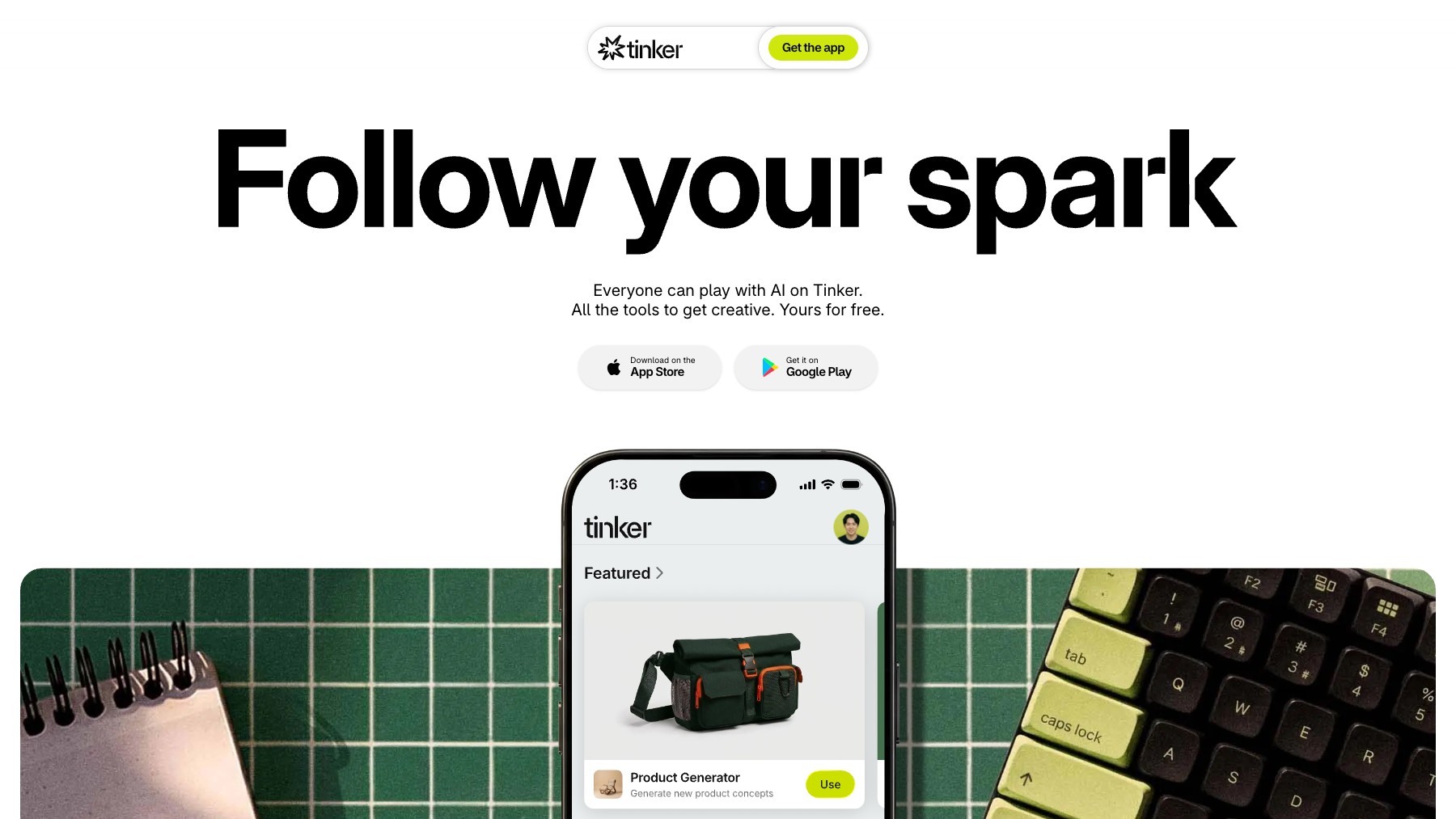
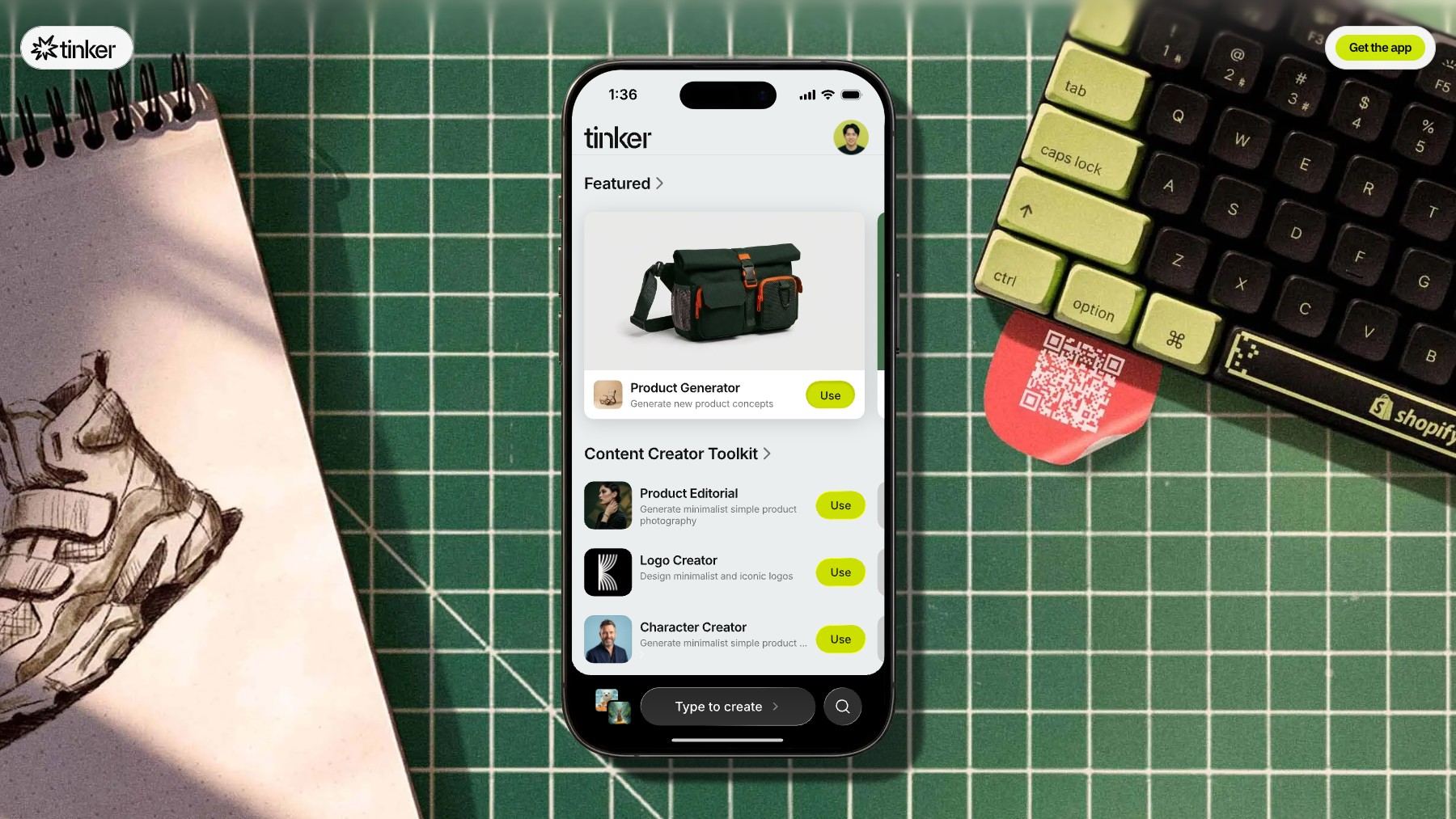
Tinker is a suite of free AI creative tools made by Shopify, available on iOS and Android. Generate videos, create images, build 3D models, make comics, and explore other creative formats — all powered by AI. Tinker is designed around the idea of learning by playing: experiment with prompts, remix outputs, and discover new creative techniques without tutorials or steep learning curves.
Everything is completely free with no subscriptions or in-app purchases. Whether you're a designer exploring AI workflows or someone who just wants to create something fun, Tinker makes generative AI accessible and playful.
Common questions about Tinker
Traffic and momentum for Tinker
6 similar tools

Appstar
Turn any situation into a meme right inside your keyboard — a custom meme keyboard for iPhone.

FlipPhone
The simplest focus timer ever — flip your phone to start a distraction-free session.
Google AI Edge Eloquent
On-device AI writing assistant by Google — rewrite, expand, and refine text privately on your iPhone with no cloud processing.

Wispr Flow for Android
AI-powered voice dictation for Android — speak naturally and Flow writes clean, formatted text on your phone.
SuperWhisper for iOS
AI voice-to-text app for iPhone — dictate with local AI processing, zero latency, and full privacy.
The people behind Tinker
Shopify publisher: Co-founder and CEO
Shopify publisher: Co-founder; former Chief Design Officer
Shopify Director of Product; Tinker launch spokesperson
Similar Launches
Google AI Edge Eloquent
On-device AI writing assistant by Google — rewrite, expand, and refine text privately on your iPhone with no cloud processing.
Wispr Flow for Android
AI-powered voice dictation for Android — speak naturally and Flow writes clean, formatted text on your phone.
SuperWhisper for iOS
AI voice-to-text app for iPhone — dictate with local AI processing, zero latency, and full privacy.

Auto
AI camera app for iPhone — automatically captures the best moments, applies edits, and creates shareable photos and videos.
HeyGen for Android
Create AI avatar videos on the go — generate, edit, and share talking-head videos from your Android phone.
Bubble
The no-code AI app builder — generate a web or native mobile app from a prompt, then shape it visually with a built-in database, workflows, 8,000+ plugins and hosting. Six million builders, eight million apps.
Comments